
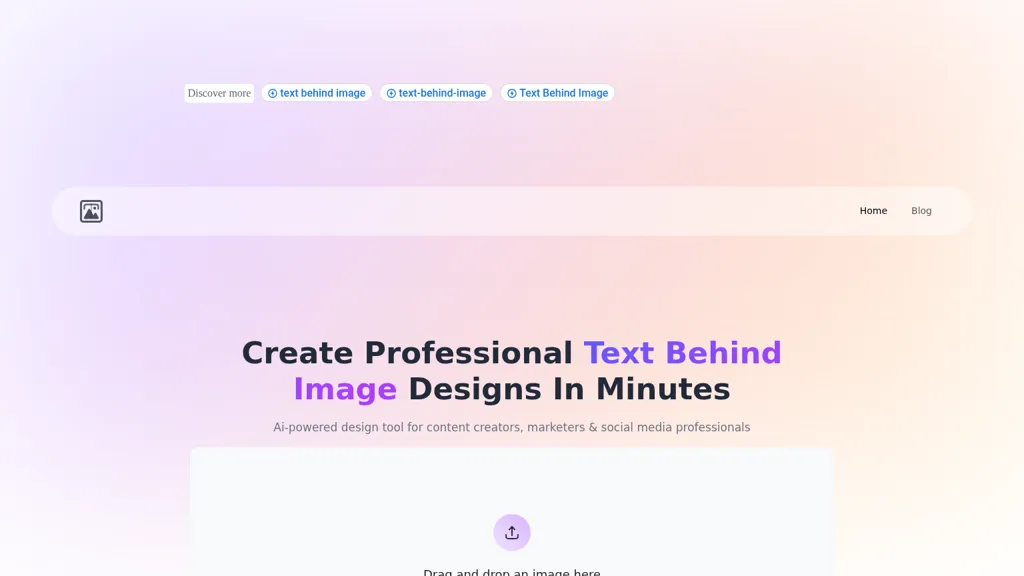
What is textbehindimg.com?
Text Behind Image Tool allows users to seamlessly integrate text behind images, catering to content creators, marketers, and social media professionals. Users can upload images in formats such as JPEG, PNG, and WEBP, while the AI engine automatically analyzes the composition to suggest optimal text placement.
The drag-and-drop interface simplifies the design process, enabling the addition of custom text with multiple styling options including fonts, colors, and effects such as shadows and gradients. The real-time preview feature allows for immediate feedback, ensuring modifications can be easily visualized before exporting.
This tool supports platform-specific dimensions for various social media formats, ensuring that designs are not only visually appealing but also optimized for user engagement. All processing occurs locally in the browser, ensuring complete privacy and no hidden costs, allowing for unlimited, high-quality downloads without restrictions or watermarks.
textbehindimg.com details
- Company
- TextBehindImg Technologies
- Jurisdiction
- India
- Data residency
- on device only
textbehindimg.com pricing
FreeThis tool is free to use, with no credit card required.
Verify on the official pricing page.
Get started freetextbehindimg.com's key features
-
Image format support (JPEG, PNG, WEBP)
-
AI composition analysis
-
Drag-and-drop interface
-
Real-time preview
-
Local browser processing
textbehindimg.com use cases
-
Create stunning promotional graphics for social media campaigns by seamlessly integrating eye-catching text behind images, making your content stand out and drive higher engagement rates.
-
Easily design personalized event invitations by using the Text Behind Image Tool's drag-and-drop features, allowing for custom text integration that reflects your unique style and theme.
-
Develop engaging educational materials by adding informative text behind relevant images, ensuring that your visuals enhance learning experiences and keep audiences focused on key information.
textbehindimg.com user reviews
Would you recommend textbehindimg.com?
Who is textbehindimg.com for?
-
Content creators
-
E-commerce sellers
-
Product designers
-
Social media managers
-
Strategic leaders
textbehindimg.com FAQ
Is textbehindimg.com free?
Yes. textbehindimg.com is free to use and does not require a credit card.
Is textbehindimg.com safe to use?
textbehindimg.com is operated by TextBehindImg Technologies, registered in India.
What are the best alternatives to textbehindimg.com?
The closest alternatives to textbehindimg.com are Text To Book Cover, Meta Image Generator, Dzine, Fotor and ImageTextEditor. You can compare them side by side in the alternatives section further down this page.
What does textbehindimg.com do with my data?
Its privacy policy states that personal data is not sold or shared for marketing purposes. Data may be shared with third-party service providers that help run the product. Customer data is held in on device only.
Who made textbehindimg.com?
textbehindimg.com is built and operated by TextBehindImg Technologies, a company registered in India.
Compliance, privacy and billing terms are as stated in each product's own published documentation and have not been independently verified by TopAI.tools.


