
Screenshot To Ui
The best 50 Screenshot To Ui AI tools - Free & Paid
Explore 50 AI for Screenshot To Ui
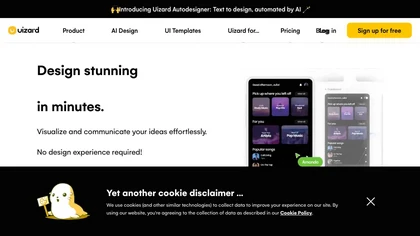
Uizard converts text or screenshots into editable wireframes, mockups, and prototypes using AI. It offers screenshot and wireframe scanners, theme generation, ready‑made templates, a shared component library, real‑time collaboration, version control, and export to Figma and other tools.
Freemium
- $39/mo
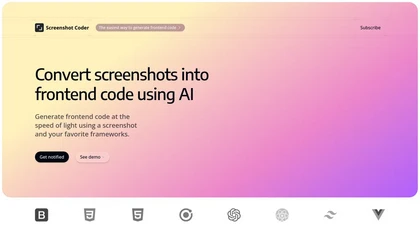
Screenshot Coder transforms visual mockups into production‑ready frontend code in seconds, supporting Tailwind CSS, Bootstrap, and React. It delivers responsive, clean UI code directly from screenshots, accelerating prototyping for designers and developers.
Free

Upload a website or app screenshot, and the AI evaluates layout, button placement, UX, and aesthetics, then supplies actionable suggestions. Developers, designers, and marketers can track changes, export findings, and refine navigation and responsive design.
Free
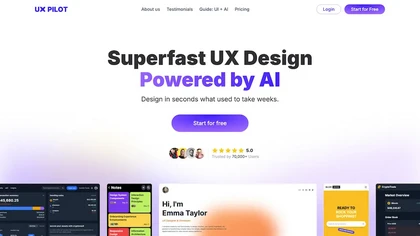
UX Pilot is an AI-powered UX/UI design tool that accelerates the design process, enabling users to create high-fidelity UI designs and wireframes in seconds. It integrates with Figma, streamlining UI generation, iteration, and design-to-development handoff.
Freemium

Sleek generates mobile app mockups from text prompts or images, offering templates, style presets, in-app editing, and modular responsive components. Export clean layouts to Figma or production-ready code for rapid prototyping and developer handoff.
Free
- $20/mo
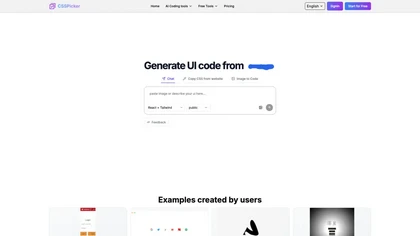
CSSPicker is an AI tool that transforms design screenshots into responsive HTML, CSS, or Tailwind code. With a real-time code editor and integration for frameworks like React, it aids both novice and experienced developers in UI coding tasks.
Free trial
- $30
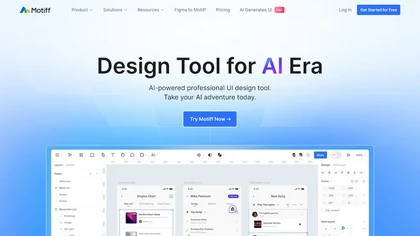
Motiff AI converts text, wireframes, screenshots, PDFs, or markdown into production‑ready React or HTML UIs, using preset design systems like Minimalist, Material, Ant Design, and shadcn/ui. It enforces consistency, lets designers tweak elements, and outputs clean code for rapid prototyping.
Subscription
- $16/mo
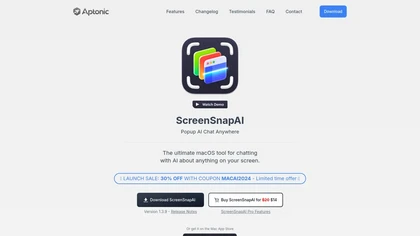
ScreenSnapAI auto‑renames and tags screenshots on macOS, letting users open an AI chat for instant content explanations. Accessible via menu or shortcut, it organizes images with AI‑generated metadata, speeding knowledge capture and retrieval on Intel and Apple Silicon machines.
Freemium
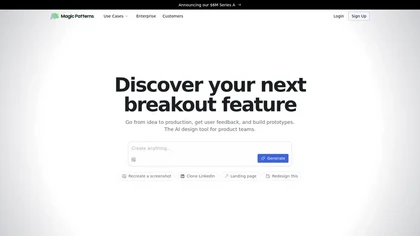
Magic Patterns is an AI design tool that generates UI and high-fidelity prototypes from ideas, screenshots, or imported design systems, matching existing styles and tokens, enabling rapid prototyping, real-time collaboration, exportable user-testing screens, and enterprise controls.
Freemium
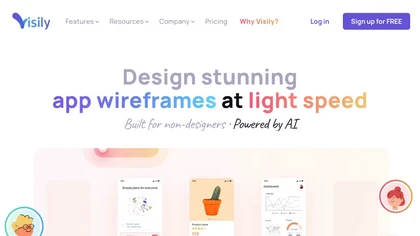
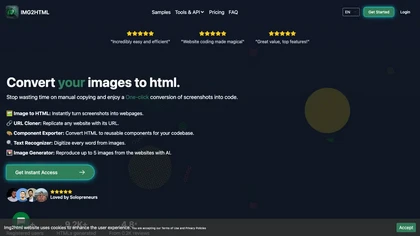

Generates AI-driven UI designs, editable interface pages and interactive prototypes from text or images, producing responsive web and native iOS/Android layouts plus one-click front-end code (React, Android Java, iOS Swift) for rapid prototyping and handoff.
Freemium
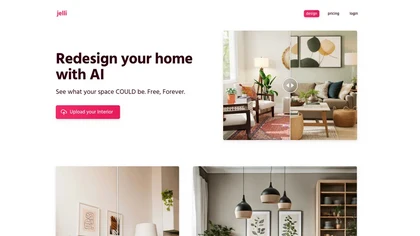
Jelli is a Chrome extension that captures screenshots with a hotkey and copies them to the clipboard. Users can annotate by drawing arrows or rectangles directly on the image, then paste into Slack, Jira, or documents.
Freemium
- $19.99/mo
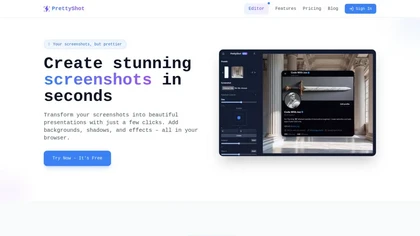
PrettyShot is a web-based tool that enhances standard screenshots by adding backgrounds, shadows, and effects, allowing users to create professional-quality visuals. It supports mockups with device frames and offers efficient preset slots for customization.
Free trial
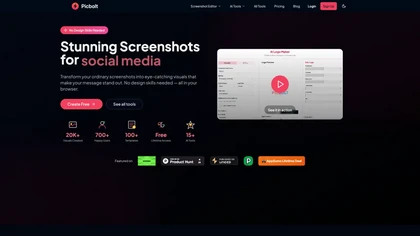
Picbolt is a screenshot editor that transforms screenshots into high-quality visuals with one-click presets, smart cropping, and customizable device mockups. It is ideal for educators, content creators, and small business owners, offering tools for annotations and workflow optimization.
Free trial
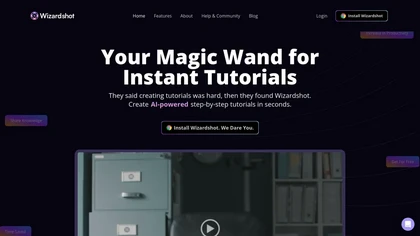
Wizardshot is a web app and Chrome extension that automatically converts screen recordings into structured, step‑by‑step tutorials. It exports to PDF/DOC, GIFs, embeds videos, supports team collaboration, role‑based access, blurs sensitive data, and provides analytics on usage and gaps.
Free
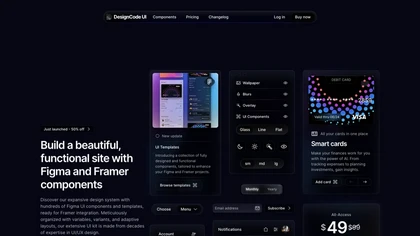
DesignCode UI offers 300+ ready components, 2,000+ Figma variants, and 2,116 icons with dark/light themes and customizable variables. It integrates with Figma and Framer, supports CSS, React, Tailwind, and auto‑layout for streamlined design‑to‑code handoffs.
Paid
- $49
ComfyUI Web is a cloud platform offering over 40 AI tools for text‑to‑image, video, audio, and editing tasks. It runs in a browser, requires no GPU, and deletes uploads after use.
Subscription
- $9.99/mo
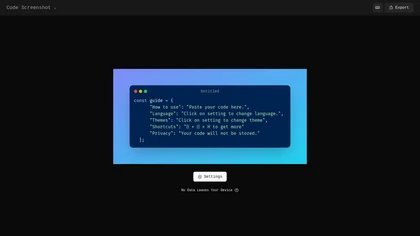
Code Screenshot allows developers to convert code snippets into visually appealing images with syntax highlighting for various languages. It features customizable themes, keyboard shortcuts for efficiency, and local storage for enhanced privacy in sensitive projects.
Freemium

TradeUI offers a platform that merges real‑time flow data with AI sentiment to highlight bullish/bearish trends and unusual premium activity. It provides alerts, an integrated trading bot, news, charts, and AI signals for swing or position strategies.
Paid
- $45/mo
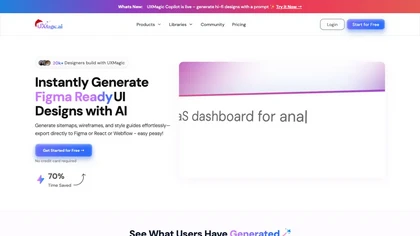
UX Magic.ai is an AI-powered design platform that generates high-fidelity wireframes, UI components, and production-ready code from prompts, sketches, or URLs. It enables collaborative workflows with intelligent editing and exports directly to tools like Figma, React, and Webflow.
Free trial

Stitch is an AI-assisted design tool that generates UI/UX variations and automates layouts while applying brand styles. It produces export-ready assets and offers integrations to streamline prototyping, bulk production, and design-to-code workflows.
Freemium
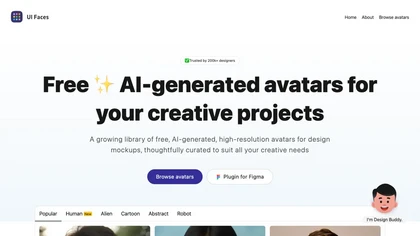
UI Faces offers a free library of high‑quality AI avatars—Human, Alien, Cartoon, and Abstract—plus 100 detailed personas. Designers can browse, download, or insert them via Figma or Adobe Express plugins, speeding prototype development and maintaining visual consistency.
Free
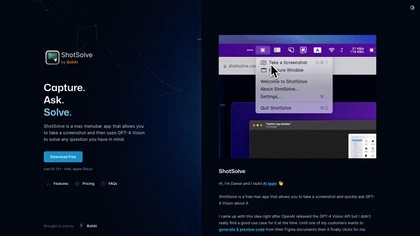
ShotSolve is a native macOS app that captures screenshots and uses GPT‑4o for instant queries. It offers a clean chat interface with themes, code styling, context controls, secure key storage, and configurable parameters for custom AI interactions.
Free
- $29/mo
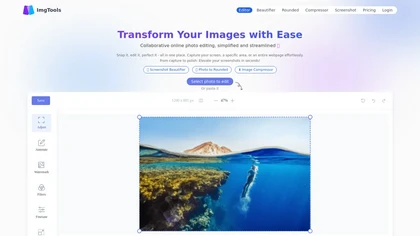
ImgTools is a versatile screenshot tool that simplifies capturing, editing, and enhancing images efficiently. It offers features like screenshot beautifier, advanced editing options, collaborative online editing, and customization tools to elevate your visuals effortlessly.
Freemium
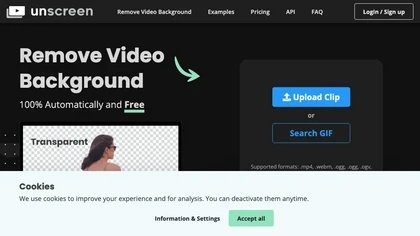
Unscreen is a cloud video editor that removes backgrounds from clips and exports them instantly, with format conversion and resizing. It offers plugins for After Effects and Premiere Pro and integrates with Canva for AI‑enhanced features.
Freemium
- $9
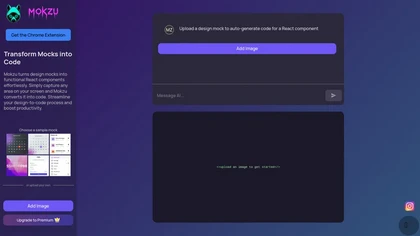
Mokzu converts design mockups into functional React components by automatically generating code from captured screen areas. This tool enhances collaboration between design and development teams, streamlining the transition from visual concepts to working code.
Freemium
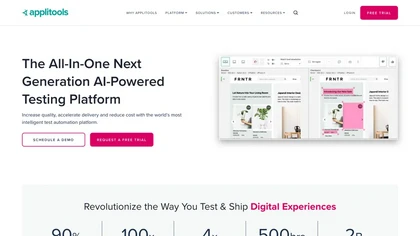
Applitools automates visual, functional, and API testing for web, mobile, and PDF interfaces, using AI to compare screenshots, filter dynamic content, and generate autonomous tests via recording and natural‑language authoring, with CI/CD integration and built‑in accessibility compliance.
Free trial
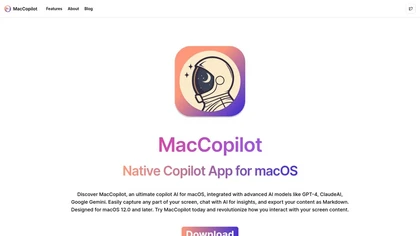
MacCopilot lets macOS users select any screen area, capture screenshots, and chat with AI models—GPT‑4o, Claude, Gemini, or local Ollama—to receive instant visual analysis, code reviews, design feedback, and contextual insights directly on‑screen. Hotkeys and history improve workflow.
Free
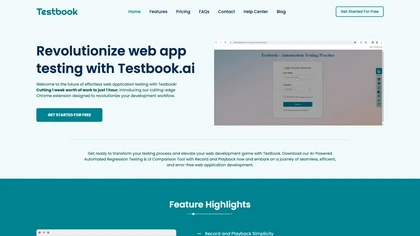
Testbook AI is a Chrome extension that records and replays user interactions to create regression and UI comparison tests without coding. It supports cross‑browser validation, integrates with Sauce Labs, BrowserStack, LambdaTest, exports code, and auto‑heals scripts.
Freemium
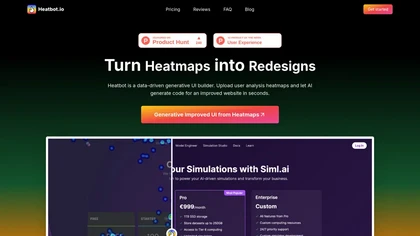
Heatbot.io is a generative UI builder that analyzes heatmap data from website screenshots to enhance user interface design. It generates optimized HTML, CSS, and JavaScript, streamlining improvements for UX designers and developers. Supports frameworks like Bootstrap and TailwindCSS.
Subscription
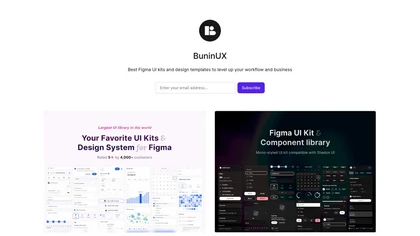
BuninUX supplies Figma and Framer UI kits, templates, and design systems for rapid interface design. It includes reusable component libraries, wireframe templates, and modular UI systems that reduce repetitive work, improve consistency, and speed developer handoff.
Paid
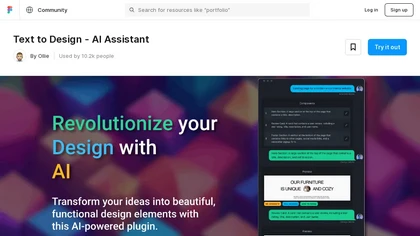
Text to Design is a Figma plugin that turns prompts, screenshots, or sketches into UI components, offers a chat interface for style edits and accessibility guidance, converts designs to code snippets, and supports collaboration with auto‑layout and token management.
Freemium
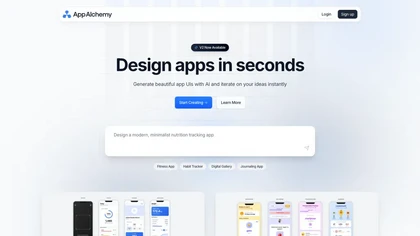
App Alchemy is an AI tool that quickly generates app mockups from user descriptions, enabling rapid design iteration and seamless export, making it ideal for entrepreneurs and developers seeking efficiency in app design without extensive resources.
Subscription
- $29.99/mo

Flawless automatically captures desktop and mobile screenshots, visually audits layout, messaging, SEO, and functionality, pins issues, prioritizes fixes by impact and effort, tracks status across audits, and provides consistent page comparison for clearer conversion optimization.
Subscription
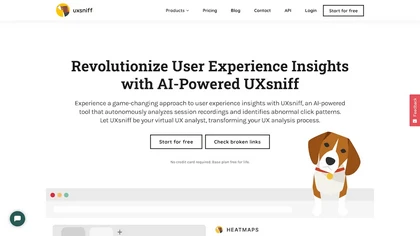
UXsniff automatically tracks UX changes by analyzing heatmaps and session recordings, comparing pre‑ and post‑release behavior. It flags layout, copy, and component updates linked to key metrics, offers impact reports, rage‑click detection, and historical A/B comparison using real user data.
Paid
- $19
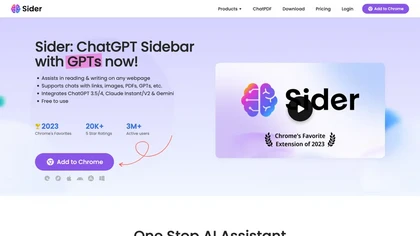
Sider AI is a browser extension that consolidates instant summarization, translation, and research tools in a side panel. Users compare AI model responses, receive on‑the‑fly explanations for highlighted text, extract OCR, and store snippets in a searchable knowledge base.
Free
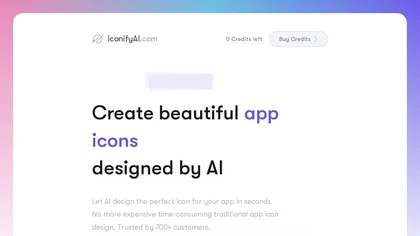
AI Icon Generator uses machine‑learning to produce custom app icons in seconds. Users describe the icon, choose one of 11 styles, set colors, and receive a 1024×1024 HD PNG/JPG or clipboard copy with full commercial rights.
Paid
- $17
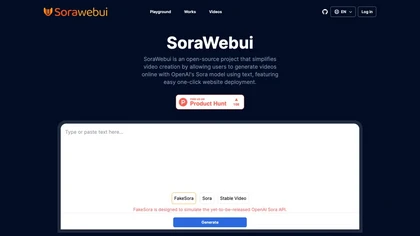
SoraWebui is an open‑source web platform that turns text prompts into video using OpenAI’s Sora model. Users can create, view, or download videos directly in the browser, while developers can deploy, customize, or integrate the tool.
Freemium
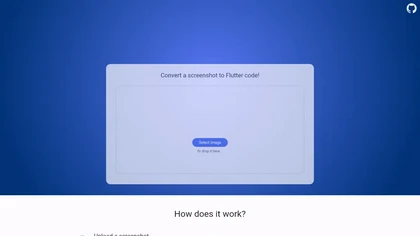
Pixel2Flutter is an AI-assisted migration tool that converts Google's Pixel UI components to Flutter widgets, simplifying the process of porting Android apps to iOS and web platforms while maintaining visual consistency.
Freemium

Shotva is an AI tool that transforms screenshots into polished images with customizable backgrounds, frames, and annotations. Its auto-styling feature analyzes content to create cohesive designs, while also streamlining ad creation with brand identity scraping.
Free

Physician UX is an AI‑powered medical scribe that records patient encounters across specialties. It integrates with EMRs via Chrome extension and mobile app, logs up to 90 minutes of dialogue, generates SOAP notes, and offers evidence‑based search and analytics for workflow.
Free trial
- $50/mo
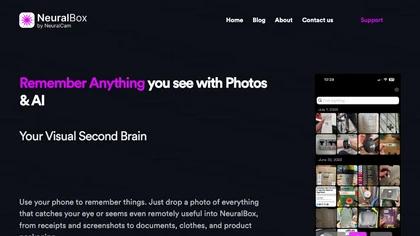
NeuralBox captures photos instantly via camera, lock‑screen widget, or share extension, auto‑imports screenshots, and offers a scanning mode. AI image recognition and OCR enable keyword searches; similarity browsing groups images by visual traits. Files sync locally or in the cloud.
Subscription
- $5.99/mo
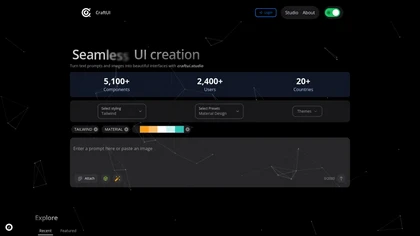

Synthoframe converts text prompts or reference images into polished UI layouts and interactive, high‑fidelity prototypes. It supports editable controls, style consistency and reusable blocks, plus exports and design‑to‑code integrations (Figma, Axure) for developer handoff.
Freemium