
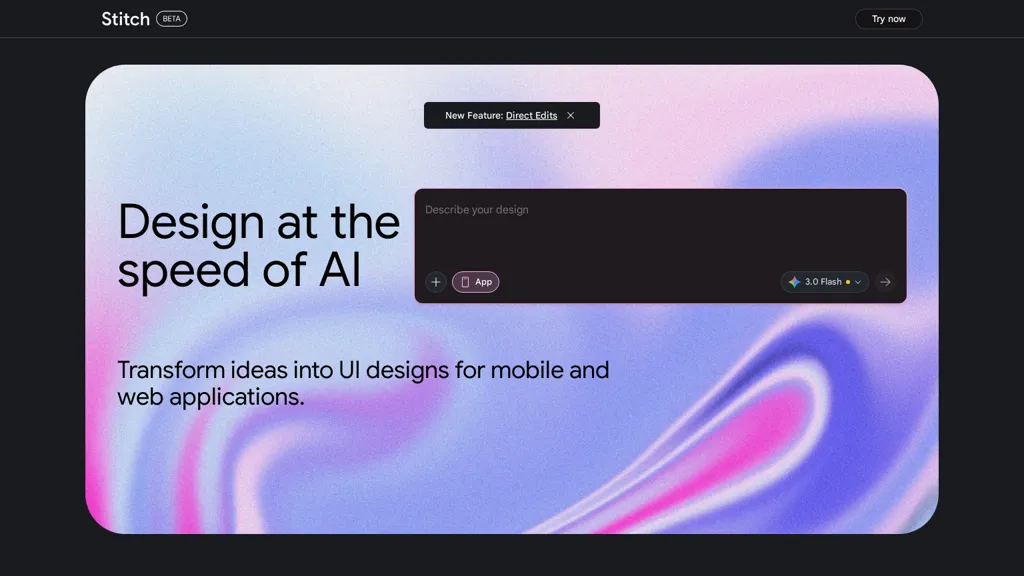
What is Stitch - Google?
stitch - design ai provides AI-assisted design generation and layout automation for UI/UX designers, product teams, and marketers.
It generates design variations, applies brand styles, and produces export-ready assets in common formats (SVG, PNG, PDF).
Template libraries and style-transfer tools support consistent brand application across campaigns and product screens.
Integration options and APIs enable workflow automation, design handoff, and connection to existing design platforms.
Features include responsive layout suggestions, component-based templating, and asset optimization for web and mobile.
Collaboration and versioning tools support team review, iteration, and design governance.
Use cases include rapid prototyping, bulk asset production, UI design iterations, and design-to-code workflows.
Stitch - Google pricing
FreemiumStitch - Google offers a free plan with paid upgrades available.
Verify on the official pricing page.
View plansStitch - Google's key features
-
AI-assisted design generation and layout automation
-
Design variation generation
-
Brand style application via template libraries and style-transfer tools
-
Export-ready asset production (SVG, PNG, PDF)
-
Integration options and APIs for workflow automation and design handoff
Stitch - Google use cases
-
Create a production-ready responsive website prototype with stitch design ai’s AI design generator and component-based templates, automatically apply your brand styles, receive layout suggestions for desktop and mobile, and export optimized assets (SVG, PNG, PDF) plus front-end code for developer handoff
-
Build a reusable UI kit and design system for your product team by bulk-generating components and variants with stitch design ai, applying brand style transfer across screens, optimizing assets for performance, and collaborating in real-time while syncing via APIs for seamless design-to-code automation
-
Rapidly produce localized marketing creatives and landing page variants at scale using stitch design ai’s responsive layout suggestions and bulk asset production, export ready-to-publish files for multiple formats, and integrate outputs into your CMS or dev workflow through the tool’s APIs and collaboration features
Stitch - Google user reviews
Would you recommend Stitch - Google?
More from this provider


Who is Stitch - Google for?
-
Product designers
-
Marketing designers
-
Frontend developers
-
Product managers
-
Brand managers
Stitch - Google FAQ
Is Stitch - Google free?
Partly. Stitch - Google has a free plan with usage limits, and paid plans unlock the full feature set.
Is Stitch - Google safe to use?
Stitch - Google carries the TopAI.tools verified mark, which we award after a manual review of pricing transparency, published terms, public following and working functionality. It has a substantial audience that is independently measured month to month.
What are the best alternatives to Stitch - Google?
The closest alternatives to Stitch - Google are Designer Clone AI, UX Magic, UX Pilot, Sketchflow AI and components.ai. You can compare them side by side in the alternatives section further down this page.


How does Stitch compare to other apps like antigravity or loveable?