
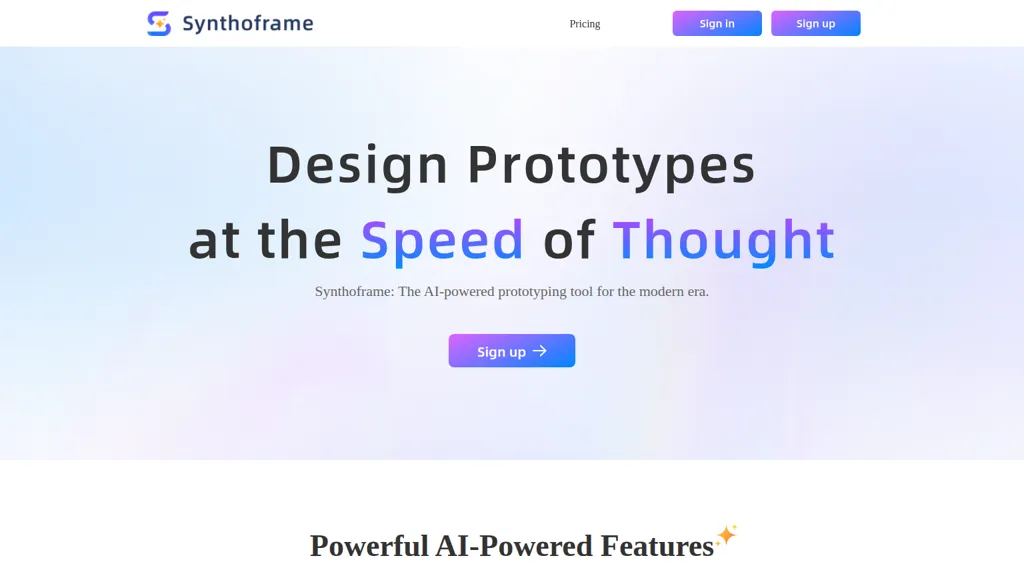
What is SynthoFrame?
Synthoframe — AI prototyping tool that generates user interfaces from text prompts and reference images.
Text-to-UI and image-to-UI workflows convert sketches or descriptions into polished layouts for UX designers and product teams.
Create interactive, high-fidelity prototypes from static designs with a single command to validate flows and user interactions.
Edit outputs with granular controls or automated optimization to maintain consistent styles and reusable content blocks across projects.
Export assets and code for developer handoff, including image exports, design-to-code outputs and integrations like Figma and Axure.
A credit-based action model manages usage for teams and individuals, with account settings to control project and page activity.
Target users include UX/UI designers, product managers, front-end developers, and design teams focused on rapid prototyping and consistent UI delivery.
SynthoFrame pricing Freemium
SynthoFrame offers a free plan with paid upgrades available.
Verify on the official pricing page.
View plansSynthoFrame user reviews
Would you recommend SynthoFrame?
SynthoFrame's key features
-
Generate UIs from Text
-
Generate UIs from Images
-
Interactive Prototypes
-
Flexible Editing
-
Consistent Style
SynthoFrame use cases
-
Rapidly validate product ideas by turning text prompts or reference sketches into interactive, high-fidelity prototypes with editable controls and reusable blocks—no design team required—then share clickable prototypes with stakeholders and export to Figma or Axure for seamless developer handoff
-
Build and maintain a consistent design system by generating polished UI layouts from prompts or images, create reusable components and enforce style consistency across screens, and export design files and code-ready assets to accelerate engineering collaboration
-
Convert rough sketches, screenshots, or user flows into production-ready interfaces: produce interactive prototypes for usability testing, iterate with live-editable controls, and use design-to-code integrations to export clean components for faster front-end implementation
Who is it for?
-
Ui/ux designers
-
Product designers
-
Prototypers
-
Design system managers
-
Front‑end developers
-
Product managers


