
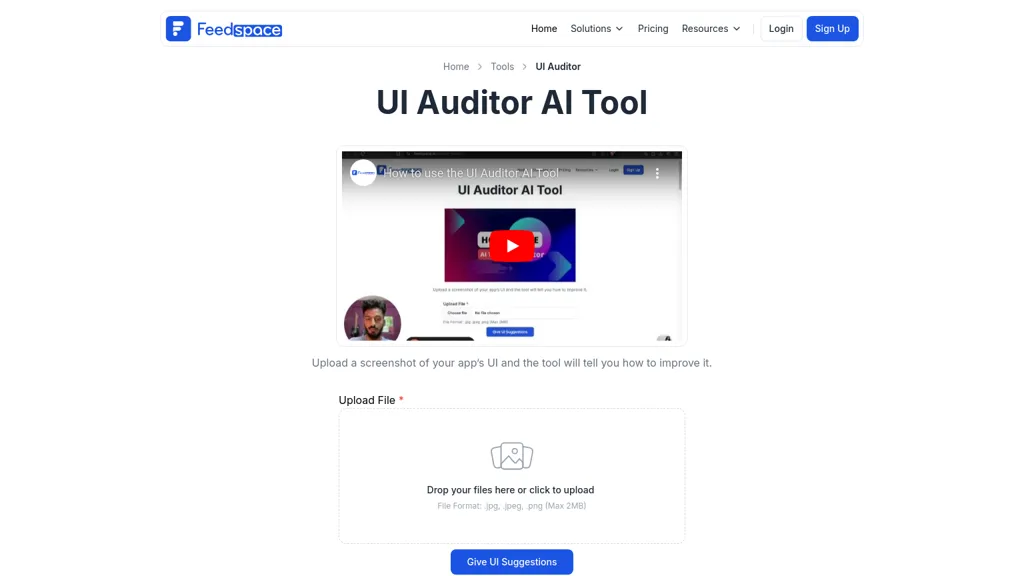
What is UI Auditor AI Tool?
UI Auditor, Upload a screenshot of a website or app UI in .jpg, .jpeg, or .png (max 2 MB) and the AI model evaluates design flow, button placement, user experience, and overall aesthetics. The tool outputs actionable suggestions with explanations, enabling developers and designers to correct usability and visual issues before launch.
Marketers and content creators can use the audit to refine landing pages and template choices. The platform supports integration through a Chrome extension and API for automated review collection. Teams can track changes, export findings, and apply recommendations to improve navigation, content organization, and responsive design.
UI Auditor AI Tool details
- Company
- Techups Solutions
- Jurisdiction
- India
- Built for
- Businesses and teams
- Data residency
- India
UI Auditor AI Tool tech specs
- Integrations
- Zapier Shopify WordPress Webflow
UI Auditor AI Tool pricing
Free- Free trial
- 7 days
- Refund window
- 7 days
- Auto-renewal
- Yes
Verify on the official pricing page.
Get started freeUI Auditor AI Tool's key features
-
Multiple language platform
-
Smart widgets review display
-
Vertical video review form
-
Auto-fill user details
-
Email signature generator
-
Enterprise plan subscription
-
Make.com automated integration
UI Auditor AI Tool use cases
-
Refine a landing page by uploading its screenshot and receiving instant AI‑driven recommendations on button placement and visual hierarchy for higher conversion rates
-
Conduct a responsive design audit for a mobile app by comparing screenshots across device sizes and getting actionable insights to improve usability on small screens
-
Collaborate with a design team to track iterative changes in UI by exporting audit reports after each redesign and ensuring consistent user experience across platforms
UI Auditor AI Tool user reviews
Would you recommend UI Auditor AI Tool?
Who is UI Auditor AI Tool for?
-
Product designers
-
Ux designers
-
Digital marketers
-
Software developers
-
Data analysts
UI Auditor AI Tool FAQ
Is UI Auditor AI Tool free?
Yes. UI Auditor AI Tool is free to use and does not require a credit card.
Is UI Auditor AI Tool safe to use?
UI Auditor AI Tool is operated by Techups Solutions, registered in India.
What are the best alternatives to UI Auditor AI Tool?
The closest alternatives to UI Auditor AI Tool are Flawless, UX Pilot, Uizard, App Alchemy and AIUI.me. You can compare them side by side in the alternatives section further down this page.
What does UI Auditor AI Tool do with my data?
Its privacy policy states that personal data is not sold or shared for marketing purposes. Data may be shared with third-party service providers that help run the product. Customer data is held in India.
Does UI Auditor AI Tool auto-renew or offer refunds?
UI Auditor AI Tool subscriptions renew automatically until you cancel. It states a 7-day refund window.
Who made UI Auditor AI Tool?
UI Auditor AI Tool is built and operated by Techups Solutions, a company registered in India.
What does UI Auditor AI Tool integrate with?
UI Auditor AI Tool connects with Zapier, Shopify, WordPress and Webflow.
Compliance, privacy and billing terms are as stated in each product's own published documentation and have not been independently verified by TopAI.tools.


