Photoshop Plugin Documentation
The best 50 Photoshop Plugin Documentation AI tools - Free & Paid
Explore 50 AI for Photoshop Plugin Documentation
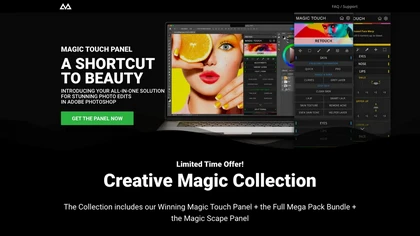
CreativeMagicPanel automates portrait retouching in Photoshop with AI face/body recognition. It offers 289+ features—skin smoothing, facial tweaks, color grading, overlays, quick presets, luminosity masks, and selection helpers—compatible with Photoshop CC 2023+ on Windows, macOS, and Apple Silicon.
Free

AI image enhancer that upscales up to 4×, removes noise, sharpens blur, and can enhance faces or colorize. Handles .png/.jpg/.webp/.tif/.bmp/.raw and outputs the same formats. Windows, macOS and Photoshop plugin supported.
Free trial
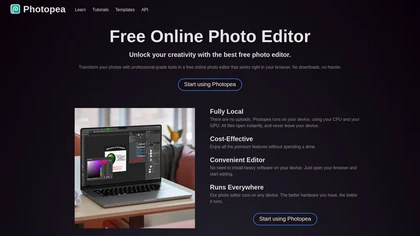
PhotoPea is a browser-based photo editor that runs locally on your device, supporting layered PSD workflows and a wide range of file formats. It offers advanced editing tools, vector design features, and AI-powered background removal without requiring any installation.
Free
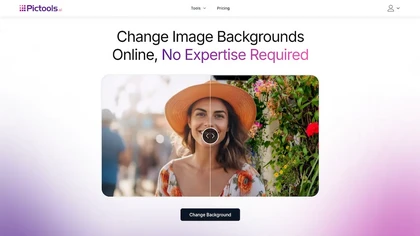
PicTools.AI is a web‑based photo editor that lets users upload images and apply changes via text prompts or over 100 one‑click AI filters—background removal, outfit changes, smile addition, restoration, and artistic styles—without design skills.
Subscription
- $23.4/mo

Mckp.live offers a Figma plugin and online editor with over 4,000 editable mockups, including device, branding, print, animated and illustration templates. Designers can replace artwork, adjust layouts, preview across devices, use presets and download assets.
Subscription
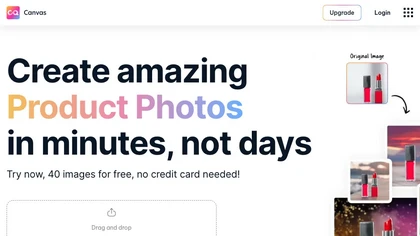
Magicstudio Canvas is an AI tool for quickly creating product photos with up to 40 free uploads in JPEG or PNG format. It offers intuitive, easy-to-use editing tools and features for profile pictures, removing backgrounds, and adding text.
Freemium
Picsart.io empowers creators and businesses with AI-driven tools for image and video editing, including background removal, generative AI features, format conversion, and video optimization, ensuring seamless workflows and user-friendly integration.
Free trial
Pixlr is a browser‑based photo editor that uses AI for background removal, generative fill, and object deletion. It offers cropping, color correction, collages, templates, and social media layouts across desktop, tablet, and mobile.
Free trial
- $1.99/mo
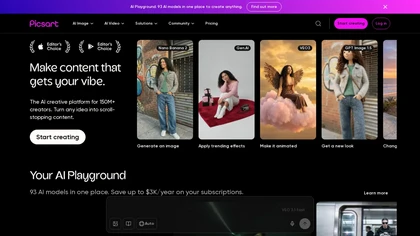
Picsart is a web and mobile photo editor and design app offering layers, filters, color correction, retouching, automatic background removal, collage and template tools, stickers and text overlays, basic social-video editing, and AI image generation with cross-device sync.
Freemium

GemPix2 is a browser-based AI image generator and editor that converts text prompts or uploaded photos into high-resolution images, supports precise masks, relighting, typography, color-palette locking, layered (PSD) exports, multilingual prompts and team collaboration.
Freemium

Picsman is an AI‑powered editor that removes or replaces backgrounds, ups image resolution, and applies styles like Ghibli or cartoon. It also offers text‑prompt editing, video generation, image extending, and watermark removal for quick, high‑definition results.
Free
- $5.99/mo

Pixelied is an online photo editor and design suite that offers brightness, saturation, and filter tools, background removal, a 4 million‑photo library, vector editing, team collaboration, and pre‑made templates for quick resizing.
Freemium
Translate.Photo uses AI to instantly translate JPEG, PNG, and JPG images into 75+ languages. Integrated plugins for Photoshop, Illustrator, InDesign, Figma, and Word keep original layout intact. Custom glossaries and translation memory preserve branding while speeding localization.
Freemium
- $59/mo
Photoroom is an AI-powered tool for creating professional product visuals at scale, featuring automatic background removal, image generation, virtual staging, and batch editing capabilities for efficient high-quality output.
Free trial
- $5.99/mo
Retouch4me is an AI retouching suite that functions as Photoshop plugins or standalone apps. It automates skin, eyes, hair, clothing, and background edits in real‑time, supports RAW and batch workflows, and offers video color grading with offline processing.
Paid

PhotoEditor.ai edits JPG, PNG, HEIC, and WEBP images up to 15 MB in a browser or mobile app. It offers portrait transformation, background removal, detail enhancement, and 4K upscaling, delivering instant downloads for photographers, marketers, and designers.
Paid

PhotoGrid is a browser‑based AI photo editor that offers one‑click enhancement, background removal, and upscaling. It lets users build collages from 20,000 templates, add stickers, text, custom backgrounds, and convert images into short video clips.
Subscription
- $2.83/mo
Get superior quality finished photos with perfect color rendition and fast delivery for radiant results.
Freemium
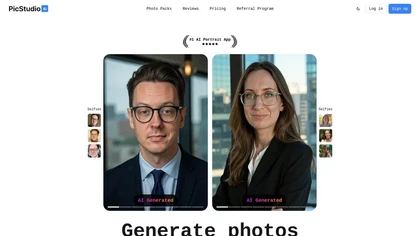
PicStudio.AI turns uploaded selfies into realistic headshots in minutes. It trains on multiple photos to produce corporate, casual, or editorial styles, offers upscaling, background removal, version control, and full commercial ownership of results.
Paid
- $29.99

Colorcinch converts photos to cartoons, sketches, or paintings with one click, offers AI background removal, adjustable sliders, overlay effects, multi‑layer editing, high‑resolution export to JPG/PNG/PDF, all usable online/offline without login.
Free
- $8.99

AI Photo Studio automates e‑commerce image editing: background removal, resolution enhancement, lossless compression, profile passport creation, hairstyle preview, object cleanup, old‑photo restoration, colorization, AI fashion model generation, clothing recolor, background changes, and file convers
Free
An online image tool with features including background removal, image resizing, text addition, color palettes, conversion, and AI-powered social media bios, market slogans, business name ideas, and hashtag generation.
Free

BeautyPlus - Versatile AI tool for effortless photo & video editing; offers face reshaping, filter & sticker additions; perfect for enhancing selfies & videos.
Free trial

Clipdrop is an AI image editor that adjusts aspect ratios, extends boundaries, and adds background space while preserving detail. It offers background removal, object cleanup, relighting, universal resizing, upscale, and text‑to‑image generation for photographers and designers.
Freemium
- $15/mo

PicWish AI Photo Editor automates image enhancement, background removal, and watermark deletion. It processes batches of up to 30 files, offering resizing, lighting, upscaling, AI Designer prompts, Face Cutout, and single‑click unblur/sharpen. Available on Windows, macOS, iOS, Android, and browser.
Subscription
- $9.99/mo

The AI Lab provides an advanced tool with image and facial enhancements features such as photo colorization, object and background removal, cartoon creation, retouching portraits, adjusting facial expressions, and API and platform for developers.
Free
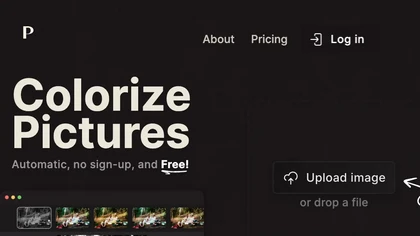
Palette automatically colorizes black‑and‑white images up to 5000 × 5000 px. Users upload single or multiple photos, choose from 150+ preset filters, and refine results with keyword‑driven adjustments to hue, saturation, and contrast. Ideal for photographers, designers, and archivists.
Free trial
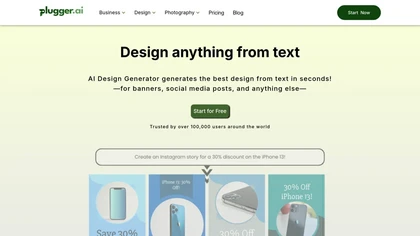
Plugger automates creation of banners, social posts, logos, t‑shirt graphics, illustrations, comics, anime, patterns, and stock photos. It outputs platform‑specific dimensions, supports custom fonts and images, and offers background removal, 4K/8K upscaling, and blur correction.
Subscription
- $15/mo

AI-driven image upscaler that enlarges photos to 7680 × 7680 px, supporting JPEG, PNG, WebP and up to 500 images per batch. It offers an API for sharpening, noise reduction, and a Mac app with background removal, photographers, designers, marketers, and social media managers.
Subscription
- $19.99/mo
Flying Dog plugs Stable Diffusion, DALL‑E 2, and Automatic1111 into Photoshop, offering Text‑to‑Image, Image‑to‑Image, Inpainting, and Outpainting on layers. It runs on GPU‑accelerated local servers (≥6 GB NVIDIA) or cloud for macOS, replacing stock searches and Content‑Aware Fill with precise visua
Free
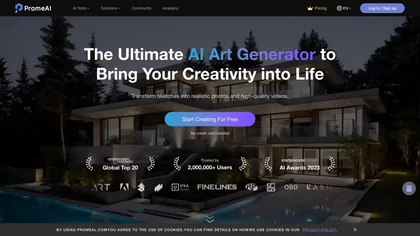
PromeAI is a web‑based AI image generator that turns text or sketches into realistic renders, supports sketch‑to‑photo, background removal, and outpainting, offers style‑consistent generation via consistency models, and includes in‑interface editing tools and HD upscaling.
Freemium
Clipdrop uses deep learning to remove backgrounds, objects, and text, upscale images, adjust lighting, uncrop, and resize. It also offers text‑to‑image generation and an API for developers, supporting design, marketing, and app workflows.
Subscription

Webcam Effects Chrome Plugin provides browser-based virtual backgrounds, blur, and background replacement with images or video; records browser tabs or single sources; adds AI noise cancellation, smart auto-framing, picture-in-picture, emoji/Giphy, and custom layouts.
Freemium
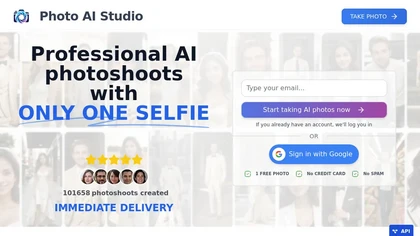
AI Photo Studio delivers AI‑powered image and video creation, including generation, background removal, virtual try‑on, style libraries, advanced editing (skin, age, expression, eye color), outpainting, thumbnails, and direct social publishing via a web interface.
Free
- $1.99

VSCO is a cross-platform photo and video editor combining 200+ presets, analog-style Film FX and precision exposure/color controls with AI-powered Remove and retouching, live in-app capture, clip-level video edits, and portfolio/workspace tools for creators.
Freemium
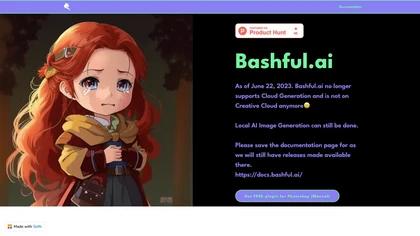
bashful.ai enables users to generate AI images locally, no longer relying on cloud services. Access their website for instructions on using the Photoshop plugin, with ongoing updates for manual usage.
Free
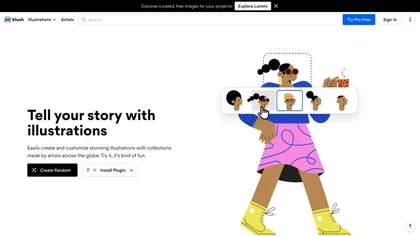
Blush provides a library of artist-made, customizable illustrations and curated collections with mix-and-match components, multiple styles, and scalable PNG/SVG exports. Plugins for Figma and Sketch enable in-app customization for consistent UI, marketing, and product graphics.
Free

Colorcinch is an AI photo editor that instantly cartoonizes or sketches images and offers background removal, cropping, resizing, exposure and detail controls, file compression, and 400 DPI print‑ready export. Mobile app adds cartoonizing, background removal, and upscaling on the go.
Paid
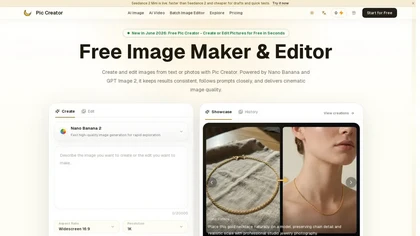
PicCreator.ai is an AI image maker and editor that combines text-to-image generation with robust photo editing tools. It enables prompt-based creation, inpainting/outpainting, batch editing, and high-resolution upscaling for marketers, designers, and photographers.
Freemium
- $5.99/mo
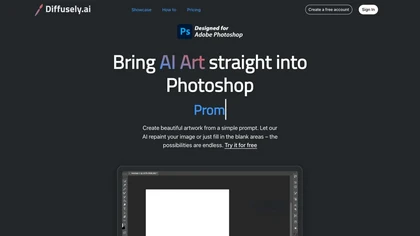
Diffusely is an AI Photoshop plugin that generates, edits, fills, and upsamples images directly in Photoshop. Users provide text prompts to create high‑resolution images, modify existing ones, replace regions, or upscale to 4K within the interface.
Free trial

Pincel is a web‑based AI image editor offering tools for photo retouching, generative fill, background removal, and creative manipulation. It supports upscaling, virtual makeup, and quick edits across devices for designers and marketers.
Subscription
- $19/mo
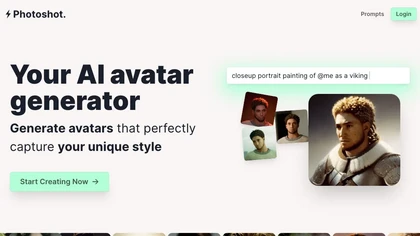
Photoshot lets users upload multiple selfies to train a personalized AI model, automatically producing high‑resolution (4K) portraits that reflect their unique look. Detailed prompts and iterative refinement allow precise, creative outputs for individual creators and brand teams.
Paid
- $12
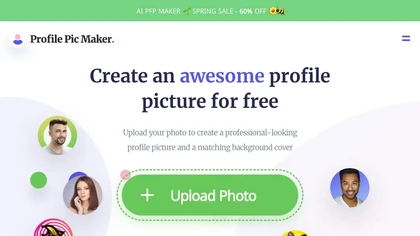
PFPMaker uses AI to generate professional profile pictures from a single selfie in about 15 seconds. It auto‑removes backgrounds, offers templates, borders, gradients, text overlays, and chat‑based edits for makeup, lighting, and expression changes, outputting JPG/PNG up to 5 MB.
Freemium
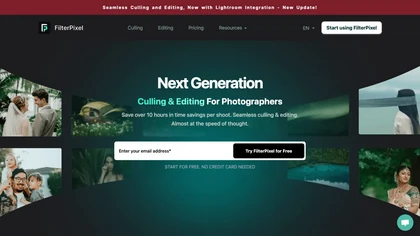
FilterPixel uses AI to evaluate, curate, and edit large photo sets for events, weddings, sports, and corporate work. It scores each image for editorial relevance, groups duplicates, and applies consistent style via one‑click editing from Lightroom or preset profiles.
Paid
- $599

Pixel Dojo consolidates 70+ AI models—Flux 2, Nano Banana 2, Veo 3.1, WAN—into one workspace for instant image and video creation, real‑time animation, 16× upscaling, one‑click background removal, character consistency, virtual try‑on, and API access for developers.
Freemium
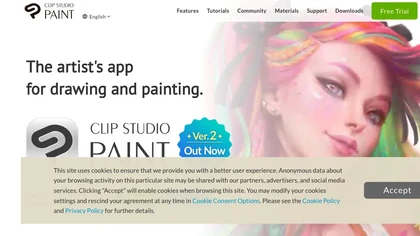
Clip Studio Paint offers natural brush strokes, over 100,000 customizable brushes, vector layers, 3D pose references, perspective rulers, onion‑skin animation up to 24 frames, and cloud sync across Windows, macOS, iPad, Android, and Chromebook.
Free trial
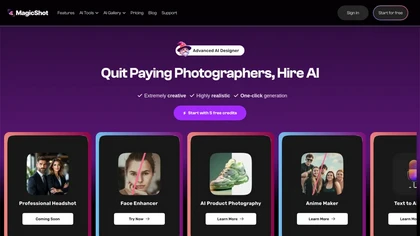
MagicShot.ai creates images, videos, and audio from text or photos. It offers AI image generation for product shots, logos, icons, and book covers, and a video generator that animates photos. Editing, avatars, stickers, QR codes, and 3D tools streamline design.
Paid