
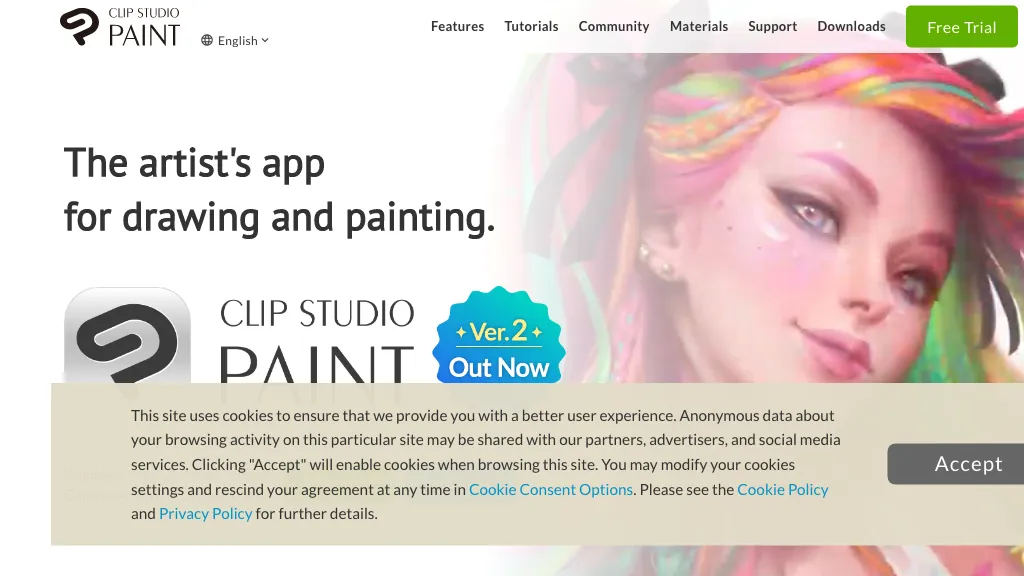
What is Clipstudio?
Clip Studio Paint is a digital art application that supports drawing, painting, illustration, comics, and animation across Windows, macOS, iPad, iPhone, Android, and Chromebook. It offers natural brush strokes with adjustable pen pressure and a library of over 100,000 brushes, textures, and materials that can be customized or created by users.
The program includes vector layers for line art that can be edited after creation, a fill tool that colors through gaps, and advanced selection and masking features for precise editing. Built‑in 3D models provide reference poses and lighting setups, while perspective rulers and mesh transformation tools assist in achieving accurate proportions and perspective.
Animation features include onion‑skin viewing and light table playback, allowing creation of frame‑by‑frame or tween animations up to 24 frames. A cloud storage option keeps projects accessible on multiple devices, and the interface can switch between a simplified mode for beginners and a comprehensive studio mode for advanced users.
Clipstudio details
- Company
- CELSYS, Inc.
- Jurisdiction
- Japan
- Built for
- Individuals
Clipstudio tech specs
- Payment Processors
- PayPal
Clipstudio pricing
Free trialVerify on the official pricing page.
Start free trialClipstudio's key features
-
Smart Shape freehand drawing
-
3D hand model reference
-
Onion skin basic animation
-
3D UV mapped drawing
-
Batch export layer comps
-
Velocity dynamics pen pressure
Clipstudio use cases
-
Create comic book pages with customizable brushes and vector line art, leveraging Clip Studio Paint's 100,000+ brush library for detailed panels
-
Produce character concept art for games using 3D pose references and perspective rulers, streamlining design across devices
-
Animate short cut‑scenes or character actions with onion‑skin animation up to 24 frames, syncing progress via cloud across Windows, macOS, iPad, Android and Chromebook
Clipstudio user reviews
Based on 18 reviews, 72% of users recommend Clipstudio, rated highly for quality results.
Liked for
Disliked for
Would you recommend Clipstudio?
Clipstudio playbooks
1Step-by-step guides to get the most out of Clipstudio
Who is Clipstudio for?
-
Visual artists
-
Digital painters
-
Graphic designers
-
Illustration designers
-
Creative designers
Clipstudio FAQ
Is Clipstudio free?
Not permanently. Clipstudio gives you a free trial, after which a paid plan is required. Plans include Annual / monthly plans at $0.99/mo, Clip studio paint pro single-device 12-month license at $26.99, Clip studio paint pro ver. 5.0 edition at $63.00 and Clip studio paint ex single-device 12-month license at $76.99.
Is Clipstudio safe to use?
Clipstudio is operated by CELSYS, Inc., registered in Japan. Clipstudio carries the TopAI.tools verified mark, which we award after a manual review of pricing transparency, published terms, public following and working functionality.
Is Clipstudio good?
Clipstudio has a 72% recommendation rate from 18 reviewers on TopAI.tools. Reviewers rate it highest on quality of results and value for money.
What are the best alternatives to Clipstudio?
The closest alternatives to Clipstudio are Clip Studio, Cartoon Yourself, Colorcinch, Picsart and SyncSketch. You can compare them side by side in the alternatives section further down this page.
What does Clipstudio do with my data?
Its privacy policy states that personal data is not sold or shared for marketing purposes.
Who made Clipstudio?
Clipstudio is built and operated by CELSYS, Inc., a company registered in Japan.
Compliance, privacy and billing terms are as stated in each product's own published documentation and have not been independently verified by TopAI.tools.


