
Photo And Video Editing
The best 50 Photo And Video Editing AI tools - Free & Paid
Explore 50 AI for Photo And Video Editing
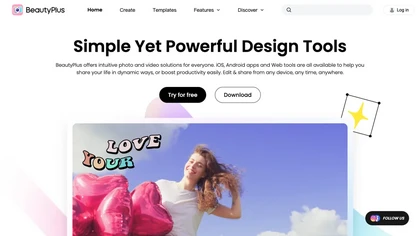
BeautyPlus - Versatile AI tool for effortless photo & video editing; offers face reshaping, filter & sticker additions; perfect for enhancing selfies & videos.
Free trial

VSCO is a cross-platform photo and video editor combining 200+ presets, analog-style Film FX and precision exposure/color controls with AI-powered Remove and retouching, live in-app capture, clip-level video edits, and portfolio/workspace tools for creators.
Freemium

PhotoGrid is a browser‑based AI photo editor that offers one‑click enhancement, background removal, and upscaling. It lets users build collages from 20,000 templates, add stickers, text, custom backgrounds, and convert images into short video clips.
Subscription
- $2.83/mo
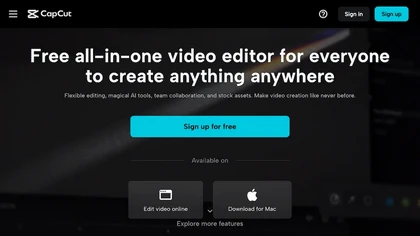
CapCut is an AI-powered video editor & design tool with social media templates, background removal, upscaling, color correction, portrait generation, text-to-speech, voice changers, and team collaboration support - accessible online and for Mac download.
Free trial
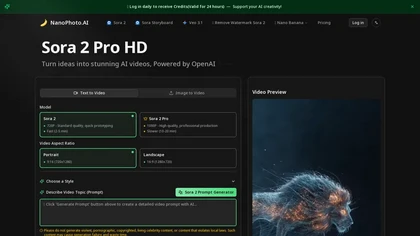
NanoPhoto.AI is an AI-powered media editor that simplifies generating and editing images and videos. It offers features like photo restoration and style changes, and supports batch processing for efficient workflows.
Free trial
- $15/mo
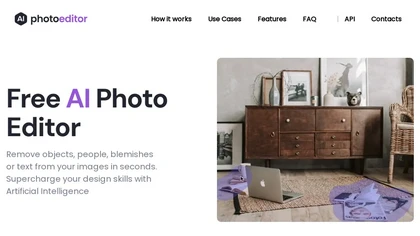
PhotoEditor.ai edits JPG, PNG, HEIC, and WEBP images up to 15 MB in a browser or mobile app. It offers portrait transformation, background removal, detail enhancement, and 4K upscaling, delivering instant downloads for photographers, marketers, and designers.
Paid
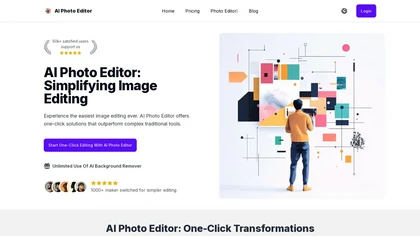
AI Photo Editor lets users upload up to ten images or generate new ones from text prompts, instantly editing or converting images into short videos. All processing runs client‑side, supporting face completion and consistent character edits for design and work.
Subscription
- $7.9/mo
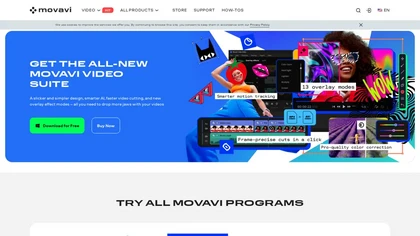
Movavi Video Editor is a desktop app for Mac and Windows that lets users trim, crop, color‑grade footage and add titles, overlays, and filters. AI features automate subtitles, noise suppression, and motion tracking. It includes a screen recorder for tutorials.
Paid
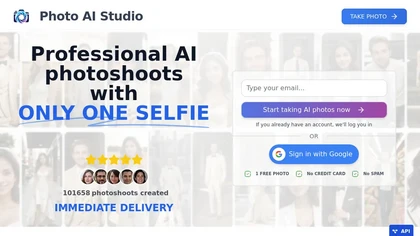
AI Photo Studio delivers AI‑powered image and video creation, including generation, background removal, virtual try‑on, style libraries, advanced editing (skin, age, expression, eye color), outpainting, thumbnails, and direct social publishing via a web interface.
Free
- $1.99
Photoroom is an AI-powered tool for creating professional product visuals at scale, featuring automatic background removal, image generation, virtual staging, and batch editing capabilities for efficient high-quality output.
Free trial
- $5.99/mo

SnapEdit is an AI‑driven photo editor that removes objects, backgrounds, and text, provides 100+ background templates, upsamples images to HD/4K, and offers skin retouching, all accessible via web, iOS, and Android.
Freemium
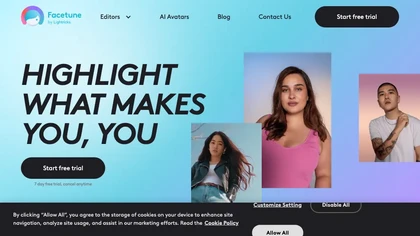
Facetune is an AI‑driven photo and video editor offering touch‑up, background removal, face and body reshaping, realistic makeup and hairstyle try‑on, background blur, and noise removal—enabling quick mobile edits for influencers, photographers, and stylists.
Subscription
- $25/mo
Prequel is a mobile photo and video editor that uses AI to transform portraits, create comic‑style art, and craft custom profile pictures. One‑tap retouching, a broad filter library, advanced color controls, and ready‑made video templates streamline social‑media content creation.
Freemium
Photoleap is an iOS‑only photo editing app that uses AI for quick enhancements, background removal, object deletion, collage creation, filters, text‑to‑image, video from stills, 4K upscaling, style transfer, portrait retouching, and hair color simulation.
Free trial
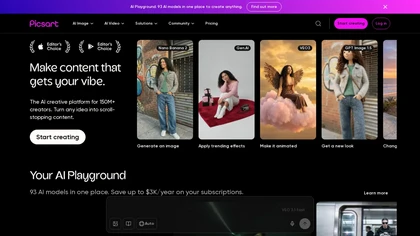
Picsart is a web and mobile photo editor and design app offering layers, filters, color correction, retouching, automatic background removal, collage and template tools, stickers and text overlays, basic social-video editing, and AI image generation with cross-device sync.
Freemium
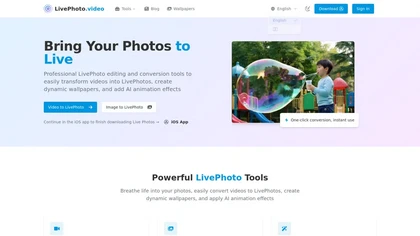
LivePhoto.video is a tool that converts videos, GIFs, and static images into animated Live Photos and dynamic wallpapers for iPhone. It uses AI to add motion, offers one-click saving to your Camera Roll, and allows direct sharing to social media.
Freemium
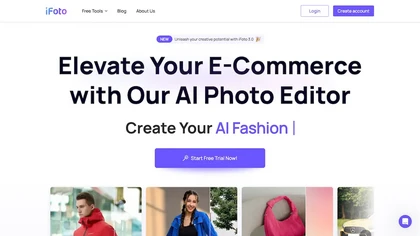
AI Photo Studio automates e‑commerce image editing: background removal, resolution enhancement, lossless compression, profile passport creation, hairstyle preview, object cleanup, old‑photo restoration, colorization, AI fashion model generation, clothing recolor, background changes, and file convers
Free
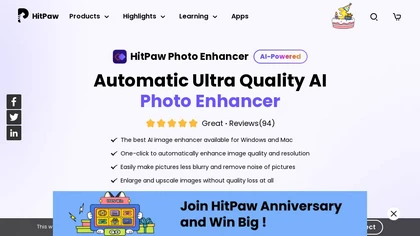
HitPaw FotorPea automatically enhances photos by applying AI models for sharpening, denoising, face and color correction. It unblurs images, upsizes to 4K/8K, restores old photos, removes backgrounds, and generates images from text prompts.
Free trial
InShot is a mobile video editor that lets users cut, trim, and layer clips, auto‑generate multilingual captions, add music, intros/outros, and apply AI‑driven, 3D, glitch, and lens transitions, text, stickers, and picture‑in‑picture overlays.
Free
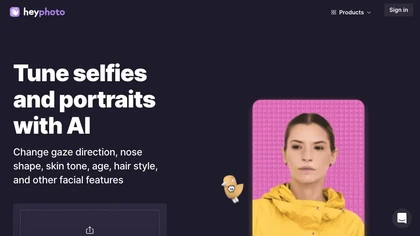
HeyPhoto is an AI‑powered photo editor that lets users swap faces, generate new faces, upscale images, and remove backgrounds with one click, offering facial attribute adjustments and support for common image formats up to 5 MB.
Free

PicWish AI Photo Editor automates image enhancement, background removal, and watermark deletion. It processes batches of up to 30 files, offering resizing, lighting, upscaling, AI Designer prompts, Face Cutout, and single‑click unblur/sharpen. Available on Windows, macOS, iOS, Android, and browser.
Subscription
- $9.99/mo
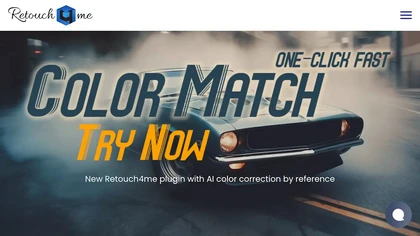
Retouch4me is an AI retouching suite that functions as Photoshop plugins or standalone apps. It automates skin, eyes, hair, clothing, and background edits in real‑time, supports RAW and batch workflows, and offers video color grading with offline processing.
Paid
Get superior quality finished photos with perfect color rendition and fast delivery for radiant results.
Freemium

AI image enhancer that upscales up to 4×, removes noise, sharpens blur, and can enhance faces or colorize. Handles .png/.jpg/.webp/.tif/.bmp/.raw and outputs the same formats. Windows, macOS and Photoshop plugin supported.
Free trial
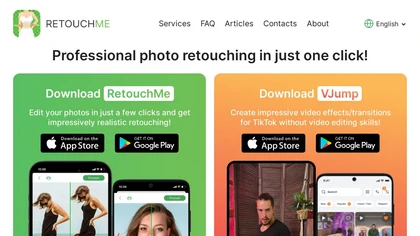
RetouchMe is a mobile and web app that lets users upload photos for professional designers to manually edit, offering skin smoothing, blemish removal, makeup, color changes, body adjustments, background replacement, and clipping path, delivered within minutes with privacy safeguards.
Paid
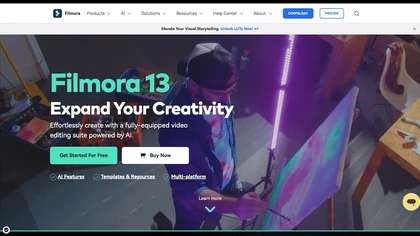
Wondershare Filmora is a cross‑platform video editor featuring AI tools like Video Extender, Image‑to‑Video, Text‑to‑Video, AI Music Generator, and AI Object Remover. It offers a timeline, dual‑timeline editing, motion‑path tools, AI‑assisted asset matching, GPU acceleration, and export presets for
Paid

Vimi.art is an AI photo editor that transforms portraits, pets, and family moments into stylized art using themed filters and presets. It streamlines batch editing with consistent styles, delivering social-media-ready and print-formatted images.
Freemium
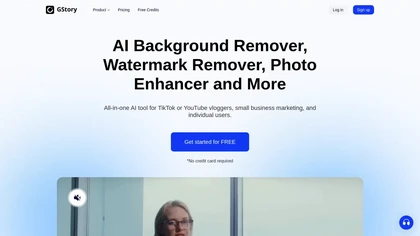
GStory.ai is an AI-powered creative suite for video and photo editing. Its core features include automated subtitle generation, background removal, and tools for enhancing image quality and removing watermarks.
Freemium
- $0.03
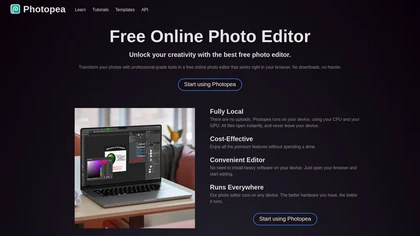
PhotoPea is a browser-based photo editor that runs locally on your device, supporting layered PSD workflows and a wide range of file formats. It offers advanced editing tools, vector design features, and AI-powered background removal without requiring any installation.
Free
FlexClip is an online video editor with templates, resources, and powerful tools to create and edit videos for various purposes, as well as integration with royalty-free stock media providers and easy social media sharing.
Freemium
MimicPhoto is a professional AI photo editor that transforms photos with advanced tools like facial expression editing, studio-quality lighting, and seamless background replacement. It also features LivePortrait and AI Hug Generator for dynamic animations, delivering hyper-realistic results for port
Free trial
- $16/mo
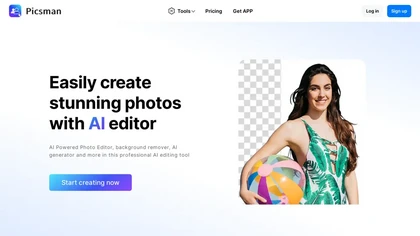
Picsman is an AI‑powered editor that removes or replaces backgrounds, ups image resolution, and applies styles like Ghibli or cartoon. It also offers text‑prompt editing, video generation, image extending, and watermark removal for quick, high‑definition results.
Free
- $5.99/mo
Videoleap is a cross‑platform editor with AI background removal, infinite‑zoom, text‑to‑video, audio cutting, subtitles, and built‑in filters. It offers templates for TikTok, Reels, Shorts, and ads, plus a drag‑and‑drop interface for quick professional videos on web or mobile.
Free trial
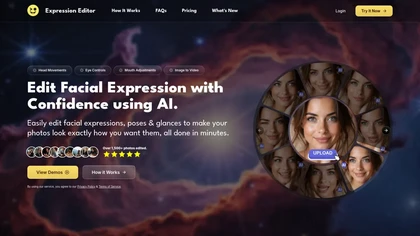
Expression Editor uses AI technology to edit facial expressions in photos and videos, allowing users to adjust head positions, eye details, and mouth shapes for natural-looking results, enhancing professional headshots and social media profiles effortlessly.
Free trial
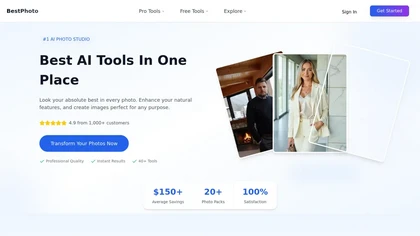
BestPhotoAI is an AI photo studio offering over 40 tools to enhance, create, or transform images. Upload a photo, choose a style like anime or professional headshot, and receive a high-resolution edit in under an hour.
Freemium
ImageToVideo AI converts JPG, PNG, or WebP images into MP4 videos. Users can crop, resize to social‑media ratios, choose speed/quality presets, apply 50+ templates, add AI music, and edit motion via a prompt editor—all watermark‑free.
Paid
Wondershare Filmora® is an AI-driven video editing software that offers intuitive drag-and-drop editing, automatic scene detection, and audio synchronization, alongside templates and effects, making it suitable for beginners and experienced editors alike.
Freemium
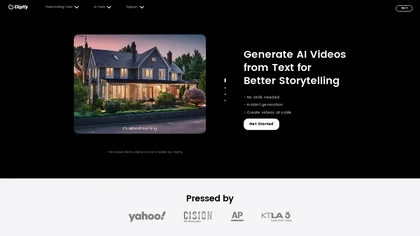
Clipfly turns text prompts into videos, animates images, and adds lifelike touches to photos. With an AI storyboard, one‑click enhancer, background removal, subtitles, and audio integration, it streamlines branded content, social clips, and personal memories.
Free

Pixelied is an online photo editor and design suite that offers brightness, saturation, and filter tools, background removal, a 4 million‑photo library, vector editing, team collaboration, and pre‑made templates for quick resizing.
Freemium
ImagineArt unifies AI‑driven image, video, and audio creation and editing, enabling prompt‑based generation, upscale tools, drag‑and‑drop video workflows, 4K cinematic rendering, and real‑time team collaboration for streamlined media production for artists, designers, and creators.
Freemium

Upload video files (MP4, MOV, MKV, M4V, AVI) and apply AI models—Face, Animation, Denoise, Low‑Light, Colorize—to improve clarity, reduce noise, brighten dark scenes, or add color. Preview changes, upscale to 4K, then download without watermarks.
Paid
PhotoHero.AI lets users replace people, faces, and backgrounds in photos and videos with AI and text prompts. It automatically swaps video faces while preserving motion and lighting, offers one‑click refresh, and speeds production for designers, editors, and marketers.
Freemium
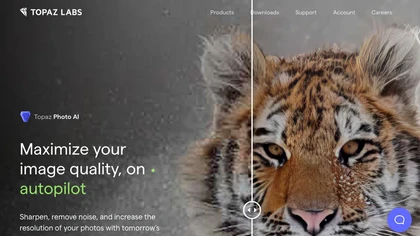
This tool uses deep learning to enhance photos by reducing noise, sharpening, upscaling, and recovering faces.
Paid
- $99
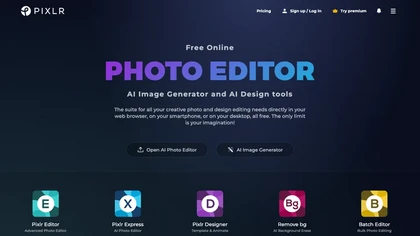
Pixlr is a browser‑based photo editor that uses AI for background removal, generative fill, and object deletion. It offers cropping, color correction, collages, templates, and social media layouts across desktop, tablet, and mobile.
Free trial
- $1.99/mo
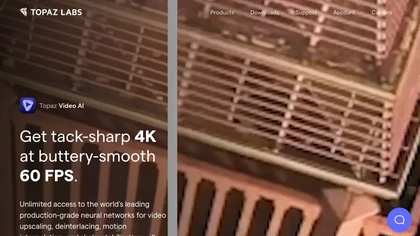
Topaz Video AI is a powerful video enhancement tool that uses AI models to upscale, deinterlace, stabilize, and interpolate frames for high-quality results.
Paid
- $99
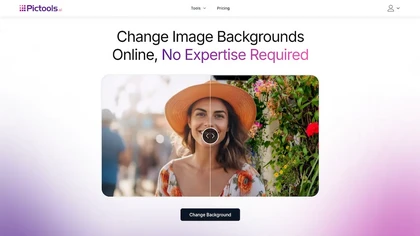
PicTools.AI is a web‑based photo editor that lets users upload images and apply changes via text prompts or over 100 one‑click AI filters—background removal, outfit changes, smile addition, restoration, and artistic styles—without design skills.
Subscription
- $23.4/mo
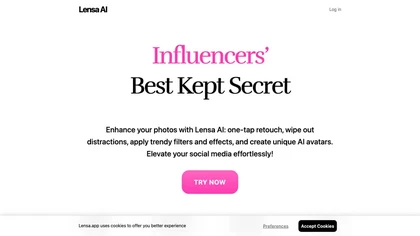
Lensa AI is a mobile photo editor that offers one‑tap portrait retouching, automatic background and object removal, adjustable background blur with bokeh, a variety of social‑media filters, stylized avatar generation, and high‑resolution exports for iOS and Android.
Free trial
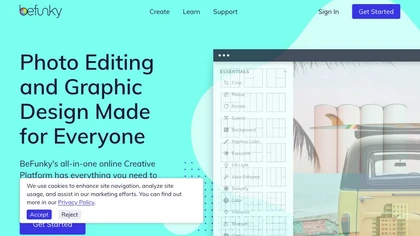
BeFunky is an online editor for photos, collages, and graphics. It offers crop, resize, blur, exposure, batch edits, AI background removal, object erasing, upscale, artistic filters, and drag‑and‑drop templates for banners, flyers, and social‑media posts.
Free
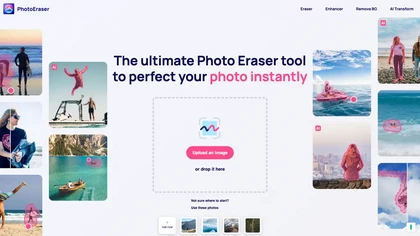
Photo Eraser uses AI to delete objects, people, backgrounds, or blemishes, replace skies, and swap faces. It supports HEIC, PNG, JPG, and offers automatic context‑aware erasing, cropping, and photo enhancement via a drag‑and‑drop interface.
Free