
On Device Screenshot Tagging
The best 50 On Device Screenshot Tagging AI tools - Free & Paid
Explore 50 AI for On Device Screenshot Tagging
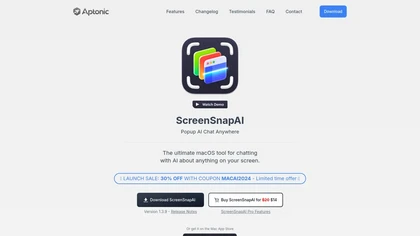
ScreenSnapAI auto‑renames and tags screenshots on macOS, letting users open an AI chat for instant content explanations. Accessible via menu or shortcut, it organizes images with AI‑generated metadata, speeding knowledge capture and retrieval on Intel and Apple Silicon machines.
Freemium
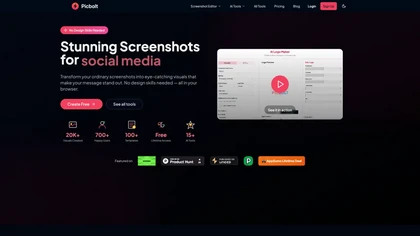
Picbolt is a screenshot editor that transforms screenshots into high-quality visuals with one-click presets, smart cropping, and customizable device mockups. It is ideal for educators, content creators, and small business owners, offering tools for annotations and workflow optimization.
Free trial
Camp is a macOS and iOS screen‑capture app that stores screenshots locally, auto‑tags and titles them, supports keyboard shortcuts, lets users annotate, search by keyword, and pin favorites for quick access.
Freemium
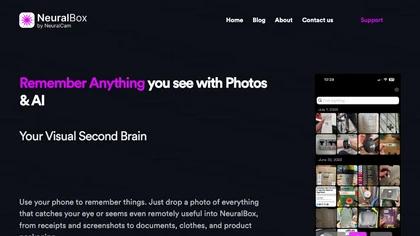
NeuralBox captures photos instantly via camera, lock‑screen widget, or share extension, auto‑imports screenshots, and offers a scanning mode. AI image recognition and OCR enable keyword searches; similarity browsing groups images by visual traits. Files sync locally or in the cloud.
Subscription
- $5.99/mo
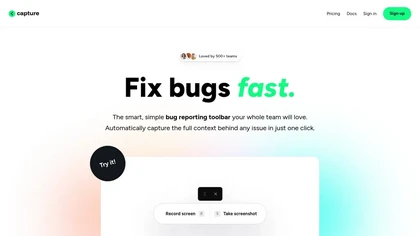
Capture.dev is a bug reporting tool that simplifies issue reporting with an intuitive toolbar, automatically captures context, and integrates with collaboration tools. It enhances communication and productivity by generating detailed bug reports and annotated playback for efficient resolution.
Free trial
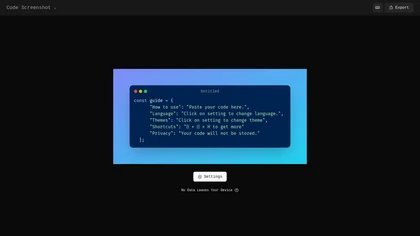
Code Screenshot allows developers to convert code snippets into visually appealing images with syntax highlighting for various languages. It features customizable themes, keyboard shortcuts for efficiency, and local storage for enhanced privacy in sensitive projects.
Freemium
InShot is a mobile video editor that lets users cut, trim, and layer clips, auto‑generate multilingual captions, add music, intros/outros, and apply AI‑driven, 3D, glitch, and lens transitions, text, stickers, and picture‑in‑picture overlays.
Free
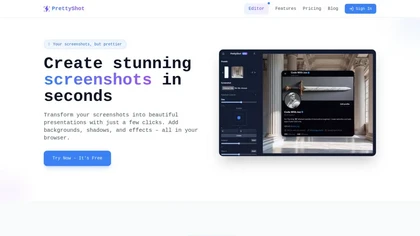
PrettyShot is a web-based tool that enhances standard screenshots by adding backgrounds, shadows, and effects, allowing users to create professional-quality visuals. It supports mockups with device frames and offers efficient preset slots for customization.
Free trial
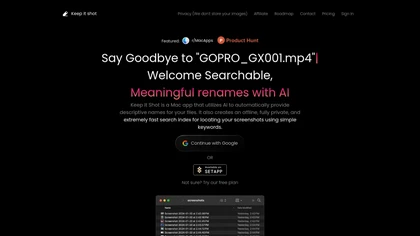
Keep It Shot is a macOS app that auto‑generates descriptive names for screenshots, builds a local index for quick keyword search, allows bulk renaming with two clicks, and can revert to original filenames if needed. OCR adds metadata.
Subscription
- $8/mo

SnapEdit is an AI‑driven photo editor that removes objects, backgrounds, and text, provides 100+ background templates, upsamples images to HD/4K, and offers skin retouching, all accessible via web, iOS, and Android.
Freemium
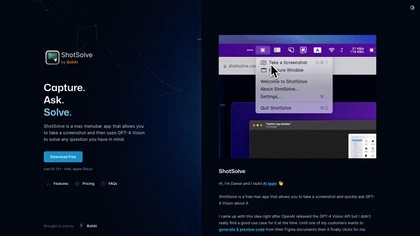
ShotSolve is a native macOS app that captures screenshots and uses GPT‑4o for instant queries. It offers a clean chat interface with themes, code styling, context controls, secure key storage, and configurable parameters for custom AI interactions.
Free
- $29/mo
SyncSketch is a cloud-based collaboration tool for visual effects and gaming professionals, enabling remote teams to review media efficiently with synchronized presentations, frame-accurate annotations, version comparisons, and mobile access, while integrating with platforms like Jira and ShotGrid.
Free trial

Mckp.live offers a Figma plugin and online editor with over 4,000 editable mockups, including device, branding, print, animated and illustration templates. Designers can replace artwork, adjust layouts, preview across devices, use presets and download assets.
Subscription
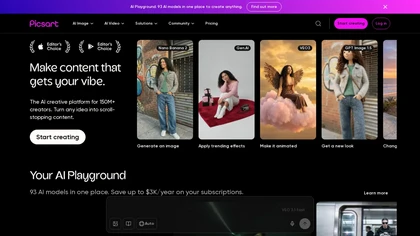
Picsart is a web and mobile photo editor and design app offering layers, filters, color correction, retouching, automatic background removal, collage and template tools, stickers and text overlays, basic social-video editing, and AI image generation with cross-device sync.
Freemium

Mobicip lets parents set daily and weekly screen‑time limits across iOS, Android, macOS, Windows, Chromebook, and Kindle. It blocks distracting or adult sites, monitors social media for harmful content, tracks locations with geofences, and supplies activity reports for informed decisions.
Paid
- $2.99/mo
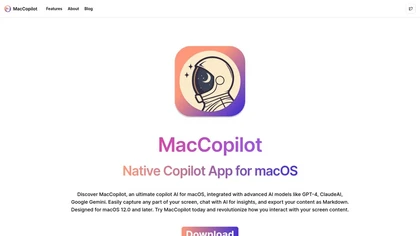
MacCopilot lets macOS users select any screen area, capture screenshots, and chat with AI models—GPT‑4o, Claude, Gemini, or local Ollama—to receive instant visual analysis, code reviews, design feedback, and contextual insights directly on‑screen. Hotkeys and history improve workflow.
Free

Nametag verifies workforce and high‑risk customer identities, blocking deepfake and AI impersonation. It automates onboarding, MFA, password resets, and helpdesk checks in under 30 seconds, integrating with IAM, SIEM, ITSM, and HRIS to lower support tickets and costs.
Freemium

Cloud Phone is a cloud-based platform that enables users to run real Android environments, manage multiple devices concurrently, and automate applications securely, offering customizable profiles and insights for effective marketing and account management.
Freemium
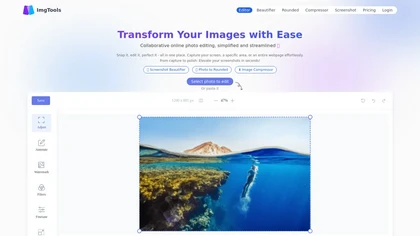
ImgTools is a versatile screenshot tool that simplifies capturing, editing, and enhancing images efficiently. It offers features like screenshot beautifier, advanced editing options, collaborative online editing, and customization tools to elevate your visuals effortlessly.
Freemium
Screenshot Coder transforms visual mockups into production‑ready frontend code in seconds, supporting Tailwind CSS, Bootstrap, and React. It delivers responsive, clean UI code directly from screenshots, accelerating prototyping for designers and developers.
Free
Sentiance processes sensor data on-device to generate real‑time behavioral insights for drivers and mobile users, enabling safety monitoring, fraud detection, usage‑based insurance, and personalized in‑vehicle features while keeping data privacy and bandwidth minimal.
Subscription
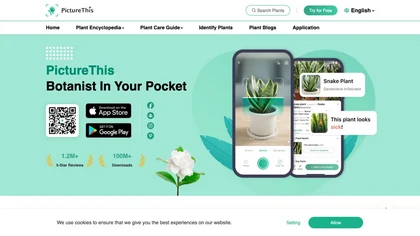
PictureThis uses AI photo recognition to instantly identify plants, trees, and insects, offering species names, disease detection, care tips, toxicity alerts, and seasonal guidance. It supports offline access, a vast multilingual encyclopedia, and community sharing.
Free trial

Pale Blue Dot combines AR spatial mapping, geo-anchored overlays and AI screenshot analysis with location-based social networking for creators, educators, runners and coffee communities, plus AI agents and archive tools to automate tasks and maintain searchable project records.

On‑device voice transcription keeps recordings private. A global hotkey captures spoken text across apps, auto‑formatting it for use. 50+ AI actions convert speech to emails, summaries, or structured data, and can route to Notion, Slack, or webhooks.
Paid
- $15.83/mo
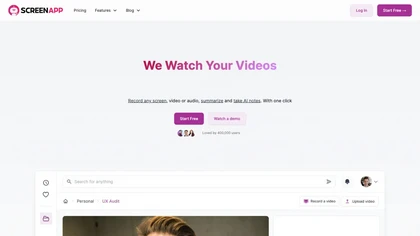
ScreenApp records and transcribes audio/video meetings, extracts key points and action items, and delivers searchable summaries and exports. It integrates with Zoom, Google Meet, YouTube and supports real‑time translation, helping teams quickly locate information.
Subscription
- $199/mo
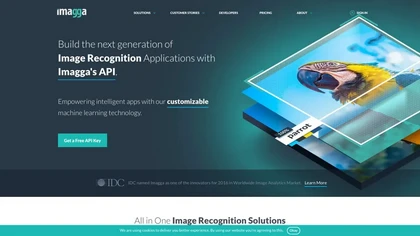
Imagga offers APIs for image and video recognition, providing tagging, categorization, smart cropping, background removal, color extraction, face and OCR detection, and custom model training. It supports safe content moderation and visual search for media, e‑commerce, and more.
Freemium

Draw Things is an AI-assisted image-generation app for iOS, iPadOS, and macOS that converts text prompts into images, supports on-device model downloads and LoRA training, image-to-video conversion, infinite canvas, style transfer, and model import/export.
Freemium

Jelli is a Chrome extension that captures screenshots with a hotkey and copies them to the clipboard. Users can annotate by drawing arrows or rectangles directly on the image, then paste into Slack, Jira, or documents.
Freemium
- $19.99/mo

Shotva is an AI tool that transforms screenshots into polished images with customizable backgrounds, frames, and annotations. Its auto-styling feature analyzes content to create cohesive designs, while also streamlining ad creation with brand identity scraping.
Free

PhotoGrid is a browser‑based AI photo editor that offers one‑click enhancement, background removal, and upscaling. It lets users build collages from 20,000 templates, add stickers, text, custom backgrounds, and convert images into short video clips.
Subscription
- $2.83/mo
An online image tool with features including background removal, image resizing, text addition, color palettes, conversion, and AI-powered social media bios, market slogans, business name ideas, and hashtag generation.
Free

Photoleap is an iOS‑only photo editing app that uses AI for quick enhancements, background removal, object deletion, collage creation, filters, text‑to‑image, video from stills, 4K upscaling, style transfer, portrait retouching, and hair color simulation.
Free trial
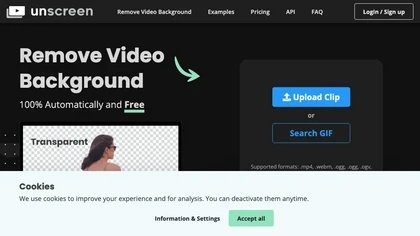
Unscreen is a cloud video editor that removes backgrounds from clips and exports them instantly, with format conversion and resizing. It offers plugins for After Effects and Premiere Pro and integrates with Canva for AI‑enhanced features.
Freemium
- $9
Screenpipe records screen and microphone continuously on macOS, Windows, or Linux, stores data locally, indexes it by text/audio, and runs AI agents that update CRMs, transcribe meetings, track expenses, or monitor competitors, delivering structured data to apps like Slack or Notion. Privacy is kept
Subscription
- $35/mo
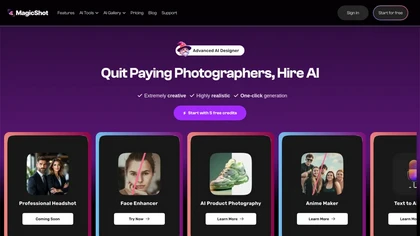
MagicShot.ai creates images, videos, and audio from text or photos. It offers AI image generation for product shots, logos, icons, and book covers, and a video generator that animates photos. Editing, avatars, stickers, QR codes, and 3D tools streamline design.
Paid

SwingVision is an on-device iOS app for tennis and pickleball that records matches, detects shots, tracks ball trajectory and player movement, and produces highlights, per-shot statistics, speed estimates, line-call indicators, exportable stats, and shareable session links.
Freemium
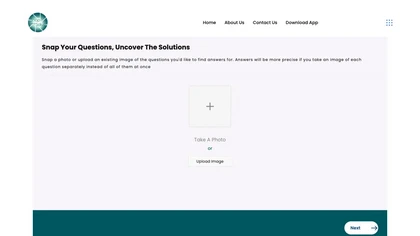
SnapAndSolve uses OCR and language‑model inference to turn photographed questions into quick, accurate answers. Users capture or upload images, crop for focus, and receive concise, context‑aware responses in seconds, supporting multiple languages for students, professionals, and educators.
Freemium
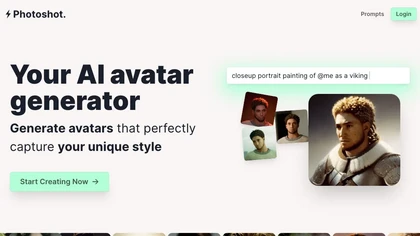
Photoshot lets users upload multiple selfies to train a personalized AI model, automatically producing high‑resolution (4K) portraits that reflect their unique look. Detailed prompts and iterative refinement allow precise, creative outputs for individual creators and brand teams.
Paid
- $12
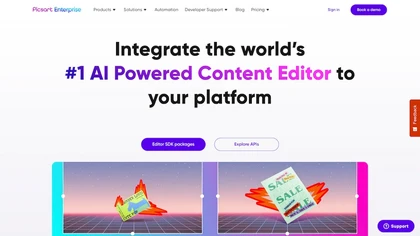
Picsart.io empowers creators and businesses with AI-driven tools for image and video editing, including background removal, generative AI features, format conversion, and video optimization, ensuring seamless workflows and user-friendly integration.
Free trial

GStory.ai is an AI-powered creative suite for video and photo editing. Its core features include automated subtitle generation, background removal, and tools for enhancing image quality and removing watermarks.
Freemium
- $0.03
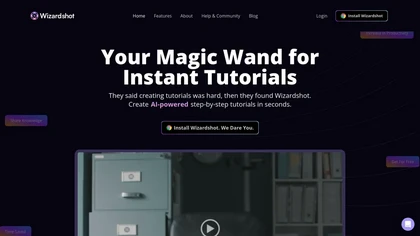
Wizardshot is a web app and Chrome extension that automatically converts screen recordings into structured, step‑by‑step tutorials. It exports to PDF/DOC, GIFs, embeds videos, supports team collaboration, role‑based access, blurs sensitive data, and provides analytics on usage and gaps.
Free
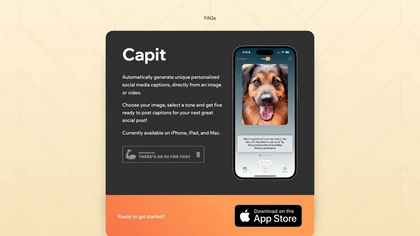
CapIt FAQs is an AI tool that generates tailored social media captions swiftly. It offers 5 distinct caption choices based on image tones selected, with upcoming features including hashtag suggestions and direct caption creation for optimized post content.
Free
Swipe Insight delivers daily digital‑marketing and analytics content from 500+ sources via web, iOS, and Android. Users swipe 9‑second summaries, personalize with AI recommendations, filter topics, bookmark, and receive smart notifications, all with privacy‑focused browsing.
Freemium

TestSprite automates full‑stack test generation and execution, converting source code and user flows into CI/CD‑ready suites. It offers a no‑code visual editor, continuous regression checks, and unified batch coverage for API, UI, and data testing, streamlining release reliability.
Freemium
- $69/mo
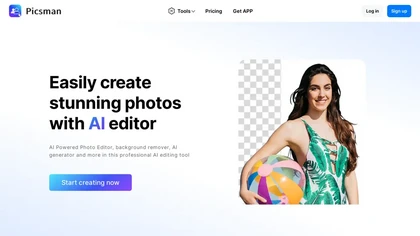
Picsman is an AI‑powered editor that removes or replaces backgrounds, ups image resolution, and applies styles like Ghibli or cartoon. It also offers text‑prompt editing, video generation, image extending, and watermark removal for quick, high‑definition results.
Free
- $5.99/mo
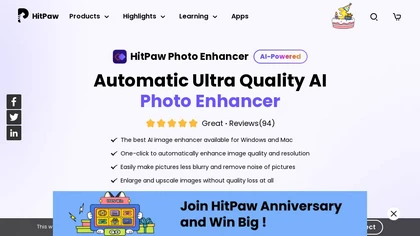
HitPaw FotorPea automatically enhances photos by applying AI models for sharpening, denoising, face and color correction. It unblurs images, upsizes to 4K/8K, restores old photos, removes backgrounds, and generates images from text prompts.
Free trial
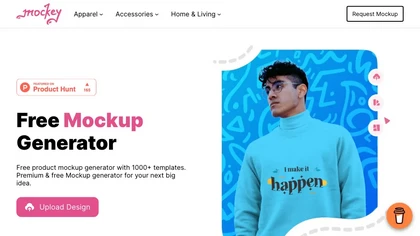
Mockey AI creates watermark‑free product mockups from 20,000+ templates across 45 categories. Upload PNG/JPEG designs, adjust placement and backgrounds, and use AI tools like background removal. It offers 3D and video mockups for animation on desktop, mobile, and Play Store.
Freemium
- $5.7/mo
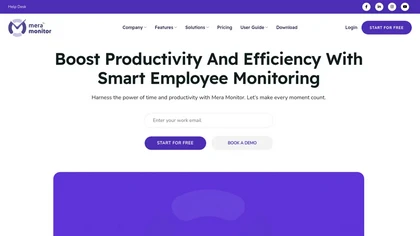
Real‑time employee monitoring for Windows, macOS, and Linux. Tracks screens, keystrokes, and apps, offering dashboards, analytics, and reports. Supports office, remote, hybrid, and offline modes with time‑tracking, alerts, SSO, API, and compliance‑ready data retention.
Subscription
- $3/mo