
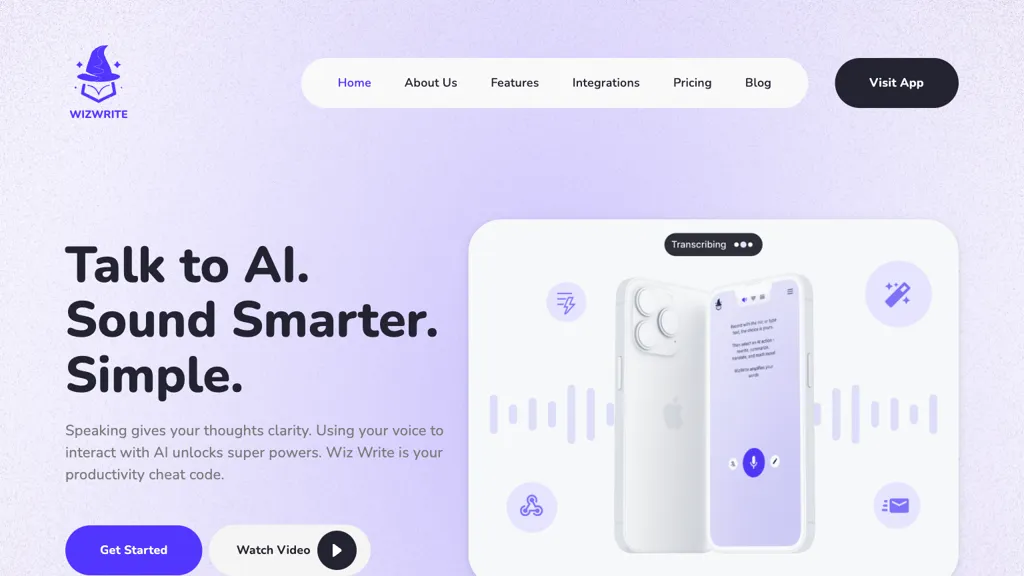
What is Wiz Write?
WizWrite offers on‑device voice transcription that keeps recordings private without uploading to a server, supporting Mac, iPhone, iPad, and web browsers.
Users can activate a global hotkey to capture spoken text in any application, with the system automatically formatting and polishing it for immediate use.
The tool includes 50+ customizable AI actions that convert spoken input into emails, summaries, or structured data, and can be routed to Notion, Slack, or any destination via webhooks.
A privacy‑first mode disables internet connectivity for maximum confidentiality, while an optional cloud mode provides higher accuracy for users who need it.
Integrations with Zapier, a Chrome extension, and API access enable workflows across business tools and custom automation.
Designed for professionals such as medical, legal, and meeting attendees, WizWrite streamlines documentation by reducing transcription time and eliminating manual typing.
Wiz Write details
- Jurisdiction
- State of Wyoming
- Built for
- Individuals
Wiz Write tech specs
- Works with
- OpenAI / Whisper
- Integrations
- Zapier Slack Google Workspace Trello
Wiz Write pricing
PaidVerify on the official pricing page.
View plansWiz Write's key features
-
On-device AI transcription
-
System-wide hotkeys for speech
-
Voice-activated Magic Instruct
-
Custom AI personas
-
Webhook-triggered instant actions
-
Parallel AI actions
-
Full Developer API access
Wiz Write use cases
-
Create confidential voice notes for legal teams that auto‑transcribe via on‑device speech‑to‑text and upload summaries directly to Notion
-
Capture meeting highlights with a single hotkey, instantly converting spoken points into concise Slack threads while keeping data private
-
Record field observations on the go and transform speech into structured JSON sent through secure webhooks to your data pipeline
Wiz Write user reviews
Based on 1 review, 100% of users recommend Wiz Write, rated highly for quality results.
Liked for
Would you recommend Wiz Write?
Who is Wiz Write for?
-
Content creators
-
Voice operators
-
Language learners
-
Automation engineers
-
Workflow engineers
Wiz Write FAQ
How much does Wiz Write cost?
Wiz Write is a paid product with no free plan. Plans include Basic at $19, Premium at $39 and Team at $119.
What are the best alternatives to Wiz Write?
The closest alternatives to Wiz Write are superwhisper, Speechnotes, VoiceType, Voicenotes and AudioNotes. You can compare them side by side in the alternatives section further down this page.
What does Wiz Write do with my data?
Its privacy policy states that personal data is not sold or shared for marketing purposes. Data may be shared with third-party service providers that help run the product.
Does Wiz Write have an API?
Yes. Wiz Write offers an API, so you can call it from your own applications instead of using the interface directly.
Is there a mobile app for Wiz Write?
Yes. Wiz Write has a mobile app alongside its web version.
Which AI models does Wiz Write use?
Wiz Write is built on OpenAI / Whisper. Which models you can reach may depend on your plan.
What does Wiz Write integrate with?
Wiz Write connects with Zapier, Slack, Google Workspace and Trello.
Compliance, privacy and billing terms are as stated in each product's own published documentation and have not been independently verified by TopAI.tools.


