
Dynamic Caption Remover
The best 50 Dynamic Caption Remover AI tools - Free & Paid
Explore 50 AI for Dynamic Caption Remover
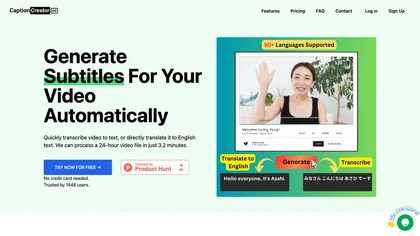
CaptionCreator automatically transcribes and captions audio/video in over 50 languages, detecting input language and translating to English. It handles noisy and multilingual speech, supporting files up to 2 GB and offering unlimited processing for registered users.
Paid
- $30
ChatCut is a browser and ChatGPT-plugin video editor that uses transcript-based editing to remove fillers, trim and reorder talking-head footage, assemble coherent cuts, generate motion graphics, B-roll, captions (100+ languages) and AI music, and export timelines.
Subscription
- $25

Clipdrop uses deep learning to remove backgrounds, objects, and text, upscale images, adjust lighting, uncrop, and resize. It also offers text‑to‑image generation and an API for developers, supporting design, marketing, and app workflows.
Subscription
Auto Caption AI instantly generates subtitles in 99+ languages, preserving full HD 1080p/60 fps video quality. Editors can adjust fonts, colors, placement, and use ready‑made or custom templates, with one‑click emoji insertion to enhance captions.
Subscription
- $14/mo
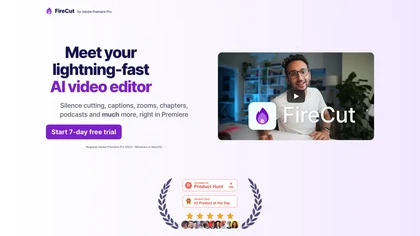
FireCut is an AI‑powered plugin for Premiere Pro and DaVinci Resolve that cuts silence, filler words, profanity, and repetitions. It auto‑generates multilingual captions, adds chapter markers, auto‑zoom, B‑roll, music, voiceover transcription, and short‑video exports for social media.
Subscription
- $10/mo
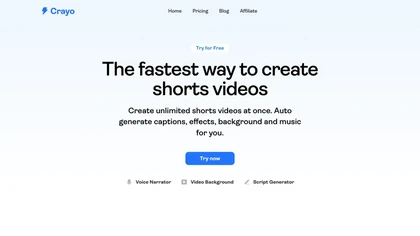
Crayo is a browser‑based AI video editor that lets creators upload or link clips, choose from 15+ subtitle styles, generate voiceovers, enhance speech, remove backgrounds, and produce short‑form videos in seconds, with tools for clipping, split‑screen, compression, and audio balance.
Subscription
- $19
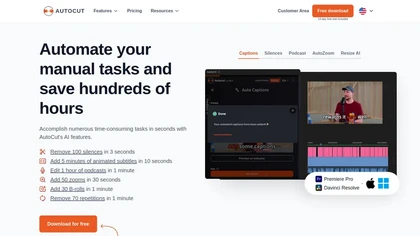
AutoCut AI is a Premiere Pro and DaVinci Resolve extension that automates routine editing—removing silences, auto‑captions, speaker‑driven angle cuts, context zooms, key moment extraction, stock integration, duplicate discard, profanity filtering, chapter markers, and social‑media resizing.
Paid
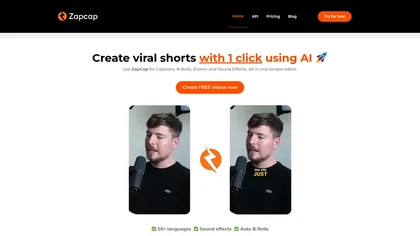
Zapcap is an AI-driven video creation tool that automates caption generation, adds trendy templates and sound effects, and selects b-rolls. It simplifies the video editing process to enhance viewer engagement and maximize social media discoverability.
Free trial
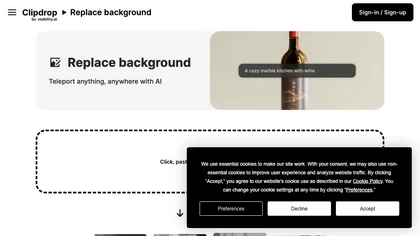
Clipdrop is an AI-driven tool for background replacement and image editing, allowing users to easily swap subjects with new environments, and provide additional capabilities like resizing, text removal, and relighting.
Free

Clipfly turns text prompts into videos, animates images, and adds lifelike touches to photos. With an AI storyboard, one‑click enhancer, background removal, subtitles, and audio integration, it streamlines branded content, social clips, and personal memories.
Free
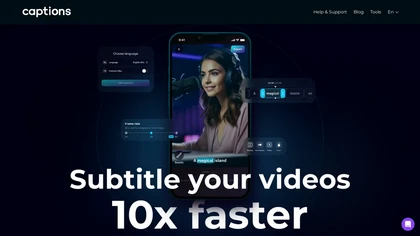
Captions App is an AI tool that simplifies adding subtitles and captions to videos with auto-generation, translation, and customization options. It also offers AI dubbing in over 100 languages, enabling creators to enhance accessibility and engage a broader audience effortlessly.
Freemium
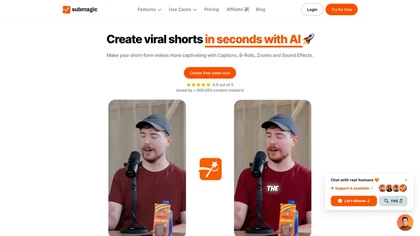
Submagic automates short‑form video editing, offering multilingual captions, text‑based trimming, AI‑powered features like auto‑zoom and eye‑contact correction, and direct multi‑platform publishing up to 4K@60fps, cutting editing time by up to 90%.
Free
- $1.33/mo

removefrom.video uses AI video inpainting to remove watermarks, logos, text, subtitles and unwanted objects from MP4, MOV and WEBM files. Drag-and-drop upload, automatic detection and manual masking with cloud processing that preserves motion and lighting.
Freemium
- $8.33/mo
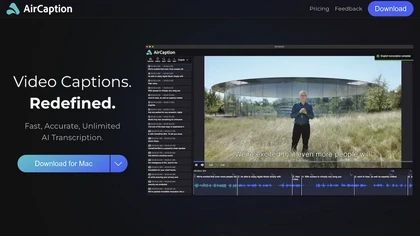
AirCaption offers offline, privacy‑first speech‑to‑text transcription and captioning for audio/video across 67 languages. It supports batch processing, hotkeys, editable timings, and export to standard formats, aiding editors, podcasters, researchers, and educators.
Subscription
- $9.99/mo
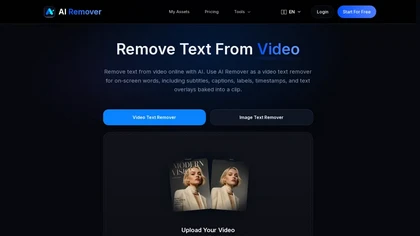
AIRemover.org is a web-based AI tool that removes on-screen text, subtitles, logos, and watermarks from videos and images with automatic detection or manual selection. It preserves background detail and resolution, allowing fast preview and download without frame-by-frame editing.
Freemium
CapCut is an AI-powered video editor & design tool with social media templates, background removal, upscaling, color correction, portrait generation, text-to-speech, voice changers, and team collaboration support - accessible online and for Mac download.
Free trial
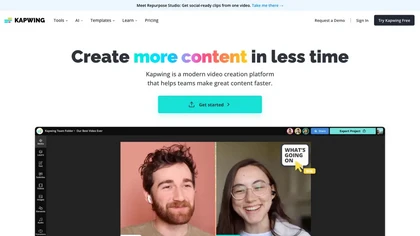
Kapwing is an online video platform offering drag‑and‑drop editing for trimming, layering, overlays, and team collaboration. Its audio tools record, edit, and clean tracks; subtitler auto‑generates captions in 40+ languages.
Freemium

Unscreen is a cloud video editor that removes backgrounds from clips and exports them instantly, with format conversion and resizing. It offers plugins for After Effects and Premiere Pro and integrates with Canva for AI‑enhanced features.
Freemium
- $9

Picsman is an AI‑powered editor that removes or replaces backgrounds, ups image resolution, and applies styles like Ghibli or cartoon. It also offers text‑prompt editing, video generation, image extending, and watermark removal for quick, high‑definition results.
Free
- $5.99/mo
Cleanvoice AI automates podcast post‑production by removing background noise, filler words, pauses, mouth sounds, and breath artifacts in 20+ languages. It offers transcription, summaries, show notes, chapter markers, multi‑track editing, a drag‑and‑drop interface, and an API for batch processing.
Paid
ObjectRemover uses AI to erase unwanted people, stickers, logos, text, and clutter from images. Drag‑and‑drop JPG, PNG, or WebP files up to 10 MB, preview edits, and download watermark‑free results in seconds with high‑quality output.
Free
HitPaw Online Background Remover uses AI to delete backgrounds in seconds, supporting single or up to 50‑image batch uploads. It offers transparent, black, or template backgrounds, realistic shadows, and works on Windows, macOS, iOS, Android, and browsers.
Freemium

Smartrazor automates video editing by removing mistakes and pauses, adding English captions, and zooming to highlight speakers. It accepts uploads or live feeds, lets users fine‑tune edits via a transcript editor, and exports to YouTube or downloads.
Subscription
- $9/mo

AI Background Remover deletes backgrounds from JPG, PNG, WebP images while preserving resolution, handling up to 500 at once. Users can replace with color, gallery, or upload; ideal for designers, marketers, and e‑commerce workflows.
Freemium
- $9

Vmake automates UGC and viral video cloning, producing product, fitness, and real‑estate clips with AI editing tools—watermark removal, background swap, noise suppression, upscaling. It auto‑generates captions, hooks, thumbnails, supports batch processing, and offers a teleprompter for polished deli
Free
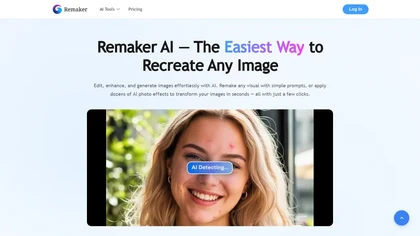
remaker ai offers web and mobile AI image and video editing for creators and teams, including upscaling, background removal, object erasing, face swap, text-to-image, lip-sync, batch processing and templates for short-form social content.
Free trial

Clipdrop is an AI image editor that adjusts aspect ratios, extends boundaries, and adds background space while preserving detail. It offers background removal, object cleanup, relighting, universal resizing, upscale, and text‑to‑image generation for photographers and designers.
Freemium
- $15/mo

FlexClip is an online video editor with templates, resources, and powerful tools to create and edit videos for various purposes, as well as integration with royalty-free stock media providers and easy social media sharing.
Freemium
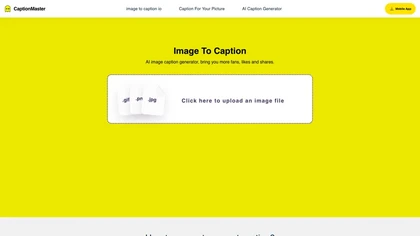
Generate one‑click captions for photos in any language. Upload an image, pick a target platform, and receive a tailored caption from a library of 100+ categories. Copy or download the text directly for use on social media.
Freemium
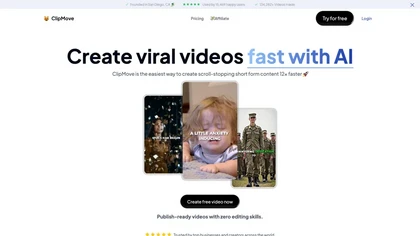
Clipmove is an AI video production tool that simplifies short-form content creation, featuring AI script generation, an avatar generator, dynamic captions in 40+ languages, and audio-video enhancement for quick, engaging video outputs.
Free trial
- $14.33/mo
Deepswap is an AI-powered face swap online app that allows users to deeping swapping in photos, and GIFs using AI technology. Deepswap is uncensored and supports generating adult photo generation.
Subscription
- $4.17/mo

Nemovideo is an AI video editor that automates short-form content creation by generating trend-based scripts, storyboards, and auto-editing clips. Its tools include automated highlight selection, voiceovers, captions, and a talking-head editor for rapid production of social media videos.
Freemium
- $12.99/mo

Browser-based, client-side tool that detects, visualizes, and removes 30+ invisible Unicode watermark and formatting characters (ZWSP, ZWJ, NBSP, BOM, etc.), preserving visible punctuation while offering real-time stats and configurable cleaning for publishing and data preparation.
Free

Image Describer generates detailed text from jpg/png/webp/gif images up to 5 MB. Users choose templates or custom prompts, process bulk uploads, export English descriptions, alt text, marketing copy, or AI art prompts, with TTS and OCR support.
Freemium
- $7.9

GStory.ai is an AI-powered creative suite for video and photo editing. Its core features include automated subtitle generation, background removal, and tools for enhancing image quality and removing watermarks.
Freemium
- $0.03

Captionic is a free AI caption generator that creates subtitles for short videos, enhancing accessibility and engagement. It supports multiple languages and allows seamless integration, optimizing content for a wider audience and improved SEO.
Free
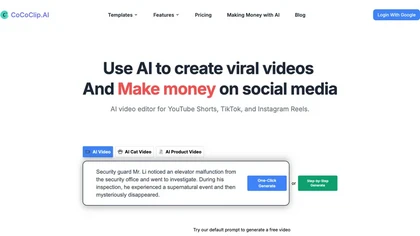
CoCoClip.AI transforms text prompts into videos, auto‑edits image sequences, and tracks real‑time trends on TikTok, YouTube Shorts, and Instagram Reels. It offers face swap, watermark removal, talking photos, lip‑sync, and creative generators for efficient content creation.
Paid
- $14.9/mo
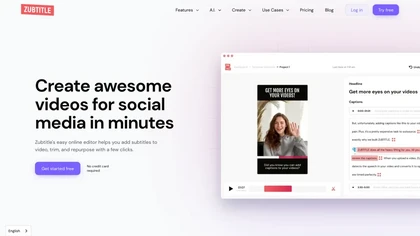
Zubtitle automatically captions videos, offers brand‑style templates and editing tools, and outputs ready‑to‑post formats for TikTok, YouTube, and LinkedIn. It adds subtitles, chapter timestamps, watermarks, and AI‑generated post copy.
Freemium
DupDub converts ideas into polished text, offers AI text‑to‑speech with 700+ voices across 90 languages, creates animated speaking avatars, automates video editing with subtitles and effects, and provides voice cloning and API integration for streamlined media production.
Freemium
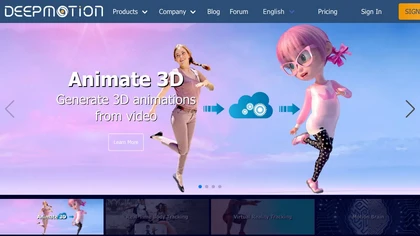
DeepMotion converts video or text into realistic 3‑D character animation, extracting motion from a single camera and offering real‑time body and facial tracking for game devs, VR artists, and content creators. Its API integrates into pipelines, speeding production.
Freemium
- $9/mo

PhotoGrid is a browser‑based AI photo editor that offers one‑click enhancement, background removal, and upscaling. It lets users build collages from 20,000 templates, add stickers, text, custom backgrounds, and convert images into short video clips.
Subscription
- $2.83/mo
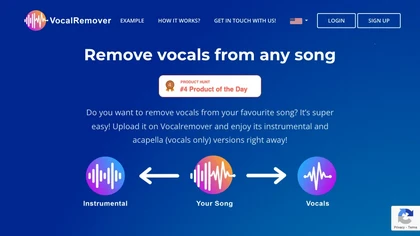
VocalRemover separates vocals from music in audio or video files up to 10 GB, supporting .wav, .mp3, .flac, .ogg, .opus, .mp4, .mkv, .avi, and .mov. Outputs include karaoke, vocals‑only, and individual instruments, with quick batch processing and temporary storage.
Subscription
- $4.99/mo