
Automatic Color Grading
The best 50 Automatic Color Grading AI tools - Free & Paid
Explore 50 AI for Automatic Color Grading

GradeLab automates the grading of handwritten exams using OCR technology, providing accurate digital assessments. It offers real-time student progress tracking, personalized feedback, and customizable rubrics, enhancing efficiency and instructional focus for educators across various subjects.
Free
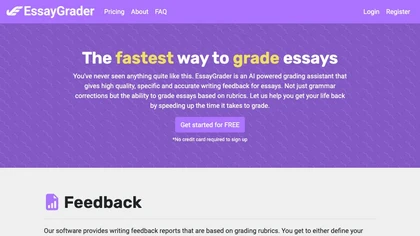
EssayGrad is an AI-powered tool that grades essays and provides specific feedback based on rubrics, identifies areas for improvement, summarizes the essay, detects AI-written essays, and reports grammar, spelling, and punctuation errors.
Freemium

AutoBG automatically removes vehicle backgrounds, blurs license plates, and adds realistic shadows. Users select premium studio backdrops, receive manual QC, and export via web, mobile, or API, with options for upscaling and background replacement for consistent, error‑free imagery.
Freemium
- $0.13
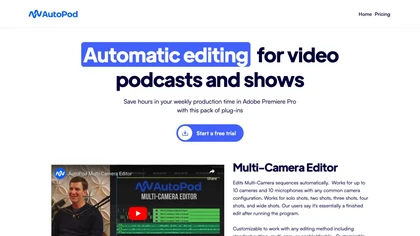
AutoPod automates podcast editing in Premiere Pro, handling up to 10 cameras and microphones, offering customizable cuts, reusable presets, social‑media clip generation with auto‑reframe and batch export, and jump‑cut creation based on audio levels.
Subscription
- $29/mo
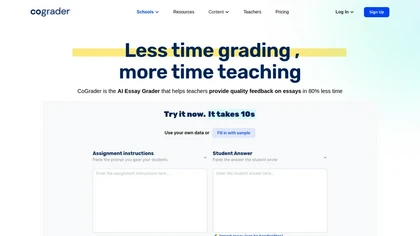
Cograder is an AI essay grading tool that integrates with Google Classroom, allowing educators to import, grade, and provide feedback efficiently, reducing grading time by up to 80% while supporting differentiated learning and state test preparation.
Free trial
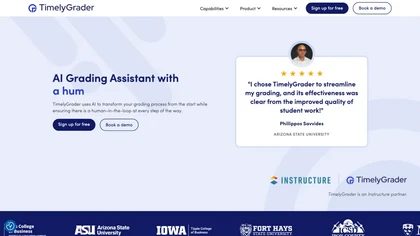
TimelyGrader is an AI grading tool that combines machine learning and human oversight for precise assessments. It supports various assignments, offers customizable rubrics, and provides real-time analytics, enhancing efficiency while maintaining data privacy and integrity.
Freemium
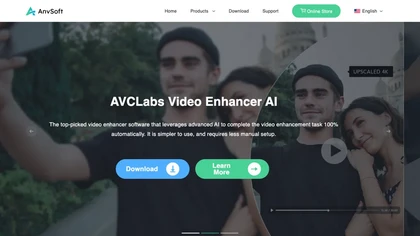
AVCLabs Video Enhancer AI uses deep learning to upscale, denoise, sharpen, colorize, and interpolate frames, automatically detecting and refining faces. It supports batch conversion, preview comparison, multiple formats, preserves frame rates, and leaves originals unaltered.
Free
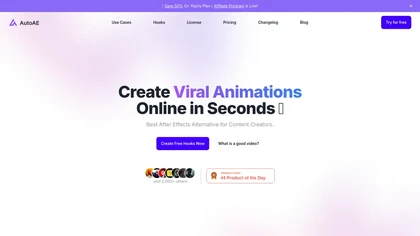
AutoAE transforms scripts or ideas into motion graphics using AI. Choose from text, flowchart, mockup, 3‑D, and web‑search templates, edit colors and images in real time, and export finished videos for sharing or further editing.
Freemium
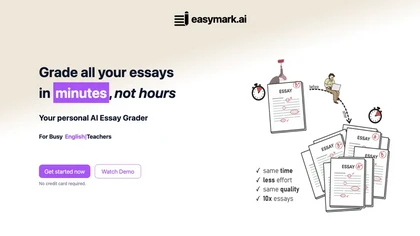
EasyMark uses AI to grade PDFs, images, and scanned essays, generating error lists, improvement suggestions, and rubric-based scores. It handles up to 750 essays monthly, boosting grading speed while ensuring consistent, detailed feedback.
Freemium
- $15/mo
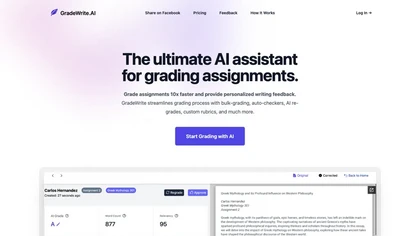
GradeWrite lets educators bulk‑upload up to 3,000‑word submissions, auto‑flagging word‑count, rubric, AI‑content, and plagiarism issues. It offers detailed grammar feedback, custom rubrics, side‑by‑side review, auto‑summaries, and privacy‑aligned data handling to streamline assessment workflows.
Freemium
- $24.99/mo

Color Wheel automatically colorizes grayscale flat graphics, generating thousands of palettes from one upload. Users tweak schemes and preview styles from Warhol to NES, saving locally with no registration for web and UI projects.
Free

Retouch4me is an AI retouching suite that functions as Photoshop plugins or standalone apps. It automates skin, eyes, hair, clothing, and background edits in real‑time, supports RAW and batch workflows, and offers video color grading with offline processing.
Paid


AutoDraft AI turns text, sketches or images into animated cartoons, offering AI voice synthesis, background generation, character creation, advanced animation controls, and cross‑platform editing—all without requiring prior design experience.
Subscription
- $22/mo

AutoShorts.ai creates faceless TikTok/YouTube videos from prompts, auto‑scripts, selects images and music, offers preview edits, then schedules posts. Videos are HD, watermark‑free, optionally voice‑cloned, with usage tracking and ownership retained.
Subscription
- $19/mo

VSCO is a cross-platform photo and video editor combining 200+ presets, analog-style Film FX and precision exposure/color controls with AI-powered Remove and retouching, live in-app capture, clip-level video edits, and portfolio/workspace tools for creators.
Freemium

AutoCut AI is a Premiere Pro and DaVinci Resolve extension that automates routine editing—removing silences, auto‑captions, speaker‑driven angle cuts, context zooms, key moment extraction, stock integration, duplicate discard, profanity filtering, chapter markers, and social‑media resizing.
Paid
Autodraw is an AI tool for quick drawing using machine learning, with a how-to section and shortcuts.
Free

CinemaFlow AI converts scripts into full videos with one-click automated scene selection and AI cinematography. It offers customizable templates and cinematic styles, advanced editing with real-time previews, adjustable SD–4K rendering, and team collaboration controls.
Subscription
Vmake automates UGC and viral video cloning, producing product, fitness, and real‑estate clips with AI editing tools—watermark removal, background swap, noise suppression, upscaling. It auto‑generates captions, hooks, thumbnails, supports batch processing, and offers a teleprompter for polished deli
Free

UniFab AI enhances video and audio with AI: upscales to 16K 120fps, denoises, colorizes black‑and‑white, sharpens faces, converts formats, upmixes to surround sound, removes vocals, and supports batch GPU‑accelerated processing for creators and archivists.
Paid

ImageColorizer automatically colorizes black‑and‑white photos, doubles resolution, removes scratches, deletes unwanted objects, and retouches portraits. It supports batch processing, delivering high‑quality, corrected images quickly for restorers and hobbyists and preserves surrounding detail.
Freemium
- $3.9/mo

PhotoGrid is a browser‑based AI photo editor that offers one‑click enhancement, background removal, and upscaling. It lets users build collages from 20,000 templates, add stickers, text, custom backgrounds, and convert images into short video clips.
Subscription
- $2.83/mo
PitchGrade uses AI to score and refine pitch decks across six dimensions, auto‑generates investment theses, builds DCF and comparable models, matches decks to top investors, and delivers real‑time financial insights with exportable PPT/PDF decks.
Subscription

Colorcinch converts photos to cartoons, sketches, or paintings with one click, offers AI background removal, adjustable sliders, overlay effects, multi‑layer editing, high‑resolution export to JPG/PNG/PDF, all usable online/offline without login.
Free
- $8.99
Kolorize automatically colorizes grayscale, black‑and‑white, or sepia images in 3–8 seconds. It accepts JPEG, PNG, WebP, GIF, or AVIF up to 4096×4096 pixels, resamples larger files, outputs colorized JPGs, and deletes uploads after processing.
Freemium
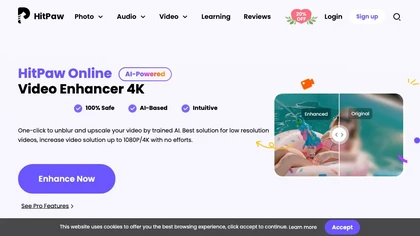
Upload video files (MP4, MOV, MKV, M4V, AVI) and apply AI models—Face, Animation, Denoise, Low‑Light, Colorize—to improve clarity, reduce noise, brighten dark scenes, or add color. Preview changes, upscale to 4K, then download without watermarks.
Paid

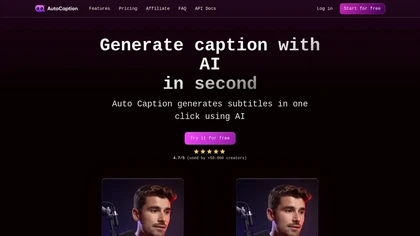
Auto Caption AI instantly generates subtitles in 99+ languages, preserving full HD 1080p/60 fps video quality. Editors can adjust fonts, colors, placement, and use ready‑made or custom templates, with one‑click emoji insertion to enhance captions.
Subscription
- $14/mo

GradesAI is an AI study tool that offers personalized study plans, practice tests, quizzes, flashcards, and more. By leveraging AI technology, it helps users learn faster, track progress, and explore new topics effortlessly.
Freemium
AutoRetouch uses AI to automate photo retouching, model replacement, and platform‑ready visual generation for fashion brands and marketplaces. It standardizes supplier content, cuts production time and costs, reduces manual edits or reshoots, and scales visual production quickly.
Freemium
AI Video Enhancement enlarges and improves video/images with no quality loss, scaling to 2K/4K/8K, noise‑reducing, colorizing black‑and‑white, interpolating up to 240fps for smooth slow‑motion. Supports MP4, MOV, MKV, AVI, JPG, PNG, BMP, GIF, WEBP; batch ZIP; desktop for Mac/Windows.
Paid

Colorcinch is an AI photo editor that instantly cartoonizes or sketches images and offers background removal, cropping, resizing, exposure and detail controls, file compression, and 400 DPI print‑ready export. Mobile app adds cartoonizing, background removal, and upscaling on the go.
Paid

2short.ai automatically extracts the most engaging segments from long videos to create 1080p YouTube Shorts, using facial‑tracking, one‑click animated subtitles, and flexible aspect ratios. It supports multiple languages, direct Drive/URL imports, and brand presets for consistent visuals.
Freemium
- $9.9/mo

PhotoExamen uses OCR and AI to analyze exam and assignment images, offering step‑by‑step solutions for multiple choice, short answer, math, and language tasks. It auto‑generates concept maps, quizzes, transcribes audio, and summarizes texts for study support.
Paid

The AI Lab provides an advanced tool with image and facial enhancements features such as photo colorization, object and background removal, cartoon creation, retouching portraits, adjusting facial expressions, and API and platform for developers.
Free

Submagic automates short‑form video editing, offering multilingual captions, text‑based trimming, AI‑powered features like auto‑zoom and eye‑contact correction, and direct multi‑platform publishing up to 4K@60fps, cutting editing time by up to 90%.
Free
- $1.33/mo

Deep Art AI transforms photos into artworks using style‑transfer algorithms, offering on‑device, privacy‑respecting editing across Windows, macOS, Linux, Android, and iOS. Features include up to 4× upscale, background removal, colorization, preset filters, batch processing, and an API for developers
Free trial

TeacherDashboard.ai automates report‑card comments, rubric creation, and assignment grading for K‑12 teachers, using student data to generate personalized feedback and streamline administrative tasks, saving hours weekly and enhancing consistency across evaluations.
Subscription
- $4.99/mo
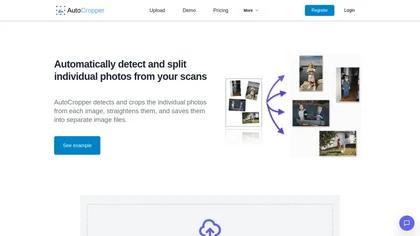
AutoCropper uses AI to detect, crop, and straighten photos from scans, handling JPEG, PNG, TIFF, and PDF in batches. It splits images into full‑quality files, lets you resize or tag crops, all in the browser with full privacy.
Freemium
- $18
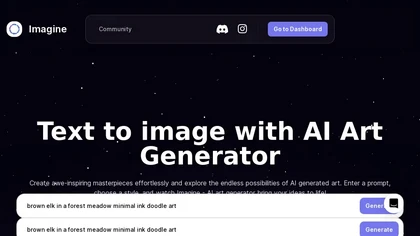
ImagineArt unifies AI‑driven image, video, and audio creation and editing, enabling prompt‑based generation, upscale tools, drag‑and‑drop video workflows, 4K cinematic rendering, and real‑time team collaboration for streamlined media production for artists, designers, and creators.
Freemium

Topaz Video AI is a powerful video enhancement tool that uses AI models to upscale, deinterlace, stabilize, and interpolate frames for high-quality results.
Paid
- $99

AI Photo Studio automates e‑commerce image editing: background removal, resolution enhancement, lossless compression, profile passport creation, hairstyle preview, object cleanup, old‑photo restoration, colorization, AI fashion model generation, clothing recolor, background changes, and file convers
Free
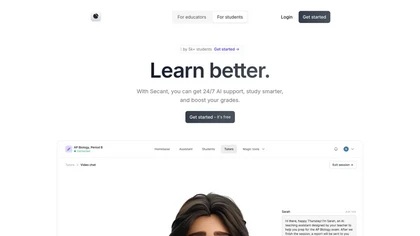
Secant automates grading, lesson planning, and progress tracking for teachers, offering real‑time analytics to spot learning gaps. Students access AI study aids and instant feedback. It integrates with LMS, gives admin dashboards, freeing educators for personalized instruction.
Freemium
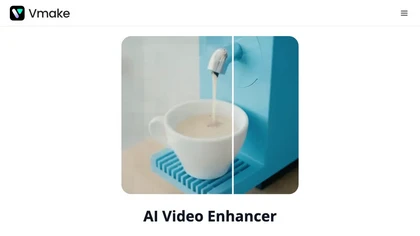
Vmake AI Video Enhancer upsamples MP4, MOV, AVI, etc. to 2K/4K/AI 4K+, removes artifacts, improves low‑light, reduces noise, and offers watermark/text removal, background elimination, and subtitle generation, giving creators, e‑commerce, and gamers sharper, cleaner videos.
Subscription
- $9.99/mo
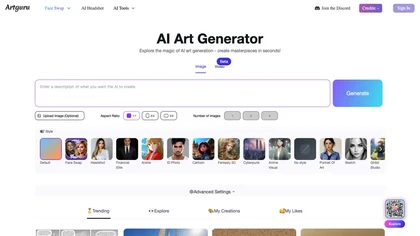
Artguru is a one‑click AI enhancer that sharpens photos, restores old or blurry images, upsamples videos to 8K, removes backgrounds, cleans scanned PDFs, and batch‑processes folders across phone and desktop for consistent, high‑quality media.
Freemium

My Color Analysis AI quickly identifies your personalized color palette from your photo, offering seasonal color suggestions for outfits and makeup. Get accurate results without special equipment, making it easy to enhance your natural beauty.
Freemium
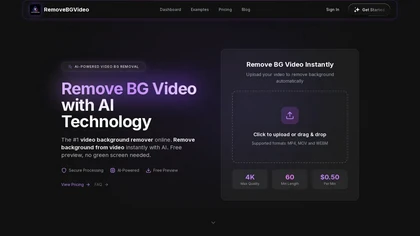
RemoveBGVideo is an AI tool that automatically removes backgrounds from videos, supporting HD/4K footage up to 60 minutes. It offers batch processing, green-screen support, and exports with transparent or custom backgrounds for content creators and e-commerce.
Freemium
- $6

Claid AI Studio automates photo editing for product, fashion, lifestyle images. It places items in realistic backgrounds, generates model renders, removes backgrounds, upsamples to 4K, corrects color in seconds, and offers API and workflow tools for batch, brand‑consistent catalog updates.
Freemium
- $9/mo
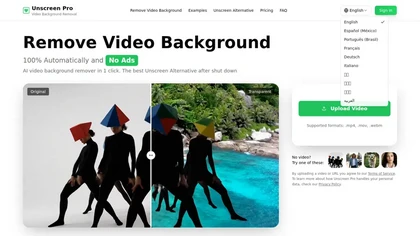
Unscreen Pro automatically removes video backgrounds frame by frame, no greenscreen, producing transparent outputs (MP4, MOV, WebM, AVI) at original or upscaled resolution, with live preview, batch processing and an API for workflow integration.
Freemium
- $4.99/mo