
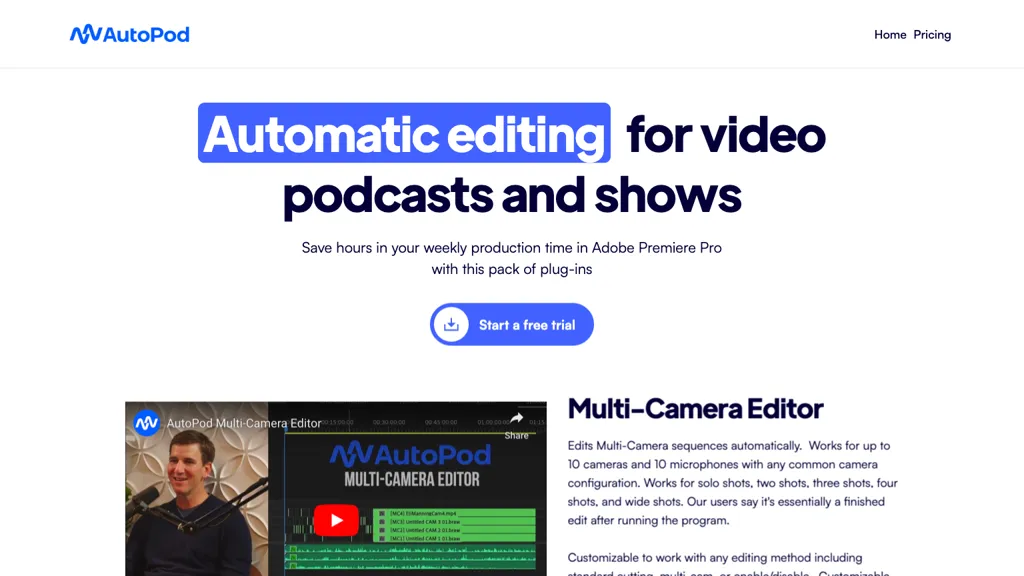
What is AutoPod?
AutoPod automates editing of video podcasts and shows within Adobe Premiere Pro.
It processes multi‑camera sequences up to 10 cameras and 10 microphones, supporting solo, two‑to‑four‑shot, and wide‑shot layouts.
Users can customize editing methods, adjust the frequency of wide shots, and store reusable presets.
The Social Clip Creator generates 1920×1080, 1080×1350, and 1080×1920 clips, automatically resizing sequences, adding auto‑reframe, optional watermarks, and end pages, and batching exports to a designated folder.
Jump Cut Editor creates cuts where audio falls below a user‑defined decibel threshold, ideal for engaging social media clips.
AutoPod details
- Company
- AutoPod LLC
- Built for
- Individuals
AutoPod pricing
Subscription- Free trial
- 30 days
- Auto-renewal
- Yes
Verify on the official pricing page.
View plansAutoPod's key features
-
Automatic podcast editing in Premiere Pro
-
Multi-Camera sequence auto-editing
-
Customizable shot frequency and presets
-
Automatic social clip creation and resizing
-
Auto-reframe, watermarks, endpages addition
-
Batch export of clips
-
Jump cut editor based on silence
AutoPod use cases
-
Automate multi‑camera podcast editing in Premiere Pro, syncing up to 10 cameras and microphones, applying preset cuts for a polished final episode in minutes.
-
Generate social‑media clips with auto‑reframe, batch export, and watermarking straight from a full podcast, ready for instant sharing without manual cuts.
-
Use jump‑cut automation based on audio levels to trim long silences and filler, creating tighter episodes and freeing up post‑production time.
AutoPod user reviews
Would you recommend AutoPod?
Main competitors of AutoPod
Here are some of the major competitors comparisons vs. AutoPod.

Who is AutoPod for?
-
Podcast editors
-
Video creators
-
Adobe creators
-
Digital marketers
-
Creative practitioners
AutoPod FAQ
How much does AutoPod cost?
AutoPod is a paid product with no free plan. Plans include Individual per license at $29/mo.
Is AutoPod safe to use?
AutoPod is operated by AutoPod LLC. It has a substantial audience that is independently measured month to month.
What are the best alternatives to AutoPod?
The closest alternatives to AutoPod are FireCut, CapCut, Recast Studio, PodcastAI and Cleanvoice AI. You can compare them side by side in the alternatives section further down this page.
What does AutoPod do with my data?
Its privacy policy states that personal data is sold or shared for marketing purposes. Data may be shared with third-party service providers that help run the product.
Does AutoPod auto-renew or offer refunds?
AutoPod subscriptions renew automatically until you cancel.
Who made AutoPod?
AutoPod is built and operated by AutoPod LLC.
Compliance, privacy and billing terms are as stated in each product's own published documentation and have not been independently verified by TopAI.tools.


