
What is CinemaFlow AI?
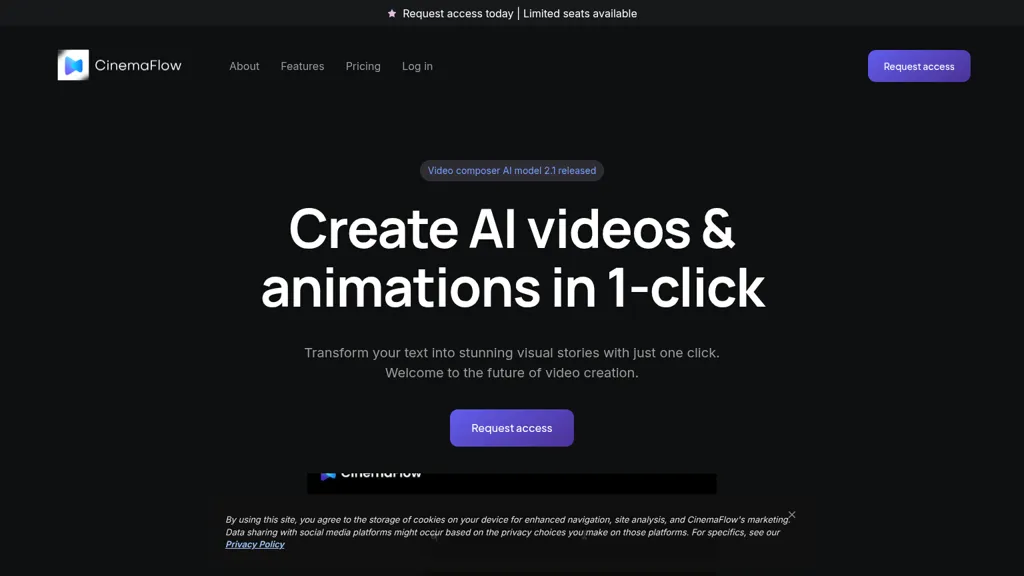
CinemaFlow AI — text-to-video platform that converts scripts into full videos with one-click.
Automated scene selection and AI cinematography translate narrative, tone, and style into sequenced shots for filmmakers and content creators.
Customizable templates and 20+ cinematic styles support marketing videos, social media content, and long-form storytelling.
Advanced editing tools include clip merging, smart suggestions, and real-time previews for iterative editing workflows.
Rendering engine offers adjustable resolution (SD to 4K), optimized export presets, and faster render times for platform-specific delivery.
CinemaFlow AI details
- Built for
- Individuals
- Data residency
- United States or other countries
CinemaFlow AI pricing
SubscriptionPricing details aren't listed here — check the official pricing page below.
- Free trial
- 7 days
- Auto-renewal
- Yes
Verify on the official pricing page.
View plansCinemaFlow AI's key features
-
One-click full video creation (streamlined text-to-video conversion)
-
Automated scene selection from script
-
AI-powered cinematography for automatic shot composition
-
Advanced editing suite with intuitive clip merging and real-time previews
-
High-speed AI rendering with smart resolution (AI+HD) and export quality options
CinemaFlow AI use cases
-
Create cinematic marketing and social ads from a written brief using CinemaFlow AI's one-click automated scene selection and cinematic style templates, producing ready-to-publish SD–4K assets fast with real-time previews for quick iteration
-
Convert screenplays, short films or storyboards into polished proof-of-concept videos with CinemaFlow AI's AI cinematography and customizable templates, allowing directors to test framing, pacing and mood before full production with fast 4K rendering
-
Build training, product demo and explainer videos collaboratively by importing scripts into CinemaFlow AI, using team collaboration controls to assign edits and review real-time previews, then export final videos in SD–4K for internal or external distribution
CinemaFlow AI user reviews
Would you recommend CinemaFlow AI?
Who is CinemaFlow AI for?
-
Film filmmakers
-
Digital content creators
-
Video editors
-
Production teams
-
Marketing managers
CinemaFlow AI FAQ
Is CinemaFlow AI free?
No. CinemaFlow AI is a paid product and requires a paid plan to use.
What are the best alternatives to CinemaFlow AI?
The closest alternatives to CinemaFlow AI are TopView.ai, Clipfly AI Video Generator, OmniFlash.ai, Textideo and Script to Video Generator - Media.io. You can compare them side by side in the alternatives section further down this page.
What does CinemaFlow AI do with my data?
Its privacy policy states that personal data is not sold or shared for marketing purposes. Data may be shared with third-party service providers that help run the product. Customer data is held in United States or other countries.
Does CinemaFlow AI auto-renew or offer refunds?
CinemaFlow AI subscriptions renew automatically until you cancel.
Compliance, privacy and billing terms are as stated in each product's own published documentation and have not been independently verified by TopAI.tools.


