
Video Timestamping
The best 50 Video Timestamping AI tools - Free & Paid
Explore 50 AI for Video Timestamping

InstantChapters quickly generates structured chapter lists with timestamps for YouTube videos from a URL. It outputs chapter headings and exact timecodes, ready for copying into descriptions, helping creators enhance navigation, metadata consistency, and audience retention.
Free trial
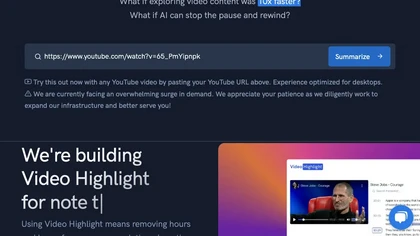
Video Highlight delivers AI‑driven summaries, searchable transcripts, and timestamped key points for YouTube, Vimeo, Dailymotion, and private files in 37+ languages. It supports annotations, exports to Notion, Word, Markdown, CSV, Readwise, and enables collaborative sharing.
Freemium

CodeVideo records editor edits, terminal output, and UI events into an event-sourced, deterministic timeline for creating editable, scrubable code tutorials and training; export to video, Markdown, PDF, PPTX, HTML, framework-specific projects, or programmatic workflows via API/JSON.
Subscription
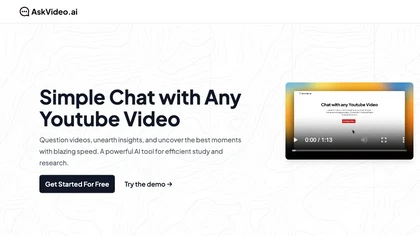
AskVideo.ai converts any public YouTube clip into a searchable knowledge base. By generating a timestamped transcript, users can ask natural‑language queries and retrieve precise answers, reducing search time and enhancing learning for students, professionals, and creators.
Subscription
- $8/mo
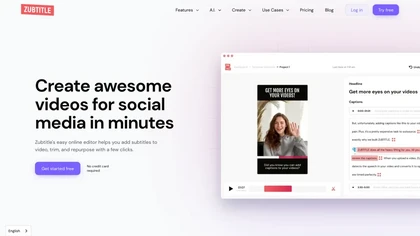
Zubtitle automatically captions videos, offers brand‑style templates and editing tools, and outputs ready‑to‑post formats for TikTok, YouTube, and LinkedIn. It adds subtitles, chapter timestamps, watermarks, and AI‑generated post copy.
Freemium
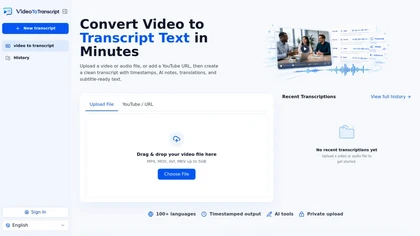
VideoToTranscript is a powerful AI tool that converts video and audio files or YouTube links into accurate, timestamped transcripts with speaker detection. It offers editing, translation, summaries, and exports to SRT/VTT subtitles, plain text, or CMS-ready formats, supporting 100+ languages.
Freemium
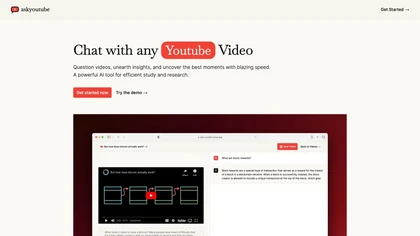
Ask Youtube is a text‑based AI that retrieves precise timestamps for any YouTube video, summarizing sections, highlighting key points, and helping educators, students, researchers, and creators locate specific content quickly.
Free
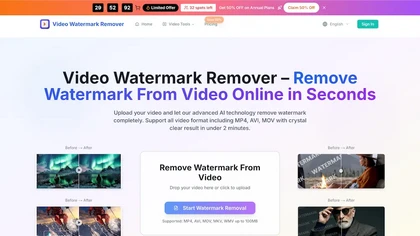
videowatermarkremover.org is a web-based AI tool that removes watermarks, logos, text, and unwanted objects from video files while preserving original resolution and detail. It supports batch processing, API integration, and works across common video formats for content creators, marketers, and team
Free trial
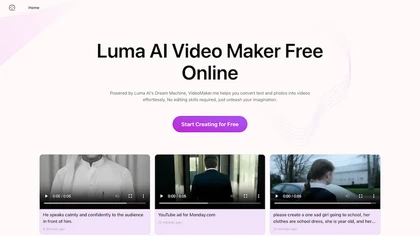
Google Veo 3 generates 8‑second, full‑HD cinematic clips from text prompts with lip‑synced dialogue and ambient audio. It animates still images, adds motion, lighting, perspective shifts, and over 60 visual effects for quick online video prototyping.
Subscription
- $7.9/mo
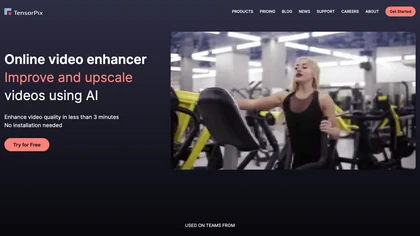
TensorPix enhances SD video to 4K 60FPS, removes artifacts from VHS and old footage, offers real‑time call improvement, batch processing, API integration, and cloud GPU processing—no local install needed.
Freemium
Wave.video is an all-in-one AI video editing and creation platform that allows users to create, edit, and distribute videos, offering features such as online editing, live streaming, thumbnail maker, and customizable live streaming studios.
Freemium
- $16/mo

AIImageToVideo Pro is an AI tool that transforms static images and text prompts into short videos using models like Veo and Kling, offering control over motion, duration, and resolution. It features editing for text overlays and captions, with export options for creating watermark-free content for s
Freemium
- $9.99/mo
Transcriptois an AI transcription tool that turns short-form videos (TikTok, Reels, Shorts) into timestamped, exportable transcripts. It separates speech from music, supports multi-language and large uploads, and offers workspace features for batch editing and content repurposing.
Free trial
- $4/mo
VidChapter automatically timestamps videos, generates chapters, tags, titles, and descriptions, and delivers near‑human transcription. It supports SRT, VTT, SBV, STL subtitles, multilingual translation, and can create summaries, thumbnails, blog posts, and other content for cross‑platform use.
Paid
- $15/mo
Movavi Video Editor is a desktop app for Mac and Windows that lets users trim, crop, color‑grade footage and add titles, overlays, and filters. AI features automate subtitles, noise suppression, and motion tracking. It includes a screen recorder for tutorials.
Paid

aivideosummarizer.io is an AI tool that converts videos (from uploads or links) into concise summaries, full transcripts, and chapter markers. It supports multiple formats and languages, generating editable outputs like study outlines and mind maps for faster content review.
Free
Klap automatically extracts key moments from long videos, reframes them for vertical formats, adds multilingual subtitles, and lets you customize branding. Upload files or YouTube links, then share or schedule ready‑to‑publish clips across TikTok, Instagram, LinkedIn, and YouTube.
Paid
InShot is a mobile video editor that lets users cut, trim, and layer clips, auto‑generate multilingual captions, add music, intros/outros, and apply AI‑driven, 3D, glitch, and lens transitions, text, stickers, and picture‑in‑picture overlays.
Free

Summarify AI gives YouTube video summaries in‑app and via Chrome, offering text, bullet, outline styles with timestamps for quick navigation. It supports export to PDF, Markdown, TXT, etc., helping students, researchers, creators save time and organize content.
Free

YTvidhub is a YouTube subtitle downloader that extracts transcripts and captions from videos, playlists, and channels. It supports bulk downloads, multiple export formats (SRT, VTT, TXT), and includes an AI-powered summary generator for content analysis and repurposing.
Freemium
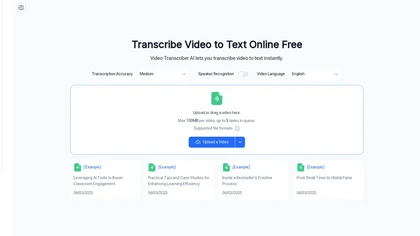
Video Transcriber AI is a tool that instantly converts videos from MP4, YouTube, or Zoom into text. It offers speaker recognition and accuracy modes for transcriptions up to 1GB, with no sign-up required.
Freemium
Videotok is an AI tool simplifying TikTok video creation with automated features like image generation, script writing, and effects. Save time and enhance videos effortlessly with auto zooms, transitions, and more.
Freemium
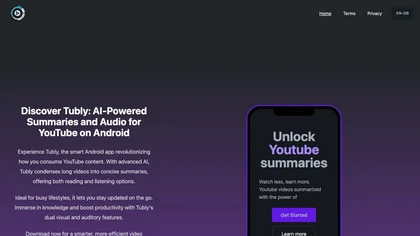
Tubly, a Chrome extension, uses the YouTube API to deliver AI‑generated summaries of subscribed channel videos. It extracts key transcript points, offers timestamps and chapter markers, and lets users save highlights and download transcripts.
Freemium
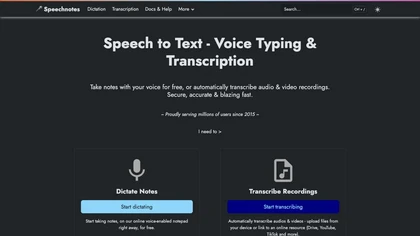
Speechnotes is a web‑based speech‑to‑text tool for real‑time dictation and batch transcription in multiple languages. It offers speaker tagging, timestamps, subtitle export, and imports from Google Drive, YouTube, or local files. Export to text, markdown, PDF while preserving privacy.
Freemium
- $1.9/mo
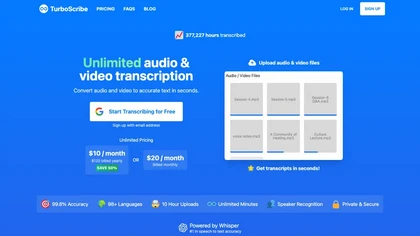
TurboScribe is an AI-powered transcription tool offering ultra-fast conversion of audio and video files to text. It supports over 98 languages, handles uploads up to 10 hours long, and features speaker recognition for meetings, interviews, and podcasts.
Freemium
- $10/mo

Vizard.ai automatically transcribes footage, spots highlights, and creates TikTok, Reels, and Shorts‑ready clips with one click. It provides text trimming, timeline precision, vertical resizing, multilingual captions, brand templates, collaborative workspaces, and API integration.
Freemium
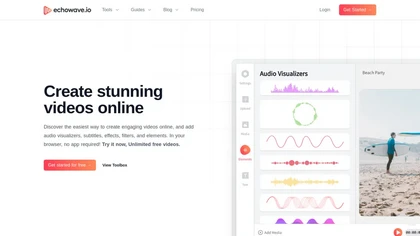
EchoWave converts audio into video using templates or custom layouts, adds subtitles and waveforms, offers editing tools, compresses files, and exports to social media formats—ideal for podcasters, musicians, and creators seeking quick, cloud‑based video production without software.
Freemium
- $19/mo
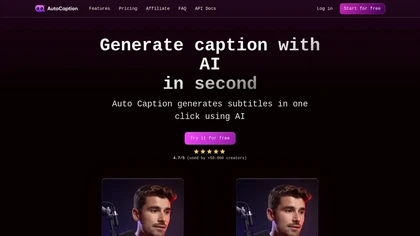
Auto Caption AI instantly generates subtitles in 99+ languages, preserving full HD 1080p/60 fps video quality. Editors can adjust fonts, colors, placement, and use ready‑made or custom templates, with one‑click emoji insertion to enhance captions.
Subscription
- $14/mo
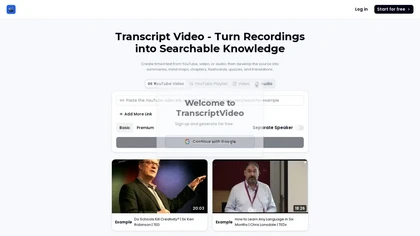
TranscriptVideo AI is an AI tool that transcribes video/audio into searchable, timestamped transcripts with speaker separation. It further generates summaries, mind maps, flashcards, and quizzes for efficient study and content repurposing.
Freemium
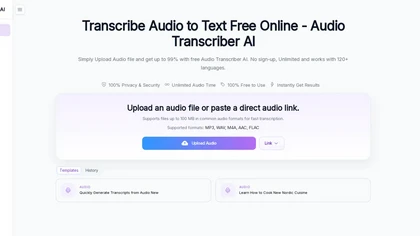
Audio Transcriber AI is a browser-based tool that converts audio and video files into timestamped, speaker-labeled text. It supports major formats, large uploads up to 5 GB, automatic language recognition for 120+ languages, and includes TikTok MP3 conversion and YouTube audio extraction.
Free trial
TwelveLabs extracts structured data from videos using AI models Marengo and Pegasus. Its APIs enable time‑based search, on‑demand summarization, and vector embeddings for semantic search and recommendations, supporting media, advertising, and security workflows.
Freemium
- $0.07
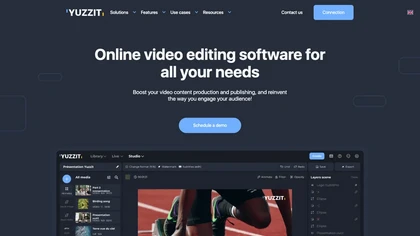
Yuzzit is a cloud‑based platform that captures and instantly clips live streams, automatically reframes videos for vertical formats, adds subtitles, and publishes highlights to social media and CDN endpoints with collaborative review and approval.
Freemium
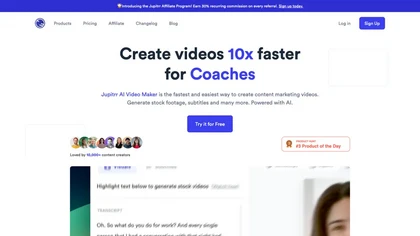
Jupitrr AI VideoOS offers an all‑in‑one workflow for planning, editing, and publishing videos. AI tools auto‑trim footage, generate scripts, create teleprompters, convert audio to clips, schedule cross‑platform posts, and track performance analytics.
Freemium
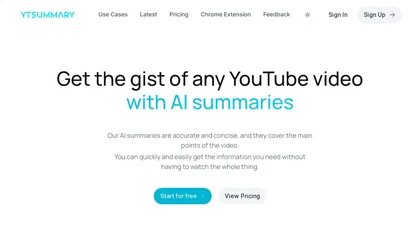
YTSummary delivers on‑demand YouTube summaries powered by ChatGPT. It offers Outline, Mind Map, and Segment modes for concise highlights, visual maps, or timestamped sections. Supports multiple languages, exports in various formats, and tracks history for easy reference.
Subscription
- $9/mo

Recapio converts YouTube videos and public articles into transcripts, AI summaries, searchable notes and visual whiteboard infographics, offers a chat-with-video interface with clickable timestamps, channel monitoring/Daily Digest, and a private searchable Memory for research and collaboration.
Free trial
- $4.99
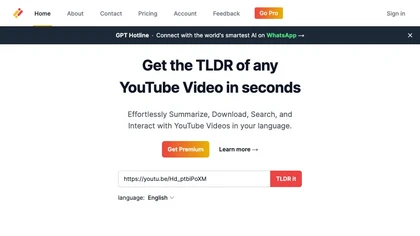
Transcribes, translates, and summarizes YouTube videos in 125+ languages, delivering instant transcripts, AI‑generated summaries with timestamps, and automatically formatted blog posts, LinkedIn articles, Twitter threads, PPT decks, chapter markers, and clip ideas for students, researchers, educator
Subscription
- $19/mo
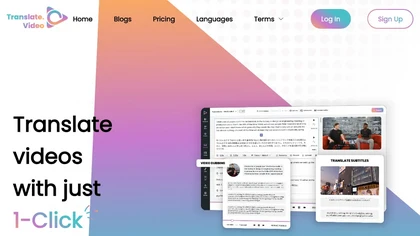
Translate.video automates video localization: it transcribes, generates subtitles, and dubs content in 75+ languages using voice cloning from a 50‑second clip. Users can edit captions, export SRT/VTT/MP4, and integrate plugins for Photoshop, Illustrator, and Figma.
Freemium
- $29/mo
Eightify uses AI to extract key ideas from YouTube videos, delivering timestamped bullet‑point summaries, full transcripts, and comment insights via a Chrome extension and mobile apps. It supports 40+ languages, helping users preview, note‑take, and share content efficiently.
Freemium
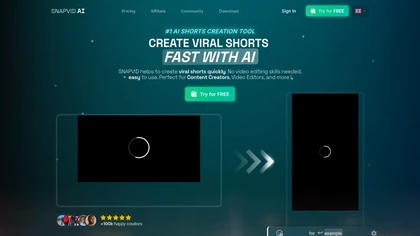
SNAPVID.AI automates cutting long videos into 30‑second clips, removes filler pauses, adds multi‑language subtitles, offers 4K output, AI‑generated B‑roll, audio cleanup, and batch processing with a credit‑based monthly reset for creators.
Subscription
- $16/mo
TapNow is an AI visual creation engine that converts scripts and text into cinematic video, image-to-video sequences, and ad-ready graphics. It offers scene planning, virtual models, templates, multi-model rendering and export-ready formats for ads and films.
Free
SyncSketch is a cloud-based collaboration tool for visual effects and gaming professionals, enabling remote teams to review media efficiently with synchronized presentations, frame-accurate annotations, version comparisons, and mobile access, while integrating with platforms like Jira and ShotGrid.
Free trial
Stork Voice Notes records voice, video, and screen sessions, transcribes them in real‑time, and generates concise summaries with highlighted action items. Time‑stamped comments and searchable transcripts enable quick navigation and knowledge‑base creation for remote teams.
Freemium
- $9.99/mo
FlexClip is an online video editor with templates, resources, and powerful tools to create and edit videos for various purposes, as well as integration with royalty-free stock media providers and easy social media sharing.
Freemium

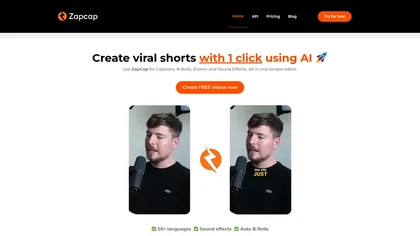
Zapcap is an AI-driven video creation tool that automates caption generation, adds trendy templates and sound effects, and selects b-rolls. It simplifies the video editing process to enhance viewer engagement and maximize social media discoverability.
Free trial
AI Video Agent converts text, product images or URLs, and reference clips into full‑scripted, brand‑aligned videos, automatically planning scenes, adding visual effects, and allowing prompt‑based refinement for fast marketing and social content creation.
Freemium
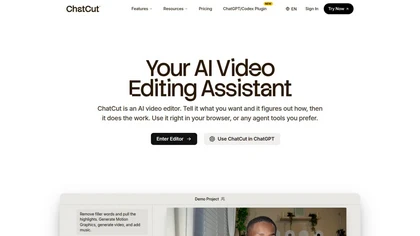
ChatCut is a browser and ChatGPT-plugin video editor that uses transcript-based editing to remove fillers, trim and reorder talking-head footage, assemble coherent cuts, generate motion graphics, B-roll, captions (100+ languages) and AI music, and export timelines.
Subscription
- $25

Supercut is an asynchronous video messaging platform that records screen and webcam (up to 4K), auto-edits and chapters recordings, provides branded shareable links with embedded CTAs, analytics and engagement tracking, collaboration tools, and enterprise-grade security.
Free trial