
Screenshot Api
The best 50 Screenshot Api AI tools - Free & Paid
Explore 50 AI for Screenshot Api
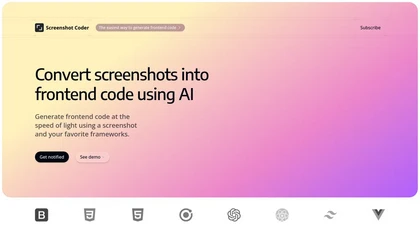
Screenshot Coder transforms visual mockups into production‑ready frontend code in seconds, supporting Tailwind CSS, Bootstrap, and React. It delivers responsive, clean UI code directly from screenshots, accelerating prototyping for designers and developers.
Free
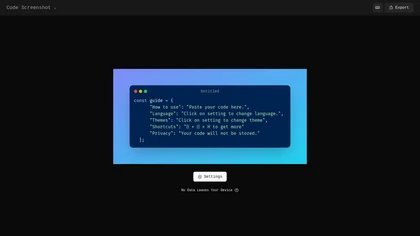
Code Screenshot allows developers to convert code snippets into visually appealing images with syntax highlighting for various languages. It features customizable themes, keyboard shortcuts for efficiency, and local storage for enhanced privacy in sensitive projects.
Freemium
ScreenSnapAI auto‑renames and tags screenshots on macOS, letting users open an AI chat for instant content explanations. Accessible via menu or shortcut, it organizes images with AI‑generated metadata, speeding knowledge capture and retrieval on Intel and Apple Silicon machines.
Freemium
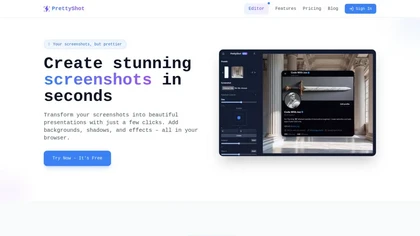
PrettyShot is a web-based tool that enhances standard screenshots by adding backgrounds, shadows, and effects, allowing users to create professional-quality visuals. It supports mockups with device frames and offers efficient preset slots for customization.
Free trial
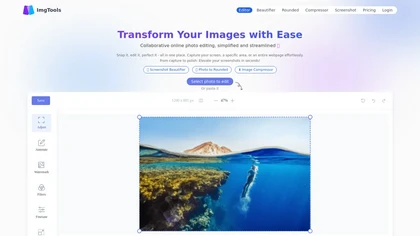
ImgTools is a versatile screenshot tool that simplifies capturing, editing, and enhancing images efficiently. It offers features like screenshot beautifier, advanced editing options, collaborative online editing, and customization tools to elevate your visuals effortlessly.
Freemium
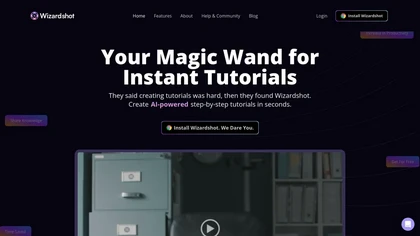
Wizardshot is a web app and Chrome extension that automatically converts screen recordings into structured, step‑by‑step tutorials. It exports to PDF/DOC, GIFs, embeds videos, supports team collaboration, role‑based access, blurs sensitive data, and provides analytics on usage and gaps.
Free
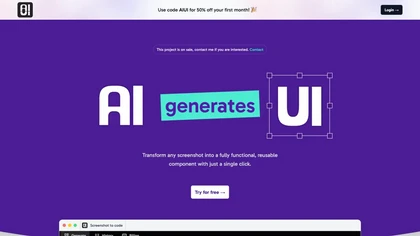
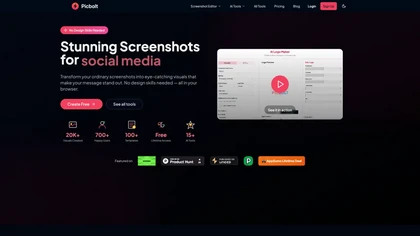
Picbolt is a screenshot editor that transforms screenshots into high-quality visuals with one-click presets, smart cropping, and customizable device mockups. It is ideal for educators, content creators, and small business owners, offering tools for annotations and workflow optimization.
Free trial

Jelli is a Chrome extension that captures screenshots with a hotkey and copies them to the clipboard. Users can annotate by drawing arrows or rectangles directly on the image, then paste into Slack, Jira, or documents.
Freemium
- $19.99/mo
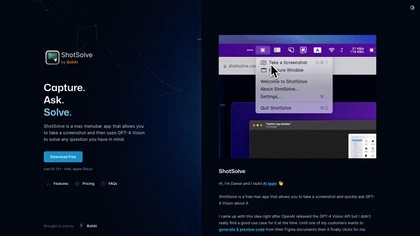
ShotSolve is a native macOS app that captures screenshots and uses GPT‑4o for instant queries. It offers a clean chat interface with themes, code styling, context controls, secure key storage, and configurable parameters for custom AI interactions.
Free
- $29/mo
Pixelcode is a Chrome extension that extracts code from screenshots, images, PDFs, and video frames, recognizes over 30 programming languages, preserves formatting, and copies snippets directly to the clipboard for use in any editor.
Free
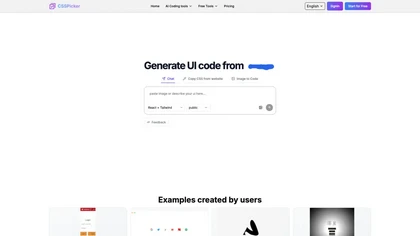
CSSPicker is an AI tool that transforms design screenshots into responsive HTML, CSS, or Tailwind code. With a real-time code editor and integration for frameworks like React, it aids both novice and experienced developers in UI coding tasks.
Free trial
- $30
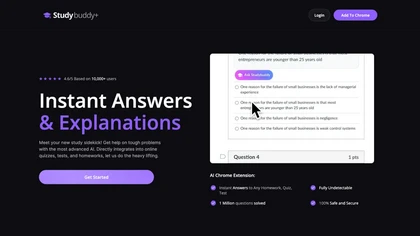
StudyBuddy Chrome Extension captures screenshots or highlights of questions to provide instant answers and detailed step‑by‑step explanations. It supports math, diagrams, and image queries in English, Spanish, and Portuguese, and includes a personal AI chat for broader study assistance.
Freemium
- $0.99

SynthAnswer AI is a browser extension that converts screenshots (text, math, code, handwritten notes) into instant answers with step-by-step explanations and formatted solutions, delivering fast, cross-platform problem solving for students, researchers, and professionals with privacy controls.
Free trial

Shotva is an AI tool that transforms screenshots into polished images with customizable backgrounds, frames, and annotations. Its auto-styling feature analyzes content to create cohesive designs, while also streamlining ad creation with brand identity scraping.
Free
Describe Image & Picture extracts text, alt descriptions, and HTML snippets from PNG, JPEG, or WEBP files up to 2 MB, converting visuals into editable Markdown or code, auto‑tagging photos, and generating Flux image variants for creators, developers, and marketers.
Freemium
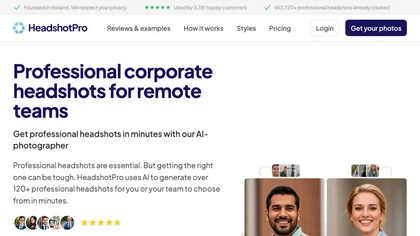
AI headshot generator transforms 1–3 selfies into 50+ professional portraits in 10–30 minutes. Offers 315 outfits, 327 backdrops, pose editing, API for teams, full commercial rights, high‑resolution, privacy‑compliant deletion of uploads.
Paid
- $29
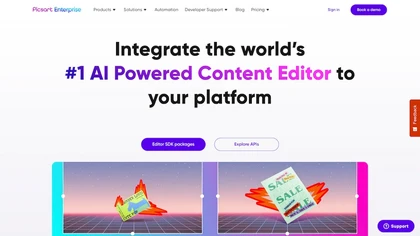
Picsart.io empowers creators and businesses with AI-driven tools for image and video editing, including background removal, generative AI features, format conversion, and video optimization, ensuring seamless workflows and user-friendly integration.
Free trial
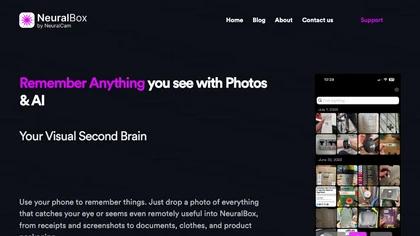
NeuralBox captures photos instantly via camera, lock‑screen widget, or share extension, auto‑imports screenshots, and offers a scanning mode. AI image recognition and OCR enable keyword searches; similarity browsing groups images by visual traits. Files sync locally or in the cloud.
Subscription
- $5.99/mo
MacCopilot lets macOS users select any screen area, capture screenshots, and chat with AI models—GPT‑4o, Claude, Gemini, or local Ollama—to receive instant visual analysis, code reviews, design feedback, and contextual insights directly on‑screen. Hotkeys and history improve workflow.
Free
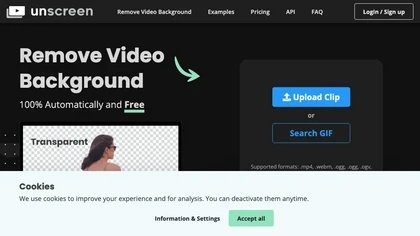
Unscreen is a cloud video editor that removes backgrounds from clips and exports them instantly, with format conversion and resizing. It offers plugins for After Effects and Premiere Pro and integrates with Canva for AI‑enhanced features.
Freemium
- $9
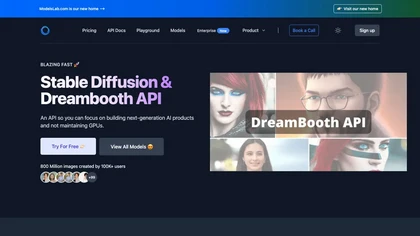
Provides API access to pretrained image generation models for text‑to‑image, image‑to‑image, and inpainting, with real‑time editing. Supports single‑call Dreambooth/LoRA training without local GPU, plus voice cloning, text‑to‑3D, interior design, and video creation.
Paid
- $27/mo
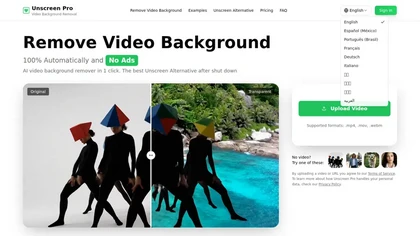
Unscreen Pro automatically removes video backgrounds frame by frame, no greenscreen, producing transparent outputs (MP4, MOV, WebM, AVI) at original or upscaled resolution, with live preview, batch processing and an API for workflow integration.
Freemium
- $4.99/mo
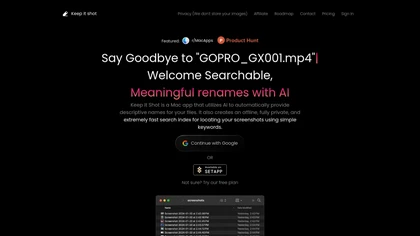
Keep It Shot is a macOS app that auto‑generates descriptive names for screenshots, builds a local index for quick keyword search, allows bulk renaming with two clicks, and can revert to original filenames if needed. OCR adds metadata.
Subscription
- $8/mo
Capture.dev is a bug reporting tool that simplifies issue reporting with an intuitive toolbar, automatically captures context, and integrates with collaboration tools. It enhances communication and productivity by generating detailed bug reports and annotated playback for efficient resolution.
Free trial
Sightengine provides API-based automated content moderation and image/video analysis, detecting nudity, violence, hate, self-harm, drugs, weapons and AI-generated media; offers OCR/QR and text screening, visual search, near-duplicate detection, image quality and identity/age checks.
Subscription
- $29/mo

SnapEdit is an AI‑driven photo editor that removes objects, backgrounds, and text, provides 100+ background templates, upsamples images to HD/4K, and offers skin retouching, all accessible via web, iOS, and Android.
Freemium

Studioshot is an AI tool that transforms uploaded photos into professional headshots with customizable styles, lighting, and backgrounds. It delivers high-quality, retouched results quickly, including outfit and background adjustments.
Freemium

Sleek generates mobile app mockups from text prompts or images, offering templates, style presets, in-app editing, and modular responsive components. Export clean layouts to Figma or production-ready code for rapid prototyping and developer handoff.
Free
- $20/mo
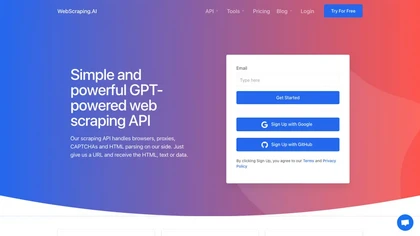
WebScraping.AI offers a single API that retrieves clean HTML, plain text, or JSON from any URL, handling JavaScript-heavy pages, proxies, CAPTCHAs, and retries. Users can query, extract fields, generate summaries via prompts, and integrate with SDKs or workflow tools.
Subscription
- $29/mo
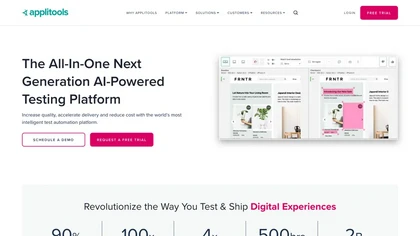
Applitools automates visual, functional, and API testing for web, mobile, and PDF interfaces, using AI to compare screenshots, filter dynamic content, and generate autonomous tests via recording and natural‑language authoring, with CI/CD integration and built‑in accessibility compliance.
Free trial
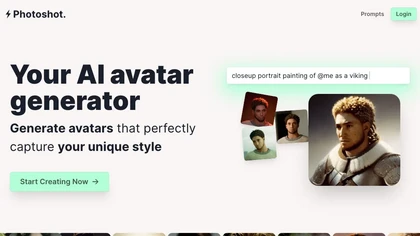
Photoshot lets users upload multiple selfies to train a personalized AI model, automatically producing high‑resolution (4K) portraits that reflect their unique look. Detailed prompts and iterative refinement allow precise, creative outputs for individual creators and brand teams.
Paid
- $12
Raycast is an AI tool that can help developers write code faster, access a new layer of context, and accelerate tasks without any coding required.
Freemium

Uizard converts text or screenshots into editable wireframes, mockups, and prototypes using AI. It offers screenshot and wireframe scanners, theme generation, ready‑made templates, a shared component library, real‑time collaboration, version control, and export to Figma and other tools.
Freemium
- $39/mo
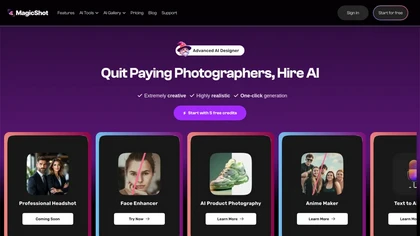
MagicShot.ai creates images, videos, and audio from text or photos. It offers AI image generation for product shots, logos, icons, and book covers, and a video generator that animates photos. Editing, avatars, stickers, QR codes, and 3D tools streamline design.
Paid
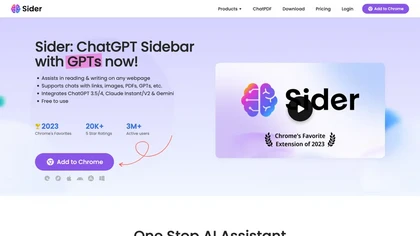
Sider AI is a browser extension that consolidates instant summarization, translation, and research tools in a side panel. Users compare AI model responses, receive on‑the‑fly explanations for highlighted text, extract OCR, and store snippets in a searchable knowledge base.
Free

TestSprite automates full‑stack test generation and execution, converting source code and user flows into CI/CD‑ready suites. It offers a no‑code visual editor, continuous regression checks, and unified batch coverage for API, UI, and data testing, streamlining release reliability.
Freemium
- $69/mo
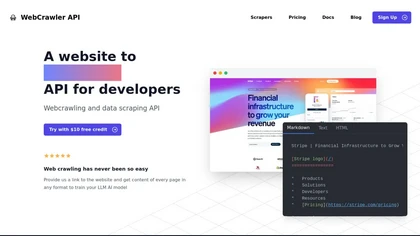
WebCrawlerAPI simplifies web crawling and data extraction with a developer-friendly API that retrieves website content in text, HTML, or Markdown, automates data cleaning, and handles complex challenges like JS rendering and anti-bot mechanisms.
Freemium

Picture Picker is an AI-driven image management tool that captures images via browser extension, syncs libraries across devices, supports one-click collection and bulk downloads, natural-language image search and automatic categorization, color palette extraction, format conversion, and compression.
Free
- $9/mo
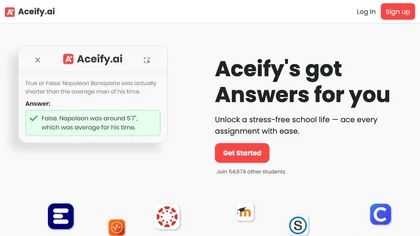
Aceify.ai delivers instant AI help for homework and study queries, letting users upload screenshots or use a Chrome extension. It summarizes content and supports Canvas, Blackboard, MoodleCloud, and other LMS, offering quick, accurate answers, especially in mathematics.
Subscription
- $9.99/mo
ScreenApp records and transcribes audio/video meetings, extracts key points and action items, and delivers searchable summaries and exports. It integrates with Zoom, Google Meet, YouTube and supports real‑time translation, helping teams quickly locate information.
Subscription
- $199/mo
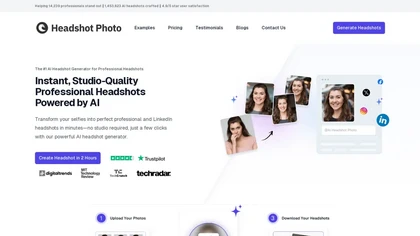
Headshot Photo is an AI-driven tool that transforms selfies into studio-quality professional headshots in minutes. With customizable backgrounds and outfits, it provides a quick, cost-effective solution for enhancing professional online presence.
Paid
- $19
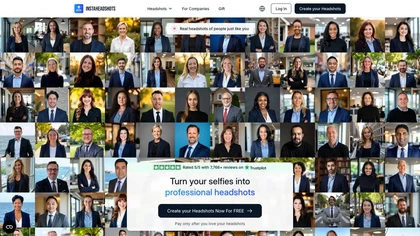
InstaHeadshots uses AI to turn a handful of varied selfies into high‑resolution professional headshots in about fifteen minutes. It generates a customizable library for LinkedIn, resumes, and print, securely deleting all photos and outputs after 30 days.
Paid

Upload a website or app screenshot, and the AI evaluates layout, button placement, UX, and aesthetics, then supplies actionable suggestions. Developers, designers, and marketers can track changes, export findings, and refine navigation and responsive design.
Free
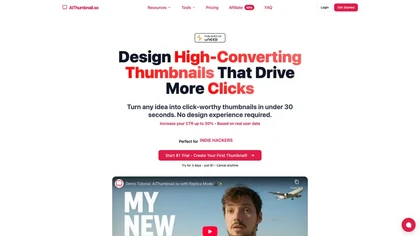
Aithumbnail.so is an AI-driven tool for creating YouTube thumbnails, offering style replication, smart suggestions for optimization, and integration of facial images to enhance audience recognition and engagement, ultimately improving click-through rates.
Freemium
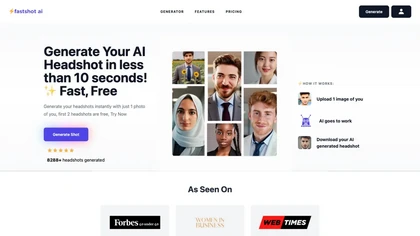
Fastshot AI is a rapid headshot generator that crafts customized digital portraits in just 30 seconds. Offering free creation of the first 2 headshots, this tool delivers high-quality results with minimal user input, boasting over 8288 headshots created.
Free trial
Clipdrop uses deep learning to remove backgrounds, objects, and text, upscale images, adjust lighting, uncrop, and resize. It also offers text‑to‑image generation and an API for developers, supporting design, marketing, and app workflows.
Subscription

YouTube sumamry chrome extension is a YouTube video summary tool developed by Glasp Inc., currently in beta testing and requires installation on Chrome or Safari browsers along with sign-up.