
Photo To Pencil Sketch
The best 50 Photo To Pencil Sketch AI tools - Free & Paid
Explore 50 AI for Photo To Pencil Sketch
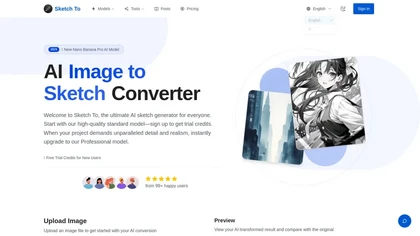
SketchTo is an AI image converter that transforms photos into pencil sketches and sketches back into realistic images. It offers fast, cloud-based processing with standard and professional models for projects ranging from personal use to commercial work.
Free trial
- $9.99/mo

Picture Drawing AI transforms photos into artistic drawings in various styles, including sketches and watercolors. Users can easily upload images and generate high-resolution outputs quickly, making it useful for artists and content creators seeking unique visuals.
Freemium
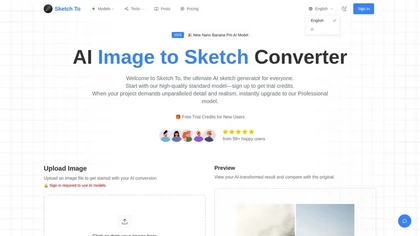
Sketch To converts photos into pencil-style sketches and reconstructs sketches into realistic images using selectable artistic styles and model-based quality settings; cloud processing yields quick previews and high-resolution downloads (JPG/PNG/WEBP) for print-ready results.
Free
- $8
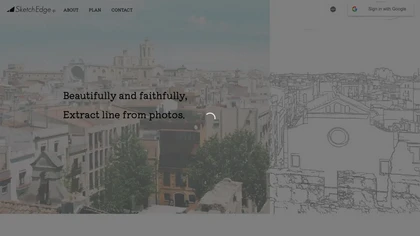
SketchEdge uses AI to convert photos into soft, hand‑drawn line drawings. Upload high‑resolution images, adjust line thickness, and export as vector SVG or raster PNG. Batch processing and a simple web interface streamline the design workflow.
Freemium
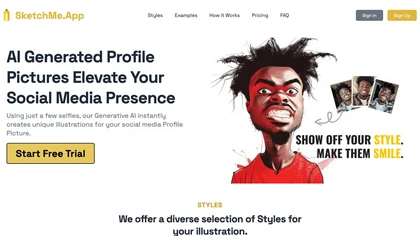
SketchMe.App transforms up to five selfies into stylized illustrations within minutes. Choose from pencil, flat, Pixar, pixel, caricature, or Gogh‑inspired styles and a theme color. Get eight downloadable variations, optionally watermark‑free, for social media and marketing use.
Paid
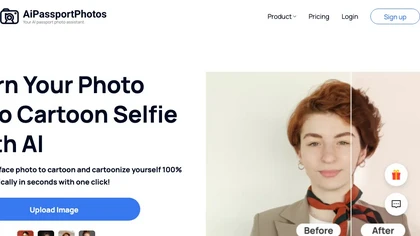
AiPassportPhotos transforms portrait photos into cartoon styles—sketch, 3D, manga—via one click. It also offers background removal, blur, face cutout, enhancement, colorization, and old‑photo restoration, all online with instant downloads. For mobile and desktop browsers, ensuring privacy with a dat
Free

Colorcinch converts photos to cartoons, sketches, or paintings with one click, offers AI background removal, adjustable sliders, overlay effects, multi‑layer editing, high‑resolution export to JPG/PNG/PDF, all usable online/offline without login.
Free
- $8.99
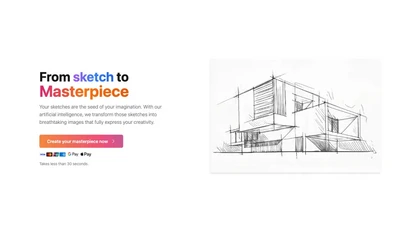
SketchImage.ai is an AI tool that enhances basic sketches into high-quality images for artists of all levels. Its intuitive interface refines sketches, turning them into polished and shareable visuals using advanced features.
Freemium
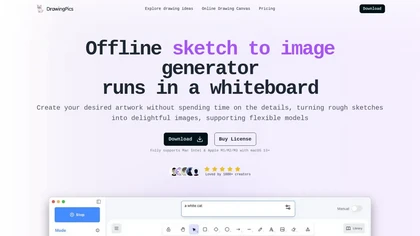
DrawingPics is an offline macOS AI art generator that turns sketches into detailed 512×512 images on a whiteboard. Using Metal GPU acceleration, it produces results in under six seconds, supports precision mode, iterative refinement, and local Stable Diffusion downloads.
Free trial
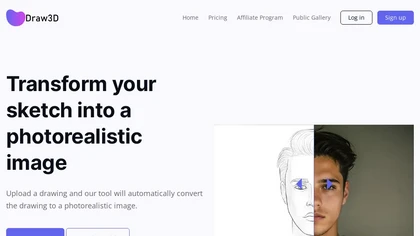
Draw3D uses AI to transform hand‑drawn sketches into high‑resolution photorealistic images, supporting landscapes, animal portraits, sculpture conversions, and upscaling to 4×. It offers basic editing for quick refinement before sharing or printing.
Freemium
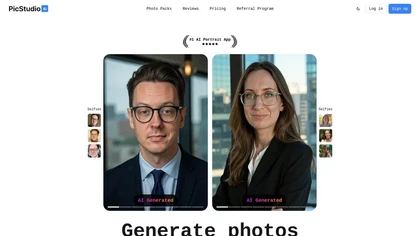
PicStudio.AI turns uploaded selfies into realistic headshots in minutes. It trains on multiple photos to produce corporate, casual, or editorial styles, offers upscaling, background removal, version control, and full commercial ownership of results.
Paid
- $29.99
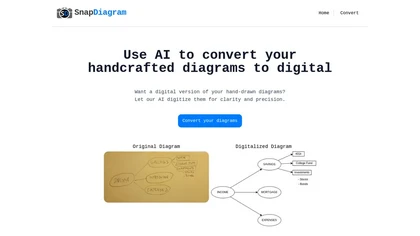
SnapDiagram uses AI to turn hand‑drawn diagrams into crisp digital images. It accepts any image format, outputs PNG, JPG, or editable files, lets users preview the conversion, and then download the refined result.
Freemium
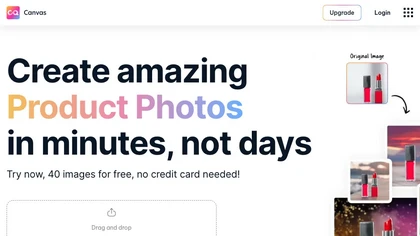
Magicstudio Canvas is an AI tool for quickly creating product photos with up to 40 free uploads in JPEG or PNG format. It offers intuitive, easy-to-use editing tools and features for profile pictures, removing backgrounds, and adding text.
Freemium
AI Picasso lets users create custom illustrations by entering prompts and choosing styles. It generates personal avatars from 10‑20 photos, supports LINE sticker export, pet transformations, AI profile pictures, and offers high‑resolution commercial art on iOS and Android until Aug 2025.
Freemium
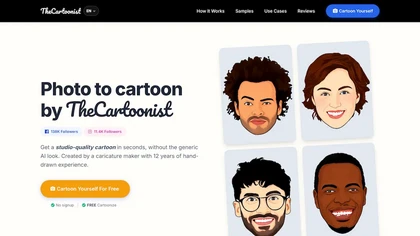
thecartoonist.studio is a face-to-cartoon generator that uses a FaceCap™ engine to preserve facial likeness in 4K PNG outputs with transparent backgrounds. It creates consistent cartoon avatars, caricatures, and portraits for profiles, merchandise, and branding—with commercial rights included.
Free
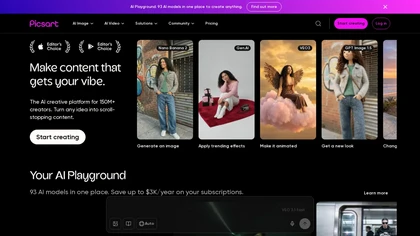
Picsart is a web and mobile photo editor and design app offering layers, filters, color correction, retouching, automatic background removal, collage and template tools, stickers and text overlays, basic social-video editing, and AI image generation with cross-device sync.
Freemium

AI image enhancer that upscales up to 4×, removes noise, sharpens blur, and can enhance faces or colorize. Handles .png/.jpg/.webp/.tif/.bmp/.raw and outputs the same formats. Windows, macOS and Photoshop plugin supported.
Free trial
Pixlr is a browser‑based photo editor that uses AI for background removal, generative fill, and object deletion. It offers cropping, color correction, collages, templates, and social media layouts across desktop, tablet, and mobile.
Free trial
- $1.99/mo
ImageToCartoon turns JPEG, PNG, or WebP photos into high‑resolution cartoon images directly in the browser. Users pick from 80+ styles—Ghibli, Pixar, anime, comics—to create avatars, prints, or pet illustrations, with royalty‑free commercial rights.
Free
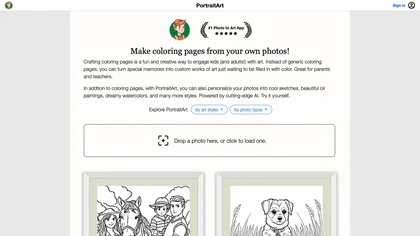
PortraitArt converts uploaded photos into custom coloring pages and diverse styles—oil, watercolor, sketch, cartoon, pop art, etc. It supports portraits, groups, pets, buildings, scenery, preserves composition, previews before download, and deletes images afterward.
Paid
- $7.99
Pincel is a web‑based AI image editor offering tools for photo retouching, generative fill, background removal, and creative manipulation. It supports upscaling, virtual makeup, and quick edits across devices for designers and marketers.
Subscription
- $19/mo
Sketch Image transforms sketches into high-quality digital art by allowing users to upload their drawings and choose from various styles. It supports upscaling, animation, and video generation, making it suitable for artists, designers, and educators.
Freemium
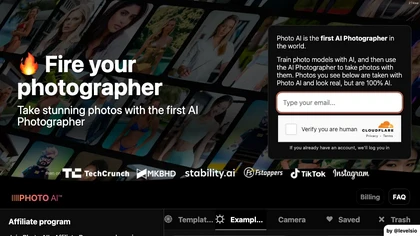
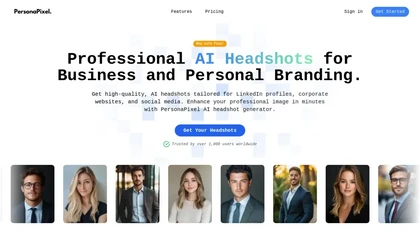
PersonaPixel transforms user selfies into studio‑grade headshots in 15–30 minutes. It processes 4–10 photos, offers style packs (business, cinematic, creative), and securely deletes images, helping job seekers, entrepreneurs, HR teams, and creators.
Paid

Picsman is an AI‑powered editor that removes or replaces backgrounds, ups image resolution, and applies styles like Ghibli or cartoon. It also offers text‑prompt editing, video generation, image extending, and watermark removal for quick, high‑definition results.
Free
- $5.99/mo
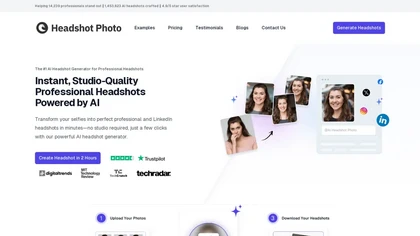
Headshot Photo is an AI-driven tool that transforms selfies into studio-quality professional headshots in minutes. With customizable backgrounds and outfits, it provides a quick, cost-effective solution for enhancing professional online presence.
Paid
- $19
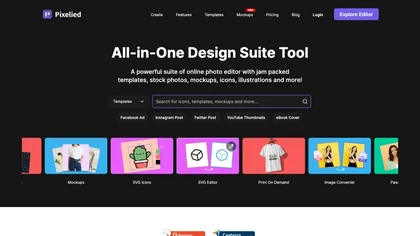
Pixelied is an online photo editor and design suite that offers brightness, saturation, and filter tools, background removal, a 4 million‑photo library, vector editing, team collaboration, and pre‑made templates for quick resizing.
Freemium

HitPaw FotorPea automatically enhances photos by applying AI models for sharpening, denoising, face and color correction. It unblurs images, upsizes to 4K/8K, restores old photos, removes backgrounds, and generates images from text prompts.
Free trial
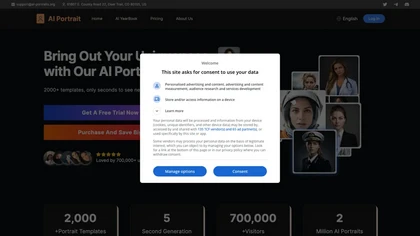
AI Portrait Generator turns a single selfie into over 2,000 AI‑style portraits—including ID photos, comics, oil paintings, cartoons, anime, and avatars—using Midjourney V5. The web app delivers results in 30‑60 seconds and never stores your images.
Freemium

Studioshot is an AI tool that transforms uploaded photos into professional headshots with customizable styles, lighting, and backgrounds. It delivers high-quality, retouched results quickly, including outfit and background adjustments.
Freemium
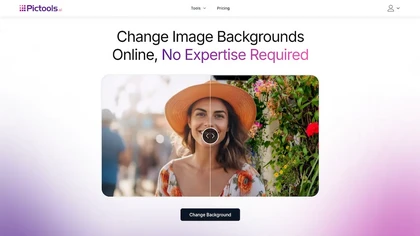
PicTools.AI is a web‑based photo editor that lets users upload images and apply changes via text prompts or over 100 one‑click AI filters—background removal, outfit changes, smile addition, restoration, and artistic styles—without design skills.
Subscription
- $23.4/mo
An online image tool with features including background removal, image resizing, text addition, color palettes, conversion, and AI-powered social media bios, market slogans, business name ideas, and hashtag generation.
Free
RetouchMe is a mobile and web app that lets users upload photos for professional designers to manually edit, offering skin smoothing, blemish removal, makeup, color changes, body adjustments, background replacement, and clipping path, delivered within minutes with privacy safeguards.
Paid

Colorcinch is an AI photo editor that instantly cartoonizes or sketches images and offers background removal, cropping, resizing, exposure and detail controls, file compression, and 400 DPI print‑ready export. Mobile app adds cartoonizing, background removal, and upscaling on the go.
Paid
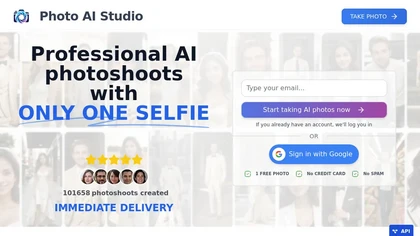
AI Photo Studio delivers AI‑powered image and video creation, including generation, background removal, virtual try‑on, style libraries, advanced editing (skin, age, expression, eye color), outpainting, thumbnails, and direct social publishing via a web interface.
Free
- $1.99
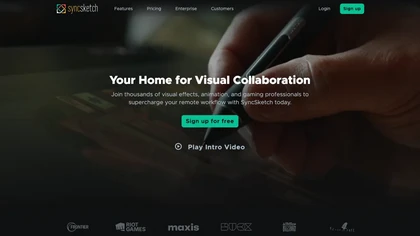
SyncSketch is a cloud-based collaboration tool for visual effects and gaming professionals, enabling remote teams to review media efficiently with synchronized presentations, frame-accurate annotations, version comparisons, and mobile access, while integrating with platforms like Jira and ShotGrid.
Free trial

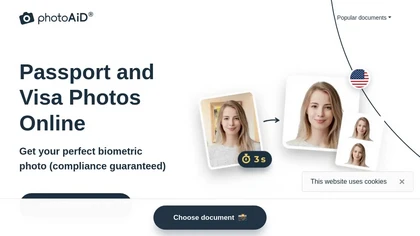
PhotoAiD generates passport, visa, and driver‑license photos from user selfies. The AI crops, resizes, and removes backgrounds to meet official specifications, flags compliance issues, and offers downloadable high‑resolution images or same‑day printed copies via Android or iOS.
Free
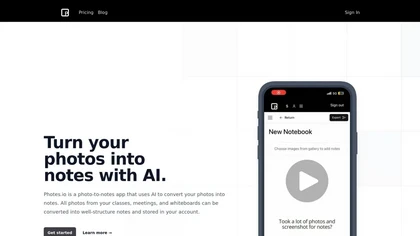
Pixno uses GPT‑4 Vision to extract text, charts, and audio from photos, PDFs, and lecture slides. It summarizes, translates, generates Q&A, exports to Notion, Obsidian, Google Docs, and syncs across devices for real‑time collaboration.
Freemium
- $3/mo

PicWish AI Photo Editor automates image enhancement, background removal, and watermark deletion. It processes batches of up to 30 files, offering resizing, lighting, upscaling, AI Designer prompts, Face Cutout, and single‑click unblur/sharpen. Available on Windows, macOS, iOS, Android, and browser.
Subscription
- $9.99/mo

PhotoGrid is a browser‑based AI photo editor that offers one‑click enhancement, background removal, and upscaling. It lets users build collages from 20,000 templates, add stickers, text, custom backgrounds, and convert images into short video clips.
Subscription
- $2.83/mo

PhotoToCartoon is an AI tool that converts photos into stylized artwork with over 38 preset effects like anime, oil painting, and Disney styles. It offers a simple three-step workflow to generate high-resolution, customizable art for creators and marketers.
Freemium
- $9.9
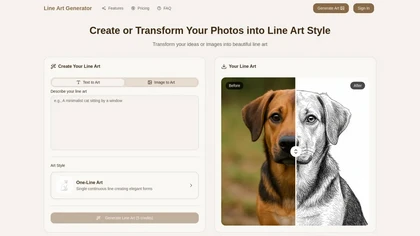
Line Art Generator transforms images and text into detailed line art sketches across eight styles, including minimalist and manga. Users can download high-resolution files without watermarks, ensuring clean and professional results.
Freemium
- $2.49/mo
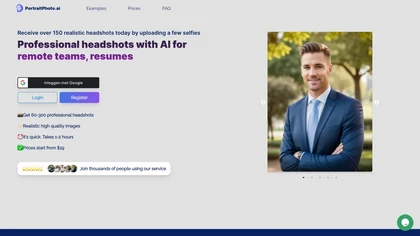
HeadshotPro turns selfies into studio‑grade portraits using multiple reference images for realistic facial geometry. Teams manage a centralized gallery, customize lighting, background, and apparel, and download commercial‑ready photos for corporate, real‑estate, medical, legal, entertainment, educat
Subscription
- $8.99/mo
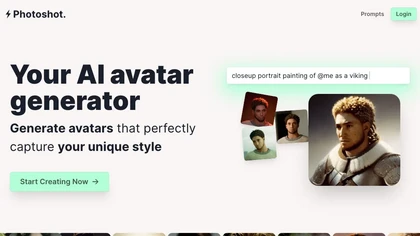
Photoshot lets users upload multiple selfies to train a personalized AI model, automatically producing high‑resolution (4K) portraits that reflect their unique look. Detailed prompts and iterative refinement allow precise, creative outputs for individual creators and brand teams.
Paid
- $12
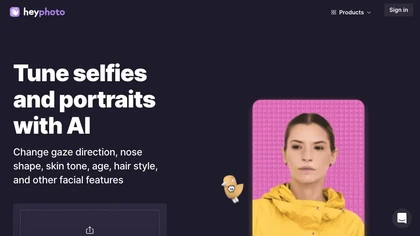
HeyPhoto is an AI‑powered photo editor that lets users swap faces, generate new faces, upscale images, and remove backgrounds with one click, offering facial attribute adjustments and support for common image formats up to 5 MB.
Free
PhotoGPT is an AI image generation tool that creates personalized, realistic images for various themes and occasions. It offers customization options for headshots and special event visuals, enhanced with AI prompts and high-definition upscaling.
Free trial
AI caricature generator that accepts JPEG/PNG/WebP up to 10 MB and uses text prompts for expression, pose, clothing, hairstyle, background. It creates high‑resolution, watermark‑free caricatures in multiple styles via drag‑and‑drop, preview, download. Works locally with no registration.
Free
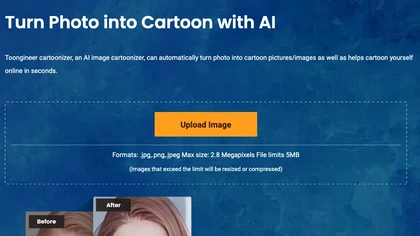
Toongineer Cartoonizer turns JPEG, PNG, or JPG photos into cartoon images with anime, Disney, Ghibli, or comics styles. It supports up to 2.8 MP, offers batch processing, real‑time previews, and quick upscaling via stable diffusion and AnimeGANv2.
Paid
- $4.95