
What is Sketch To?
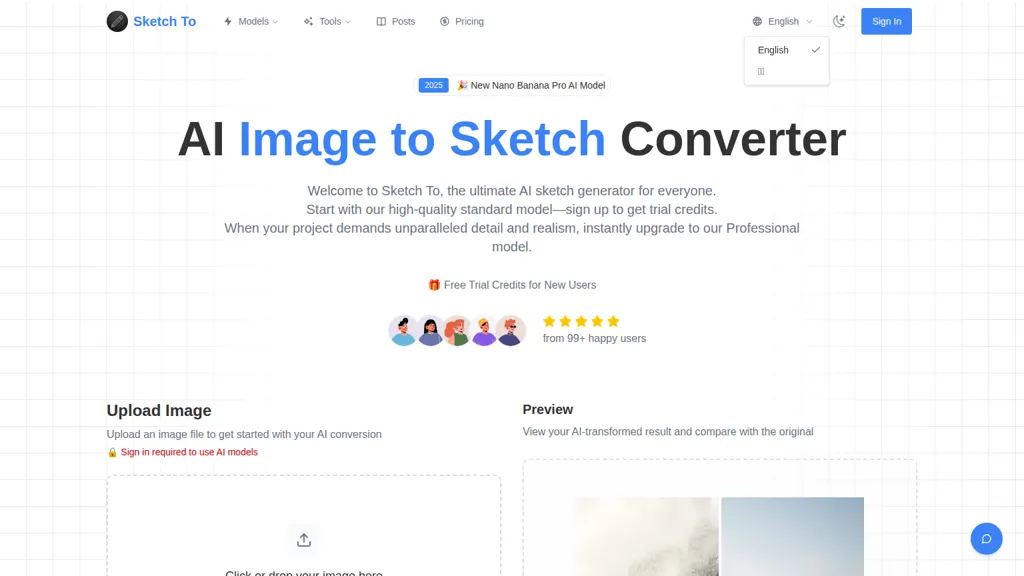
Sketch To is an AI image-to-sketch converter and sketch-to-image tool that converts photos into pencil-style sketches and converts sketches into realistic images. It offers Standard and Professional models so users can choose lower-cost conversions for social posts and hobbies or higher-detail processing for commercial and design work; new users receive trial credits.
The cloud-based engine processes images quickly and provides preview comparisons and high-resolution downloads suitable for print. Supported formats include JPG, PNG, WEBP and other common image types. Key features include image-to-sketch conversion, sketch-to-image reconstruction, selectable artistic styles, and model-based quality settings.
Sketch To details
- Built for
- Individuals
Sketch To tech specs
- Works with
- OpenAI / GPT Google / Nano Banana Stability AI Black Forest Labs / Flux ByteDance / Seedream
- Cloud
- Google Cloud
- Payment Processors
- Stripe PayPal
Sketch To pricing
FreeSketch To's key features
-
Image-to-sketch conversion (AI converts photos to pencil/artist sketches)
-
Sketch-to-image transformation (AI converts sketches into realistic images)
-
Multiple AI models with credit-based usage (Standard and Professional models, instant upgrade)
-
Instant cloud-based processing (fast conversions completed in seconds)
-
High-resolution output downloadable for print and professional use
Sketch To use cases
-
Turn product photos into high-quality pencil-style sketches for catalogs, packaging mockups, and print brochures using Sketch To's artistic presets and model-based quality settings, then export print-ready JPG/PNG/WEBP files.
-
Convert client concept sketches into photorealistic images for architecture, interior design, and real-estate presentations with Sketch To's sketch-to-photo reconstruction and fast cloud previews to iterate quickly with stakeholders.
-
Create stylized portraits and personalized gifts by transforming photos into hand-drawn pencil sketches and back into realistic images using selectable artistic styles and high-resolution downloads for framing or social media posts.
Sketch To user reviews
Would you recommend Sketch To?
Who is Sketch To for?
-
Digital artists
-
Product designers
-
Content creators
-
Graphic designers
-
Marketing professionals
Sketch To FAQ
Is Sketch To free?
Yes. Sketch To is free to use and does not require a credit card.
What are the best alternatives to Sketch To?
The closest alternatives to Sketch To are picture to drawing, SketchImage.AI, Restylar, Image to Image AI and ImageCartoon. You can compare them side by side in the alternatives section further down this page.
What does Sketch To do with my data?
Its privacy policy states that personal data is not sold or shared for marketing purposes. Data may be shared with third-party service providers that help run the product.
Does Sketch To auto-renew or offer refunds?
Sketch To subscriptions do not renew automatically.
Which AI models does Sketch To use?
Sketch To is built on OpenAI / GPT, Google / Nano Banana, Stability AI, Black Forest Labs / Flux and ByteDance / Seedream. Which models you can reach may depend on your plan.
Compliance, privacy and billing terms are as stated in each product's own published documentation and have not been independently verified by TopAI.tools.


