
Pdf Text To Speech
The best 50 Pdf Text To Speech AI tools - Free & Paid
Explore 50 AI for Pdf Text To Speech
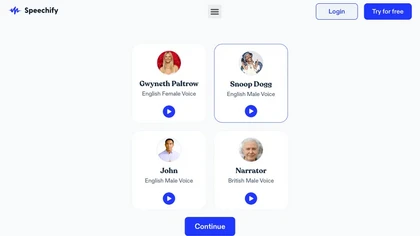
Speechify converts PDFs, DOCX, EPUB, web pages, and more into natural‑sounding audio on iOS, Android, macOS, Windows, and Chrome. It offers an AI assistant that summarizes documents while you listen, supports voice typing, and allows offline access.
Free trial
- $29/mo
Speak4Me converts PDFs, e‑books, documents, websites, and scanned images into natural‑sounding audio with adjustable speed. It offers voice selection, searchable content via ChatWithMe, and accessibility support for dyslexia, ADHD, and visual impairments, suitable for students, educators, and busine
Free
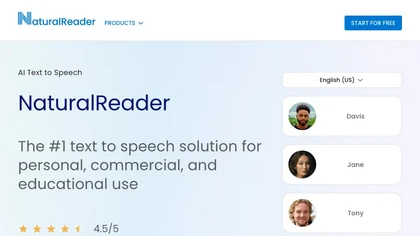
NaturalReader AI converts PDFs, Word, ePub, web pages, and OCR text into natural‑sounding audio in 90+ languages. It supports voice cloning, offline playback, mobile and Chrome extension access, and includes captions and dyslexia‑friendly fonts.
Freemium
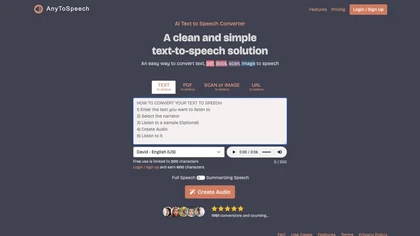
AnyToSpeech converts text, PDFs, DOCX, URLs, and images into natural‑sounding audio across 16 languages, offering 100+ voices and voice‑cloning from a 30‑second clip. It transcribes and cleans audio, supports translation, and is available via web and Android.
Subscription
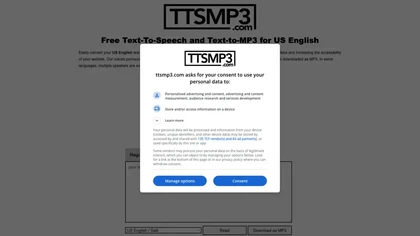
ttsMP3.com converts text to spoken audio in over 28 languages with natural voices. Supports multiple speakers, SSML tags, and instant MP3 downloads. Ideal for e‑learning, slide decks, videos, and enhancing website accessibility.
Free
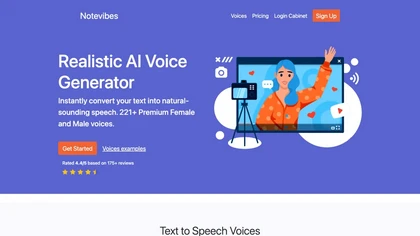
Notevibes transforms text, PDFs, URLs, images, and audio into studio‑quality voiceovers, podcasts, and audiobooks using 550+ voices across 57 languages. It auto‑summarizes content, supports multi‑speaker dialogues, and delivers MP3/WAV downloads for commercial use.
Paid
- $19/mo

Readvox is a Chrome text-to-speech extension that converts web pages, PDFs, Google Docs, Kindle books and images (OCR) into audio, offering selectable voices, custom pronunciation, adjustable speed, pause/resume, and controls to support accessibility and language learning.
Free
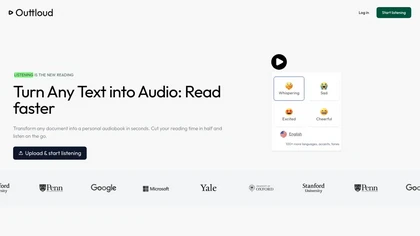
Outtloud converts PDFs, EPUBs, DOCXs, web articles, and YouTube transcripts into natural‑sounding audio in over 50 languages. It supports adjustable speed, dyslexia‑friendly fonts, voice cloning from a short sample, OCR for scanned files, and built‑in bookmarking, annotation, and reading‑goal tracki
Subscription
- $14/mo
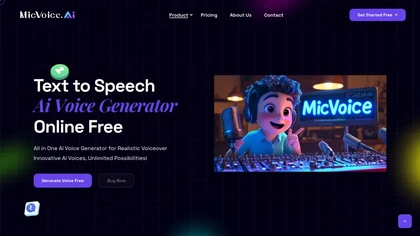
MicVoice.Ai converts written text into natural speech with advanced TTS, offering real‑time voice change, noise reduction, and multi‑language support. It extracts text from PDFs and JPGs, letting users adjust pitch, speed, and tone for clear, personalized audio.
Free trial
Audioread transforms articles, PDFs, emails, URLs, and RSS feeds into natural‑sounding audio in 80+ languages, with adjustable speed, MP3 downloads, and private podcast feeds for cross‑device streaming. It offers AI summaries, privacy mode, Slack integration, and an API for developers.
Subscription
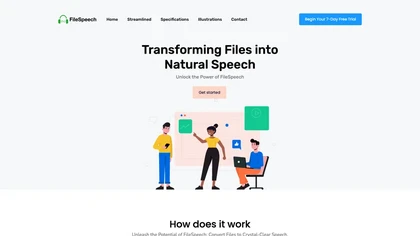
FileSpeech transforms PDFs, e‑books, webpages, and scanned documents into spoken audio in over a dozen languages. Users choose natural voice profiles, upload via cloud, URL, or camera, and download MP3s for offline use.
Free
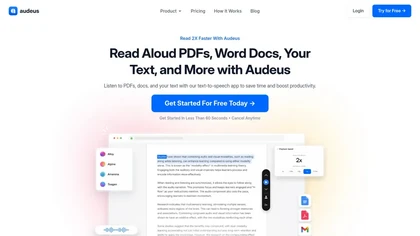
Audeus is a web-based text-to-speech tool that enhances reading efficiency by converting various document formats into audio, synchronizing highlighted text, and allowing users to customize playback speed for improved comprehension and focus.
Free trial
AudiowaveAI turns articles, blogs, PDFs, ePubs, and other text into natural‑sounding audio in 100+ languages, offering up to ten distinct voices. Browser‑based playback, shareable files, and flexible pay‑per‑word credits suit creators and learners.
Freemium
ListenDock converts PDFs, DOCX, EPUB, and web pages into MP3 audio, offering full text or summarized episodes in multiple languages, including technical and mathematical content, for mobile listening during commutes or study sessions.
Free
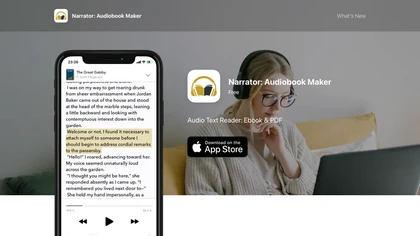
Narrator converts ePub, PDF, DOCX, TXT, and RTF files into natural‑sounding speech in over 25 languages. Playback speed ranges from 0.5× to 3×, and audio can be exported as a single .m4a file. Works offline after voice download.
Free
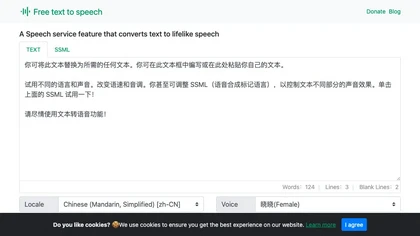
A web‑based Microsoft AI TTS tool offering 330+ neural voices in 129 languages. Users can adjust rate, pitch, pauses, and style for news, scripts, or narration. Works across Chrome, Firefox, Edge, with an API for web integration.
Free
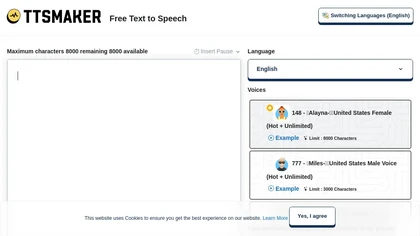
Online TTS platform converts text into audio in 100+ languages with 148+ AI voices. Users can tweak speed, pitch, pause, add background music, and download MP3, OGG, AAC, OPUS, or WAV for dubbing, audiobooks, and language learning.
Free
FreeTTS delivers browser‑based AI audio utilities: multilingual text‑to‑speech, accurate speech‑to‑text transcription, vocal isolation, voice enhancement, precise cut/join, and format conversion (MP3, WAV, FLAC, OGG, M4A). All processing is local and files auto‑delete after 12 hours.
Freemium
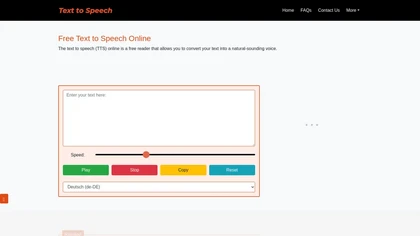
Free Text to Speech Online converts unlimited text into audible speech across multiple languages, voices, and genders. Users can adjust speed with a slider, control playback, and the service works on all browsers and mobile devices without login.
Free
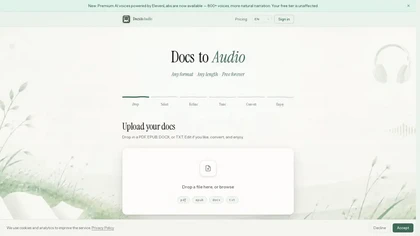
DocstoAudio is a browser-based tool that converts EPUB, PDF, DOCX, and TXT files into MP3 or M4B audiobooks with chapter marks, supporting batch and chapter-based conversion. It offers standard and premium voices across 30+ languages, with live progress tracking and downloadable single or zipped cha
Free trial
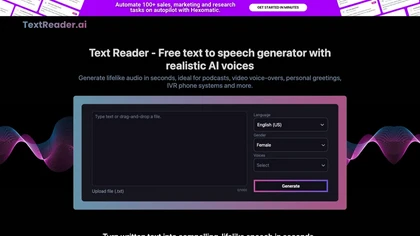
Text Reader is an AI Text-to-Speech tool with high-quality WaveNet voices, offering quick conversion of written text to lifelike audio in over 40 languages. Perfect for podcasts, videos, phone systems, and more.
Free

FlowSpeech is a text-to-speech studio that generates human-like, context-aware speech with emotion and pause controls. It automates multi-speaker projects and tone tagging for audiobooks, voiceovers, and podcasts from various document formats.
Freemium
- $12/mo
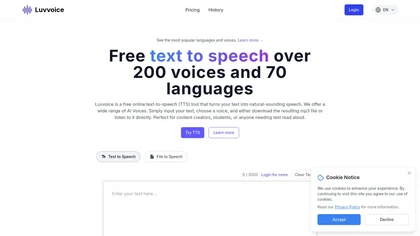
LuvVoice is a free online text-to-speech tool that converts text into audio using over 200 voices in 70 languages. Users can customize speech rate and pitch, making it suitable for content creation and educational purposes.
Freemium
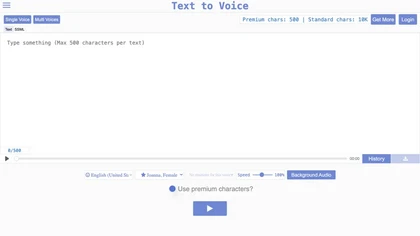
Online voice‑synthesis tool that converts text into spoken audio in multiple languages. It offers standard, Gen2, prompted, and voice‑cloned voices with emotional tones, adjustable gender, accent, speed, background levels, and MP3 export for creators and educators.
Freemium
- $11/mo
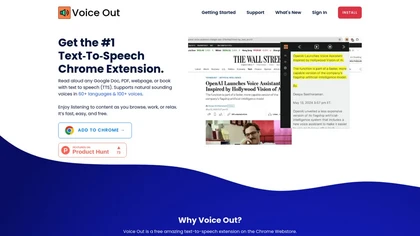
Voice Out is a Chrome extension that reads webpages, Google Docs, PDFs, and e‑books aloud in 60+ languages with 100+ natural voices. It highlights text, lets users adjust speed, pitch, and volume, and supports background playback and keyboard shortcuts.
Subscription
- $6/mo
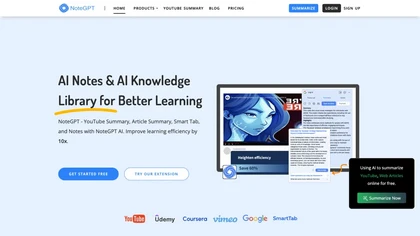
NoteGPT transcribes and summarizes lectures, meetings, and recordings in any language, offering PDF/PPT/book/video overviews, translation, and AI drafting tools. It also supports text‑to‑speech, voice cloning, infographics, slide generation, and multi‑model chat assistance.
Free trial
- $9/mo
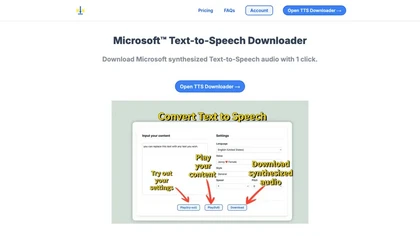
Microsoft TTS Downloader converts written text into high‑quality, natural‑sounding speech using Azure’s Text‑to‑Speech service. With a single click, users can play back or download audio, batch‑process multiple files, and bypass Azure credential setup.
Freemium
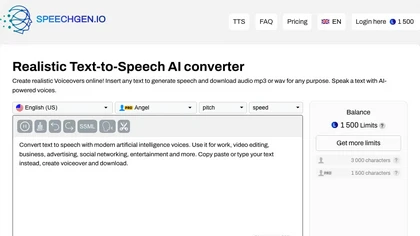
SpeechGen.io converts up to 2 million characters into high‑quality neural‑voice audio across 150 languages with 5,000 models. It allows voice, speed, pitch, volume control, SSML tags, background music, multi‑speaker tagging, downloadable formats, and a REST API.
Paid
- $4.99
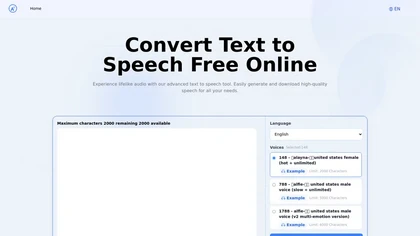
Text to Speech.im is a web‑based AI text‑to‑speech converter offering 150+ natural voices in multiple languages. Paste up to 2,000 characters, adjust rate and volume, and download MP3s or stream. API integration supports developers.
Free
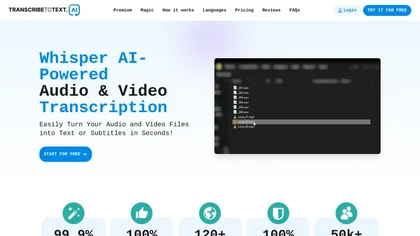
TranscribeToText.AI turns audio and video files—up to 10 hours or 5 GB—into accurate text in 100+ languages, supporting MP3, MP4, WAV, OGG, etc. Export as DOCX, PDF, TXT, SRT, VTT or import from URLs, YouTube, Google Drive, Dropbox, or live meetings.
Freemium
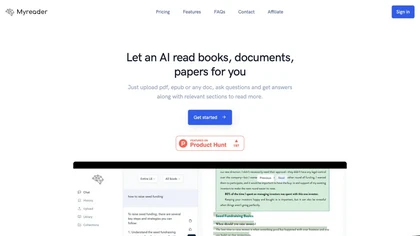
Myreader is an AI reading assistant that accepts PDFs, EPUBs, YouTube videos, and web articles, enabling chat‑based queries, concise summaries, contextual citations, and text‑to‑speech in 50+ voices across 30 languages. Secure cloud storage supports large libraries.
Freemium
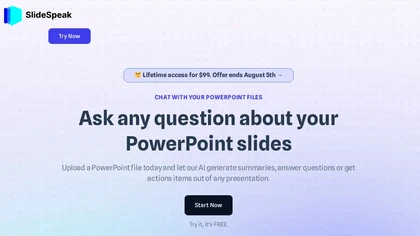
SlideSpeak transforms PDFs, Word, Excel, and web content into PowerPoint slides in seconds, offering AI editing, infographics, charts, AI images, narrated videos, branding, translation, and an API for custom integration.
Freemium
- $29/mo
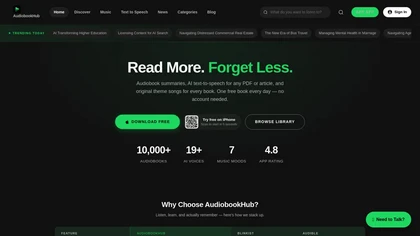
AudioBookHub is a comprehensive audio learning platform that transforms text from PDFs, articles, URLs, and photos into narrated audio with 19+ AI voices, while also offering 10,000+ audiobook summaries and full public-domain titles. It enhances retention through quizzes, mind maps, and reflection p
Freemium
Inpodcast AI transforms PDFs, Word, Markdown, and TXT files into audio podcasts in seconds. It offers customizable script control, multi‑language TTS, over 70 voices, voice cloning, and corporate or educational use, delivering ready‑to‑publish audio episodes.
Subscription
- $9.9/mo
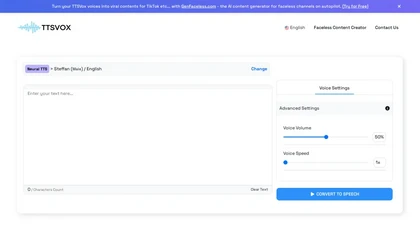
ttsvox is a web-based text-to-speech and AI voice generator that converts text into MP3 or WAV files using over 350 voices across 100+ languages and accents, with adjustable speed and volume. It supports unlimited browser-based conversions without downloads, making it ideal for video narration, e-le
Free trial
Chatpdf.so is an AI tool for efficiently extracting information from PDF documents. It uses GPT-4 for questions, summaries, and interactive learning. With multi-language support and robust data security features, it helps users generate reports and essays effortlessly.
Free trial
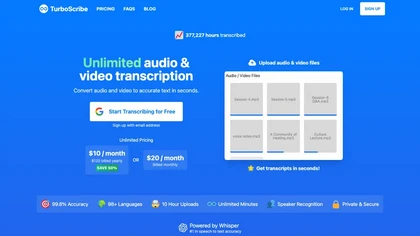
TurboScribe is an AI-powered transcription tool offering ultra-fast conversion of audio and video files to text. It supports over 98 languages, handles uploads up to 10 hours long, and features speaker recognition for meetings, interviews, and podcasts.
Freemium
- $10/mo
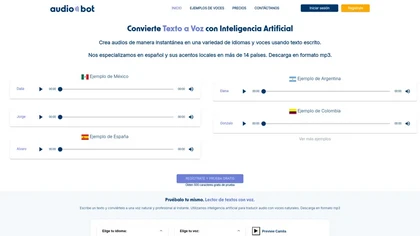
AudioBot converts written text to natural‑sounding MP3 audio using over 500 AI voices in multiple languages, including diverse Spanish accents. Users can tweak pitch, speed, and tone, making it useful for video, podcasts, and accessibility.
Paid

gpt-reader.com is a community-driven AI development platform that enables open-source teams to manage projects through proposal voting, AI-assisted code reviews, and integrated CI/CD workflows.
Freemium
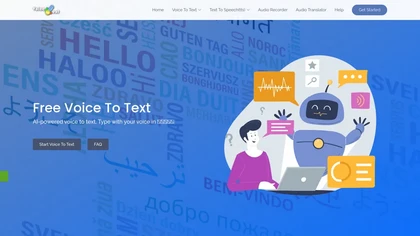
Voice to Text offers real‑time multilingual transcription of audio and video files, automatically punctuating and adding emojis. It includes inline editing, formatting options, and exports to TXT, DOCX, and more, supporting all major browsers for seamless workflow integration.
Freemium
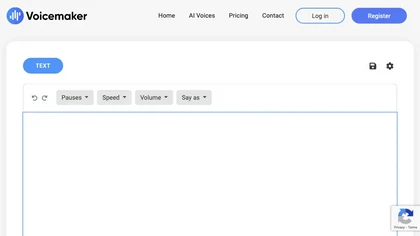
Voicemaker is a cloud‑based text‑to‑speech platform offering 1,500+ AI voices in 130+ languages. It lets users adjust pitch, speed, pauses, add effects, clone voices with a minute of audio, and export to MP3, WAV, OGG, AAC, or OPUS.
Freemium
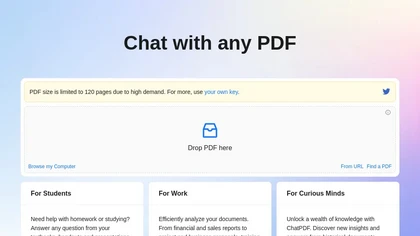
ChatPDF lets users upload PDFs for conversational queries, mapping content and providing cited answers. It supports folders for combined documents, side‑by‑side chat and source viewing, and offers multilingual input and output.
Free
- $5
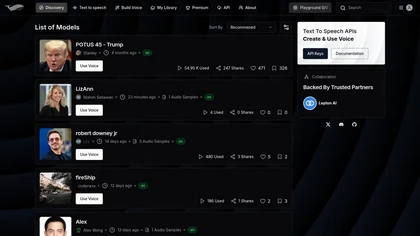
Fish Audio S2 delivers real‑time text‑to‑speech with fine‑grained emotional tags and voice cloning from 15 seconds of audio. Its low‑latency API, SDKs, and multilingual support enable developers to create studio‑quality narration, dialogues, and voice agents.
Freemium
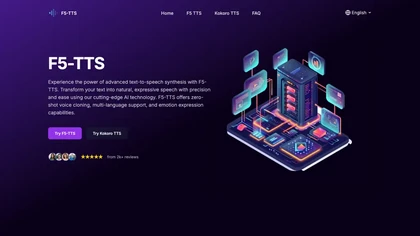
F5‑TTS converts text into natural‑sounding, multi‑language audio with emotion control. It supports zero‑shot voice cloning from a reference file, real‑time processing, and speed adjustment, ideal for audiobooks, e‑learning, and accessibility.
Freemium
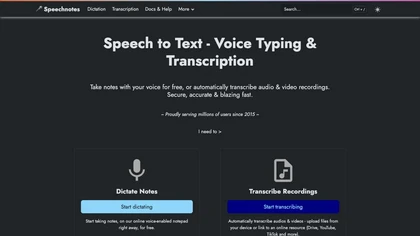
Speechnotes is a web‑based speech‑to‑text tool for real‑time dictation and batch transcription in multiple languages. It offers speaker tagging, timestamps, subtitle export, and imports from Google Drive, YouTube, or local files. Export to text, markdown, PDF while preserving privacy.
Freemium
- $1.9/mo

BookFab downloads and decrypts ebooks and audiobooks from Kindle, Kobo, Audible and other stores, converts and batch-processes files to EPUB/PDF/MP3/FLAC/OPUS, preserves formatting and metadata, offers DRM removal, a Calibre plugin and AI TTS with voice cloning.
Free
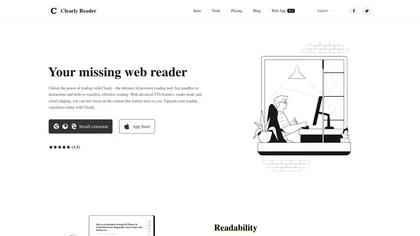
Clearly Reader cleans web pages by removing ads and distractions, offers adjustable readability settings, built‑in text‑to‑speech, clipping and bookmarking, AI‑driven summarization, and export to PDF, Word, Markdown, and third‑party services for students, researchers, and casual readers.
Freemium
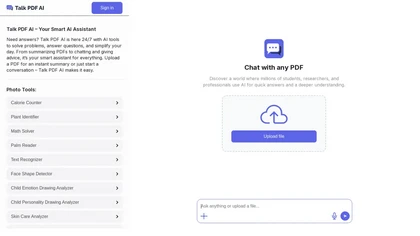
TalkPDF.ai is an intelligent assistant for interacting with PDF documents, offering features like summarization, problem-solving, photo analysis, calorie tracking, emotion assessment, and audio text-to-speech for improved accessibility.
Subscription
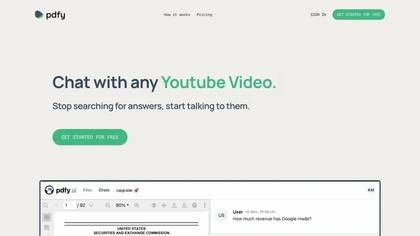
pdfy.ai lets users query PDFs, audio, web pages, and YouTube videos to instantly retrieve facts, quotes, or summaries. It integrates web search for concise answers, aiding students, researchers, and office workers in quick data extraction without manual scrolling.
Freemium
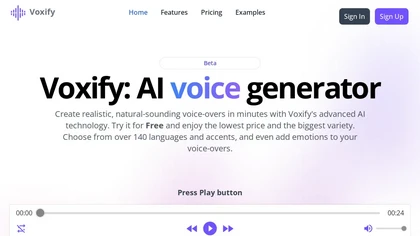
Voxify is an advanced AI voice generator tool that offers customizable voice-overs in multiple languages, accents, emotions, tones, styles, pacing with fast turnaround times, affordable pricing options, and flexible subscription plans.
Freemium
- $4.99/mo