
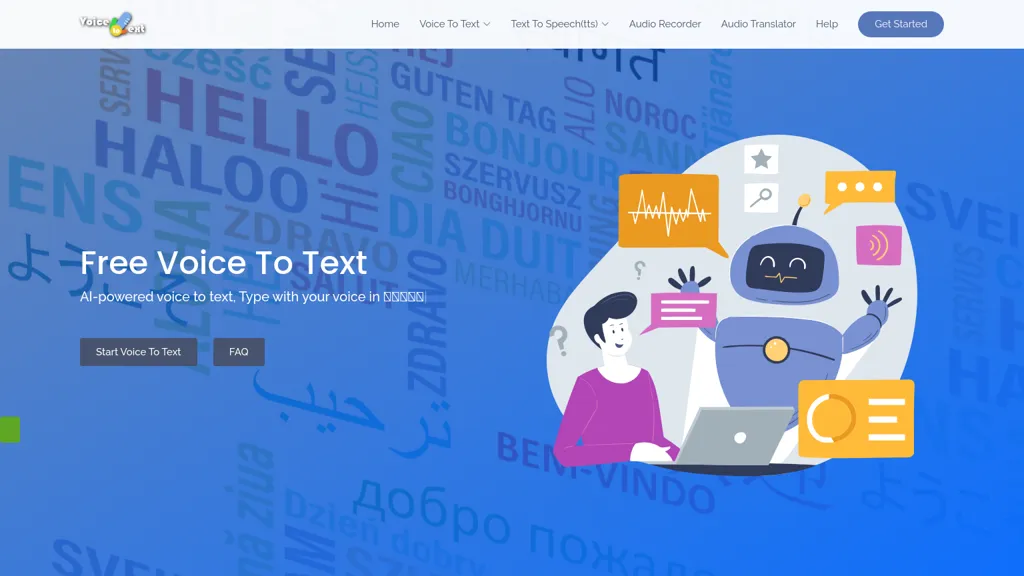
What is VoiceToText?
Voice to Text delivers real‑time speech‑to‑text transcription for over 30 languages, automatically adding punctuation, paragraph breaks and emoji.
The platform supports audio and video files, allowing users to convert spoken content into editable text in seconds.
Built‑in editing tools enable formatting with bold, underline, and other styles directly in the transcript.
Export options include plain text (.txt), Microsoft Word (.docx), and other common formats for seamless integration into workflows.
An online audio recorder saves recordings locally, while a text‑to‑speech engine reads back the text for quick audio verification.
The tool is designed for content creators, developers, students, healthcare professionals, and other users who need accurate, instant transcriptions.
Compatibility covers all major browsers and operating systems, requiring only an internet connection for cloud‑based processing.
VoiceToText pricing
FreemiumVoiceToText offers a free plan with paid upgrades available.
Verify on the official pricing page.
View plansVoiceToText's key features
-
Real-time voice transcription
-
Multi-language speech recognition
-
Built-in editing tools
-
Export transcripts (txt, docx)
-
Audio/video file transcription
-
Real-time text-to-speech
-
Integrated audio recorder
VoiceToText use cases
-
Transcribe and edit interview recordings in real‑time for journalists, automatically punctuating and adding emojis to highlight emotional cues, exporting to DOCX for publication.
-
Convert multilingual classroom lectures into accurate, searchable transcripts, allowing teachers to add inline comments and export to TXT for student sharing.
-
Record product demos and generate fully formatted transcripts with emojis for marketing teams, then export to DOCX for inclusion in support documentation.
VoiceToText user reviews
Would you recommend VoiceToText?
Who is VoiceToText for?
-
Content creators
-
Product designers
-
E-commerce sellers
-
Learning students
-
Language learners
VoiceToText FAQ
Is VoiceToText free?
Partly. VoiceToText has a free plan with usage limits, and paid plans unlock the full feature set.
What are the best alternatives to VoiceToText?
The closest alternatives to VoiceToText are TranscribetoText.AI, Audioconverter, TurboScribe, Speechify and Speechnotes. You can compare them side by side in the alternatives section further down this page.
What does VoiceToText do with my data?
Its privacy policy states that personal data is sold or shared for marketing purposes. Data may be shared with third-party service providers that help run the product.
Does VoiceToText have an API?
Yes. VoiceToText offers an API, so you can call it from your own applications instead of using the interface directly.
Compliance, privacy and billing terms are as stated in each product's own published documentation and have not been independently verified by TopAI.tools.


