
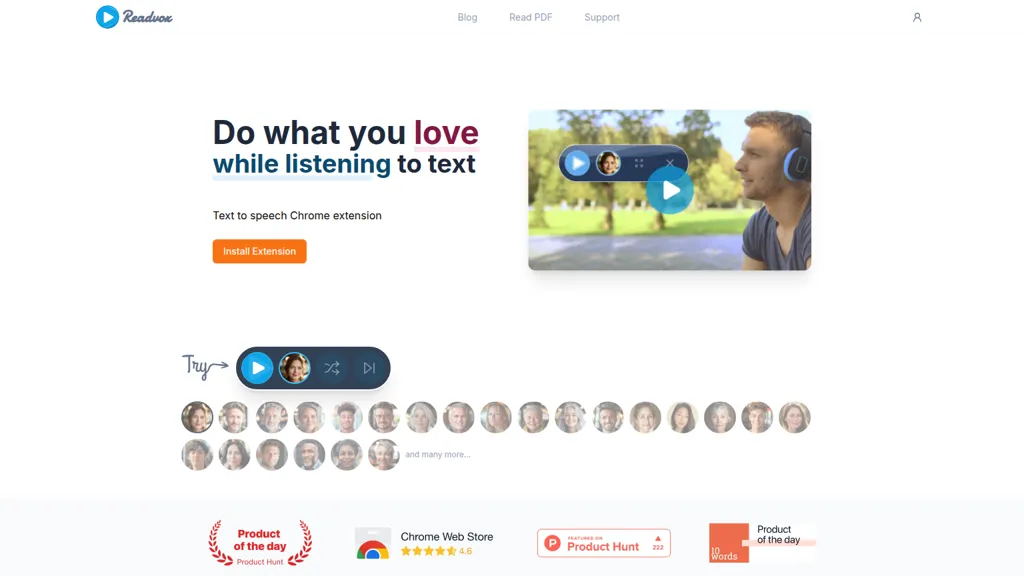
What is Readvox?
Readvox is a text-to-speech (TTS) Chrome extension that converts web pages, PDFs, Google Docs, Kindle books and other online text into audio.It supports whole-page reading, selected-text playback, paragraph-start reading, and a snippet scanner with OCR for image-based text.
Feature controls include multiple speaker voices, custom pronunciation, pause/resume, and adjustable reading speed.Readvox integrates with common platforms and file types to enable hands-free listening for commuters, students, and professionals.
The extension enhances accessibility for users with visual impairment or reading challenges and assists language learners through pronunciation and speed adjustments.
Readvox details
- Company
- Fenvox LLC
- Stated compliance
- GDPR, CCPA
Compliance as stated in Readvox's own published documentation.
Readvox tech specs
- Works with
- OpenAI / GPT
- Integrations
- Google Workspace
Readvox pricing
FreeThis tool is free to use, with no credit card required.
- Auto-renewal
- Yes
Verify on the official pricing page.
Get started freeReadvox's key features
-
Chrome extension for in-page text-to-speech
-
Supports reading from many web apps and formats (Google Docs, Kindle, Gmail, PDFs, ChatGPT, etc.)
-
Multiple high-quality, natural-sounding AI speakers and multi-language support
-
Precise speech controls (reading speed, pause controls, custom pronunciation, start-from-paragraph, read selected text, whole-page reading)
-
Snippet scanner with OCR and select-to-read tooltip
Readvox use cases
-
Listen to long articles, research papers, web pages, PDFs, Google Docs, Kindle books and scanned images hands-free with Readvox's Chrome text-to-speech extension, using selectable voices, adjustable speed, pause/resume and custom pronunciation so you can commute or multitask without missing details
-
Make web content and documents accessible for people with visual impairments or dyslexia by converting pages, PDFs and images (OCR) into clear audio, leveraging selective text playback, keyboard controls and custom pronunciation to improve navigation and comprehension
-
Use Readvox to boost language learning and pronunciation practice by listening to targeted passages at slowed or accelerated speeds, repeating sections, switching voices and adding custom pronunciations to master vocabulary and improve listening comprehension
Readvox user reviews
Would you recommend Readvox?
Who is Readvox for?
-
Visually impaired users
-
Language learners
-
Students
-
Professionals
-
Anyone preferring auditory content consumption
Readvox FAQ
Is Readvox free?
Yes. Readvox is free to use and does not require a credit card.
Is Readvox safe to use?
Readvox states GDPR and CCPA compliance in its own published documentation. Readvox is operated by Fenvox LLC. It has a substantial audience that is independently measured month to month.
What are the best alternatives to Readvox?
The closest alternatives to Readvox are Voice Out, NaturalReader, Speechify, ReadAloud and AnyToSpeech. You can compare them side by side in the alternatives section further down this page.
What does Readvox do with my data?
Its privacy policy states that personal data is not sold or shared for marketing purposes.
Does Readvox auto-renew or offer refunds?
Readvox subscriptions renew automatically until you cancel.
Who made Readvox?
Readvox is built and operated by Fenvox LLC.
Which AI models does Readvox use?
Readvox is built on OpenAI / GPT. Which models you can reach may depend on your plan.
What does Readvox integrate with?
Readvox connects with Google Workspace.
Compliance, privacy and billing terms are as stated in each product's own published documentation and have not been independently verified by TopAI.tools.


