
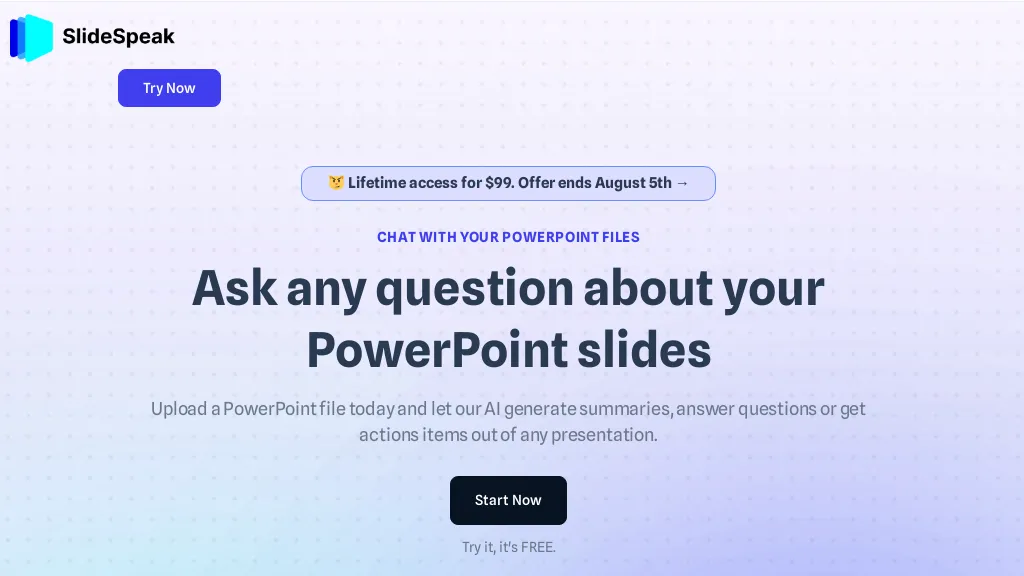
What is SlideSpeak?
SlideSpeak is an AI presentation platform that converts PDFs, Word documents, Excel sheets, and web content into structured PowerPoint slides in seconds. The tool includes an AI editor that can shorten, expand, or rewrite slide text while preserving layout.
Users can generate infographics, charts, and AI‑created images directly within a presentation. A video feature turns slide decks into narrated videos, useful for social media, training, and explainer content. The platform supports full branding by automatically applying logos, colors, and fonts across slides.
It offers a translation function that maintains formatting for multilingual teams. An API allows developers to embed presentation generation into custom applications. The service is tailored for consultants, students, educators, and enterprises seeking efficient slide creation and document summarization.
SlideSpeak details
- Jurisdiction
- United States
- Built for
- Individuals
- Stated compliance
- GDPR
Compliance as stated in SlideSpeak's own published documentation.
SlideSpeak tech specs
- Works with
- OpenAI / GPT Anthropic / Claude
SlideSpeak pricing
FreemiumVerify on the official pricing page.
View plansSlideSpeak's key features
-
Generate slides from PDF/Word/Excel
-
Fully editable AI-generated slides
-
Built-in AI editor for layouts
-
Automatic brand kit application
-
Convert deck to narrated video
-
Programmatic generation via API
SlideSpeak use cases
-
Generate a brand‑consistent slide deck from a long PDF report in minutes, automatically adding infographics and charts, then export a narrated video ready for client presentation
-
Translate an Excel financial analysis into a multilingual PowerPoint with localized charts and AI‑generated images for global investor meetings, all via the SlideSpeak API integrated into your BI workflow
-
Convert a blog article or website content into a visually engaging slide deck, embed a narrated video for social media sharing, and apply brand colors and custom fonts automatically
SlideSpeak user reviews
Based on 29 reviews, 86% of users recommend SlideSpeak, rated highly for value for money.
Liked for
Disliked for
Would you recommend SlideSpeak?
Main competitors of SlideSpeak
Here are some of the major competitors comparisons vs. SlideSpeak.

Who is SlideSpeak for?
-
Product designers
-
Public presenters
-
Data analysts
-
Digital marketers
-
Academic educators
SlideSpeak FAQ
Is SlideSpeak free?
Partly. SlideSpeak has a free plan with usage limits, and paid plans unlock the full feature set. Plans include Premium at $29/mo and Premium plus at $34/mo.
Is SlideSpeak safe to use?
SlideSpeak states GDPR compliance in its own published documentation. SlideSpeak carries the TopAI.tools verified mark, which we award after a manual review of pricing transparency, published terms, public following and working functionality. It has a substantial audience that is independently measured month to month.
Is SlideSpeak good?
SlideSpeak has an 86% recommendation rate from 29 reviewers on TopAI.tools. Reviewers rate it highest on value for money and quality of results.
What are the best alternatives to SlideSpeak?
The closest alternatives to SlideSpeak are AiPPT, PPT.AI, AI PowerPoint Maker, MagicSlides App and Smallppt. You can compare them side by side in the alternatives section further down this page.
What does SlideSpeak do with my data?
SlideSpeak states that customer content is not used to train its models. Its privacy policy states that personal data is not sold or shared for marketing purposes.
Does SlideSpeak have an API?
Yes. SlideSpeak offers an API, so you can call it from your own applications instead of using the interface directly.
Which AI models does SlideSpeak use?
SlideSpeak is built on OpenAI / GPT and Anthropic / Claude. Which models you can reach may depend on your plan.
Compliance, privacy and billing terms are as stated in each product's own published documentation and have not been independently verified by TopAI.tools.


