
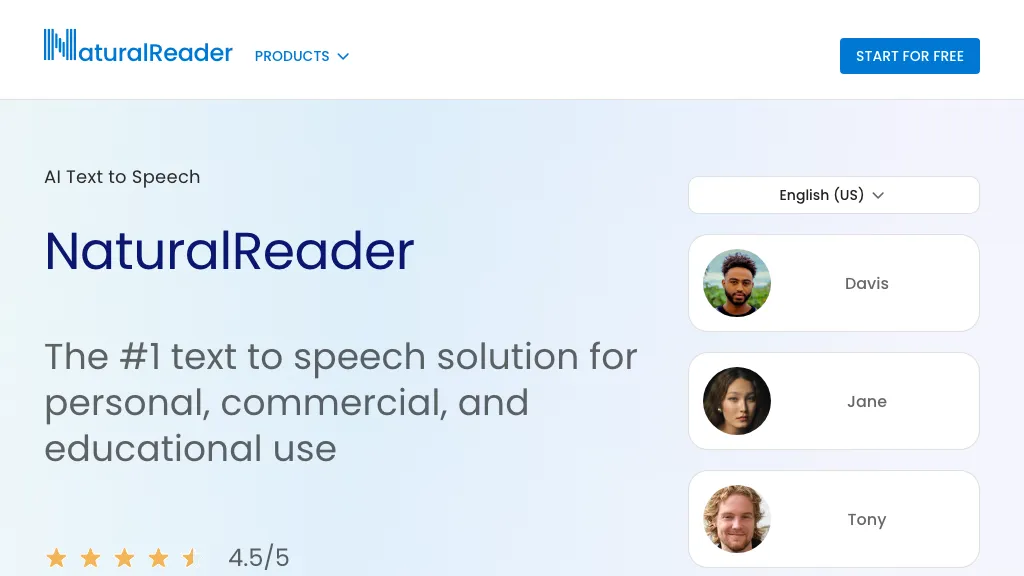
What is NaturalReader?
NaturalReader AI Text to Speech transforms any written content into natural‑sounding audio. It reads PDFs, Word documents, ePub files, web pages and physical books scanned via OCR, and supports over 90 languages with appropriate accents and tones. Users can create high‑quality voiceovers for commercial projects, educational materials, podcasts, or personal listening.
The voice cloning feature allows the creation of custom multilingual voices by uploading a recording. Availability across a web app, iOS and Android mobile apps, and a Chrome extension ensures cross‑device playback and offline listening. Accessibility tools include closed captions, a dyslexia‑friendly font, and hot‑key controls for efficient navigation.
NaturalReader details
- Company
- NaturalSoft Limited
- Built for
- Businesses and teams
NaturalReader pricing
Freemium- Auto-renewal
- Yes
Verify on the official pricing page.
View plansNaturalReader's key features
-
Multilingual text-to-speech 90+ languages
-
Content-aware voice tone adjustment
-
Voice cloning from recorded sample
-
OCR camera scanner physical books
-
MP3 export offline listening
-
Chrome extension reads webpages instantly
NaturalReader use cases
-
Convert legal documents into audio briefs with dyslexia‑friendly captions, offline playback, and multilingual voice cloning
-
Clone podcast host voices to automatically narrate news articles in 90+ languages via mobile app and Chrome extension
-
Read scanned eBooks aloud for visually impaired students using OCR conversion, dyslexia‑friendly fonts, and offline TTS on Android
NaturalReader user reviews
Based on 28 reviews, 79% of users recommend NaturalReader, rated highly for quality results.
Liked for
Disliked for
Would you recommend NaturalReader?
NaturalReader playbooks
1Step-by-step guides to get the most out of NaturalReader
Who is NaturalReader for?
-
Content creators
-
Audio consumers
-
Accessibility advocates
-
Business owners
-
Language learners
NaturalReader FAQ
Is NaturalReader free?
Partly. NaturalReader has a free plan with usage limits, and paid plans unlock the full feature set. Plans include Site license at as low as $1.50/user/year, Group license at $199/year, Group license at $199/year and Group license at $199/year.
Is NaturalReader safe to use?
NaturalReader is operated by NaturalSoft Limited. NaturalReader carries the TopAI.tools verified mark, which we award after a manual review of pricing transparency, published terms, public following and working functionality. It has a substantial audience that is independently measured month to month.
Is NaturalReader good?
NaturalReader has a 79% recommendation rate from 28 reviewers on TopAI.tools. Reviewers rate it highest on quality of results and value for money.
What are the best alternatives to NaturalReader?
The closest alternatives to NaturalReader are Speechify, AnyToSpeech, Audioread, Outtloud and Free Text-To-Speech. You can compare them side by side in the alternatives section further down this page.
What does NaturalReader do with my data?
Its privacy policy states that personal data is not sold or shared for marketing purposes. Data may be shared with third-party service providers that help run the product.
Does NaturalReader auto-renew or offer refunds?
NaturalReader subscriptions renew automatically until you cancel.
Who made NaturalReader?
NaturalReader is built and operated by NaturalSoft Limited.
Compliance, privacy and billing terms are as stated in each product's own published documentation and have not been independently verified by TopAI.tools.


I've found NaturalReader handy for language learners; they can paste vocab lists and hear correct pronunciation, which helps with intonation. It's a bit slower than native speakers, but still better than my own voice.