
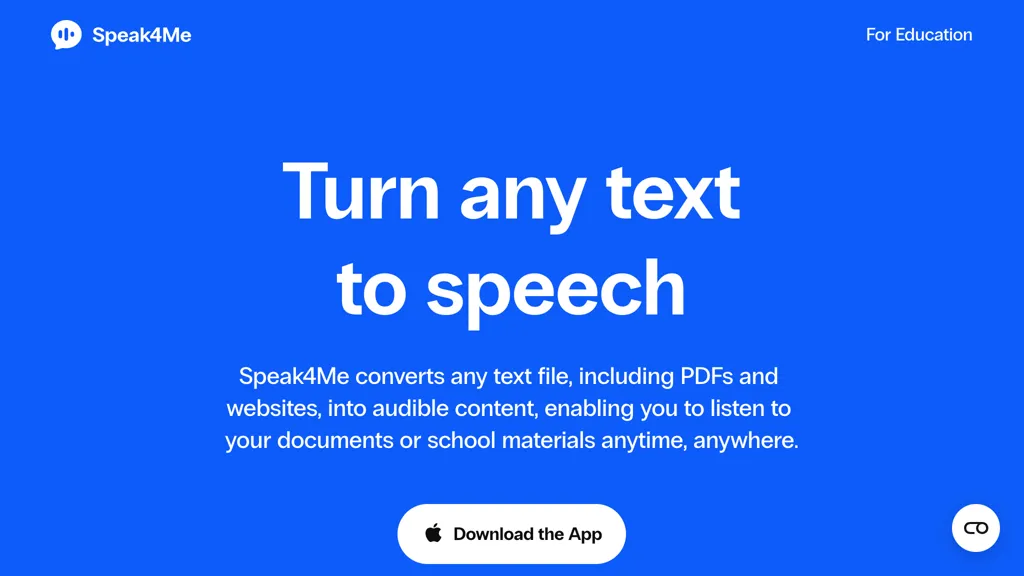
What is Speak4Me - Text to Speech?
Speak4Me turns text from PDFs, e‑books, documents, websites, and scanned images into natural‑sounding audio.
The app offers a range of voices and allows users to adjust playback speed, up to twice the normal reading pace.
It includes a “ChatWithMe” feature that lets users query uploaded files for summaries or detailed answers, which can then be played aloud.
Speak4Me supports accessibility needs such as dyslexia, ADHD, and visual impairments by converting written content into spoken form.
Students and educators can upload files from iCloud, Dropbox, or Google Drive and listen to course materials on the go.
Speak4Me - Text to Speech tech specs
- Works with
- ElevenLabs
- Integrations
- Google Workspace
Speak4Me - Text to Speech pricing
FreeThis tool is free to use, with no credit card required.
- Auto-renewal
- Yes
Verify on the official pricing page.
Get started freeSpeak4Me - Text to Speech's key features
-
Text-to-speech conversion
-
80+ natural voices
-
25+ language accents
-
Adjustable voice speed
-
Chat with PDF files
-
Scan text from photos
-
Dyslexia font support
Speak4Me - Text to Speech use cases
-
Convert dense textbook PDFs into engaging audio lectures for students with dyslexia, offering adjustable speed and voice selection
-
Create voice‑over narrations for corporate training by turning policy documents and slide decks into natural‑sounding audio, searchable through ChatWithMe
-
Enable visually impaired staff to quickly scan, listen to, and discuss scanned invoices and receipts using OCR‑powered audio reading
Speak4Me - Text to Speech user reviews
Based on 4 reviews, 100% of users recommend Speak4Me - Text to Speech, rated highly for value for money.
Liked for
Would you recommend Speak4Me - Text to Speech?
Who is Speak4Me - Text to Speech for?
-
Content creators
-
Writers
-
Language learners
-
Educators
-
Individuals with visual impairments
Speak4Me - Text to Speech FAQ
Is Speak4Me - Text to Speech free?
Yes. Speak4Me - Text to Speech is free to use and does not require a credit card.
What are the best alternatives to Speak4Me - Text to Speech?
The closest alternatives to Speak4Me - Text to Speech are NaturalReader, Speechify, Outtloud, Readpdfaloud and AnyToSpeech. You can compare them side by side in the alternatives section further down this page.
What does Speak4Me - Text to Speech do with my data?
Its privacy policy states that personal data is not sold or shared for marketing purposes. Data may be shared with third-party service providers that help run the product.
Does Speak4Me - Text to Speech auto-renew or offer refunds?
Speak4Me - Text to Speech subscriptions renew automatically until you cancel.
Which AI models does Speak4Me - Text to Speech use?
Speak4Me - Text to Speech is built on ElevenLabs. Which models you can reach may depend on your plan.
What does Speak4Me - Text to Speech integrate with?
Speak4Me - Text to Speech connects with Google Workspace.
Compliance, privacy and billing terms are as stated in each product's own published documentation and have not been independently verified by TopAI.tools.


