
Online Video Compression
The best 30 Online Video Compression AI tools - Free & Paid
Explore 30 AI for Online Video Compression
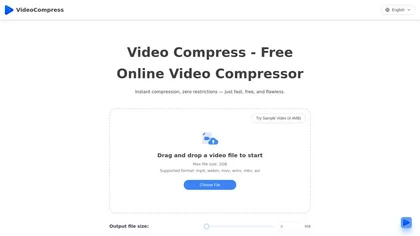
VideoCompress.ai is a free online tool that drastically reduces video file sizes by up to 80% using advanced H.265 encoding. It allows you to preview the compression in real-time while ensuring your files are secured with end-to-end encryption.
Free

TensorPix enhances SD video to 4K 60FPS, removes artifacts from VHS and old footage, offers real‑time call improvement, batch processing, API integration, and cloud GPU processing—no local install needed.
Freemium

m3u8 player online is a browser-based HLS player and downloader that plays live and on-demand streams with adaptive bitrate switching, while also enabling in-browser conversion of m3u8 files to MP4/WebM/MKV and batch downloading with resume support.
Free

Upload video files (MP4, MOV, MKV, M4V, AVI) and apply AI models—Face, Animation, Denoise, Low‑Light, Colorize—to improve clarity, reduce noise, brighten dark scenes, or add color. Preview changes, upscale to 4K, then download without watermarks.
Paid
Browser‑based AI upscaler uses WebGPU and open‑source algorithms like Anime4K and RealESRGAN to enlarge video and image resolution. It processes each frame client‑side, preserving privacy, with drag‑and‑drop, side‑by‑side comparison, and selectable output sizes.
Free

Browser-based Online Audio Converter converts 300+ audio/video formats to MP3, WAV, M4A, FLAC, OGG, etc., extracts audio from video, offers bitrate/sample rate/channel controls, fade/reverse/voice removal, batch conversion, metadata editing, and cloud export.
Subscription
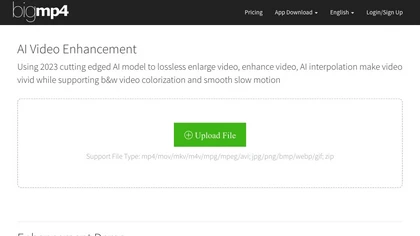
AI Video Enhancement enlarges and improves video/images with no quality loss, scaling to 2K/4K/8K, noise‑reducing, colorizing black‑and‑white, interpolating up to 240fps for smooth slow‑motion. Supports MP4, MOV, MKV, AVI, JPG, PNG, BMP, GIF, WEBP; batch ZIP; desktop for Mac/Windows.
Paid
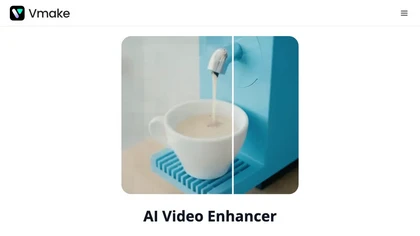
Vmake AI Video Enhancer upsamples MP4, MOV, AVI, etc. to 2K/4K/AI 4K+, removes artifacts, improves low‑light, reduces noise, and offers watermark/text removal, background elimination, and subtitle generation, giving creators, e‑commerce, and gamers sharper, cleaner videos.
Subscription
- $9.99/mo
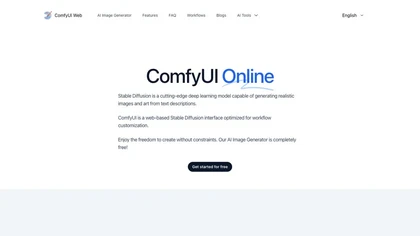
ComfyUI Web is a cloud platform offering over 40 AI tools for text‑to‑image, video, audio, and editing tasks. It runs in a browser, requires no GPU, and deletes uploads after use.
Subscription
- $9.99/mo
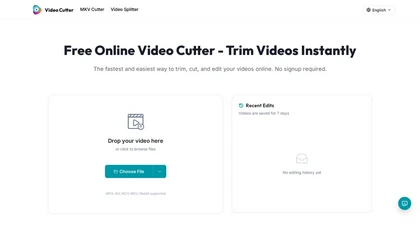
Video Cutter is a free online tool for precise, lossless trimming and splitting of videos in multiple formats. It features a drag-and-drop interface, preserves audio and subtitles, and allows quick export and sharing of clips.
Free
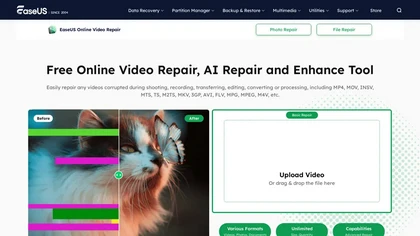
EaseUS Online Video Repair is an AI tool that repairs corrupted video files in formats like MP4, MOV, and AVI. It automatically fixes issues like pixelation and audio syncing while preserving original quality and offers advanced recovery options.
Free

EZTrimmer is a browser-based video editor for trimming, splitting, and merging clips with a timeline interface. It enables quick preparation of short-form content for platforms like TikTok and YouTube Shorts with frame-accurate cuts and drag-and-drop simplicity.
Free
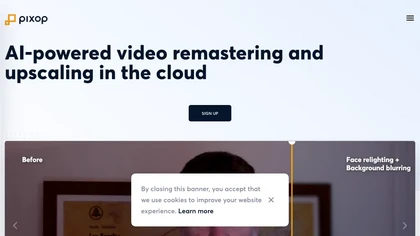
Pixop is an AI‑powered video enhancer that upsamples HD SDR content to UHD HDR without added infrastructure. It offers real‑time live conversion, REST‑API driven archival upscaling, and a browser studio for deinterlacing, denoising, and upscaling.
Freemium
- $6.38
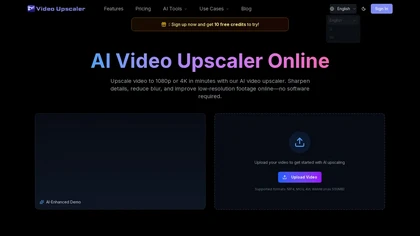
videoupscale.net is a browser-based AI tool that upscales videos to 1080p, 2K, or 4K by enhancing each frame to reduce blur, artifacts, and noise. It supports common formats like MP4 and MOV, with specialized models for restoration, animation, and high-frame-rate exports.
Freemium
- $21.9/mo
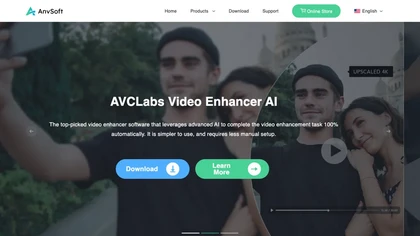
AVCLabs Video Enhancer AI uses deep learning to upscale, denoise, sharpen, colorize, and interpolate frames, automatically detecting and refining faces. It supports batch conversion, preview comparison, multiple formats, preserves frame rates, and leaves originals unaltered.
Free
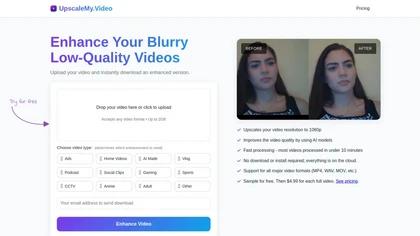
UpscaleMy.Video enhances low-resolution and blurry videos using AI, supporting various formats like MP4 and MOV. Users can easily upload videos for fast cloud processing, making it ideal for content creators and professionals seeking improved video quality.
Free trial
- $4.99

OmniVideo.net is an AI content creation platform that generates marketing videos and images from text prompts. It uses multiple AI models, offers commercial-ready exports, and works directly in your browser.
Freemium

Image Video AI converts photos (JPG/PNG/WEBP) into short MP4 videos up to 1080p using multiple AI models, enabling text-guided motion, style and duration, animating faces, bodies, objects or avatars with fast, simple workflows and commercial usage.
Freemium
- $7.99/mo

videoqualityenhancer.aiai.com is an online AI tool that enhances and upscales videos using deep learning. It deblurs, denoises, stabilizes, and upscales footage to 2K/4K, with specialized models for faces, animation, text, and low-light scenes.
Free trial
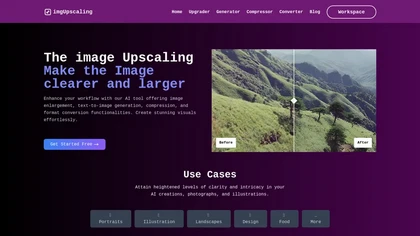
AI‑powered image editor that runs entirely in the browser, offering smart crop, AI expand, format conversion, lossless compression, watermarking, color adjustment, filter, GIF creation, side‑by‑side comparison, and batch workflow design—all processed locally with WebAssembly for speed and privacy.
Free
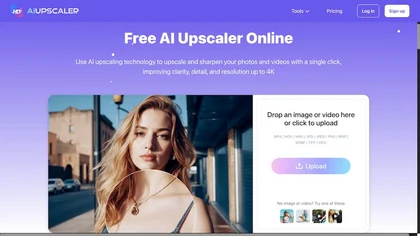
AIUpscaler.ai is a browser-based AI tool that instantly enhances photos and videos to HD or 4K resolution with one click. It upscales, sharpens, and restores detail directly in your browser while preserving colors and ensuring privacy.
Freemium
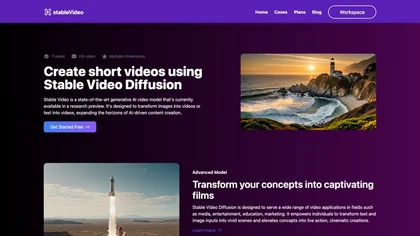
Stable Video Diffusion Online converts still images and text prompts into 4‑second, watermark‑free video clips in 16:9, 9:16, or 1:1 aspect ratios. Fast, server‑based processing supports media, advertising, and education workflows, with open‑source code for customization.
Freemium
- $9/mo

Optimus is a cloud‑based media platform that automates video and image compression, facial enhancement, and resolution upscaling via direct cloud uploads or API, preserving quality while reducing file size for creators, agencies, and developers.
Freemium
YT Copycat lets licensed users download and archive YouTube videos for offline use, supporting batch processing, multiple formats, and direct export to local or cloud storage. Creators can repurpose clips and maintain a private library.
Freemium
- $0.92/mo

Video Converter is a free browser-based tool that converts video and audio files between popular formats and extracts audio. It offers cloud processing for large files, batch conversion, and adjustable quality settings, all with secure, encrypted handling.
Free
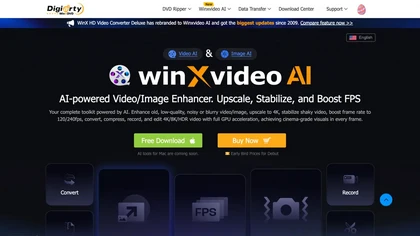
Winxvideo AI enhances videos and audio, upscaling to 4K/8K/HDR, stabilizing and interpolating frames while reducing noise. It offers batch GPU‑accelerated conversion, editing tools, 60 fps screen recording, and AI photo restoration for creators and educators.
Freemium
- $9.99/mo
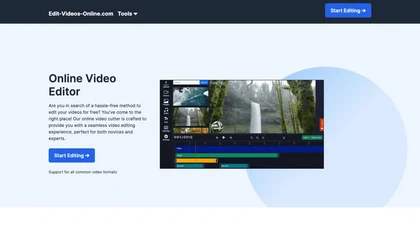
The AI-enhanced Online Video Editor provides smooth, registration-free editing with advanced features like AI background removal and auto caption generation. It supports multiple formats, enables easy audio/image insertion, and requires no software download.
Subscription
- $9.99/mo

AVCLabs Video Enhancer AI upsizes videos to 8K, removes noise, stabilizes footage, colorizes black‑and‑white, adds slow‑motion frames, sharpens faces, and runs locally for batch processing without cloud uploads and multiple AI modes for performance.
Subscription
- $19.95/mo
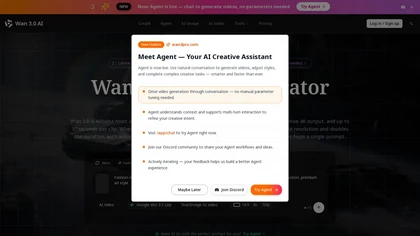
wan3pro.com is an open-source AI video generator that creates native 4K clips from text, images, or audio with lip-sync support. It uses a 60-billion-parameter model and MoE architecture to ensure consistent motion, reduce flicker, and enable multi-shot storytelling from a single prompt.
Freemium
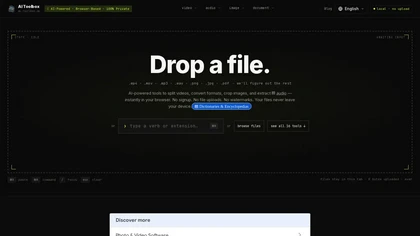
AI Toolbox is a browser-based multimedia toolkit that processes video, audio, images, and documents locally via WebAssembly. Files stay on your device, enabling private editing, conversion, and extraction with no account needed.
Free