
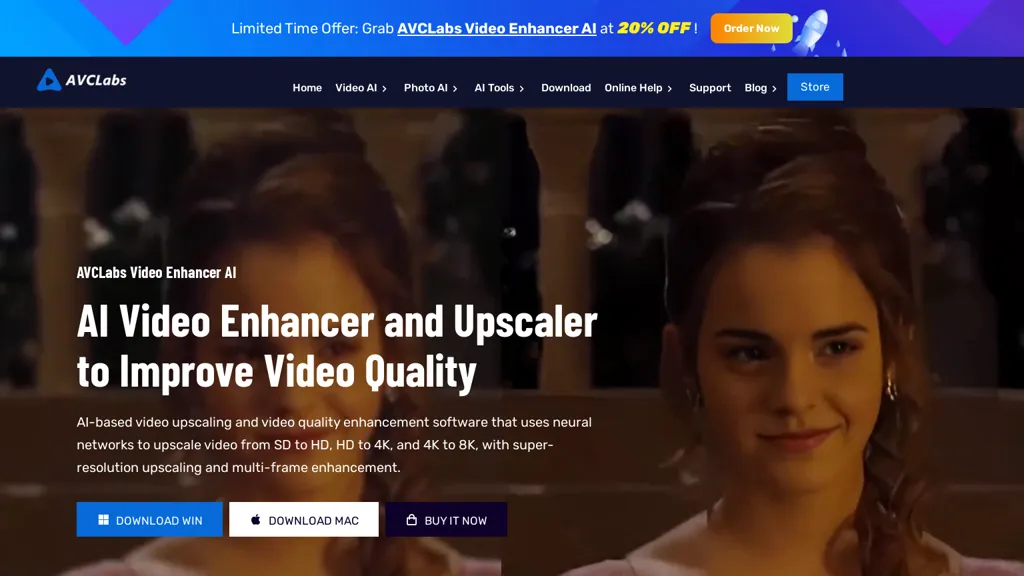
What is AVCLabs Video Enhancer AI?
AVCLabs Video Enhancer AI is a desktop application that applies deep‑learning models to upscale videos up to 8K, reduce noise, and stabilize shaky footage. It can automatically colorize black‑and‑white clips, insert intermediate frames for smooth slow‑motion, and enhance facial details with a dedicated CNN model.
The software supports batch processing and offers multiple AI modes—Ultra, Standard, Anime, Denoise, Colorize—to match hardware performance and editing goals. Local processing keeps all data on the user’s device, eliminating cloud uploads and ensuring privacy.
AVCLabs Video Enhancer AI details
- Company
- RICHART TECHNOLOGIES CO., LIMITED
- Built for
- Individuals
AVCLabs Video Enhancer AI pricing
Subscription- Refund window
- 5 days
- Auto-renewal
- Yes
Verify on the official pricing page.
View plansAVCLabs Video Enhancer AI's key features
-
Upscales video to 8K resolution
-
Colorizes black-and-white footage automatically
-
Stabilizes shaky video with AI
-
Interpolates frames up to 120FPS
-
Automatically blurs faces/license plates
-
Utilizes GPU acceleration up to 3X faster
-
Processes videos locally offline
AVCLabs Video Enhancer AI use cases
-
Restore archival 35mm footage by upscaling to 8K, removing noise, and colorizing black‑and‑white frames for museum exhibitions
-
Produce high‑definition marketing videos from shaky smartphone recordings, applying stabilization, facial sharpening, and slow‑motion for cinematic impact without cloud dependency
-
Batch process a series of documentary clips locally to enhance clarity, denoise, and add frame interpolation, enabling smoother playback on 4K TVs and streaming services
AVCLabs Video Enhancer AI user reviews
Based on 7 reviews, 71% of users recommend AVCLabs Video Enhancer AI, rated highly for value for money.
Liked for
Disliked for
Would you recommend AVCLabs Video Enhancer AI?
Who is AVCLabs Video Enhancer AI for?
-
Video editors
-
Content creators
-
Social media managers
-
E-commerce sellers
-
Digital marketers
AVCLabs Video Enhancer AI FAQ
How much does AVCLabs Video Enhancer AI cost?
AVCLabs Video Enhancer AI is a paid product with no free plan. Plans include Avclabs photo enhancer ai at $19.95/mo, Avclabs video enhancer ai at $39.95/mo, Avclabs photopro ai at $39.95/mo and Ai bundle at $49.95/mo.
Is AVCLabs Video Enhancer AI safe to use?
AVCLabs Video Enhancer AI is operated by RICHART TECHNOLOGIES CO., LIMITED.
What are the best alternatives to AVCLabs Video Enhancer AI?
The closest alternatives to AVCLabs Video Enhancer AI are Vmake Video Enhancer, VideoUpscale, AnyEnhancer, HitPaw Online Video Enhancer and Upscale.media. You can compare them side by side in the alternatives section further down this page.
What does AVCLabs Video Enhancer AI do with my data?
Its privacy policy states that personal data is not sold or shared for marketing purposes. Data may be shared with third-party service providers that help run the product.
Does AVCLabs Video Enhancer AI auto-renew or offer refunds?
AVCLabs Video Enhancer AI subscriptions renew automatically until you cancel. It states a 5-day refund window.
Who made AVCLabs Video Enhancer AI?
AVCLabs Video Enhancer AI is built and operated by RICHART TECHNOLOGIES CO., LIMITED.
Compliance, privacy and billing terms are as stated in each product's own published documentation and have not been independently verified by TopAI.tools.


