
Online Drawing App
The best 50 Online Drawing App AI tools - Free & Paid
Explore 50 AI for Online Drawing App
Autodraw is an AI tool for quick drawing using machine learning, with a how-to section and shortcuts.
Free
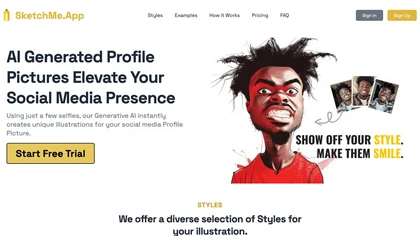
SketchMe.App transforms up to five selfies into stylized illustrations within minutes. Choose from pencil, flat, Pixar, pixel, caricature, or Gogh‑inspired styles and a theme color. Get eight downloadable variations, optionally watermark‑free, for social media and marketing use.
Paid
Sketchar is a versatile drawing app that enhances art skills for users of all levels. It offers personalized learning, progress tracking, augmented reality features, and a collaborative community, making it suitable for both educators and aspiring artists.
Freemium
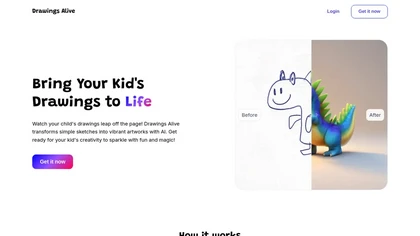
Drawings Alive turns kids’ sketches into colored images, 6‑second animated videos, and 3D models using AI. Users upload JPEG/PNG, add a brief description, and receive rendered artwork in under a minute. Outputs support AR on iOS/Android and can be printed.
Subscription
- $5/mo
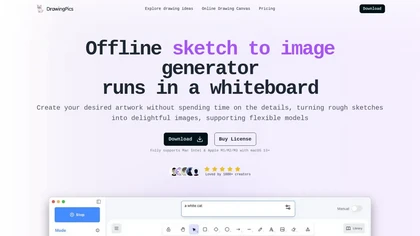
DrawingPics is an offline macOS AI art generator that turns sketches into detailed 512×512 images on a whiteboard. Using Metal GPU acceleration, it produces results in under six seconds, supports precision mode, iterative refinement, and local Stable Diffusion downloads.
Free trial

OpenPencil.dev is a lightweight, open-source desktop design editor that runs locally with full Figma file support. It offers scriptable workflows and an optional AI chat tool, prioritizing developer control and extensibility under the MIT license.
Free

Draw Things is an AI-assisted image-generation app for iOS, iPadOS, and macOS that converts text prompts into images, supports on-device model downloads and LoRA training, image-to-video conversion, infinite canvas, style transfer, and model import/export.
Freemium
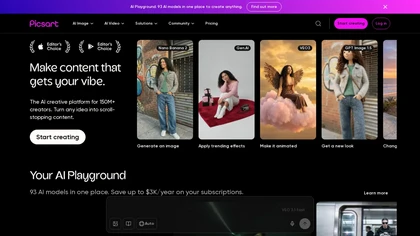
Picsart is a web and mobile photo editor and design app offering layers, filters, color correction, retouching, automatic background removal, collage and template tools, stickers and text overlays, basic social-video editing, and AI image generation with cross-device sync.
Freemium
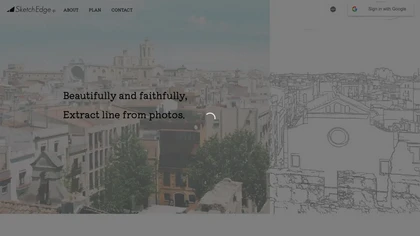
SketchEdge uses AI to convert photos into soft, hand‑drawn line drawings. Upload high‑resolution images, adjust line thickness, and export as vector SVG or raster PNG. Batch processing and a simple web interface streamline the design workflow.
Freemium

Picture Drawing AI transforms photos into artistic drawings in various styles, including sketches and watercolors. Users can easily upload images and generate high-resolution outputs quickly, making it useful for artists and content creators seeking unique visuals.
Freemium
Muse Pro is a real‑time AI drawing app for iPad/iPhone that uses Apple Pencil pressure and text prompts to generate artwork. Features include random inspiration, one‑tap enhancement, adjustable style sliders, pause control, upscale, layers, built‑in assets, and a versatile brush library.
Free trial
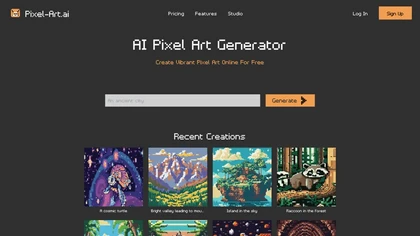
Pixel‑Art.ai is a browser-based pixel art studio that offers multiple canvases, layer and brush controls, copy/paste, AI inpainting for editing, custom canvas size, and ready‑made scenes. All creations stay private and export as PNG.
Freemium
- $0.42/mo
Clip Studio Paint offers natural brush strokes, over 100,000 customizable brushes, vector layers, 3D pose references, perspective rulers, onion‑skin animation up to 24 frames, and cloud sync across Windows, macOS, iPad, Android, and Chromebook.
Free trial
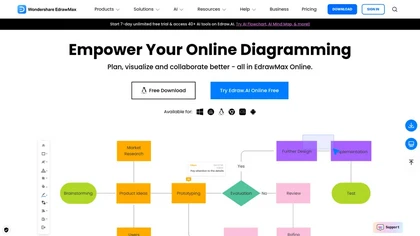
EdrawMax Online is a cloud diagramming platform with 210+ diagram types, including flowcharts, UML, and Gantt charts. It offers drag‑and‑drop editing, real‑time collaboration, 20,000 free templates, 26,000 symbols, and AI tools for diagram, chart, and PPT generation, OCR, and copy‑writing.
Freemium
- $5.33/mo
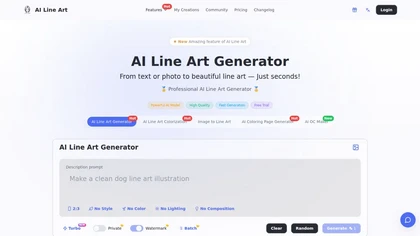
Creates print-ready line drawings and coloring pages from text prompts or photos, offering multiple styles (sketch, woodcut, continuous line, 3D), image-to-line-art colorization, prompt-based controls, batch generation, and high-resolution exports for design and illustration.
Free trial
- $8.33/mo
ImageToCartoon turns JPEG, PNG, or WebP photos into high‑resolution cartoon images directly in the browser. Users pick from 80+ styles—Ghibli, Pixar, anime, comics—to create avatars, prints, or pet illustrations, with royalty‑free commercial rights.
Free

Colorcinch converts photos to cartoons, sketches, or paintings with one click, offers AI background removal, adjustable sliders, overlay effects, multi‑layer editing, high‑resolution export to JPG/PNG/PDF, all usable online/offline without login.
Free
- $8.99
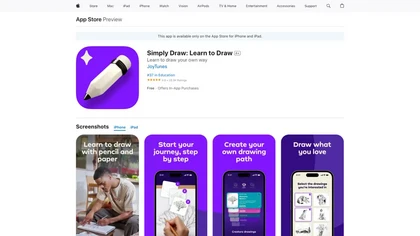
Simply Draw is an educational app that enhances drawing skills through personalized learning paths, video tutorials by professional artists, and constructive feedback. It caters to all skill levels, promoting creativity and confidence in drawing.
Freemium
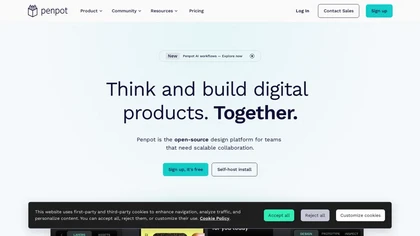
PenPot.app is an open-source design platform for creating UI, wireframes, and interactive prototypes with CSS Grid and Flexbox layouts. It features AI-driven workflows for design-to-code automation, design systems management, and self-hosted deployment for enterprise control.
Freemium
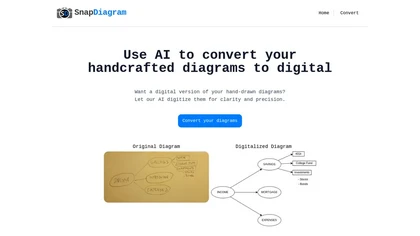
SnapDiagram uses AI to turn hand‑drawn diagrams into crisp digital images. It accepts any image format, outputs PNG, JPG, or editable files, lets users preview the conversion, and then download the refined result.
Freemium
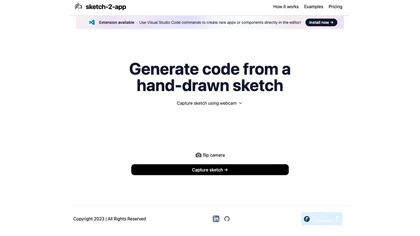
Sketch2App" is a Visual Studio Code extension AI tool that converts hand-drawn sketches into functional app components swiftly. Streamlining app development, it seamlessly translates sketches into code for efficient design realization.
Subscription
- $29/mo
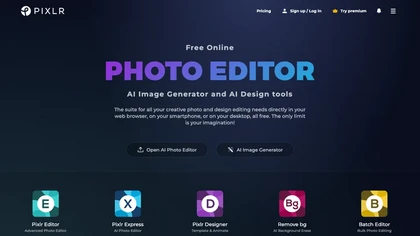
Pixlr is a browser‑based photo editor that uses AI for background removal, generative fill, and object deletion. It offers cropping, color correction, collages, templates, and social media layouts across desktop, tablet, and mobile.
Free trial
- $1.99/mo
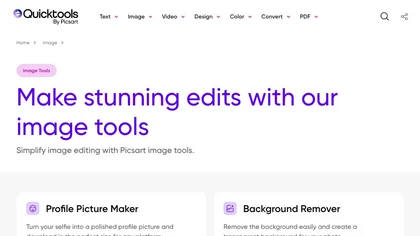
An online image tool with features including background removal, image resizing, text addition, color palettes, conversion, and AI-powered social media bios, market slogans, business name ideas, and hashtag generation.
Free
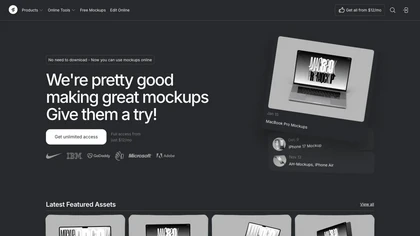
Mckp.live offers a Figma plugin and online editor with over 4,000 editable mockups, including device, branding, print, animated and illustration templates. Designers can replace artwork, adjust layouts, preview across devices, use presets and download assets.
Subscription
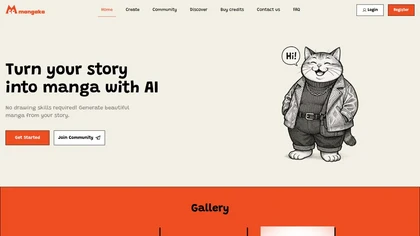
Mangaka.app converts PDFs, DOCX or TXT stories into ready-to-export manga by auto-generating characters, panels, speech bubbles and page layouts from text. Choose preset or custom styles and download finished pages as PDF or image files.
Freemium
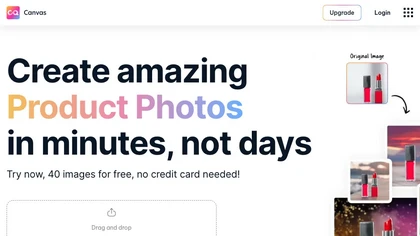
Magicstudio Canvas is an AI tool for quickly creating product photos with up to 40 free uploads in JPEG or PNG format. It offers intuitive, easy-to-use editing tools and features for profile pictures, removing backgrounds, and adding text.
Freemium
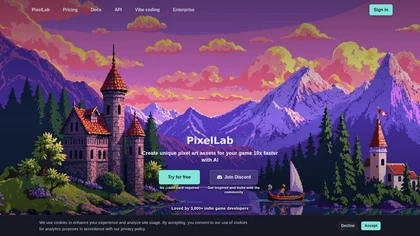
PixelLab generates pixel art game assets including sprites, tilesets, UI elements, icons and backgrounds, creates sprite sheets with 4- and 8-direction rotations and isometric views, offers skeleton and text-to-animation, true inpainting, scene/map generation and API access.
Subscription
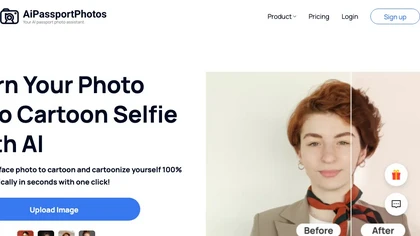
AiPassportPhotos transforms portrait photos into cartoon styles—sketch, 3D, manga—via one click. It also offers background removal, blur, face cutout, enhancement, colorization, and old‑photo restoration, all online with instant downloads. For mobile and desktop browsers, ensuring privacy with a dat
Free

Sleek generates mobile app mockups from text prompts or images, offering templates, style presets, in-app editing, and modular responsive components. Export clean layouts to Figma or production-ready code for rapid prototyping and developer handoff.
Free
- $20/mo
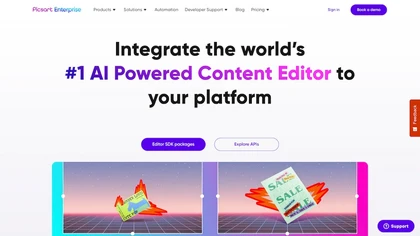
Picsart.io empowers creators and businesses with AI-driven tools for image and video editing, including background removal, generative AI features, format conversion, and video optimization, ensuring seamless workflows and user-friendly integration.
Free trial
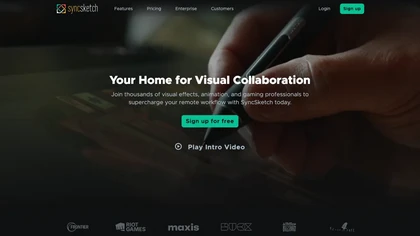
SyncSketch is a cloud-based collaboration tool for visual effects and gaming professionals, enabling remote teams to review media efficiently with synchronized presentations, frame-accurate annotations, version comparisons, and mobile access, while integrating with platforms like Jira and ShotGrid.
Free trial
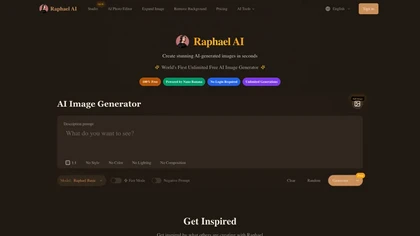
Raphael AI is a browser and API image generator that routes between multiple models (Z-Image, Flux 2, Qwen-Image, Nano Banana Pro) for scene-aware photoreal, anime, and illustration outputs, with prompt-accurate controls, editor tools, fast inference, and no data retention.
Free trial

Colorcinch is an AI photo editor that instantly cartoonizes or sketches images and offers background removal, cropping, resizing, exposure and detail controls, file compression, and 400 DPI print‑ready export. Mobile app adds cartoonizing, background removal, and upscaling on the go.
Paid
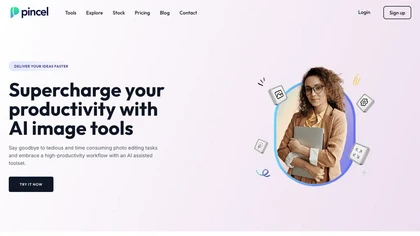
Pincel is a web‑based AI image editor offering tools for photo retouching, generative fill, background removal, and creative manipulation. It supports upscaling, virtual makeup, and quick edits across devices for designers and marketers.
Subscription
- $19/mo
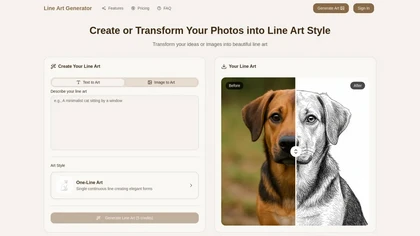
Line Art Generator transforms images and text into detailed line art sketches across eight styles, including minimalist and manga. Users can download high-resolution files without watermarks, ensuring clean and professional results.
Freemium
- $2.49/mo
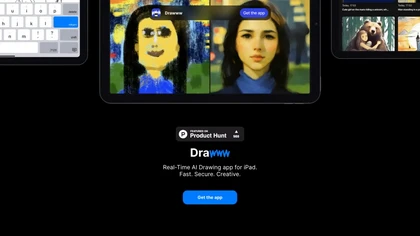
DRO is a drawing practice platform that provides themed sketch prompts across concept art, cartoons, character design, and anime. It offers scorecards with technical feedback, a leaderboard, and a portfolio to track progress for all skill levels.
Freemium
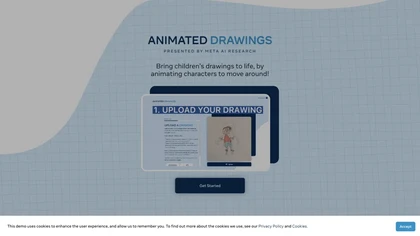
Animated Drawings AI by Meta AI Research animates static children's drawings, providing an easy interface for character animation and boosting storytelling experiences with secure online policies in place.
Freemium
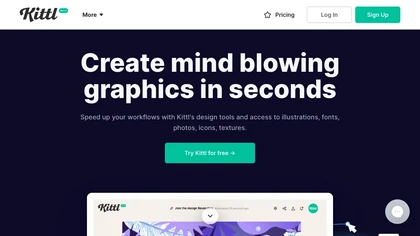
Kittl is an AI‑driven design platform that lets creators and designers generate images, vectors, and videos from prompts. It offers vectorization, background removal, upscaling, an infinite collaborative canvas, and a library of templates, fonts, and icons.
Subscription
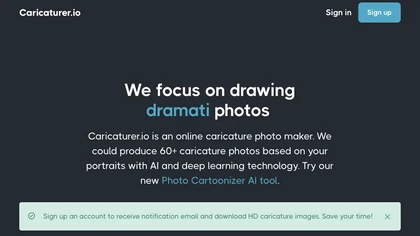
AI caricature generator that accepts JPEG/PNG/WebP up to 10 MB and uses text prompts for expression, pose, clothing, hairstyle, background. It creates high‑resolution, watermark‑free caricatures in multiple styles via drag‑and‑drop, preview, download. Works locally with no registration.
Free
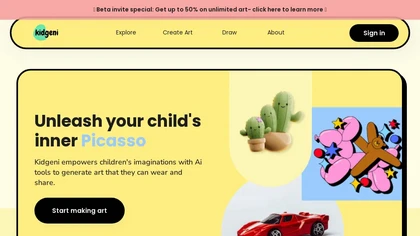
Kidgeni lets kids sketch or upload doodles and instantly convert them into high‑quality images or printable storybooks. The platform supports creative writing, visual storytelling, and collaborative classroom projects for up to 30 students, all in a secure environment.
Freemium
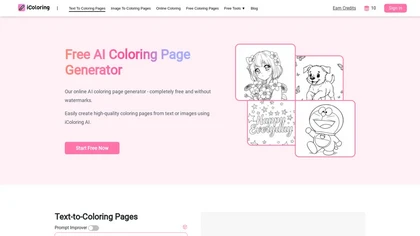
iColoring AI is a user-friendly online tool that transforms text prompts or images into customizable black-and-white coloring pages. It offers daily credits, supports multiple styles, and allows instant downloads in PNG or PDF formats for children, educators, and parents.
Free trial
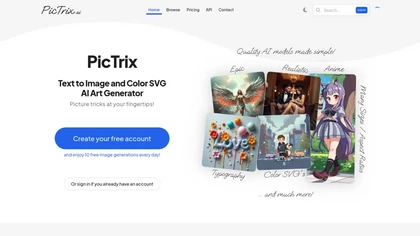
Pictrix.ai is a text-to-image color SVG art generator offering over 100 styles like anime and watercolor. It enables users to create images in various sizes and aspect ratios, promoting creativity for artists, designers, and hobbyists.
Freemium
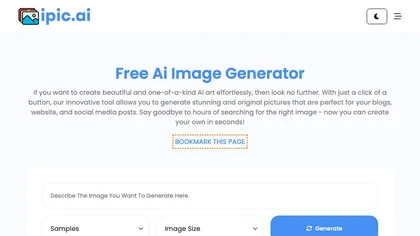
Generates digital images from text prompts in diverse styles such as anime, cyberpunk, oil painting, and 3‑D cartoon. Users adjust seed, denoise, add reference images, select 512–1024 px resolutions, and use background removal, outpainting, headshots, or avatars.
Free
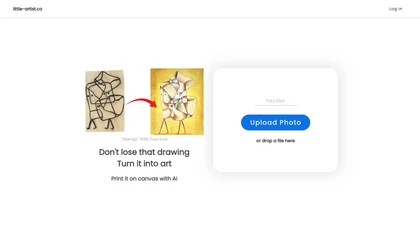
Little Artist converts children’s sketches into high‑resolution digital artwork, offering printable canvas options and a cloud gallery. With simple Google login, parents and educators can archive, share, and encourage ongoing creative growth for each child.
Freemium

Pixel Dojo consolidates 70+ AI models—Flux 2, Nano Banana 2, Veo 3.1, WAN—into one workspace for instant image and video creation, real‑time animation, 16× upscaling, one‑click background removal, character consistency, virtual try‑on, and API access for developers.
Freemium
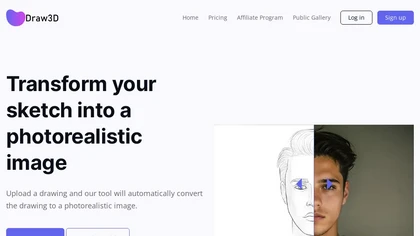
Draw3D uses AI to transform hand‑drawn sketches into high‑resolution photorealistic images, supporting landscapes, animal portraits, sculpture conversions, and upscaling to 4×. It offers basic editing for quick refinement before sharing or printing.
Freemium