
What is Muse Pro?
Muse Pro
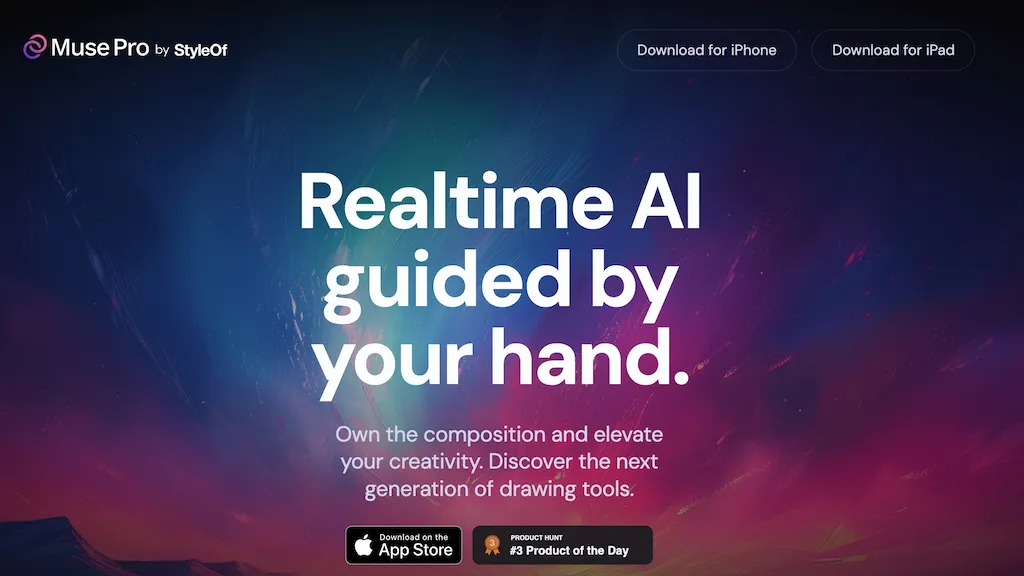
Muse Pro is a real‑time AI drawing app for iPad and iPhone that integrates Apple Pencil with pressure sensitivity for precise strokes. The interface offers a Prompting guide so users can direct AI-generated content with text, a Randomize function to keep inspiration flowing, and an Enhance button that adds detail with one tap.
AI Control sliders allow fine‑tuning of style and intensity, while Shuffle Seed explores multiple creative variations. Users can pause AI collaboration at any point to refine manually. Upscale tools produce print‑ready output, and a layer system lets artists organize and iterate compositions easily.
Muse Pro pricing
Free trialMuse Pro offers a free trial before requiring payment.
Verify on the official pricing page.
Start free trialMuse Pro's key features
-
Realtime AI guided strokes
-
Apple Pencil pressure support
-
Prompt-based AI guidance
-
Text-to-image conversion
-
AI detail enhancement tap
-
Upscale print-ready outputs
-
Layer-based editing features
Muse Pro use cases
-
Create high‑quality character sketches for indie game developers on iPad, without needing to hand‑draw from scratch thanks to Muse Pro's real‑time AI generation and Apple Pencil pressure controls
-
Produce polished marketing illustration assets on your iPhone in minutes, with Muse Pro's one‑tap enhancement and built‑in asset library, eliminating the need for expensive design software
-
Generate detailed storyboard panels for short films directly on the iPad, using Muse Pro's layer support and adjustable style sliders to refine scenes in real time without external rendering tools
Muse Pro user reviews
Would you recommend Muse Pro?
Who is Muse Pro for?
-
Content creators
-
Creative designers
-
Digital artists
-
Product designers
-
Art enthusiasts
Muse Pro FAQ
Is Muse Pro free?
Not permanently. Muse Pro gives you a free trial, after which a paid plan is required.
What are the best alternatives to Muse Pro?
The closest alternatives to Muse Pro are Amazing AI, Pincel app, Imagine.art, Picsart and Puppetry. You can compare them side by side in the alternatives section further down this page.
Is there a mobile app for Muse Pro?
Yes. Muse Pro has a mobile app alongside its web version.


