
Multi Image Blending
The best 50 Multi Image Blending AI tools - Free & Paid
Explore 50 AI for Multi Image Blending
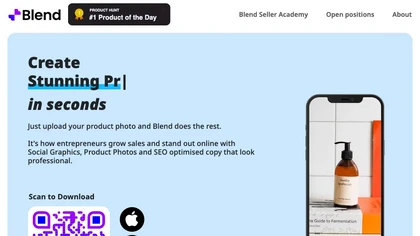

imageblender.app is an AI tool that seamlessly blends 2–5 photos into a single, high-resolution image. Users upload images, add a style prompt, and get a downloadable, publish-ready composite in seconds.
Free trial
- $9.9/mo
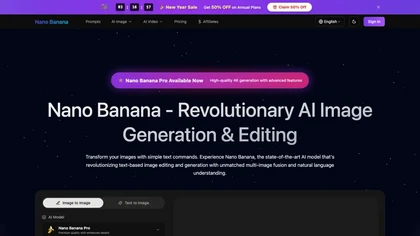
Nano Banana img.com is an AI image generation and editing platform that creates high-resolution images from text and enables targeted edits. It specializes in multi-image fusion, character consistency, and tools for marketing, design, and photo restoration.
Subscription
Deep‑Image.ai offers photo upscaling, denoising, sharpening, color and lighting adjustments. It removes backgrounds, adds virtual staging, creates business headshots, and delivers batch product‑photo presets, inpainting, and high‑resolution generative upscaling up to 300 MP.
Freemium
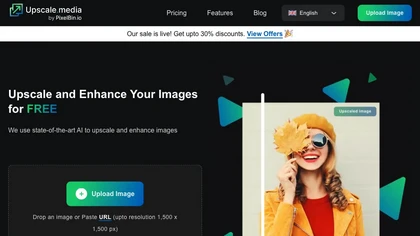
Upscale.media is a browser-based AI upscaler that increases image and short-video resolution up to 2×/4×/8×, reconstructs detail, reduces noise/artifacts, and offers deblur, sharpen, colorisation, face restoration, batch processing and API access.
Freemium
- $0.02
ImageFusionAI is a free online AI tool that merges multiple images into high-quality visuals by blending styles and features. It simplifies complex editing for digital artists, marketers, and content creators with quick, automated fusion.
Freemium
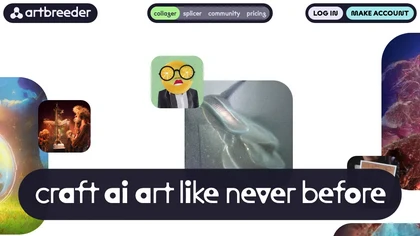
Artbreed is an AI tool for creating collages and splicing images, with a community of artists for sharing and collaboration, offering optional paid memberships for enhanced features.
Freemium
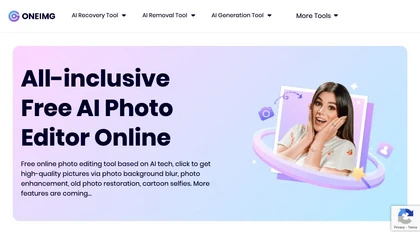
OneImg is a free AI-powered photo editor with advanced features for enhancing and optimizing photos.
Free

AI Image Editor.ai is a professional tool for creating and editing images with precise text rendering and multi-image blending. It enables conversational refinements, character consistency, and batch processing for streamlined workflows.
Freemium
- $9.9/mo
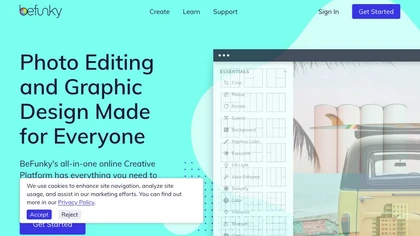
BeFunky is an online editor for photos, collages, and graphics. It offers crop, resize, blur, exposure, batch edits, AI background removal, object erasing, upscale, artistic filters, and drag‑and‑drop templates for banners, flyers, and social‑media posts.
Free

Whisk AI blends subject, scene and style inputs to produce high-resolution up to 4K images via image-to-image and text-to-image workflows, with fast generation, multiple models, and an integrated editor for retouching and composition.
Freemium
- $4.9/mo

Colorcinch converts photos to cartoons, sketches, or paintings with one click, offers AI background removal, adjustable sliders, overlay effects, multi‑layer editing, high‑resolution export to JPG/PNG/PDF, all usable online/offline without login.
Free
- $8.99
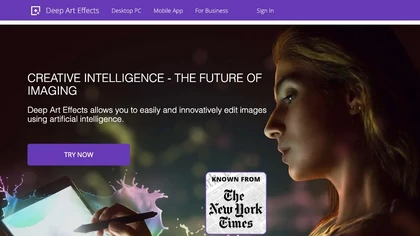
Deep Art AI transforms photos into artworks using style‑transfer algorithms, offering on‑device, privacy‑respecting editing across Windows, macOS, Linux, Android, and iOS. Features include up to 4× upscale, background removal, colorization, preset filters, batch processing, and an API for developers
Free trial

PhotoGrid is a browser‑based AI photo editor that offers one‑click enhancement, background removal, and upscaling. It lets users build collages from 20,000 templates, add stickers, text, custom backgrounds, and convert images into short video clips.
Subscription
- $2.83/mo

Imglarger is an image enhancer that upsamples photos up to 8×, supports batch processing, and offers background, object, and face retouch tools. It converts WebP, JPEG, PNG, SVG, JFIF formats and lets users adjust brightness, contrast, and saturation via web or mobile.
Freemium
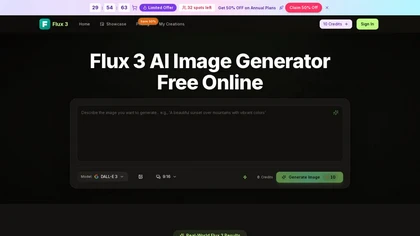
Flux 3.com is a browser-based AI image generator that creates high-resolution, camera-ready visuals from text and photos. It features multi-image blending, style swaps, and built-in editing tools for scalable asset creation in e-commerce and marketing.
Free trial
- $4.9/mo
DeepAI offers browser‑based AI tools for text‑to‑image, photo editing, background removal, super‑resolution, and video/musical generation, plus APIs for integration. It prioritizes user ownership, privacy, fast processing, and supports conservation research via object detection and habitat mapping.
Subscription

AI-driven image upscaler that enlarges photos to 7680 × 7680 px, supporting JPEG, PNG, WebP and up to 500 images per batch. It offers an API for sharpening, noise reduction, and a Mac app with background removal, photographers, designers, marketers, and social media managers.
Subscription
- $19.99/mo

Clipdrop is an AI image editor that adjusts aspect ratios, extends boundaries, and adds background space while preserving detail. It offers background removal, object cleanup, relighting, universal resizing, upscale, and text‑to‑image generation for photographers and designers.
Freemium
- $15/mo
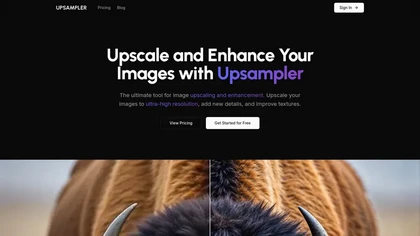
Upsampler enhances and upscales images up to 100 megapixels, improving textures and adding details. Its generative fill feature allows users to modify specific sections, making it valuable for designers, photographers, and game developers seeking increased realism.
Freemium
cre8tiveAI is an online AI platform that streamlines photo, illustration, and video editing with deep‑learning models. It upscales images, refines faces, generates icons and illustrations, converts photos to 3‑D video, creates line art, colorizes black‑and‑white photos, and compresses PNGs.
Paid
Stable Diffusion Online lets users generate photo‑realistic images from text using the Stable Diffusion XL model. It offers fast GPU‑accelerated rendering, real‑time inpainting/outpainting, a 9‑million‑entry prompt database, and no prompt or image storage.
Free
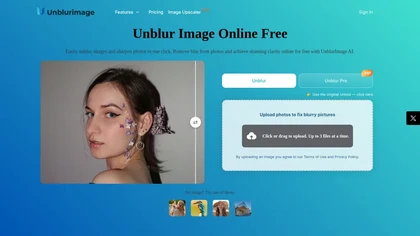
Unblur Image is an AI-powered tool that enhances blurry photos by removing motion blur, poor focus, and noise. It supports various formats, batch processing, and upscaling to 4K resolution for improved image quality and clarity.
Freemium
Bulk Image Generation quickly produces up to 100 images in 15 seconds with the Flux 1.1 model, needs only a simple description, and offers bulk editing, resizing, aspect‑ratio calculations, and prompt conversion for diverse projects.
Subscription
- $15/mo
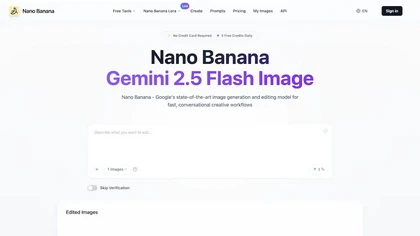
NanoBanana.im is a natural language image editor powered by Google's Gemini. Simply upload an image and describe your edits in plain text to modify, fuse, or analyze your visuals.
Freemium
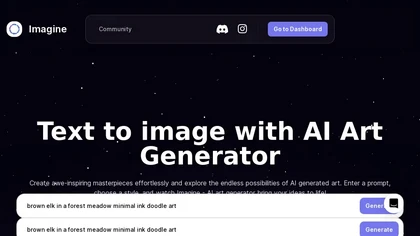
ImagineArt unifies AI‑driven image, video, and audio creation and editing, enabling prompt‑based generation, upscale tools, drag‑and‑drop video workflows, 4K cinematic rendering, and real‑time team collaboration for streamlined media production for artists, designers, and creators.
Freemium

Colorcinch is an AI photo editor that instantly cartoonizes or sketches images and offers background removal, cropping, resizing, exposure and detail controls, file compression, and 400 DPI print‑ready export. Mobile app adds cartoonizing, background removal, and upscaling on the go.
Paid
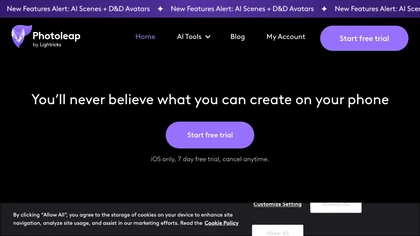
Photoleap is an iOS‑only photo editing app that uses AI for quick enhancements, background removal, object deletion, collage creation, filters, text‑to‑image, video from stills, 4K upscaling, style transfer, portrait retouching, and hair color simulation.
Free trial
Online AI platform for transforming images and videos into art.
Subscription
- $19/mo
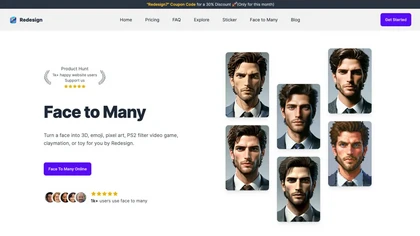
Transform face photos into artistic styles with Face Many AI. Choose from 3D, emoji, pixel art, video game, claymation, and toy styles instantly. User-friendly interface with privacy focus. Free and paid plans available.
Freemium

AI image enhancer that upscales up to 4×, removes noise, sharpens blur, and can enhance faces or colorize. Handles .png/.jpg/.webp/.tif/.bmp/.raw and outputs the same formats. Windows, macOS and Photoshop plugin supported.
Free trial

DeepSwapFaceis a high-accuracy AI face-swap platform for photos, videos, and GIFs that uses automatic facial detection and mapping to perform single or multiple face, body, gender, and clothing swaps. Offers template-based batch workflows, alignment/blending to preserve lighting, skin tone and expr
Free trial
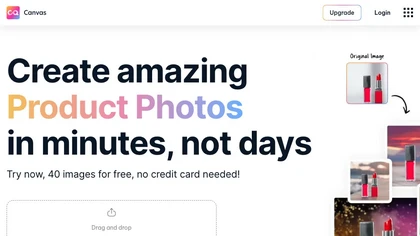
Magicstudio Canvas is an AI tool for quickly creating product photos with up to 40 free uploads in JPEG or PNG format. It offers intuitive, easy-to-use editing tools and features for profile pictures, removing backgrounds, and adding text.
Freemium
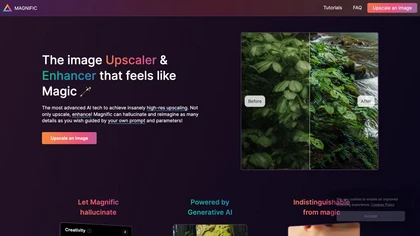
Magnific AI upsamples, enhances, and transforms images, producing high‑resolution outputs for photography, illustration, design, and game assets. Users guide detail with prompts and sliders for creativity, HDR, and resemblance, and can batch‑process for workflow integration.
Freemium
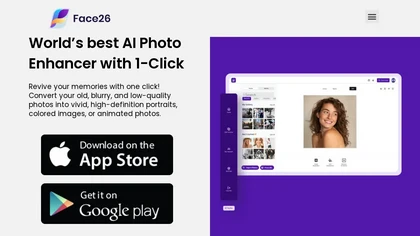
Face26 is an AI photo enhancer that improves image quality with denoising, color correction, upscaling, recoloring, and background removal. It supports photo‑realistic art, animated versions, and headshot creation, available on web and mobile.
Freemium

PicWish AI Photo Editor automates image enhancement, background removal, and watermark deletion. It processes batches of up to 30 files, offering resizing, lighting, upscaling, AI Designer prompts, Face Cutout, and single‑click unblur/sharpen. Available on Windows, macOS, iOS, Android, and browser.
Subscription
- $9.99/mo
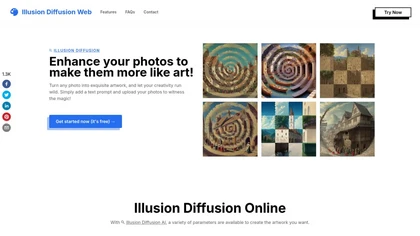
Illusion Diffusion converts uploaded photos into optical‑illusion artwork using Stable Diffusion and ControlNet. Users set prompts and Illusion Strength, adjust advanced controls, and select patterns to produce high‑quality, shareable visual transformations quickly.
Paid

imgtoimg.ai is an AI image transformation tool that generates new images from your photo inputs and text prompts. It offers precise control over style and composition, plus built-in utilities like upscaling and background removal for creators.
Freemium
- $9.99/mo
Retouch4me is an AI retouching suite that functions as Photoshop plugins or standalone apps. It automates skin, eyes, hair, clothing, and background edits in real‑time, supports RAW and batch workflows, and offers video color grading with offline processing.
Paid

PhotoGPT.io is a free, browser-based AI photo editor that enables fast online enhancements like generative fill, relighting, and restoration. It supports batch editing and multiple export formats, ideal for social media creators and small businesses needing quick, professional photo fixes.
Free

Merge JPG Online is a free web tool for combining multiple JPG images into a single high-quality file. It supports various formats, allows easy arrangement of images, and ensures privacy by deleting files after processing.
Free
Image to Image AI is a tool that intelligently edits and transforms your photos based on simple text prompts. It allows for complex alterations like style changes, object removal, and realistic detail enhancement while maintaining consistency.
Free trial
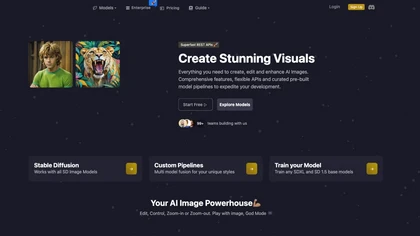
Image Pipeline delivers AI image creation and editing using Stable Diffusion, Flux, and custom checkpoints. It supports LoRA, embeddings, adapters, ControlNet for inpainting, and Face Lock/Quick Swap for facial editing, all via a REST API.
Paid
- $3

img2.ai converts text, sketches, and photos into images or short videos (text-to-image, image-to-image, photo-to-video), offering style transfer, variation generation, 4x upscaling, smooth photo animation and HD/4K export for asset production.
Freemium
- $4.99/mo
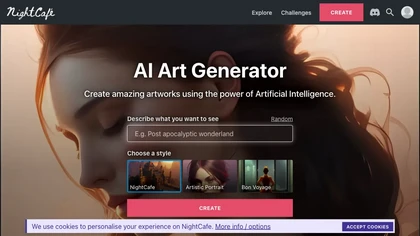
NightCafe is an AI art platform for text-to-image and text-to-video generation, prompt-based image editing and image-to-video conversion, offering multiple models, multi-image fusion, upscaling, audio-synced video output, galleries and community collaboration tools.
Freemium
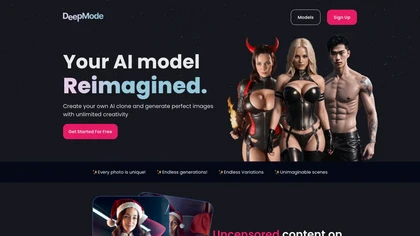
DeepMode.com is a cloud‑based generative AI platform that creates personalized AI clones and images in unlimited styles—from realistic to anime. It offers facial expression edits, reference remixing, video generation, private cross‑device storage, and API integration.
Freemium
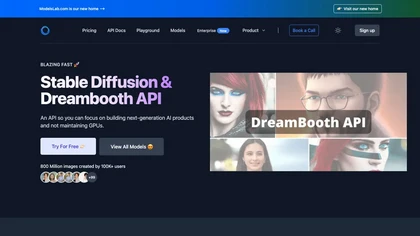
Provides API access to pretrained image generation models for text‑to‑image, image‑to‑image, and inpainting, with real‑time editing. Supports single‑call Dreambooth/LoRA training without local GPU, plus voice cloning, text‑to‑3D, interior design, and video creation.
Paid
- $27/mo
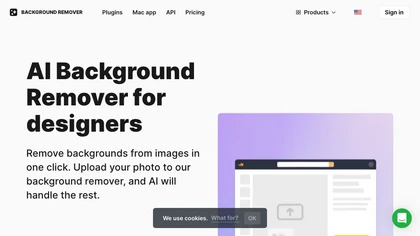
AI Background Remover deletes backgrounds from JPG, PNG, WebP images while preserving resolution, handling up to 500 at once. Users can replace with color, gallery, or upload; ideal for designers, marketers, and e‑commerce workflows.
Freemium
- $9

Face AI is an online face-swap suite for photos, videos, and GIFs, offering single and multi-face swaps, frame-by-frame video replacement, templates and one-click workflows, plus upscaling, morphing, meme generator, and batch edits and privacy controls.
Freemium