
What is Upsampler?
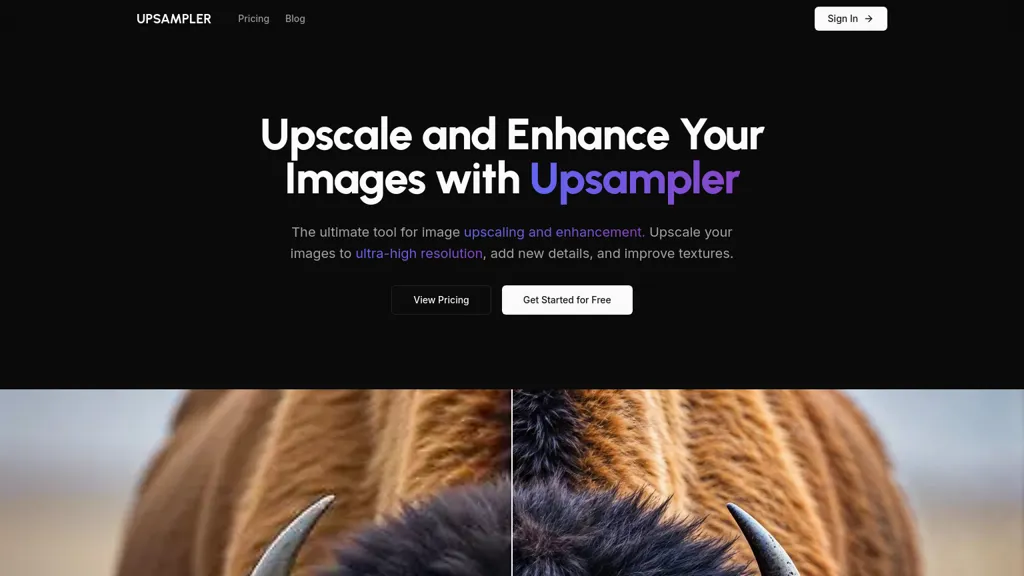
Upsampler is an AI tool designed for image enhancement and upscaling. It enables users to upscale images to ultra-high resolutions, reaching up to 100 megapixels, while significantly improving textures and adding new details. The generative fill feature allows for the modification of specific image sections, helping to correct imperfections and achieve desired results.
This functionality is particularly beneficial for graphic designers, photographers, and game developers looking to enhance illustrations, architectural designs, or portraits with increased realism. By utilizing advanced algorithms, Upsampler transforms traditional upscaling methods, providing a seamless way to elevate the quality of images and meet diverse creative needs.
Upsampler details
- Built for
- Individuals
Upsampler tech specs
- Works with
- Google / Veo Google / Imagen Google / Nano Banana Stability AI xAI / Grok Qwen Black Forest Labs / Flux Kling ByteDance / Seedance ByteDance / Seedream Ideogram Recraft MiniMax
Upsampler pricing
Freemium- Auto-renewal
- Yes
Verify on the official pricing page.
View plansUpsampler's key features
-
Image upscaling to ultra-high resolutions
-
Improvement of textures and detail addition
-
Generative fill for section modification
-
Correction of image imperfections
-
Utilization of advanced algorithms for image transformation
Upsampler use cases
-
Enhance marketing visuals by upscaling product images to ultra-high resolutions with Upsampler, ensuring every detail is crisp and appealing for promotional materials
-
Graphic designers can use Upsampler to elevate the quality of illustrations by improving textures and adding details, creating stunning artwork suitable for print or digital media
-
Photographers can correct imperfections in their images using the generative fill feature, enhancing portraits or landscapes to achieve professional-quality results for portfolios or exhibitions
Upsampler user reviews
Based on 15 reviews, 87% of users recommend Upsampler, rated highly for value for money.
Liked for
Disliked for
Would you recommend Upsampler?
Who is Upsampler for?
-
Digital designers
-
Visual photographers
-
Game developers
-
Image editors
-
Creative artists
Upsampler FAQ
Is Upsampler free?
Partly. Upsampler has a free plan with usage limits, and paid plans unlock the full feature set. Plans include One-time payment at $10, Pro at $15/mo, Premium at $30/mo and Business at $95/mo.
Is Upsampler safe to use?
Upsampler carries the TopAI.tools verified mark, which we award after a manual review of pricing transparency, published terms, public following and working functionality. It has a substantial audience that is independently measured month to month.
Is Upsampler good?
Upsampler has an 87% recommendation rate from 15 reviewers on TopAI.tools. Reviewers rate it highest on value for money and ease of use.
What are the best alternatives to Upsampler?
The closest alternatives to Upsampler are Topaz Gigapixel AI, Upscale.media, Gigapixel AI, Img Upscaler and Let’s Enhance. You can compare them side by side in the alternatives section further down this page.
What does Upsampler do with my data?
Its privacy policy states that personal data is not sold or shared for marketing purposes. Data may be shared with third-party service providers that help run the product.
Does Upsampler auto-renew or offer refunds?
Upsampler subscriptions renew automatically until you cancel.
Which AI models does Upsampler use?
Upsampler is built on Google / Veo, Google / Imagen, Google / Nano Banana, Stability AI, xAI / Grok, Qwen, Black Forest Labs / Flux, Kling, ByteDance / Seedance, ByteDance / Seedream, Ideogram, Recraft and MiniMax. Which models you can reach may depend on your plan.
Compliance, privacy and billing terms are as stated in each product's own published documentation and have not been independently verified by TopAI.tools.


