
Browser Based Video Upscaler
The best 50 Browser Based Video Upscaler AI tools - Free & Paid
Explore 50 AI for Browser Based Video Upscaler
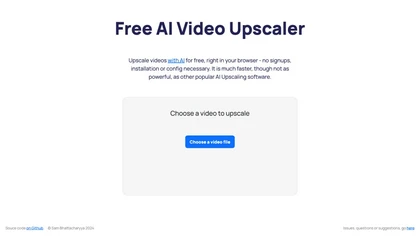
Browser‑based AI upscaler uses WebGPU and open‑source algorithms like Anime4K and RealESRGAN to enlarge video and image resolution. It processes each frame client‑side, preserving privacy, with drag‑and‑drop, side‑by‑side comparison, and selectable output sizes.
Free
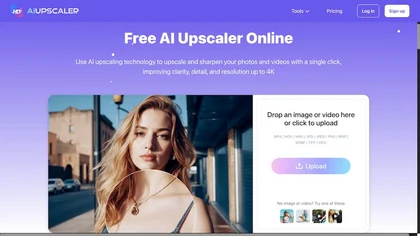
AIUpscaler.ai is a browser-based AI tool that instantly enhances photos and videos to HD or 4K resolution with one click. It upscales, sharpens, and restores detail directly in your browser while preserving colors and ensuring privacy.
Freemium
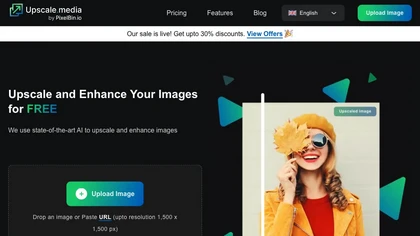
Upscale.media is a browser-based AI upscaler that increases image and short-video resolution up to 2×/4×/8×, reconstructs detail, reduces noise/artifacts, and offers deblur, sharpen, colorisation, face restoration, batch processing and API access.
Freemium
- $0.02
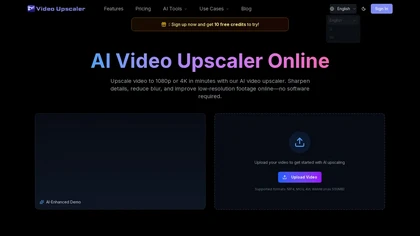
videoupscale.net is a browser-based AI tool that upscales videos to 1080p, 2K, or 4K by enhancing each frame to reduce blur, artifacts, and noise. It supports common formats like MP4 and MOV, with specialized models for restoration, animation, and high-frame-rate exports.
Freemium
- $21.9/mo
HitPaw Video Enhancer is an AI-powered tool that upscales and enhances low-resolution videos to higher resolutions and improves video quality without losing it.
Free trial
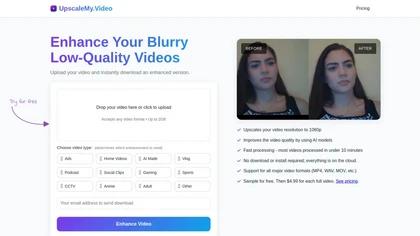
UpscaleMy.Video enhances low-resolution and blurry videos using AI, supporting various formats like MP4 and MOV. Users can easily upload videos for fast cloud processing, making it ideal for content creators and professionals seeking improved video quality.
Free trial
- $4.99
Upload video files (MP4, MOV, MKV, M4V, AVI) and apply AI models—Face, Animation, Denoise, Low‑Light, Colorize—to improve clarity, reduce noise, brighten dark scenes, or add color. Preview changes, upscale to 4K, then download without watermarks.
Paid
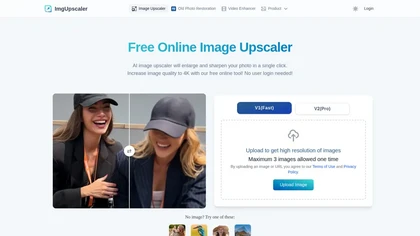
Imgupscaler is an AI tool for enhancing image quality by upscaling images to 4K resolution. It supports multiple formats and restores details while reducing noise, making it suitable for e-commerce, social media, and graphic design.
Freemium

YouTube sumamry chrome extension is a YouTube video summary tool developed by Glasp Inc., currently in beta testing and requires installation on Chrome or Safari browsers along with sign-up.

Upscayl.app is an AI image upscaler that uses deep learning to increase photo resolution up to 8K. It enhances details, reduces noise, and offers batch processing to restore old photos and prepare images for print or digital use.
Freemium
- $4.9/mo
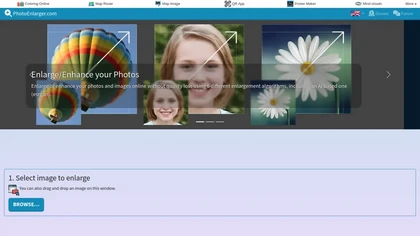
Upload or drag a photo, then upscale it with one of six algorithms—Magic Kernel Sharp, Lanczos 3, Hermite, or AI‑based ESRGAN—entirely client‑side for privacy. Crop as needed and download in JPG, PNG, or WebP.
Free
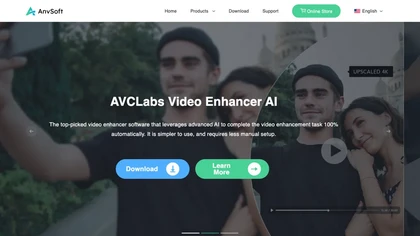
AVCLabs Video Enhancer AI uses deep learning to upscale, denoise, sharpen, colorize, and interpolate frames, automatically detecting and refining faces. It supports batch conversion, preview comparison, multiple formats, preserves frame rates, and leaves originals unaltered.
Free
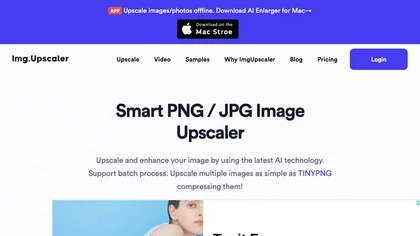
ImgUpscaler enlarges JPG, PNG, WebP images up to 400 % using super‑resolution, producing 16k × 16k outputs with minimal detail loss. Batch up to 5 images, offers basic editing, deletes uploads after 24 h, free commercial use.
Free

AI-driven image upscaler that enlarges photos to 7680 × 7680 px, supporting JPEG, PNG, WebP and up to 500 images per batch. It offers an API for sharpening, noise reduction, and a Mac app with background removal, photographers, designers, marketers, and social media managers.
Subscription
- $19.99/mo
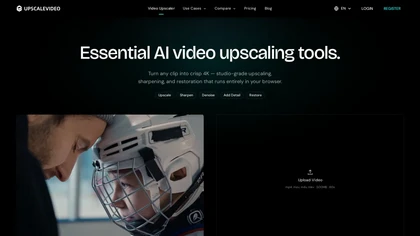
upscalevideo.com is a versatile AI video upscaler that restores low-resolution footage to HD/4K, reduces noise/artifacts, and supports frame-rate conversion. It includes specialized models for anime and forensic enhancement, with platform-ready exports for TikTok, YouTube, and more.
Freemium

Webcam Effects Chrome Plugin provides browser-based virtual backgrounds, blur, and background replacement with images or video; records browser tabs or single sources; adds AI noise cancellation, smart auto-framing, picture-in-picture, emoji/Giphy, and custom layouts.
Freemium
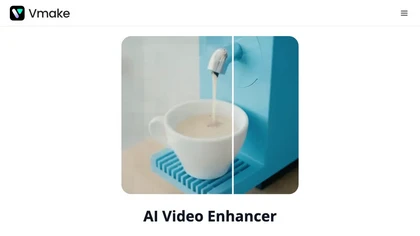
Vmake AI Video Enhancer upsamples MP4, MOV, AVI, etc. to 2K/4K/AI 4K+, removes artifacts, improves low‑light, reduces noise, and offers watermark/text removal, background elimination, and subtitle generation, giving creators, e‑commerce, and gamers sharper, cleaner videos.
Subscription
- $9.99/mo
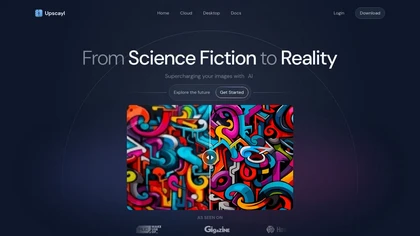
Upscayl is an open‑source AI upscaler that boosts images up to 16× with minimal detail loss. It supports batch processing, multiple model styles, local cross‑platform execution, and cloud sync for convenient, private, high‑quality image enhancement.
Freemium
- $24.99

m3u8 player online is a browser-based HLS player and downloader that plays live and on-demand streams with adaptive bitrate switching, while also enabling in-browser conversion of m3u8 files to MP4/WebM/MKV and batch downloading with resume support.
Free

TensorPix enhances SD video to 4K 60FPS, removes artifacts from VHS and old footage, offers real‑time call improvement, batch processing, API integration, and cloud GPU processing—no local install needed.
Freemium

Upscalepics lifts image resolution up to 8× with one click via a machine‑learning model, supporting JPG, PNG, and WebP files up to 4000 px. It offers custom dimensions, bulk uploads, and outputs up to 256 MP for print‑ready quality.
Freemium
- $3.3/mo
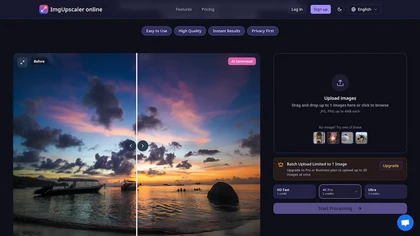
ImgUpscaler.online is an AI-powered tool that instantly upscales low-resolution images to HD, 4K, or Ultra quality, reducing blur while preserving detail. It offers batch processing and is designed for photographers, e-commerce, and real estate to enhance web and print visuals.
Free trial
- $2.5/mo
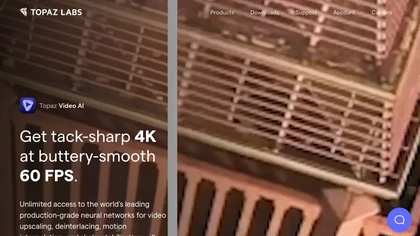
Topaz Video AI is a powerful video enhancement tool that uses AI models to upscale, deinterlace, stabilize, and interpolate frames for high-quality results.
Paid
- $99
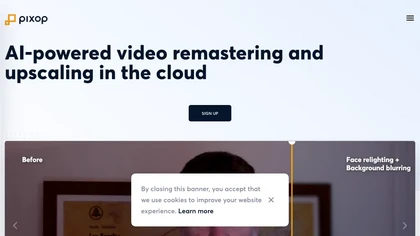
Pixop is an AI‑powered video enhancer that upsamples HD SDR content to UHD HDR without added infrastructure. It offers real‑time live conversion, REST‑API driven archival upscaling, and a browser studio for deinterlacing, denoising, and upscaling.
Freemium
- $6.38

UpscalerAI.com is an AI-powered tool that upscales images and videos to 4K/8K, reconstructing details and sharpening content. It offers dedicated modes for photos, videos, pixel art, and text, featuring batch processing and secure exports for creators and professionals.
Free trial
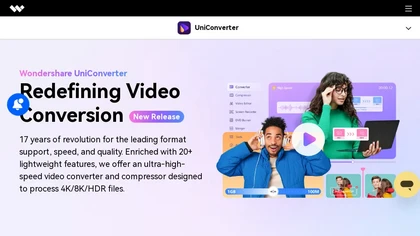
Wondershare UniConverter is an AI‑powered all‑in‑one tool that converts, enhances, compresses, records, and edits video and audio. It supports 1,000+ formats, delivers ultra‑fast conversions, upscales to 4K/8K, adds subtitles, removes backgrounds, and preserves metadata for creators and SMBs.
Paid

SliceTube trims and downloads YouTube videos directly, offering start‑and‑end selection and export to MP4, MP3, or WEBM up to 4K. Browser‑based, watermark‑free, and privacy‑protected, it’s useful for creators and educators needing quick clips.
Paid
- $5
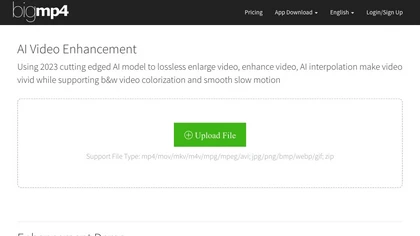
AI Video Enhancement enlarges and improves video/images with no quality loss, scaling to 2K/4K/8K, noise‑reducing, colorizing black‑and‑white, interpolating up to 240fps for smooth slow‑motion. Supports MP4, MOV, MKV, AVI, JPG, PNG, BMP, GIF, WEBP; batch ZIP; desktop for Mac/Windows.
Paid

VidHex is an AI-powered video enhancement tool that upscales low-resolution footage to 4K/8K, restores quality, and colorizes black-and-white clips. It optimizes exposure, contrast, and noise reduction for creators, educators, and casual users.
Freemium
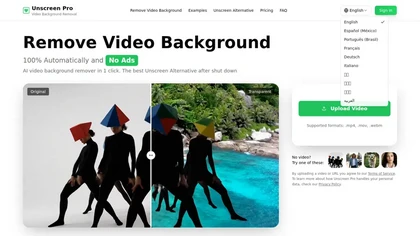
Unscreen Pro automatically removes video backgrounds frame by frame, no greenscreen, producing transparent outputs (MP4, MOV, WebM, AVI) at original or upscaled resolution, with live preview, batch processing and an API for workflow integration.
Freemium
- $4.99/mo
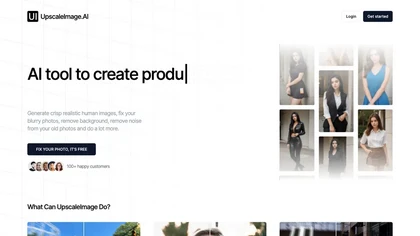
UpscaleImage.AI quickly produces realistic user‑generated content videos and cleans up photos. It offers 8× image upscaling, clarity restoration, old photo repair, and precise automated background removal. Users choose from 20+ scenes, customize actors, and generate unlimited video variations.
Free

Imglarger is an image enhancer that upsamples photos up to 8×, supports batch processing, and offers background, object, and face retouch tools. It converts WebP, JPEG, PNG, SVG, JFIF formats and lets users adjust brightness, contrast, and saturation via web or mobile.
Freemium

Quetta is a cross‑platform browser that lets users download videos in MP4, M3U8, or HLS with one click. It includes ad blocking, Chrome and Edge extensions, privacy safeguards, and features like picture‑in‑picture, background audio, speed control, and offline playlists.
Free
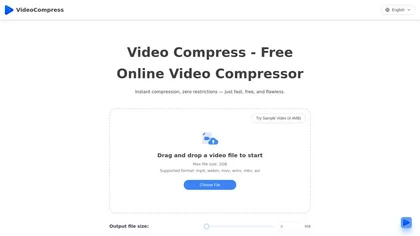
VideoCompress.ai is a free online tool that drastically reduces video file sizes by up to 80% using advanced H.265 encoding. It allows you to preview the compression in real-time while ensuring your files are secured with end-to-end encryption.
Free
UniFab AI enhances video and audio with AI: upscales to 16K 120fps, denoises, colorizes black‑and‑white, sharpens faces, converts formats, upmixes to surround sound, removes vocals, and supports batch GPU‑accelerated processing for creators and archivists.
Paid

BrowserFly enhances web browsing by providing AI interactions within your browser. It offers automated summaries, optimized video searches, customizable chat prompts, and an automation agent mode for navigating websites and completing tasks efficiently.
Free trial
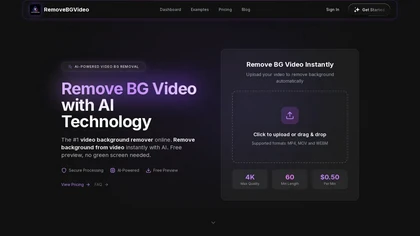
RemoveBGVideo is an AI tool that automatically removes backgrounds from videos, supporting HD/4K footage up to 60 minutes. It offers batch processing, green-screen support, and exports with transparent or custom backgrounds for content creators and e-commerce.
Freemium
- $6
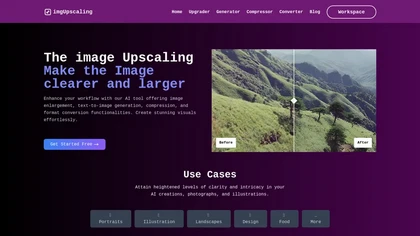
AI‑powered image editor that runs entirely in the browser, offering smart crop, AI expand, format conversion, lossless compression, watermarking, color adjustment, filter, GIF creation, side‑by‑side comparison, and batch workflow design—all processed locally with WebAssembly for speed and privacy.
Free
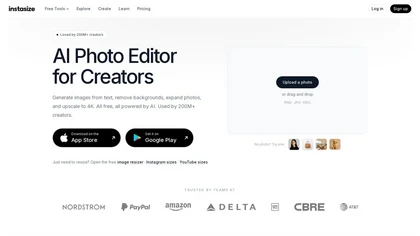
Instasize is an AI-powered photo editor and image resizer that optimizes visuals for specific social media platforms like Instagram, YouTube, and TikTok. It offers background removal, 4K upscaling, and batch processing to streamline content creation for creators, marketers, and e-commerce teams.
Freemium

EZTrimmer is a browser-based video editor for trimming, splitting, and merging clips with a timeline interface. It enables quick preparation of short-form content for platforms like TikTok and YouTube Shorts with frame-accurate cuts and drag-and-drop simplicity.
Free

videoqualityenhancer.aiai.com is an online AI tool that enhances and upscales videos using deep learning. It deblurs, denoises, stabilizes, and upscales footage to 2K/4K, with specialized models for faces, animation, text, and low-light scenes.
Free trial
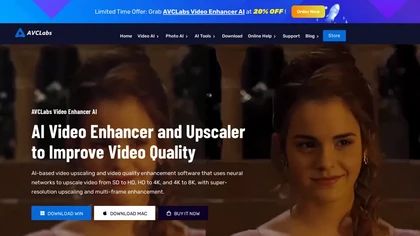
AVCLabs Video Enhancer AI upsizes videos to 8K, removes noise, stabilizes footage, colorizes black‑and‑white, adds slow‑motion frames, sharpens faces, and runs locally for batch processing without cloud uploads and multiple AI modes for performance.
Subscription
- $19.95/mo
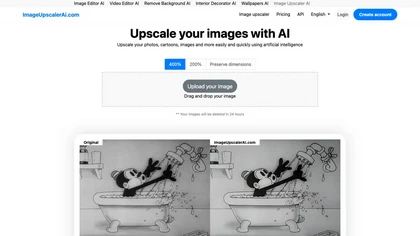
Image Upscaler AI enlarges photos, cartoons, and images up to 400 % using AI while preserving aspect ratio. Users upload via drag‑and‑drop, receive high‑resolution downloads within seconds, with files kept temporarily for privacy.
Paid
- $7/mo

KaraVideo.ai is an AI video creation platform that transforms text, photos, and clips into videos using top AI engines. It streamlines production with features for character consistency, one-click enhancements, and customizable output options.
Free trial
- $10/mo
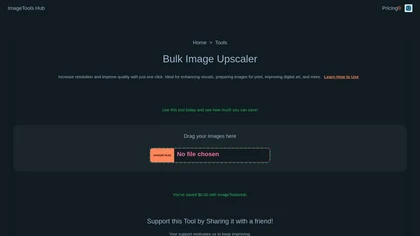
Automated Bulk Image Upscaler upsizes and sharpens images with one click, supporting batch processing. It runs locally or on the cloud, keeping data private, and offers REST API and Zapier integration for automated design and web workflows.
Subscription
- $49/mo

Lupa Upscaler is an AI tool that transforms low-resolution, blurry images into crisp 4K quality. It enhances details, reduces noise, and is ideal for restoring old photos and optimizing digital visuals.
Freemium
- $4.9/mo
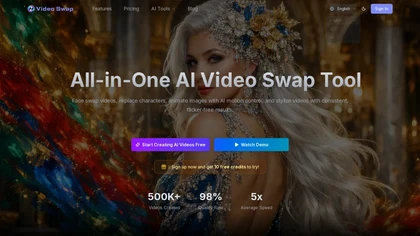
videoswap.app is a browser-based AI video studio for face swapping, character replacement, motion transfer, and style transfer. It enables users to upload images and reference videos to generate HD, commercial-licensed content without installing software.
Free trial
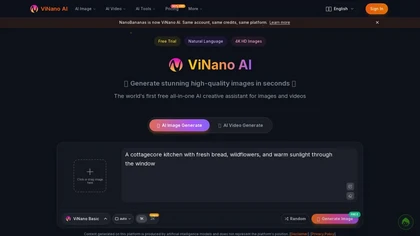
ViNano AI is a browser-based creation suite for generating and editing images and videos from text prompts. It offers tools like inpainting, background removal, 4K upscaling, and character-consistent editing for fast, professional visual content.
Free trial
- $5/mo
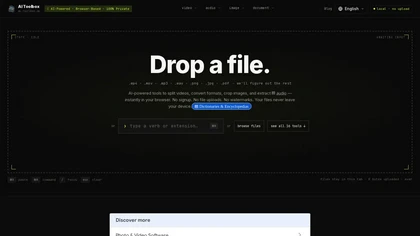
AI Toolbox is a browser-based multimedia toolkit that processes video, audio, images, and documents locally via WebAssembly. Files stay on your device, enabling private editing, conversion, and extraction with no account needed.
Free
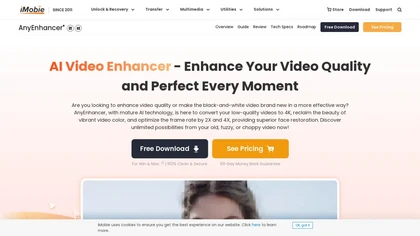
AnyEnhancer AI video enhancer upsamples footage to 4K/2K, improves color fidelity, restores facial details, denoises, and interpolates frames. It runs on Windows and macOS, supports batch processing, real‑time preview, and direct export.
Paid