
Automatic Highlight Selection
The best 50 Automatic Highlight Selection AI tools - Free & Paid
Explore 50 AI for Automatic Highlight Selection
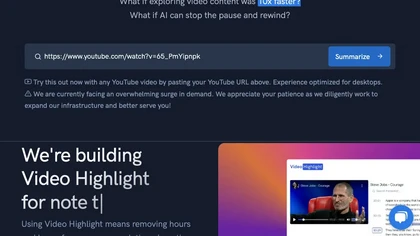
Video Highlight delivers AI‑driven summaries, searchable transcripts, and timestamped key points for YouTube, Vimeo, Dailymotion, and private files in 37+ languages. It supports annotations, exports to Notion, Word, Markdown, CSV, Readwise, and enables collaborative sharing.
Freemium
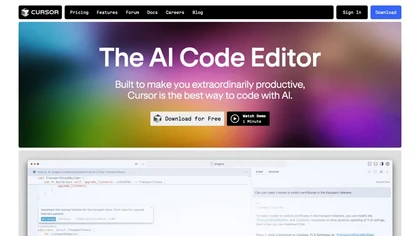
Cursor is an AI-powered code editor that utilizes natural language prompts for efficient coding. It streamlines workflows with features like predictive edits, one-click extensions, and privacy mode, enhancing developer productivity while maintaining a secure environment.
Freemium
- $20/mo
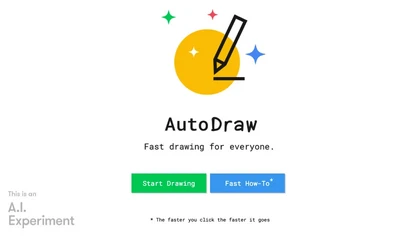
Autodraw is an AI tool for quick drawing using machine learning, with a how-to section and shortcuts.
Free
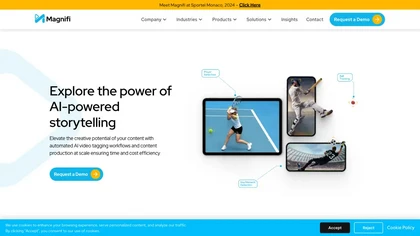
Magnifi automates sports highlight creation and distribution. It extracts clips from live or recorded footage, resizes them for all devices, adds multilingual subtitles, and publishes directly to web, mobile, and social platforms in a single click.
Free trial
Blackbox AI is an AI-powered tool for developers that searches and autocompletes code snippets across multiple programming languages and repositories, extracts code from videos and PDFs, and converts queries into code.
Free trial
- $5/mo
GitHub Copilot is an AI pair programmer that uses the OpenAI Codex to suggest code and entire functions in real-time.
Free trial
Edash is an open‑source AI tool that organizes, tags, and searches book highlights locally, linking similar passages across works. It supports Kindle, JSON, CSV imports, offers full‑text and fuzzy search, re‑phrasing, and export to e‑pub while keeping data on the device.
Free

AI image enhancer that upscales up to 4×, removes noise, sharpens blur, and can enhance faces or colorize. Handles .png/.jpg/.webp/.tif/.bmp/.raw and outputs the same formats. Windows, macOS and Photoshop plugin supported.
Free trial
InstaText is an AI editing assistant that highlights suggestions for clarity, flow, word choice, and grammar. Users can accept or reject each change, select dialect, formality, or add custom terms. It works on Chrome, Gmail, Slack, Docs, Overleaf, and Word.
Paid
- $9.99/mo
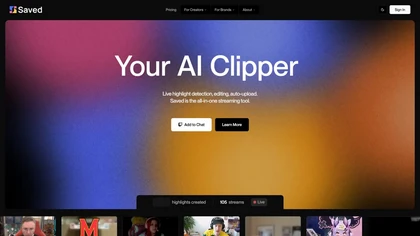
Saved is an AI clipper for streamers that automatically detects and edits highlights from live streams, facilitating quick uploads to platforms like YouTube and Twitch while allowing users to customize highlights for enhanced viewer engagement.
Subscription
Cross‑platform personal knowledge manager consolidating notes, bookmarks, articles, images, and quotes into one private space. Auto‑classifies content, generates AI summaries, and enables search by color, keyword, brand, or date. Real‑time sync across iOS, Android, macOS, Chrome, Edge, and Safari.
Subscription
- $24.92/mo

Hemingway Editor analyzes text for readability, highlighting long or dense sentences, adverbs, and passive voice, suggests simpler wording, and—via Editor Plus—adds AI-assisted fixes, advanced grammar checks and tone controls for faster revision.
Free trial
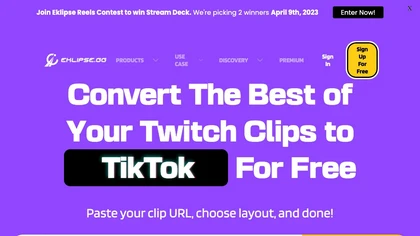
Eklips is an AI tool that automatically clips gaming moments from Twitch streams and converts them into TikTok, Reel, and Short formats for easy editing and sharing on social media. It also has a mobile app and video editor for customization.
Free
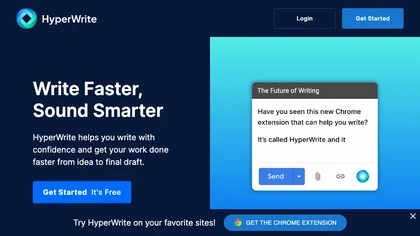
Hyperwrite is an AI-powered writing tool available as a free Chrome extension that generates original paragraphs and helps overcome writer's block, increasing productivity for professionals, students, and creators worldwide.
Free
Glasp is a web app that enables users to highlight and take notes on online articles, curate and organize their reading materials, share insights with the Glasp community, and discover like-minded individuals through its social network feature.
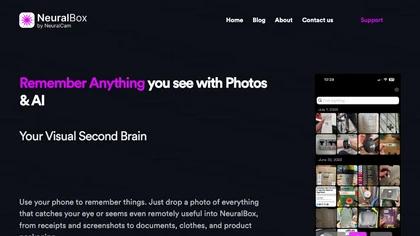
NeuralBox captures photos instantly via camera, lock‑screen widget, or share extension, auto‑imports screenshots, and offers a scanning mode. AI image recognition and OCR enable keyword searches; similarity browsing groups images by visual traits. Files sync locally or in the cloud.
Subscription
- $5.99/mo

HitPaw FotorPea automatically enhances photos by applying AI models for sharpening, denoising, face and color correction. It unblurs images, upsizes to 4K/8K, restores old photos, removes backgrounds, and generates images from text prompts.
Free trial
ParagraphAI offers real‑time grammar correction, one‑tap email drafting, and instant summarization of web pages and PDFs. It provides multilingual translation, customizable tone filters, a template library, and an instruction engine for repetitive tasks across mobile, desktop, and Chrome.
Free
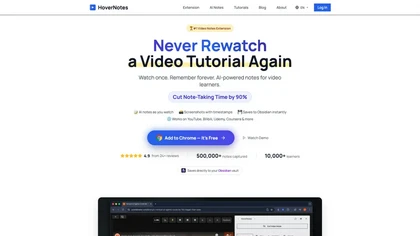
HoverNotes is an AI browser extension that enhances note-taking for videos by capturing key concepts, screenshots, and timestamps. It integrates with Obsidian for organized storage, making it ideal for students and professionals engaged in technical subjects.
Free trial
AnyClip automates video tagging, subtitles, and chapter creation, enabling searchable, measurable content. It extracts highlights, clusters topics, and builds contextual playlists. Facial recognition and brand‑safety filters keep compliant, while interactive players support live captions and AI‑driv
Freemium

SnapEdit is an AI‑driven photo editor that removes objects, backgrounds, and text, provides 100+ background templates, upsamples images to HD/4K, and offers skin retouching, all accessible via web, iOS, and Android.
Freemium
Lightkey is an AI writing assistant for Windows that predicts words and sentences in real time, learns user style, supports over 60 domains, integrates with Office and browsers, offers dyslexia‑friendly and accessibility features, and keeps data on‑prem for privacy.
Freemium

Notability converts notes, PDFs and recordings into personalized study materials with AI-generated summaries, quizzes and flashcards. It offers PDF annotation, handwriting, real-time transcription, audio recording, sync across iOS/web and exportable organized notes.
Free
Photoleap is an iOS‑only photo editing app that uses AI for quick enhancements, background removal, object deletion, collage creation, filters, text‑to‑image, video from stills, 4K upscaling, style transfer, portrait retouching, and hair color simulation.
Free trial

Picture Picker is an AI-driven image management tool that captures images via browser extension, syncs libraries across devices, supports one-click collection and bulk downloads, natural-language image search and automatic categorization, color palette extraction, format conversion, and compression.
Free
- $9/mo
EasyClips automatically turns Twitch VODs into vertical TikTok‑ready clips by scanning for high‑impact moments, assembling polished highlights with transitions, and formatting them 9:16 in minutes—enabling streamers to quickly produce shareable content.
Freemium

The AI Lab provides an advanced tool with image and facial enhancements features such as photo colorization, object and background removal, cartoon creation, retouching portraits, adjusting facial expressions, and API and platform for developers.
Free
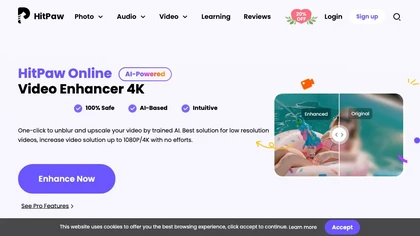
Upload video files (MP4, MOV, MKV, M4V, AVI) and apply AI models—Face, Animation, Denoise, Low‑Light, Colorize—to improve clarity, reduce noise, brighten dark scenes, or add color. Preview changes, upscale to 4K, then download without watermarks.
Paid
An online image tool with features including background removal, image resizing, text addition, color palettes, conversion, and AI-powered social media bios, market slogans, business name ideas, and hashtag generation.
Free

FragCut is an AI gaming clip generator that auto-detects highlights like kills and clutches from VODs and converts them into vertical, share-ready clips. It features auto-subtitles, a montage maker, and batch processing to drastically reduce editing time for creators.
Subscription
- $24.99/mo
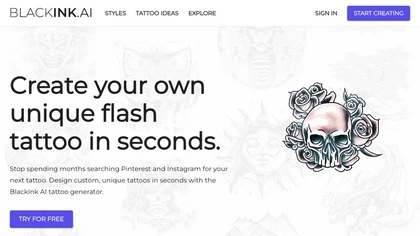
BlackInk AI turns text prompts and images into custom tattoo designs in seconds. Users can adjust style, shape, detail, and body placement, generate cover‑ups, and download high‑resolution graphics—all in over 100 supported languages.
Freemium
- $3

PhotoGrid is a browser‑based AI photo editor that offers one‑click enhancement, background removal, and upscaling. It lets users build collages from 20,000 templates, add stickers, text, custom backgrounds, and convert images into short video clips.
Subscription
- $2.83/mo
Aftershoot is an AI‑powered photo workflow tool that streamlines culling, editing, and retouching. It ranks images with over 30 technical factors, offers custom AI profiles, Lightroom preset integration, masking, cropping, object removal, and preserves local, non‑destructive workflows.
Paid
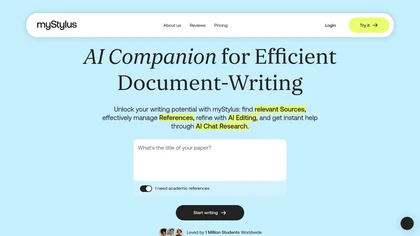
myStylus AI Agent is an AI‑powered platform that helps students and researchers draft and refine academic papers, generate flashcards and slides, provide rewriting and grading support, and ensure originality with detection and humanization, all in multiple languages and mobile‑friendly.
Free trial
Clipdrop uses deep learning to remove backgrounds, objects, and text, upscale images, adjust lighting, uncrop, and resize. It also offers text‑to‑image generation and an API for developers, supporting design, marketing, and app workflows.
Subscription

Wisecut uses AI to turn long recordings into short social clips by detecting highlights, cutting silences, auto-reframing, adding captions and translations, auto zoom and transitions, audio cleanup, and storyboard editing for faster multilingual content production.
Free
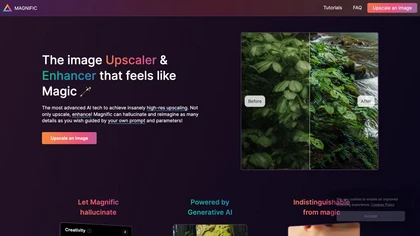
Magnific AI upsamples, enhances, and transforms images, producing high‑resolution outputs for photography, illustration, design, and game assets. Users guide detail with prompts and sliders for creativity, HDR, and resemblance, and can batch‑process for workflow integration.
Freemium
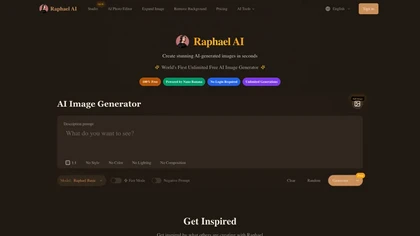
Raphael AI is a browser and API image generator that routes between multiple models (Z-Image, Flux 2, Qwen-Image, Nano Banana Pro) for scene-aware photoreal, anime, and illustration outputs, with prompt-accurate controls, editor tools, fast inference, and no data retention.
Free trial
Raycast is an AI tool that can help developers write code faster, access a new layer of context, and accelerate tasks without any coding required.
Freemium
Atlas automatically generates lecture notes, flashcards, and quizzes from course materials, offers step‑by‑step problem explanations and essay drafting, and answers specific class queries, integrating with common learning platforms for seamless syllabus access.
Free

AutoDraft AI turns text, sketches or images into animated cartoons, offering AI voice synthesis, background generation, character creation, advanced animation controls, and cross‑platform editing—all without requiring prior design experience.
Subscription
- $22/mo
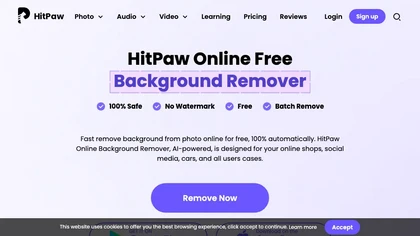
HitPaw Online Background Remover uses AI to delete backgrounds in seconds, supporting single or up to 50‑image batch uploads. It offers transparent, black, or template backgrounds, realistic shadows, and works on Windows, macOS, iOS, Android, and browsers.
Freemium
AI Summarizer quickly condenses essays, reports, and articles into short paragraphs or bullet lists. Paste text, upload DOCX/TXT/image, or give a URL; adjust summary length or set custom styles. Supports Spanish, French, German, Portuguese, and offers private, downloadable .docx outputs.
Free

Colorcinch converts photos to cartoons, sketches, or paintings with one click, offers AI background removal, adjustable sliders, overlay effects, multi‑layer editing, high‑resolution export to JPG/PNG/PDF, all usable online/offline without login.
Free
- $8.99

Nemovideo is an AI video editor that automates short-form content creation by generating trend-based scripts, storyboards, and auto-editing clips. Its tools include automated highlight selection, voiceovers, captions, and a talking-head editor for rapid production of social media videos.
Freemium
- $12.99/mo

iAsk.Ai delivers instant, factual answers to natural‑language questions from authoritative web sources, and offers essay drafting, advanced grammar checks, academic summarization, PDF analysis, image generation, URL bullet‑point briefs, and one‑click grammar correction. Accessible via browser extens
Freemium
- $9.95/mo

BeautyPlus - Versatile AI tool for effortless photo & video editing; offers face reshaping, filter & sticker additions; perfect for enhancing selfies & videos.
Free trial
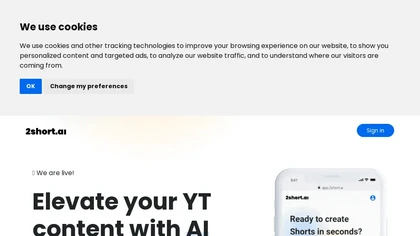
2short.ai automatically extracts the most engaging segments from long videos to create 1080p YouTube Shorts, using facial‑tracking, one‑click animated subtitles, and flexible aspect ratios. It supports multiple languages, direct Drive/URL imports, and brand presets for consistent visuals.
Freemium
- $9.9/mo
Papers manages research libraries by importing and auto‑matching bibliographic data, letting users tag, rate, and organize sources. AI offers article recommendations and chat queries, while inline annotations sync across Mac, Windows, and mobile. SmartCite supports 10,000+ styles and integrates impa
Freemium
- $7/mo
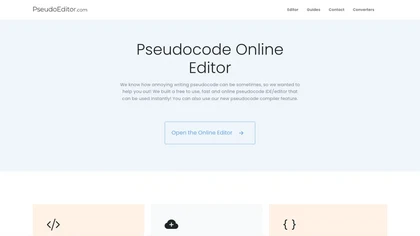
PseudoEditor is a web‑based pseudocode IDE with syntax highlighting, error detection, auto‑completion, and instant compilation. Cloud‑stored projects are accessible from any device. It supports AQA, OCR, CIE, Edexcel, and IB specifications, helping students and teachers practice algorithms.
Free