
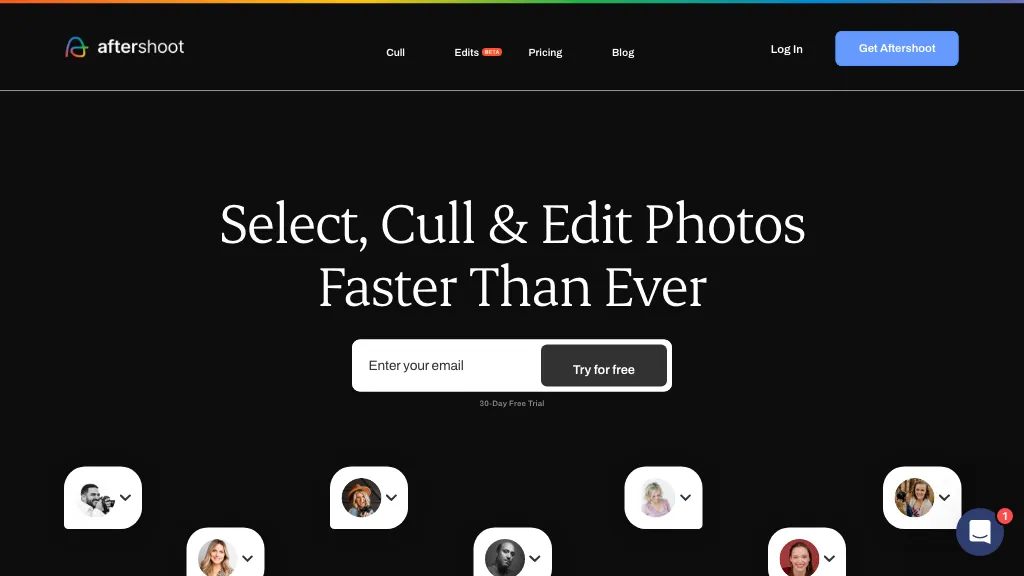
What is AfterShoot?
Aftershoot is an AI‑powered photo workflow application that streamlines culling, editing, and retouching in a single interface. It ranks images using more than 30 technical factors and adapts to a photographer’s preferences through automated, assisted, or manual culling modes.
Users can train custom AI profiles from their own edits or import Lightroom presets for instant style replication, ensuring consistent results across diverse shoots. The software offers AI tools for masking, straightening, cropping, and contextual retouching, while also supporting precise object removal with one‑click tools.
Aftershoot operates locally on Windows and macOS, keeping all images and adjustments on the user’s system for control and security. The platform handles common RAW and JPEG formats and maintains non‑destructive workflows by writing ratings to sidecar files.
AfterShoot details
- Company
- Aftershoot Private Limited
- Jurisdiction
- Delaware, USA
- Built for
- Individuals
AfterShoot pricing
Paid- Free trial
- 30 days
- Auto-renewal
- Yes
Verify on the official pricing page.
View plansAfterShoot's key features
-
Cull selects in minutes
-
Batch edit faster
-
One-click instant retouch
-
Signature style editing
-
All-in-one AI workflow
AfterShoot use cases
-
Auto‑rank thousands of wedding shots by exposure, focus, and composition, letting the photographer instantly cull the best images before manual touch‑up.
-
Train a custom AI profile to enhance studio portraits, applying consistent skin‑tone smoothing and lighting corrections that sync with Lightroom presets.
-
Use one‑click object removal and intelligent masking to delete distracting elements from product shots, then crop and export non‑destructive edits for an e‑commerce catalog.
AfterShoot user reviews
Would you recommend AfterShoot?
Who is AfterShoot for?
-
Photographers
-
Creative editors
-
Digital marketers
-
Visual content creators
-
Workflow optimizers
AfterShoot FAQ
How much does AfterShoot cost?
AfterShoot is a paid product with no free plan. Plans include Selects at $9.99, Essentials at $19.99, Pro at $39.99 and Max at $59.99.
Is AfterShoot safe to use?
AfterShoot is operated by Aftershoot Private Limited, registered in Delaware, USA. It has a substantial audience that is independently measured month to month.
What are the best alternatives to AfterShoot?
The closest alternatives to AfterShoot are Removal.ai, Photoroom, Cutout Pro, ClipDrop and PicWish. You can compare them side by side in the alternatives section further down this page.
What does AfterShoot do with my data?
AfterShoot states that customer content may be used to train its models. Its privacy policy states that personal data is not sold or shared for marketing purposes. Data may be shared with third-party service providers that help run the product.
Does AfterShoot auto-renew or offer refunds?
AfterShoot subscriptions renew automatically until you cancel.
Who made AfterShoot?
AfterShoot is built and operated by Aftershoot Private Limited, a company registered in Delaware, USA.
Compliance, privacy and billing terms are as stated in each product's own published documentation and have not been independently verified by TopAI.tools.


