What is Lightkey?
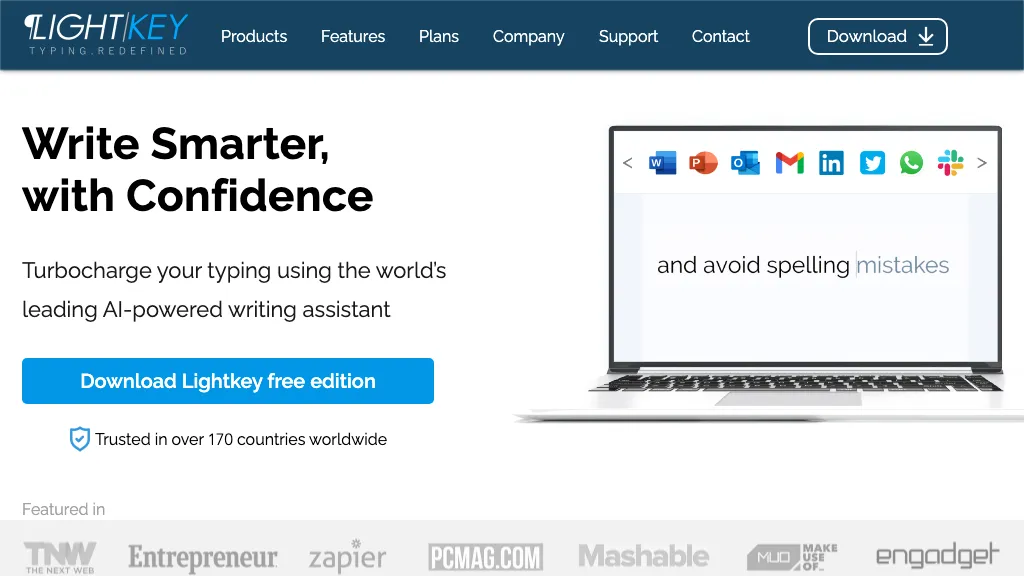
Lightkey is an AI‑powered writing assistant for Windows that predicts words and full sentences in real time to speed up typing. It tailors predictions to each user’s style, learning from usage patterns and supporting over 60 industry domains such as technology, academia, and legal.
The tool integrates natively with Microsoft Office 2010‑2024, Office 365, Chrome, Edge, and thousands of web applications, offering continuous assistance across email, document, and collaboration platforms. Accessibility features include dyslexia‑friendly layouts, reduced keystroke requirements for physical disabilities, and read‑aloud predictions for visual impairment.
Lightkey operates as a privacy‑first, on‑prem or serverless solution, ensuring no user content is sent to the cloud. It provides auditory notifications for non‑touch typists and tracks productivity metrics to help users monitor performance over time.
Lightkey details
- Built for
- Businesses and teams
- Data residency
- United States
Lightkey tech specs
- Works with
- OpenAI / GPT
- Integrations
- Slack Salesforce Google Workspace Asana Trello Jira WhatsApp
Lightkey pricing
Freemium- Refund window
- 30 days
Verify on the official pricing page.
View plansLightkey's key features
-
Subtle sound notifications for suggestions
-
High-impact suggestion alerts
-
Opt-in with adaptive behavior
-
Master switch activation control
-
Adaptive response based on usage
-
Sound cue triggers tab hit
-
Keyboard-focused user assistance
Lightkey use cases
-
Draft complex technical reports in Microsoft Word using Lightkey’s real‑time word prediction and domain‑specific templates, ensuring consistent terminology while keeping all data on‑prem for privacy.
-
Compose accessible email and web content for users with dyslexia in Outlook and Chrome, leveraging Lightkey’s dyslexia‑friendly fonts and predictive typing to reduce reading strain and improve communication clarity.
-
Collaborate on marketing copy across the organization by integrating Lightkey into Office and browsers, benefiting from real‑time word predictions, auto‑translation, and on‑prem data retention for secure teamwork.
Lightkey user reviews
Would you recommend Lightkey?
Who is Lightkey for?
-
Creative writers
-
Content creators
-
Business managers
-
Academic students
-
Digital authors
Lightkey FAQ
Is Lightkey free?
Partly. Lightkey has a free plan with usage limits, and paid plans unlock the full feature set. Plans include Pro at $49.95, Business at $69.95, Pro at $229.95 and Business at $299.95.
What are the best alternatives to Lightkey?
The closest alternatives to Lightkey are AI Perfect Assistant, Writelyai, Grammarly, ParagraphAI and Compose. You can compare them side by side in the alternatives section further down this page.
What does Lightkey do with my data?
Its privacy policy states that personal data is not sold or shared for marketing purposes. Data may be shared with third-party service providers that help run the product. Customer data is held in United States.
Does Lightkey auto-renew or offer refunds?
Lightkey states a 30-day refund window.
Which AI models does Lightkey use?
Lightkey is built on OpenAI / GPT. Which models you can reach may depend on your plan.
What does Lightkey integrate with?
Lightkey connects with Slack, Salesforce, Google Workspace, Asana, Trello, Jira and WhatsApp.
Compliance, privacy and billing terms are as stated in each product's own published documentation and have not been independently verified by TopAI.tools.