
Smart Editing For Stream Highlights
The best 50 Smart Editing For Stream Highlights AI tools - Free & Paid
Explore 50 AI for Smart Editing For Stream Highlights
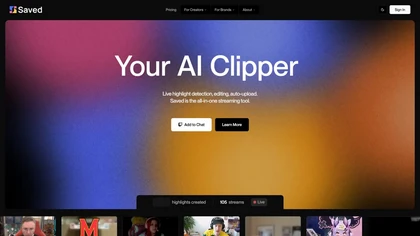
Saved is an AI clipper for streamers that automatically detects and edits highlights from live streams, facilitating quick uploads to platforms like YouTube and Twitch while allowing users to customize highlights for enhanced viewer engagement.
Subscription
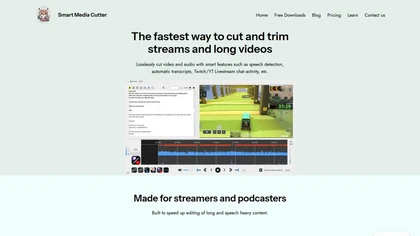
Smart Media Cutter is a desktop tool for streamers and editors that enables frame-accurate, lossless cutting of video and audio. It uses AI transcription, chat activity overlays, and automated silence removal to quickly find highlights and export clips for social media.
Free
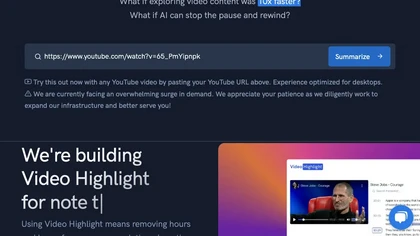
Video Highlight delivers AI‑driven summaries, searchable transcripts, and timestamped key points for YouTube, Vimeo, Dailymotion, and private files in 37+ languages. It supports annotations, exports to Notion, Word, Markdown, CSV, Readwise, and enables collaborative sharing.
Freemium
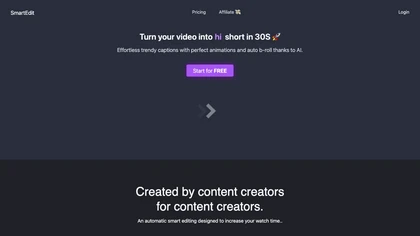
SmartEdit transforms full videos into trend‑aligned short clips in under 30 s, adding AI captions, emoji, keyword highlights, and auto‑zoom/B‑roll. It offers 15‑language transcription, multilingual translation, customizable branding, and exports full‑HD 60‑fps or directly to Premiere Pro and DaVinci
Freemium
- $8/mo
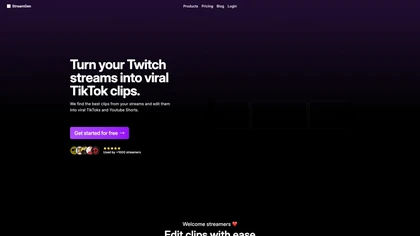
Streamgen is an AI tool for streamers that generates highlight clips from Twitch VODs by identifying viral moments. It features customizable captions, silence removal, automated word censoring, and a content scheduler for easy posting on various platforms.
Freemium
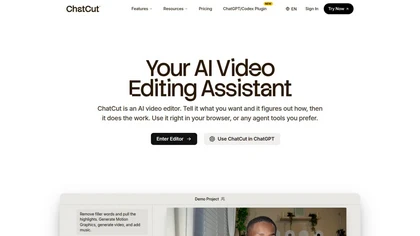
ChatCut is a browser and ChatGPT-plugin video editor that uses transcript-based editing to remove fillers, trim and reorder talking-head footage, assemble coherent cuts, generate motion graphics, B-roll, captions (100+ languages) and AI music, and export timelines.
Subscription
- $25
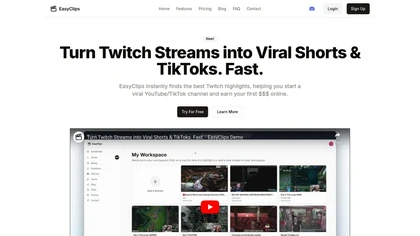
EasyClips automatically turns Twitch VODs into vertical TikTok‑ready clips by scanning for high‑impact moments, assembling polished highlights with transitions, and formatting them 9:16 in minutes—enabling streamers to quickly produce shareable content.
Freemium
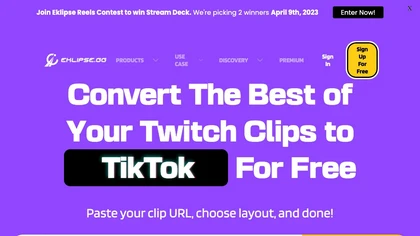
Eklips is an AI tool that automatically clips gaming moments from Twitch streams and converts them into TikTok, Reel, and Short formats for easy editing and sharing on social media. It also has a mobile app and video editor for customization.
Free

Streamladder is a video editing tool for Twitch, YouTube, and TikTok that enables users to trim, split, and combine video segments easily. It offers customizable templates, effects, and integrated sharing options to enhance and distribute content efficiently.
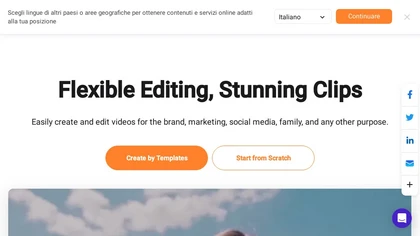
FlexClip is an online video editor with templates, resources, and powerful tools to create and edit videos for various purposes, as well as integration with royalty-free stock media providers and easy social media sharing.
Freemium

FragCut is an AI gaming clip generator that auto-detects highlights like kills and clutches from VODs and converts them into vertical, share-ready clips. It features auto-subtitles, a montage maker, and batch processing to drastically reduce editing time for creators.
Subscription
- $24.99/mo
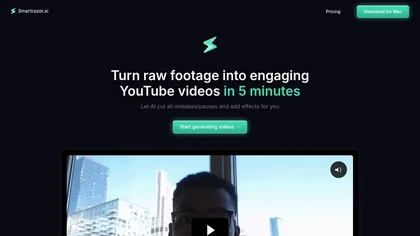
Smartrazor automates video editing by removing mistakes and pauses, adding English captions, and zooming to highlight speakers. It accepts uploads or live feeds, lets users fine‑tune edits via a transcript editor, and exports to YouTube or downloads.
Subscription
- $9/mo
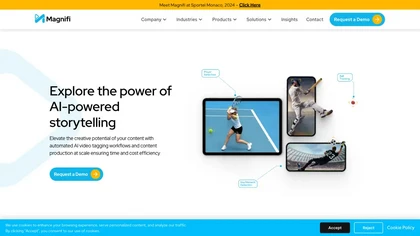
Magnifi automates sports highlight creation and distribution. It extracts clips from live or recorded footage, resizes them for all devices, adds multilingual subtitles, and publishes directly to web, mobile, and social platforms in a single click.
Free trial
SliceTube trims and downloads YouTube videos directly, offering start‑and‑end selection and export to MP4, MP3, or WEBM up to 4K. Browser‑based, watermark‑free, and privacy‑protected, it’s useful for creators and educators needing quick clips.
Paid
- $5
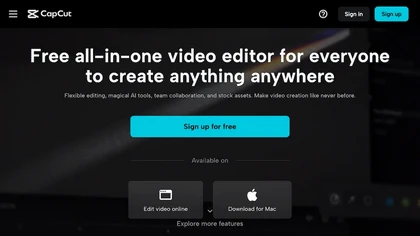
CapCut is an AI-powered video editor & design tool with social media templates, background removal, upscaling, color correction, portrait generation, text-to-speech, voice changers, and team collaboration support - accessible online and for Mac download.
Free trial
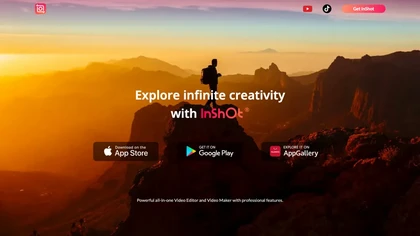
InShot is a mobile video editor that lets users cut, trim, and layer clips, auto‑generate multilingual captions, add music, intros/outros, and apply AI‑driven, 3D, glitch, and lens transitions, text, stickers, and picture‑in‑picture overlays.
Free

Wisecut uses AI to turn long recordings into short social clips by detecting highlights, cutting silences, auto-reframing, adding captions and translations, auto zoom and transitions, audio cleanup, and storyboard editing for faster multilingual content production.
Free
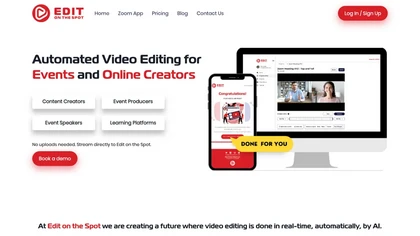
Streamline your video editing process with Edit Spot AI tool. Automate trimming, branding, and enhance content creatively in minutes. Connect recordings or web conferencing platforms for instant editing. Coming soon: multi-segment social media clips.
Freemium
2short.ai automatically extracts the most engaging segments from long videos to create 1080p YouTube Shorts, using facial‑tracking, one‑click animated subtitles, and flexible aspect ratios. It supports multiple languages, direct Drive/URL imports, and brand presets for consistent visuals.
Freemium
- $9.9/mo

Riverside is a comprehensive platform for recording high-quality video and audio, with AI-powered editing and live streaming tools. It centralizes hosting, publishing, and analytics for podcasts and videos, supporting remote collaboration and content repurposing.
Freemium
- $24/mo

Nemovideo is an AI video editor that automates short-form content creation by generating trend-based scripts, storyboards, and auto-editing clips. Its tools include automated highlight selection, voiceovers, captions, and a talking-head editor for rapid production of social media videos.
Freemium
- $12.99/mo

Supercut is an asynchronous video messaging platform that records screen and webcam (up to 4K), auto-edits and chapters recordings, provides branded shareable links with embedded CTAs, analytics and engagement tracking, collaboration tools, and enterprise-grade security.
Free trial
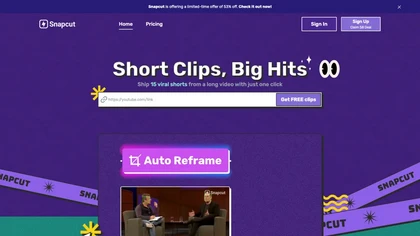
Snapcut.ai is an AI-driven video editing tool that transforms long videos into engaging short clips. It identifies key moments, reframes for various platforms, and adds animated captions, streamlining the editing process for social media content creators.
Free trial

Tella is a cross-platform screen recorder and video editor that captures screen and webcam in 4K, offers clip-based recording with multi-camera layouts, transcript-driven and AI-assisted editing (filler removal, silence trim), templates, hosting and export options.
Free trial
- $13/mo
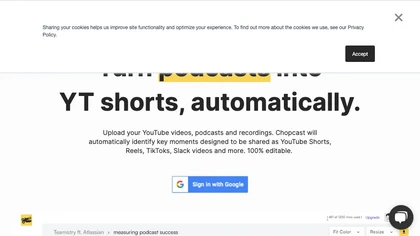
Chopcast is an AI-powered content repurposing tool that automates the process of identifying key moments in long-form video and turning them into short-form content for social media channels, saving time and reducing edit costs.
Free trial
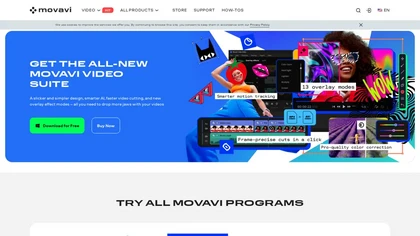
Movavi Video Editor is a desktop app for Mac and Windows that lets users trim, crop, color‑grade footage and add titles, overlays, and filters. AI features automate subtitles, noise suppression, and motion tracking. It includes a screen recorder for tutorials.
Paid
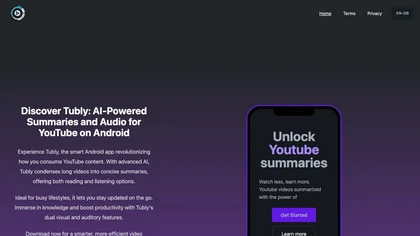
Tubly, a Chrome extension, uses the YouTube API to deliver AI‑generated summaries of subscribed channel videos. It extracts key transcript points, offers timestamps and chapter markers, and lets users save highlights and download transcripts.
Freemium
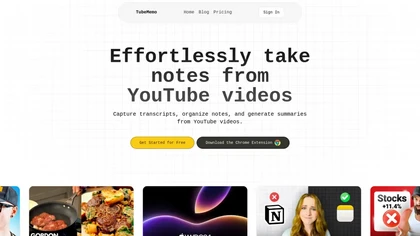
TubeMemo: AI browser extension that extracts YouTube transcripts, highlights key points, produces summaries, mind maps, flashcards; supports annotations, multi‑language, library, drafts for blogs, tweets, study guides; useful for professionals, students, creators, educators, journalists.
Free

YouTube sumamry chrome extension is a YouTube video summary tool developed by Glasp Inc., currently in beta testing and requires installation on Chrome or Safari browsers along with sign-up.
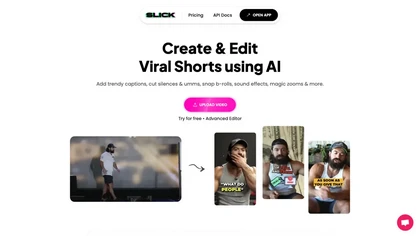
Slick is an AI‑powered video editor that auto‑cuts full‑length footage into social‑media shorts via drag‑and‑drop or a YouTube link. It removes silences, adds multilingual captions, inserts b‑roll, supports 4K, and exports for TikTok, Instagram, YouTube.
Subscription

SnapEdit is an AI‑driven photo editor that removes objects, backgrounds, and text, provides 100+ background templates, upsamples images to HD/4K, and offers skin retouching, all accessible via web, iOS, and Android.
Freemium
Eightify uses AI to extract key ideas from YouTube videos, delivering timestamped bullet‑point summaries, full transcripts, and comment insights via a Chrome extension and mobile apps. It supports 40+ languages, helping users preview, note‑take, and share content efficiently.
Freemium
VideoVerse automates sports and entertainment highlight creation, using AI to detect key moments and generate ready‑to‑publish clips. It offers content moderation, interactive web story generation, an online editor, and real‑time multi‑platform distribution for rapid, high‑quality short‑form content
Subscription

Summarify AI gives YouTube video summaries in‑app and via Chrome, offering text, bullet, outline styles with timestamps for quick navigation. It supports export to PDF, Markdown, TXT, etc., helping students, researchers, creators save time and organize content.
Free
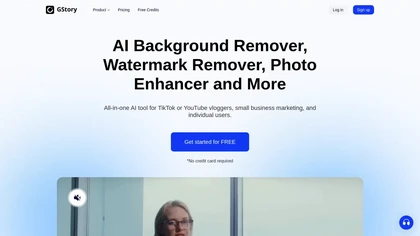
GStory.ai is an AI-powered creative suite for video and photo editing. Its core features include automated subtitle generation, background removal, and tools for enhancing image quality and removing watermarks.
Freemium
- $0.03
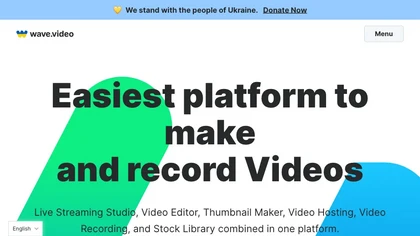
Wave.video is an all-in-one AI video editing and creation platform that allows users to create, edit, and distribute videos, offering features such as online editing, live streaming, thumbnail maker, and customizable live streaming studios.
Freemium
- $16/mo
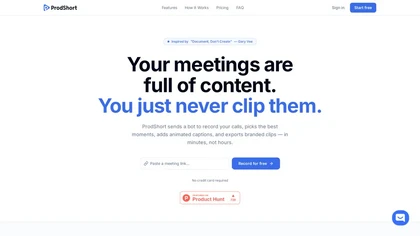
Prodshort.com is an AI tool that automates the creation of short meeting clips from Google Meet, Zoom, and Teams recordings. It uses AI transcription and engagement detection to flag key moments, offers a timeline editor for quick segment selection, and generates word-level animated captions optimiz
Free trial
- $49/mo
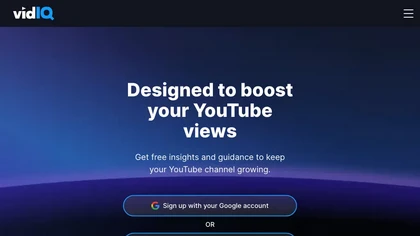
vidIQ delivers real‑time YouTube analytics, keyword research, AI‑powered thumbnail creation, and competitive insights. Its AI coach refines titles and descriptions, while clipping tools produce short videos. Available via Chrome or mobile, it boosts visibility and engagement for creators.
Subscription
- $31/mo
editGPT is a Chrome extension that turns ChatGPT into a writing assistant. It provides real‑time grammar, style, and rewriting support in 80+ languages, preserves formatting, tracks changes, and manages revisions.
Free
- $10/mo
SNAPVID.AI automates cutting long videos into 30‑second clips, removes filler pauses, adds multi‑language subtitles, offers 4K output, AI‑generated B‑roll, audio cleanup, and batch processing with a credit‑based monthly reset for creators.
Subscription
- $16/mo
opencut.app is an open-source, privacy-first video editor in early beta that enables cross-platform timeline editing with dark theme and standard export formats. It prioritizes local, auditable workflows for creators and developers, supported by an active community and public roadmap.
Freemium

Hemingway Editor analyzes text for readability, highlighting long or dense sentences, adverbs, and passive voice, suggests simpler wording, and—via Editor Plus—adds AI-assisted fixes, advanced grammar checks and tone controls for faster revision.
Free trial
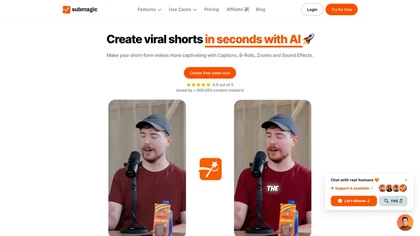
Submagic automates short‑form video editing, offering multilingual captions, text‑based trimming, AI‑powered features like auto‑zoom and eye‑contact correction, and direct multi‑platform publishing up to 4K@60fps, cutting editing time by up to 90%.
Free
- $1.33/mo

Streamlabs is a cross-platform live streaming and recording suite providing multistreaming to major platforms, customizable overlays/alerts, guest co-streaming, OBS integration, moderation and analytics, plus built-in editing tools for repurposing clips and podcasts.
Subscription

EZTrimmer is a browser-based video editor for trimming, splitting, and merging clips with a timeline interface. It enables quick preparation of short-form content for platforms like TikTok and YouTube Shorts with frame-accurate cuts and drag-and-drop simplicity.
Free
SolidPoint quickly summarizes YouTube videos, webpages, academic papers, and Reddit threads, extracting key concepts and actionable points. It also creates flashcards for study, supports exportable formats, and works across all YouTube channels for fast content review.
Free
Detail.co is an AI tool revolutionizing video and podcast creation. It offers advanced features like conversation capture, auto editing, transcription, and AI-generated hashtags for seamless content production, wireless camera linking, instant video filters, and professional results with ease.
Free trial
Wondershare Filmora® is an AI-driven video editing software that offers intuitive drag-and-drop editing, automatic scene detection, and audio synchronization, alongside templates and effects, making it suitable for beginners and experienced editors alike.
Freemium
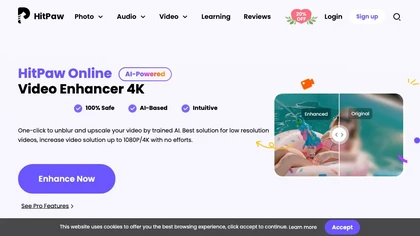
Upload video files (MP4, MOV, MKV, M4V, AVI) and apply AI models—Face, Animation, Denoise, Low‑Light, Colorize—to improve clarity, reduce noise, brighten dark scenes, or add color. Preview changes, upscale to 4K, then download without watermarks.
Paid