
Annotate Screenshots Online
The best 50 Annotate Screenshots Online AI tools - Free & Paid
Explore 50 AI for Annotate Screenshots Online
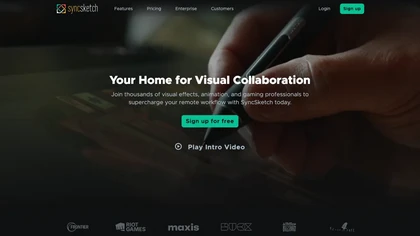
SyncSketch is a cloud-based collaboration tool for visual effects and gaming professionals, enabling remote teams to review media efficiently with synchronized presentations, frame-accurate annotations, version comparisons, and mobile access, while integrating with platforms like Jira and ShotGrid.
Free trial
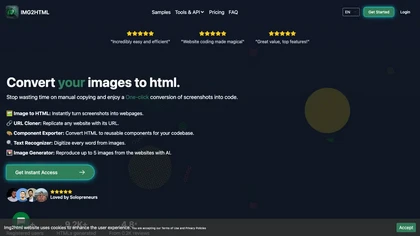
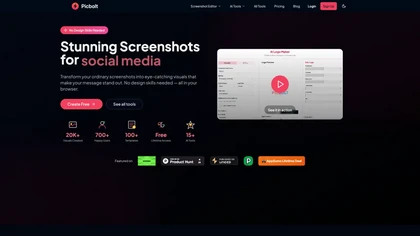
Picbolt is a screenshot editor that transforms screenshots into high-quality visuals with one-click presets, smart cropping, and customizable device mockups. It is ideal for educators, content creators, and small business owners, offering tools for annotations and workflow optimization.
Free trial
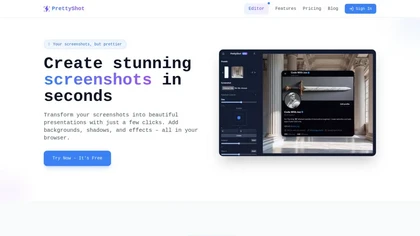
PrettyShot is a web-based tool that enhances standard screenshots by adding backgrounds, shadows, and effects, allowing users to create professional-quality visuals. It supports mockups with device frames and offers efficient preset slots for customization.
Free trial
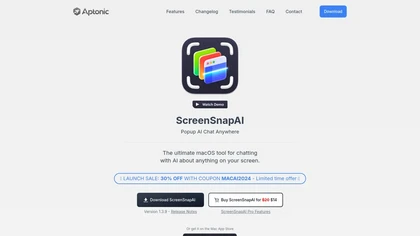
ScreenSnapAI auto‑renames and tags screenshots on macOS, letting users open an AI chat for instant content explanations. Accessible via menu or shortcut, it organizes images with AI‑generated metadata, speeding knowledge capture and retrieval on Intel and Apple Silicon machines.
Freemium
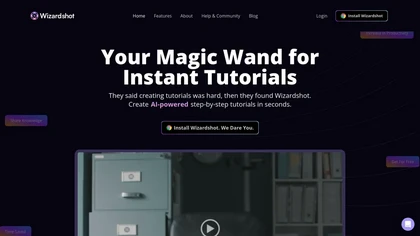
Wizardshot is a web app and Chrome extension that automatically converts screen recordings into structured, step‑by‑step tutorials. It exports to PDF/DOC, GIFs, embeds videos, supports team collaboration, role‑based access, blurs sensitive data, and provides analytics on usage and gaps.
Free
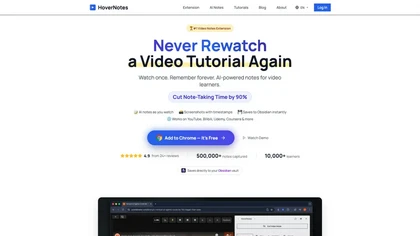
HoverNotes is an AI browser extension that enhances note-taking for videos by capturing key concepts, screenshots, and timestamps. It integrates with Obsidian for organized storage, making it ideal for students and professionals engaged in technical subjects.
Free trial
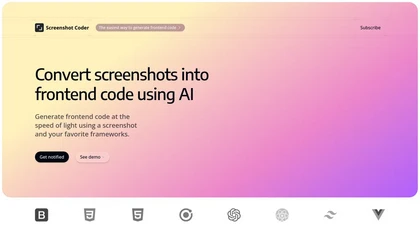
Screenshot Coder transforms visual mockups into production‑ready frontend code in seconds, supporting Tailwind CSS, Bootstrap, and React. It delivers responsive, clean UI code directly from screenshots, accelerating prototyping for designers and developers.
Free
Describe Image & Picture extracts text, alt descriptions, and HTML snippets from PNG, JPEG, or WEBP files up to 2 MB, converting visuals into editable Markdown or code, auto‑tagging photos, and generating Flux image variants for creators, developers, and marketers.
Freemium
Storyboarder.ai transforms scripts into detailed shot lists, storyboards, and animatics. Upload PDFs, Fountain, or prompts to auto‑generate visual panels; edit frames, adjust camera, and export PDFs for crew. Supports film, TV, commercials, and web projects.
Freemium
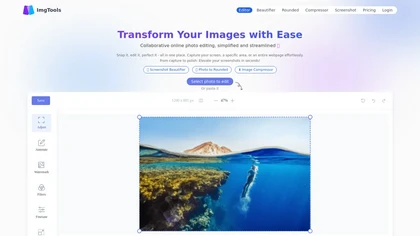
ImgTools is a versatile screenshot tool that simplifies capturing, editing, and enhancing images efficiently. It offers features like screenshot beautifier, advanced editing options, collaborative online editing, and customization tools to elevate your visuals effortlessly.
Freemium
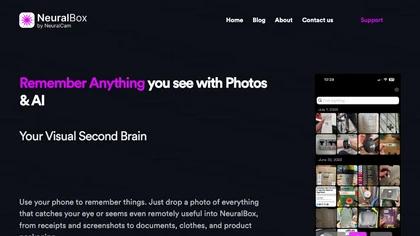
NeuralBox captures photos instantly via camera, lock‑screen widget, or share extension, auto‑imports screenshots, and offers a scanning mode. AI image recognition and OCR enable keyword searches; similarity browsing groups images by visual traits. Files sync locally or in the cloud.
Subscription
- $5.99/mo
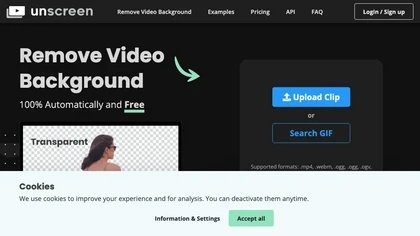
Unscreen is a cloud video editor that removes backgrounds from clips and exports them instantly, with format conversion and resizing. It offers plugins for After Effects and Premiere Pro and integrates with Canva for AI‑enhanced features.
Freemium
- $9
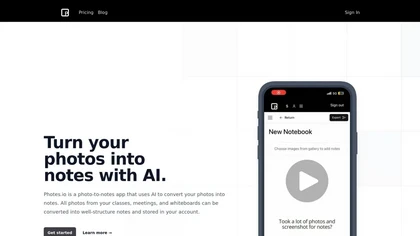
Pixno uses GPT‑4 Vision to extract text, charts, and audio from photos, PDFs, and lecture slides. It summarizes, translates, generates Q&A, exports to Notion, Obsidian, Google Docs, and syncs across devices for real‑time collaboration.
Freemium
- $3/mo
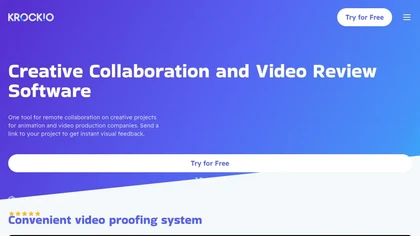
KROCK centralizes video, audio, and visual assets for review and approval, offering time‑coded comments, drawing, attachment tools, automated visual difference detection, and AI storyboard generation. It integrates with DaVinci Resolve, Adobe CC, and Final Cut Pro for streamlined collaboration.
Freemium
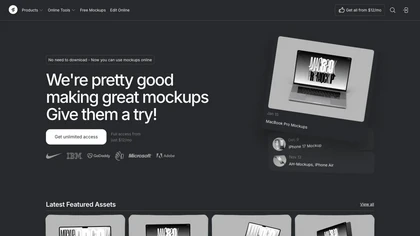
Mckp.live offers a Figma plugin and online editor with over 4,000 editable mockups, including device, branding, print, animated and illustration templates. Designers can replace artwork, adjust layouts, preview across devices, use presets and download assets.
Subscription
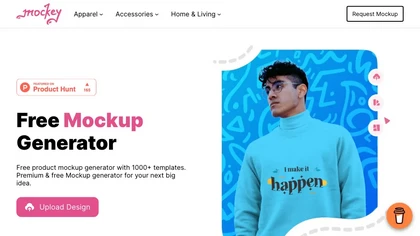
Mockey AI creates watermark‑free product mockups from 20,000+ templates across 45 categories. Upload PNG/JPEG designs, adjust placement and backgrounds, and use AI tools like background removal. It offers 3D and video mockups for animation on desktop, mobile, and Play Store.
Freemium
- $5.7/mo
ImageToCartoon turns JPEG, PNG, or WebP photos into high‑resolution cartoon images directly in the browser. Users pick from 80+ styles—Ghibli, Pixar, anime, comics—to create avatars, prints, or pet illustrations, with royalty‑free commercial rights.
Free
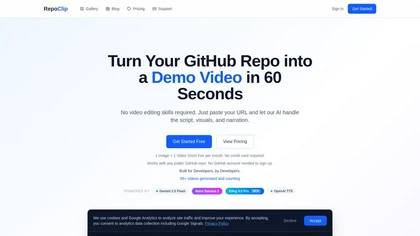
RepoClip is an AI tool that converts code repositories into narrated tutorial and demo videos. It analyzes a project's structure to automatically generate synchronized visual walkthroughs and demonstrations for documentation and onboarding.
Freemium

Image Editor Online is an AI-powered tool that edits your photos using simple text prompts. It allows you to remove backgrounds, adjust poses, transfer styles, and continuously refine your images in one place.
Free

PhotoGrid is a browser‑based AI photo editor that offers one‑click enhancement, background removal, and upscaling. It lets users build collages from 20,000 templates, add stickers, text, custom backgrounds, and convert images into short video clips.
Subscription
- $2.83/mo
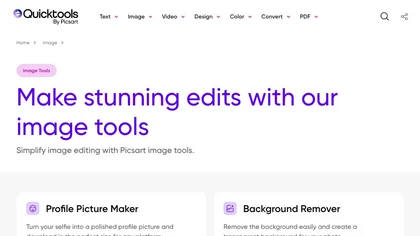
An online image tool with features including background removal, image resizing, text addition, color palettes, conversion, and AI-powered social media bios, market slogans, business name ideas, and hashtag generation.
Free
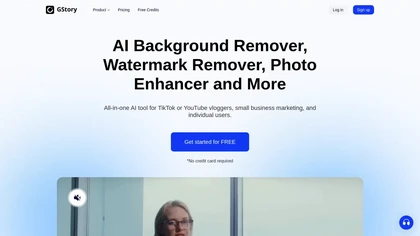
GStory.ai is an AI-powered creative suite for video and photo editing. Its core features include automated subtitle generation, background removal, and tools for enhancing image quality and removing watermarks.
Freemium
- $0.03
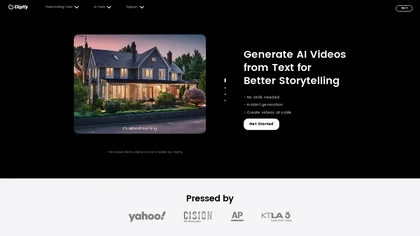
Clipfly turns text prompts into videos, animates images, and adds lifelike touches to photos. With an AI storyboard, one‑click enhancer, background removal, subtitles, and audio integration, it streamlines branded content, social clips, and personal memories.
Free
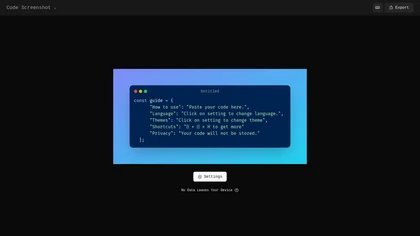
Code Screenshot allows developers to convert code snippets into visually appealing images with syntax highlighting for various languages. It features customizable themes, keyboard shortcuts for efficiency, and local storage for enhanced privacy in sensitive projects.
Freemium
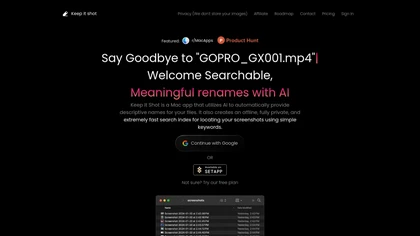
Keep It Shot is a macOS app that auto‑generates descriptive names for screenshots, builds a local index for quick keyword search, allows bulk renaming with two clicks, and can revert to original filenames if needed. OCR adds metadata.
Subscription
- $8/mo
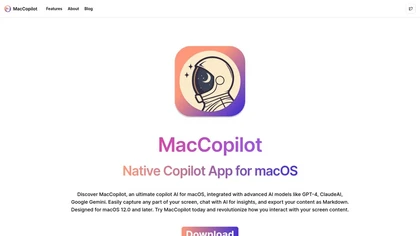
MacCopilot lets macOS users select any screen area, capture screenshots, and chat with AI models—GPT‑4o, Claude, Gemini, or local Ollama—to receive instant visual analysis, code reviews, design feedback, and contextual insights directly on‑screen. Hotkeys and history improve workflow.
Free
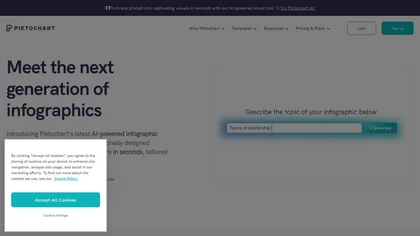
Piktochart is an AI‑powered visual creation platform that turns text into infographics, charts, and videos within seconds. It offers templates, a brand kit, collaborative editing, interactive graphics, and export options for print and digital use.
Freemium
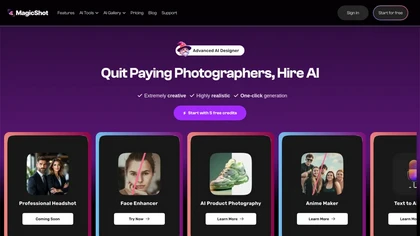
MagicShot.ai creates images, videos, and audio from text or photos. It offers AI image generation for product shots, logos, icons, and book covers, and a video generator that animates photos. Editing, avatars, stickers, QR codes, and 3D tools streamline design.
Paid
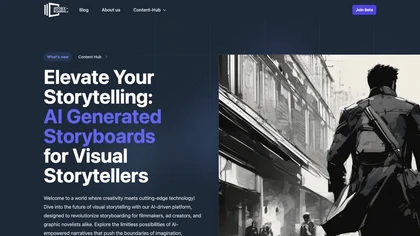
AI Storyboard Generator converts scripts into visual storyboards quickly, auto‑detecting shots and enabling customizable pacing. Users upload photos or pick actors for consistency, receive framing suggestions, version control, real‑time collaboration, and export to dynamic videos.
Subscription
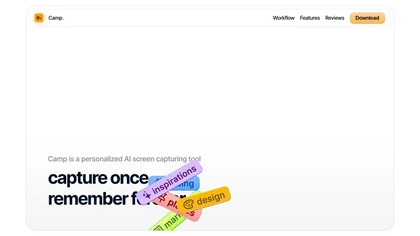
Camp is a macOS and iOS screen‑capture app that stores screenshots locally, auto‑tags and titles them, supports keyboard shortcuts, lets users annotate, search by keyword, and pin favorites for quick access.
Freemium
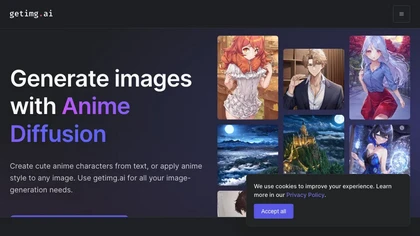
An online anim image-generation tool that creates images with prompts, offers uncensored AI models and community styles, and generates free images for commercial use.
Freemium
Stockimg AI generates logos, illustrations, and social‑media assets from text prompts, offering background removal, bulk scheduling, and cross‑platform publishing via an integrated calendar. A mobile app allows on‑the‑go daily editing.
Subscription
- $12/mo

Generates detailed image descriptions, SEO-friendly alt text, and searchable tags from JPG/PNG/WEBP; performs OCR on text and tables, summarizes charts, converts images into prompts, and offers batch processing, API, and chat-for-image Q&A for workflows.
Free
- $19.99

SnapEdit is an AI‑driven photo editor that removes objects, backgrounds, and text, provides 100+ background templates, upsamples images to HD/4K, and offers skin retouching, all accessible via web, iOS, and Android.
Freemium
StoryboardHero turns a brief or existing script into AI‑generated storyboard visuals and scenes in minutes, offering customizable styles, consistent character rendering, optional hand‑drawn sketches, PDF/export, and collaborative link sharing to cut revision time.
Subscription
- $19/mo

aivideosummarizer.io is an AI tool that converts videos (from uploads or links) into concise summaries, full transcripts, and chapter markers. It supports multiple formats and languages, generating editable outputs like study outlines and mind maps for faster content review.
Free

Genstory.app is an AI-powered storybook generator that creates fully illustrated digital books and multimedia content from simple text prompts. It instantly generates customizable stories with AI text and images, and includes a vast library for inspiration and sharing.
Freemium

Summarify AI gives YouTube video summaries in‑app and via Chrome, offering text, bullet, outline styles with timestamps for quick navigation. It supports export to PDF, Markdown, TXT, etc., helping students, researchers, creators save time and organize content.
Free

Jelli is a Chrome extension that captures screenshots with a hotkey and copies them to the clipboard. Users can annotate by drawing arrows or rectangles directly on the image, then paste into Slack, Jira, or documents.
Freemium
- $19.99/mo
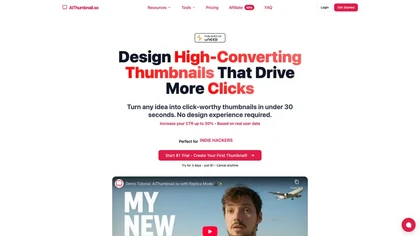
Aithumbnail.so is an AI-driven tool for creating YouTube thumbnails, offering style replication, smart suggestions for optimization, and integration of facial images to enhance audience recognition and engagement, ultimately improving click-through rates.
Freemium
InShot is a mobile video editor that lets users cut, trim, and layer clips, auto‑generate multilingual captions, add music, intros/outros, and apply AI‑driven, 3D, glitch, and lens transitions, text, stickers, and picture‑in‑picture overlays.
Free
Eightify uses AI to extract key ideas from YouTube videos, delivering timestamped bullet‑point summaries, full transcripts, and comment insights via a Chrome extension and mobile apps. It supports 40+ languages, helping users preview, note‑take, and share content efficiently.
Freemium
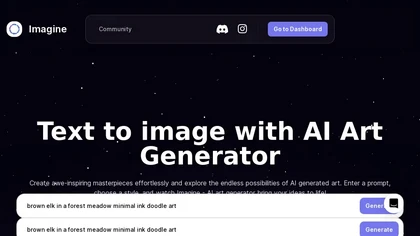
ImagineArt unifies AI‑driven image, video, and audio creation and editing, enabling prompt‑based generation, upscale tools, drag‑and‑drop video workflows, 4K cinematic rendering, and real‑time team collaboration for streamlined media production for artists, designers, and creators.
Freemium
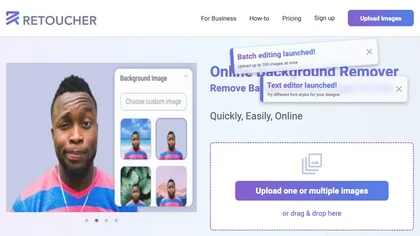
Retoucher Online is an AI background remover handling batch uploads via drag‑and‑drop, camera, or file selection. It isolates foregrounds, lets users keep transparent backgrounds, replace with white or custom images, add shadows, fine‑tune edges, and download PNG/JPG at various resolutions.
Freemium
- $659/mo

YouTube sumamry chrome extension is a YouTube video summary tool developed by Glasp Inc., currently in beta testing and requires installation on Chrome or Safari browsers along with sign-up.
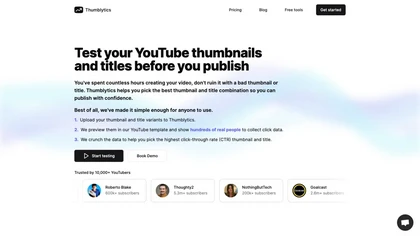
Thumblytics AI generates up to eight thumbnail variants from prompts, transcripts, or YouTube URLs, scoring them on readability, contrast, and hook strength. High‑scoring designs are stored for quick reuse, streamlining production and boosting click‑through rates.
Subscription
- $12/mo
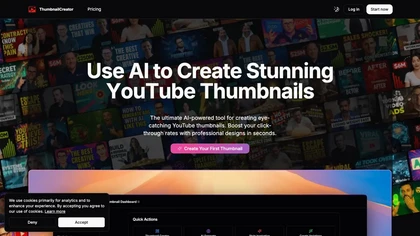
ThumbnailCreator.com is an AI-powered tool that generates professional YouTube thumbnails instantly, eliminating the need for design expertise. It leverages AI trained on vast thumbnail data to enhance visual appeal and streamline workflow for creators.
Subscription
- $9/mo
Stockimg AI generates logos, illustrations, wallpapers, posters, avatars, stock photos, and short‑form video from text prompts. It auto‑adds audio, subtitles, and offers a social‑media dashboard to edit, schedule, and publish across multiple accounts.
Subscription
- $12/mo