
AI Video Denoise
The best 50 AI Video Denoise tools - Free & Paid
Explore 50 AI for AI Video Denoise
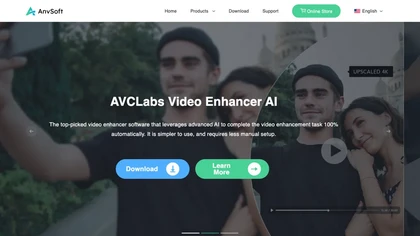
AVCLabs Video Enhancer AI uses deep learning to upscale, denoise, sharpen, colorize, and interpolate frames, automatically detecting and refining faces. It supports batch conversion, preview comparison, multiple formats, preserves frame rates, and leaves originals unaltered.
Free

Upload video files (MP4, MOV, MKV, M4V, AVI) and apply AI models—Face, Animation, Denoise, Low‑Light, Colorize—to improve clarity, reduce noise, brighten dark scenes, or add color. Preview changes, upscale to 4K, then download without watermarks.
Paid
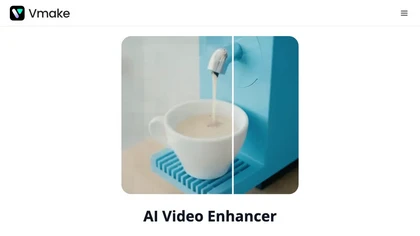
Vmake AI Video Enhancer upsamples MP4, MOV, AVI, etc. to 2K/4K/AI 4K+, removes artifacts, improves low‑light, reduces noise, and offers watermark/text removal, background elimination, and subtitle generation, giving creators, e‑commerce, and gamers sharper, cleaner videos.
Subscription
- $9.99/mo
Topaz Video AI is a powerful video enhancement tool that uses AI models to upscale, deinterlace, stabilize, and interpolate frames for high-quality results.
Paid
- $99

AI image enhancer that upscales up to 4×, removes noise, sharpens blur, and can enhance faces or colorize. Handles .png/.jpg/.webp/.tif/.bmp/.raw and outputs the same formats. Windows, macOS and Photoshop plugin supported.
Free trial
UniFab AI enhances video and audio with AI: upscales to 16K 120fps, denoises, colorizes black‑and‑white, sharpens faces, converts formats, upmixes to surround sound, removes vocals, and supports batch GPU‑accelerated processing for creators and archivists.
Paid
Aiarty is a desktop AI that locally enhances images and video—denoising, deblurring, upscaling to 4K–32K, HDR, batch processing, and precise matting for semi‑transparent elements—without cloud, preserving privacy. It runs on GPU, handling millions of images or 4K footage offline.
Paid
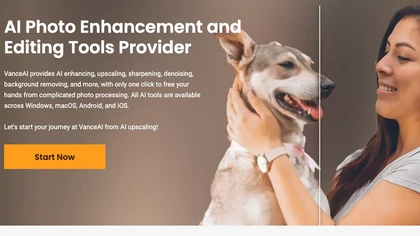
VanceAI offers AI‑driven image enhancement tools—upscaling, sharpening, denoising, background removal, restoration, and cartoonization. Supports batch processing and a Windows desktop app, enabling quick, detail‑preserving edits for photographers, designers, and e‑commerce sellers.
Free trial
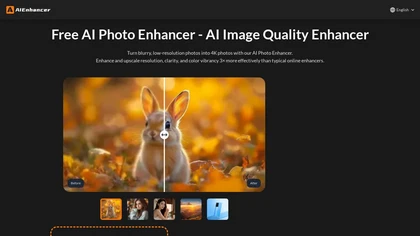
AIEnhancer.ai is a free online tool that instantly transforms blurry, low-quality images into high-resolution 4K photos. Simply upload your picture to apply AI-powered upscaling, noise reduction, and color correction, then preview and download the enhanced result.
Freemium
AI Video Enhancement enlarges and improves video/images with no quality loss, scaling to 2K/4K/8K, noise‑reducing, colorizing black‑and‑white, interpolating up to 240fps for smooth slow‑motion. Supports MP4, MOV, MKV, AVI, JPG, PNG, BMP, GIF, WEBP; batch ZIP; desktop for Mac/Windows.
Paid

videoqualityenhancer.aiai.com is an online AI tool that enhances and upscales videos using deep learning. It deblurs, denoises, stabilizes, and upscales footage to 2K/4K, with specialized models for faces, animation, text, and low-light scenes.
Free trial
The AI tool is an online image enhancement platform that automatically improves the quality of images using deep learning algorithms, allowing users to upscale, denoise, restore, and refine faces in photos.
Subscription

AIImageToVideo Pro is an AI tool that transforms static images and text prompts into short videos using models like Veo and Kling, offering control over motion, duration, and resolution. It features editing for text overlays and captions, with export options for creating watermark-free content for s
Freemium
- $9.99/mo
AI Voice Cleaner is a tool that removes background noise, echo, and unwanted sounds from audio files while enhancing speech clarity. It supports various formats and offers features like volume normalization, breath reduction, and studio-style enhancement for professional-quality results.
Freemium
Audo Studio is an AI audio tool that offers one-click audio cleaning features for podcasts, YouTube videos, and other audio content. It removes background noise, enhances speech, and uses advanced processing to clean audio in seconds.
Freemium

AIVideo.com automates video production, creating music videos, lyric visuals, looping clips, and converting audio or images into video. It offers text‑to‑image/video, background removal, matchcut editing, and visual effects, enabling quick, professional media creation.
Freemium
ArtEdge AI upscales and enhances photos to 4K, reducing blur and noise while restoring faces, logos and old or raw images. Server-side processing handles JPG, PNG and WebP up to 50 MB with fast drag-and-drop uploads.
Freemium

The AI Lab provides an advanced tool with image and facial enhancements features such as photo colorization, object and background removal, cartoon creation, retouching portraits, adjusting facial expressions, and API and platform for developers.
Free

TensorPix enhances SD video to 4K 60FPS, removes artifacts from VHS and old footage, offers real‑time call improvement, batch processing, API integration, and cloud GPU processing—no local install needed.
Freemium

HitPaw FotorPea automatically enhances photos by applying AI models for sharpening, denoising, face and color correction. It unblurs images, upsizes to 4K/8K, restores old photos, removes backgrounds, and generates images from text prompts.
Free trial

AVCLabs Video Enhancer AI upsizes videos to 8K, removes noise, stabilizes footage, colorizes black‑and‑white, adds slow‑motion frames, sharpens faces, and runs locally for batch processing without cloud uploads and multiple AI modes for performance.
Subscription
- $19.95/mo
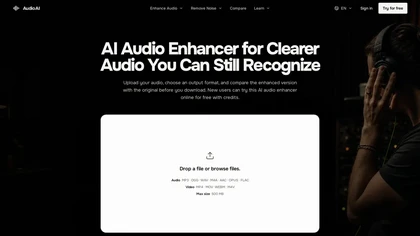
Audioai.io is an AI audio enhancer that removes background noise, reduces echo and distortion, levels volume, and brings buried voices forward for clearer speech—while preserving music, ambience, and natural pacing. Upload a supported file, choose an output format, preview and compare enhanced vs o
Free trial
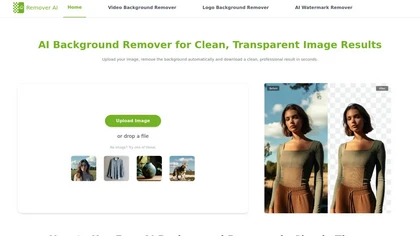
removerai.io is a web-based AI tool that automatically removes backgrounds from images, preserving fine details like hair and edges. It requires no installation, allows manual refinements, and exports high-resolution transparent PNGs for e-commerce, design, and marketing.
Free
LetsEnhance is an AI image editor that upscales up to 512 MP, sharpens, restores, and removes compression artifacts from JPG, PNG, or WebP files. It supports batch processing, high‑resolution outputs for prints and AI art, preserving natural texture without watermarks.
Freemium
- $0.75/mo
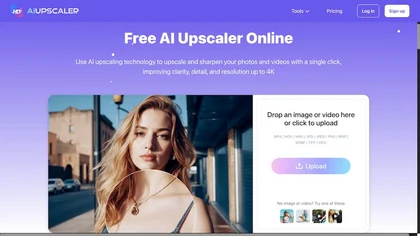
AIUpscaler.ai is a browser-based AI tool that instantly enhances photos and videos to HD or 4K resolution with one click. It upscales, sharpens, and restores detail directly in your browser while preserving colors and ensuring privacy.
Freemium
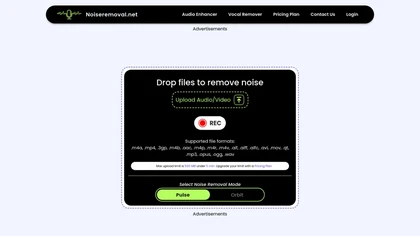
The Free Background Noise Removal Tool utilizes AI algorithms to efficiently reduce unwanted sounds in audio and video recordings. It supports multiple file formats and offers customizable noise removal modes while preserving audio quality.
Freemium
- $20/mo
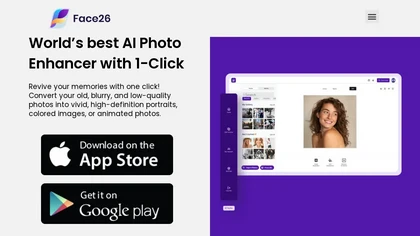
Face26 is an AI photo enhancer that improves image quality with denoising, color correction, upscaling, recoloring, and background removal. It supports photo‑realistic art, animated versions, and headshot creation, available on web and mobile.
Freemium
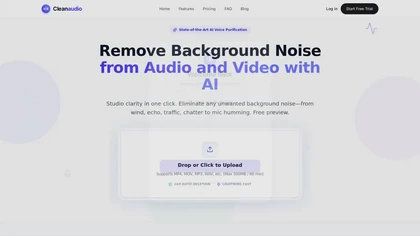
cleanaudio.io is a browser-based AI tool that removes background noise and reverb from audio and video files with one click. It instantly cleans wind, traffic, fan hum, static, pet barking, and room echo in formats like mp4, mp3, and wav for clearer speech.
Free trial
- $16.99/mo
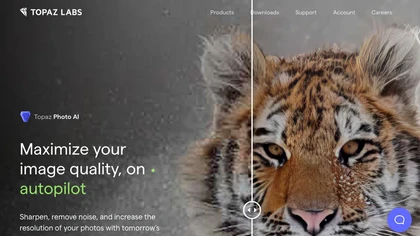
This tool uses deep learning to enhance photos by reducing noise, sharpening, upscaling, and recovering faces.
Paid
- $99

AI Photo Studio automates e‑commerce image editing: background removal, resolution enhancement, lossless compression, profile passport creation, hairstyle preview, object cleanup, old‑photo restoration, colorization, AI fashion model generation, clothing recolor, background changes, and file convers
Free
Imglarger is an image enhancer that upsamples photos up to 8×, supports batch processing, and offers background, object, and face retouch tools. It converts WebP, JPEG, PNG, SVG, JFIF formats and lets users adjust brightness, contrast, and saturation via web or mobile.
Freemium
Deep‑Image.ai offers photo upscaling, denoising, sharpening, color and lighting adjustments. It removes backgrounds, adds virtual staging, creates business headshots, and delivers batch product‑photo presets, inpainting, and high‑resolution generative upscaling up to 300 MP.
Freemium
AI Video Cut uses prompt‑based AI to transform long videos into short, platform‑optimized clips. It auto‑detects faces, crops frames, adds multilingual captions, and supports multiple aspect ratios for fast, high‑quality content creation.
Freemium

AnyEnhancer AI video enhancer upsamples footage to 4K/2K, improves color fidelity, restores facial details, denoises, and interpolates frames. It runs on Windows and macOS, supports batch processing, real‑time preview, and direct export.
Paid
jpgHD uses AI to perform lossless restoration of old, scratched photos, adding color, repairing damage, and providing Ultra Restore. It animates up to ten faces, offers 2×/4× super‑resolution, denoising, and high‑definition enhancement via web UI or REST API.
Paid
ImagineArt unifies AI‑driven image, video, and audio creation and editing, enabling prompt‑based generation, upscale tools, drag‑and‑drop video workflows, 4K cinematic rendering, and real‑time team collaboration for streamlined media production for artists, designers, and creators.
Freemium
DeWatermark uses AI to remove watermarks, logos, text, emojis, and timestamps from photos, videos, PDFs, and images. It applies inpainting, offers a manual brush for edits, and batch processes up to 50 files on mobile and desktop.
Free
- $10/mo
HitPaw AI Photo Enhancer upsamples images up to 8×, removes blur and noise, sharpens detail, and restores color for JPG, PNG, and WebP files. Works on web, desktop, and mobile with batch processing, aiding photographers, designers, and archivists.
Freemium
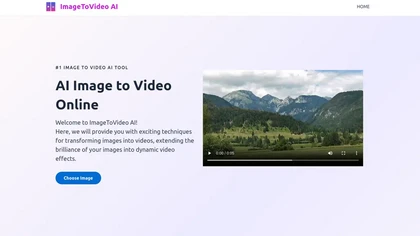
ImageToVideo AI converts JPG, PNG, or WebP images into MP4 videos. Users can crop, resize to social‑media ratios, choose speed/quality presets, apply 50+ templates, add AI music, and edit motion via a prompt editor—all watermark‑free.
Paid
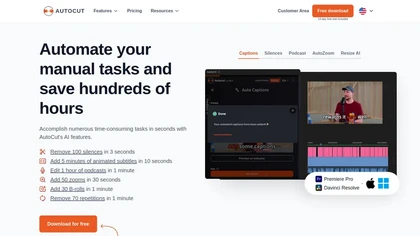
AutoCut AI is a Premiere Pro and DaVinci Resolve extension that automates routine editing—removing silences, auto‑captions, speaker‑driven angle cuts, context zooms, key moment extraction, stock integration, duplicate discard, profanity filtering, chapter markers, and social‑media resizing.
Paid

Retouch4me is an AI retouching suite that functions as Photoshop plugins or standalone apps. It automates skin, eyes, hair, clothing, and background edits in real‑time, supports RAW and batch workflows, and offers video color grading with offline processing.
Paid

Image Video AI converts photos (JPG/PNG/WEBP) into short MP4 videos up to 1080p using multiple AI models, enabling text-guided motion, style and duration, animating faces, bodies, objects or avatars with fast, simple workflows and commercial usage.
Freemium
- $7.99/mo

PhotoRestore uses AI to repair scratches, fading, and stains in legacy photos, auto‑colorizes black‑and‑white images, sharpens and denoises for clarity, upscales 2‑4×, and removes backgrounds for clean cutouts, supporting common formats and album sharing.
Free

imagetovideoai.pro is an AI tool that transforms static images into cinematic video clips with camera controls, keyframes, and audio. It supports multi-image references, physics-aware motion, and team collaboration for rapid, consistent content creation.
Free trial
- $15/mo

VidHex is an AI-powered video enhancement tool that upscales low-resolution footage to 4K/8K, restores quality, and colorizes black-and-white clips. It optimizes exposure, contrast, and noise reduction for creators, educators, and casual users.
Freemium

VideoAI.ai is an AI video generator that converts text and images into short clips using multiple models for motion control and consistency. It features localized editing, style transfer, and audio sync for creating social media, e-commerce, and avatar-driven videos.
Free trial
- $12/mo
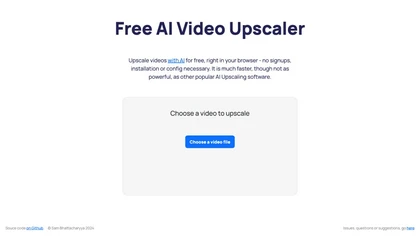
Browser‑based AI upscaler uses WebGPU and open‑source algorithms like Anime4K and RealESRGAN to enlarge video and image resolution. It processes each frame client‑side, preserving privacy, with drag‑and‑drop, side‑by‑side comparison, and selectable output sizes.
Free
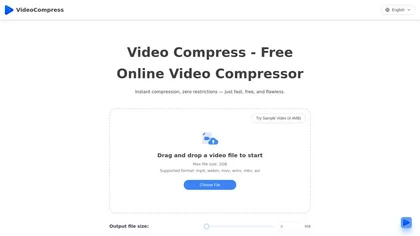
VideoCompress.ai is a free online tool that drastically reduces video file sizes by up to 80% using advanced H.265 encoding. It allows you to preview the compression in real-time while ensuring your files are secured with end-to-end encryption.
Free
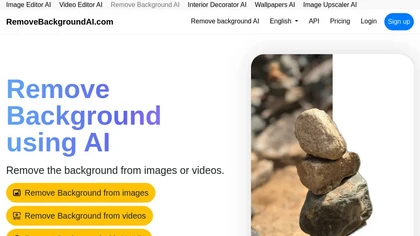
RemoveBackgroundAI.com is a web‑based AI that deletes image and video backgrounds from JPEG, PNG, GIF, MP4, MOV files up to 234 MB, offering transparent or solid colors. It supports batch processing, multiple output formats (PNG, WebP, MP4), and a multilingual interface.
Paid
- $70/mo
GoEnhance AI transforms text, images, and videos into 4K, 60fps clips in seconds, offering text‑to‑video, image‑to‑video, and video‑to‑video engines, face swap, lip sync, and anime‑style animations with upscaling and a talking avatar.
Freemium