
What is AI Voice Cleaner?
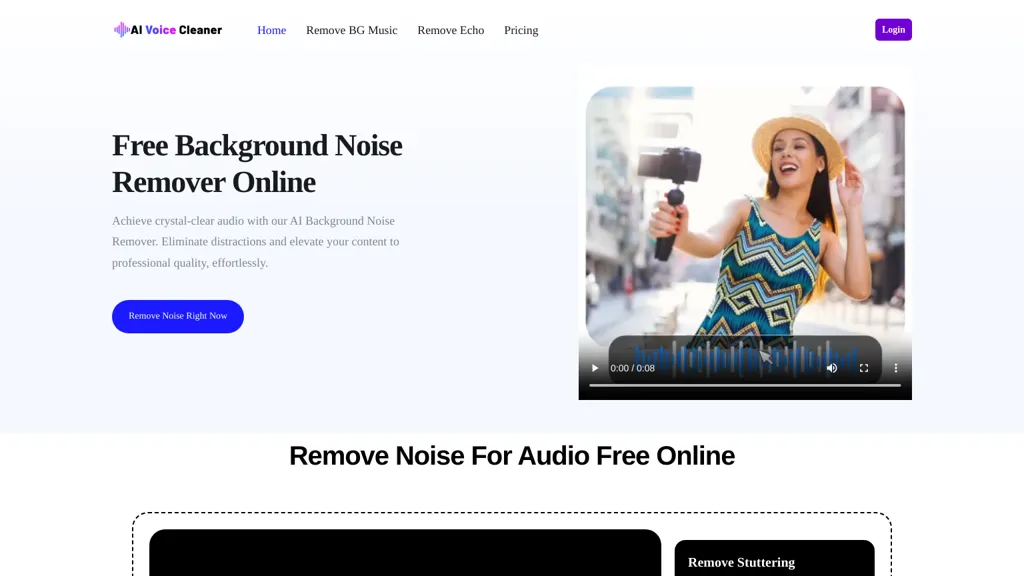
AI Voice Cleaner removes background noise and restores speech clarity for podcasts, videos, online classes, and voice recordings. The tool targets fan and AC hum, room echo and reverb, mic hiss and static, mouse clicks, distant conversations, traffic and wind, and common appliance noise, while also reducing breaths, mouth noises, stutters, filler words, and long silences. It can preserve background music, apply automatic equalization, normalize volume levels, mute or cut segments, and apply studio-style enhancement for consistent audio. Supported input formats include MP3, WAV, FLAC, M4A, AAC, MP4, MOV, AVI, OGG, OPUS, and AIFF. Workflow is upload, select processing type, let the system analyze and remove unwanted sounds, then download the cleaned file. Suitable for podcasters, video producers, teachers, musicians, voice actors, audiobook creators, and social media creators who need noise reduction, echo removal, and audio cleanup.
AI Voice Cleaner details
- Built for
- Individuals
AI Voice Cleaner pricing
FreemiumVerify on the official pricing page.
View plansAI Voice Cleaner's key features
-
Multi-noise removal (fan/AC hum, traffic, wind, appliance noise, mic hiss, static, mouse clicks, distant conversations)
-
Echo and reverb removal
-
Vocal artifact reduction (breaths, mouth noises, stutters, filler words, long silences)
-
Advanced audio processing: preserve background music, automatic equalization, volume normalization, mute/cut segments, studio-style enhancement
-
Supports wide input formats (MP3, WAV, FLAC, M4A, AAC, MP4, MOV, AVI, OGG, OPUS, AIFF) with a simple upload–select–process–download workflow
AI Voice Cleaner use cases
-
Polish podcast episodes by automatically removing hum, clicks, breaths and filler words, preserving background music and normalizing levels so you can publish broadcast-quality audio without advanced audio-editing skills
-
Improve online course and lecture recordings by removing room echo, traffic and wind noise, reducing mouth noises and automatic equalization to deliver clear, accessible lessons for students across devices
-
Clean up voiceovers, interviews and YouTube videos by eliminating hiss, hum and distracting background sounds while keeping natural speech and background music intact for faster, professional-sounding post-production
AI Voice Cleaner user reviews
Would you recommend AI Voice Cleaner?
Who is AI Voice Cleaner for?
-
Podcasters
-
Voice actors
-
Musicians
-
Audiobook creators
-
Video producers
AI Voice Cleaner FAQ
Is AI Voice Cleaner free?
Partly. AI Voice Cleaner has a free plan with usage limits, and paid plans unlock the full feature set. Plans include 180 minutes at $6.99, 200 minutes at $7.99, Most popular 480 minutes at $15.99 and 900 minutes at $34.99.
What are the best alternatives to AI Voice Cleaner?
The closest alternatives to AI Voice Cleaner are SimpleClean, AudioAI.io, Audo AI, Noiseremoval.net and Cleanvoice AI. You can compare them side by side in the alternatives section further down this page.
What does AI Voice Cleaner do with my data?
Its privacy policy states that personal data is not sold or shared for marketing purposes. Data may be shared with third-party service providers that help run the product.
Compliance, privacy and billing terms are as stated in each product's own published documentation and have not been independently verified by TopAI.tools.


