
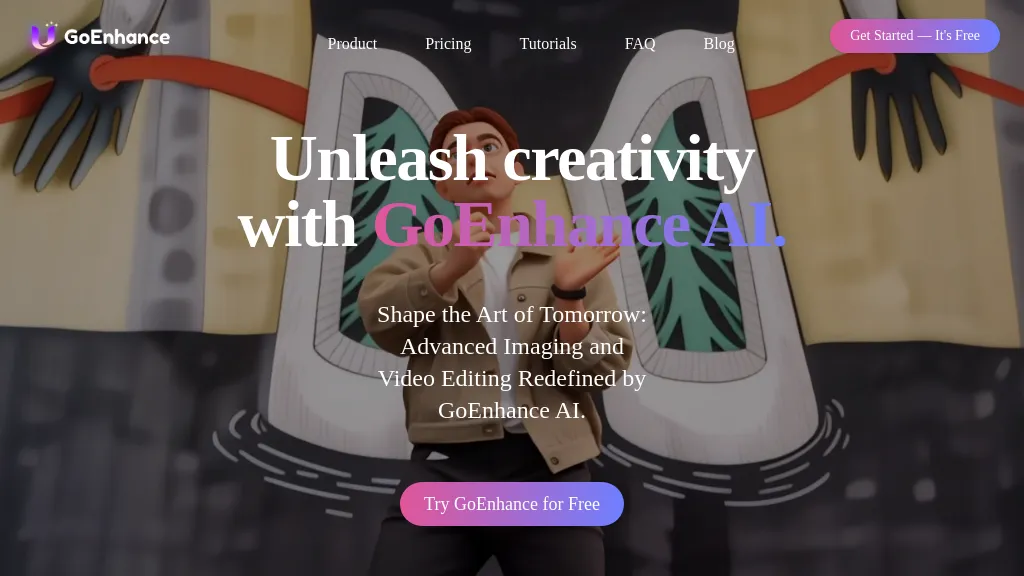
What is GoEnhance?
GoEnhance AI is an all‑in‑one AI video platform that turns text, images, and existing videos into high‑resolution (4K, 60fps) output. Its text‑to‑video engine produces engaging clips in seconds, while image‑to‑video and video‑to‑video models enable smooth, anime‑style transformations and consistent character creation across scenes.
Users can add realistic lip sync, swap faces in videos, and animate single images into full motion sequences. The platform offers a video upscaler that enhances detail and a talking avatar feature that generates lifelike speech from a photo. Both desktop and mobile interfaces support easy project management, and a token‑based system allows unlimited use in a relaxed mode or instant GPU access for faster rendering.
GoEnhance tech specs
- Works with
- OpenAI / Sora
- Payment Processors
- Stripe
GoEnhance pricing
FreemiumGoEnhance offers a free plan with paid upgrades available.
Verify on the official pricing page.
View plansGoEnhance's key features
-
Image to Video
-
Text to Video
-
Video to Video
-
Video Face Swap
-
Consistent Character Video
-
Lip Sync Video
-
Video Upscaler Tool
GoEnhance use cases
-
Create captivating 4K marketing clips from product photos and short scripts using GoEnhance AI’s image‑to‑video and lip‑sync engines, without any video editing experience
-
Develop engaging anime‑style explainer videos from plain text outlines, leveraging GoEnhance AI’s anime transformation and talking avatar to explain complex topics with visual flair
-
Upgrade personal or archival footage to crystal‑clear 4K, 60fps with GoEnhance AI’s upscale engine, adding face‑swap and lip‑sync for a polished, modern presentation
GoEnhance user reviews
Based on 20 reviews, 80% of users recommend GoEnhance, rated highly for value for money.
Liked for
Disliked for
Would you recommend GoEnhance?
Who is GoEnhance for?
-
Video creators
-
Image enhancers
-
Digital artists
-
Creative designers
-
Content producers
GoEnhance FAQ
Is GoEnhance free?
Partly. GoEnhance has a free plan with usage limits, and paid plans unlock the full feature set.
Is GoEnhance safe to use?
GoEnhance carries the TopAI.tools verified mark, which we award after a manual review of pricing transparency, published terms, public following and working functionality. It has a substantial audience that is independently measured month to month.
Is GoEnhance good?
GoEnhance has an 80% recommendation rate from 20 reviewers on TopAI.tools. Reviewers rate it highest on value for money and ease of use.
What are the best alternatives to GoEnhance?
The closest alternatives to GoEnhance are Clipfly AI Video Generator, Video Generator - A2E.ai , HeyGen, Image-to-Video Maker and Steve AI. You can compare them side by side in the alternatives section further down this page.
What does GoEnhance do with my data?
Its privacy policy states that personal data is not sold or shared for marketing purposes.
Does GoEnhance have an API?
Yes. GoEnhance offers an API, so you can call it from your own applications instead of using the interface directly.
Which AI models does GoEnhance use?
GoEnhance is built on OpenAI / Sora. Which models you can reach may depend on your plan.
Compliance, privacy and billing terms are as stated in each product's own published documentation and have not been independently verified by TopAI.tools.


