
Text Reader For Mac
The best 50 Text Reader For Mac AI tools - Free & Paid
Explore 50 AI for Text Reader For Mac
Clearly Reader cleans web pages by removing ads and distractions, offers adjustable readability settings, built‑in text‑to‑speech, clipping and bookmarking, AI‑driven summarization, and export to PDF, Word, Markdown, and third‑party services for students, researchers, and casual readers.
Freemium
NaturalReader AI converts PDFs, Word, ePub, web pages, and OCR text into natural‑sounding audio in 90+ languages. It supports voice cloning, offline playback, mobile and Chrome extension access, and includes captions and dyslexia‑friendly fonts.
Freemium
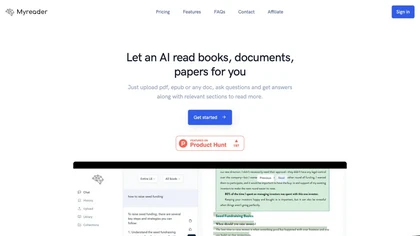
Myreader is an AI reading assistant that accepts PDFs, EPUBs, YouTube videos, and web articles, enabling chat‑based queries, concise summaries, contextual citations, and text‑to‑speech in 50+ voices across 30 languages. Secure cloud storage supports large libraries.
Freemium
Speechify converts PDFs, DOCX, EPUB, web pages, and more into natural‑sounding audio on iOS, Android, macOS, Windows, and Chrome. It offers an AI assistant that summarizes documents while you listen, supports voice typing, and allows offline access.
Free trial
- $29/mo
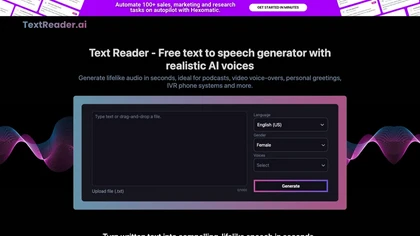
Text Reader is an AI Text-to-Speech tool with high-quality WaveNet voices, offering quick conversion of written text to lifelike audio in over 40 languages. Perfect for podcasts, videos, phone systems, and more.
Free

Readvox is a Chrome text-to-speech extension that converts web pages, PDFs, Google Docs, Kindle books and images (OCR) into audio, offering selectable voices, custom pronunciation, adjustable speed, pause/resume, and controls to support accessibility and language learning.
Free
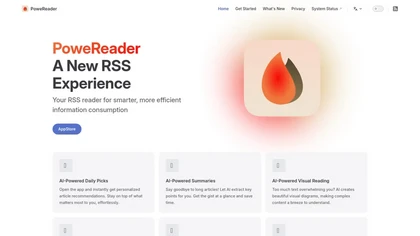
PowerReader is an AI-powered RSS reader that offers personalized article recommendations, summaries, and visual reading options. It features built-in translation, supports various RSS services, and enables offline reading with iCloud sync for seamless access across devices.
Freemium
Audioread transforms articles, PDFs, emails, URLs, and RSS feeds into natural‑sounding audio in 80+ languages, with adjustable speed, MP3 downloads, and private podcast feeds for cross‑device streaming. It offers AI summaries, privacy mode, Slack integration, and an API for developers.
Subscription
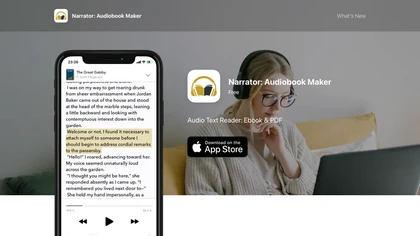
Narrator converts ePub, PDF, DOCX, TXT, and RTF files into natural‑sounding speech in over 25 languages. Playback speed ranges from 0.5× to 3×, and audio can be exported as a single .m4a file. Works offline after voice download.
Free
OASIS is a macOS app that converts spoken words to editable text, offers AI‑driven rewrites for clarity and style, multiple format options, review transcript, and writing history management, and quick toggling between recording, editing, and rewriting functions.
Freemium
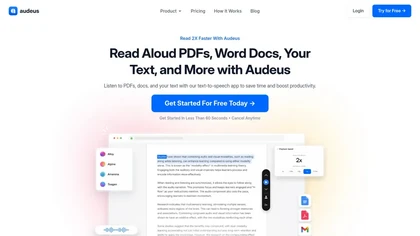
Audeus is a web-based text-to-speech tool that enhances reading efficiency by converting various document formats into audio, synchronizing highlighted text, and allowing users to customize playback speed for improved comprehension and focus.
Free trial
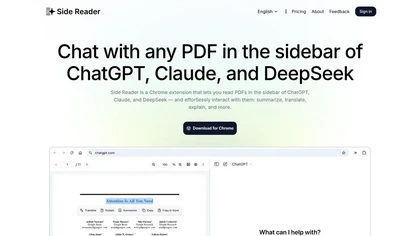
Side Reader is a Chrome extension that enhances PDF reading by enabling AI interaction for summarization, translation, and explanation. It features file storage, zoom, navigation, custom buttons, and a split-screen view for improved productivity.
Freemium
Voiceink is a macOS dictation application that offers accurate offline voice-to-text transcription. It features customizable dictionaries, automated formatting, and seamless integration for composing emails and messages quickly, enhancing productivity for professionals and students.
Freemium

Orate is a Mac-compatible text-to-speech tool that reads highlighted text across various applications. It features natural-sounding voices, adjustable reading speeds, and a global keyboard shortcut for convenient access, ensuring a smooth listening experience with minimal latency.
Freemium
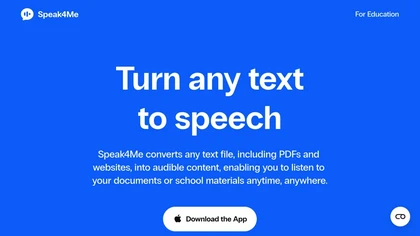
Speak4Me converts PDFs, e‑books, documents, websites, and scanned images into natural‑sounding audio with adjustable speed. It offers voice selection, searchable content via ChatWithMe, and accessibility support for dyslexia, ADHD, and visual impairments, suitable for students, educators, and busine
Free
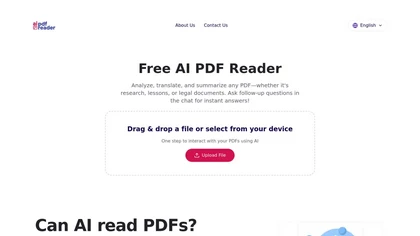
Free AI PDF Reader is a tool that analyzes, translates, and summarizes PDFs via drag-and-drop, delivering key insights. Its AI chat feature supports follow-up questions and multilingual interactions while ensuring data privacy.
Free
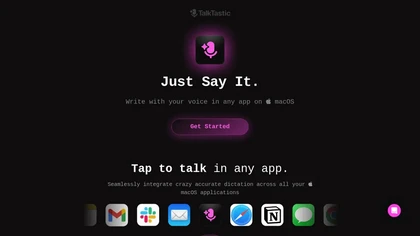
TalkTastic lets users dictate and edit text in macOS apps with accurate transcription. By capturing a snapshot of the active window when a note starts, it supplies context, tone, and proper‑noun recognition for smart rewriting, keeping data local and auto‑deleted.
Free
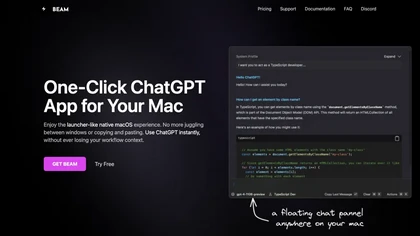
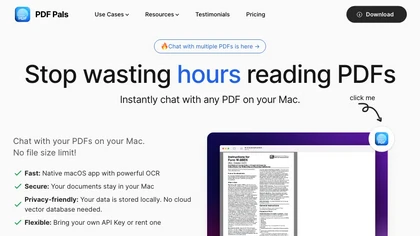
PDF Pals is a macOS-native app that lets users chat with PDFs locally, using built‑in OCR and a local SQLite index. It supports multiple AI providers, keeps data offline, and offers fast, privacy‑focused queries.
Paid

gpt-reader.com is a community-driven AI development platform that enables open-source teams to manage projects through proposal voting, AI-assisted code reviews, and integrated CI/CD workflows.
Freemium
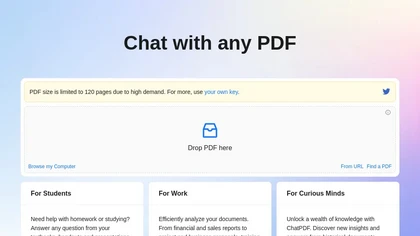
ChatPDF lets users upload PDFs for conversational queries, mapping content and providing cited answers. It supports folders for combined documents, side‑by‑side chat and source viewing, and offers multilingual input and output.
Free
- $5
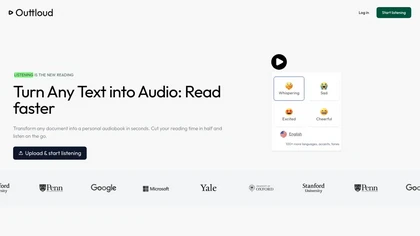
Outtloud converts PDFs, EPUBs, DOCXs, web articles, and YouTube transcripts into natural‑sounding audio in over 50 languages. It supports adjustable speed, dyslexia‑friendly fonts, voice cloning from a short sample, OCR for scanned files, and built‑in bookmarking, annotation, and reading‑goal tracki
Subscription
- $14/mo
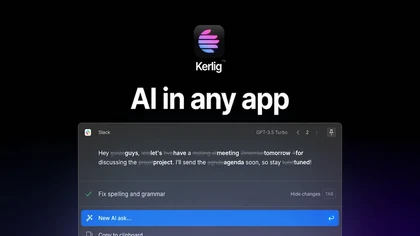
Kerlig is a macOS‑native AI assistant that edits, proofreads, summarizes, and generates content across apps via a hotkey. It supports 350+ cloud and local models, custom presets, and works with PDFs, Word, and web pages.
Paid
- $27

Speechly is a speech-to-text tool for Mac that converts voice into text efficiently, supporting 150+ languages. It streamlines communication tasks, offers smart modes for various needs, and allows customizable voice commands to enhance productivity.
Free trial
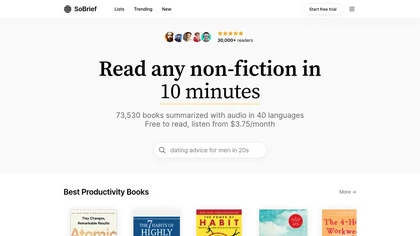
SoBrief provides 26,000+ book summaries in audio, PDF, and EPUB. Users read or listen in about ten minutes, customize playback speed, bookmark, track history, download, and select from multiple languages.
Free trial
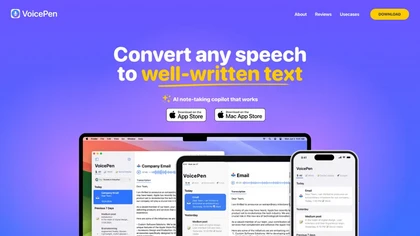
VoicePen turns spoken audio into editable text on iPhone, iPad, Watch, and Mac. Record or upload up to two hours; transcriptions appear in 30 seconds, support 80+ languages, auto‑label speakers, offer 25 rewrite styles, summaries, and PDF/DOCX exports, syncing via iCloud.
Free
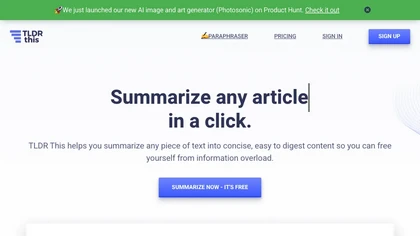
Online article summarizer that condenses long texts into concise summaries, extracting metadata, estimating reading time, and removing ads for a distraction‑free view. Supports text, URLs, PDFs, DOC/DOCX up to 25 MB, with a browser extension for instant page summarization.
Free
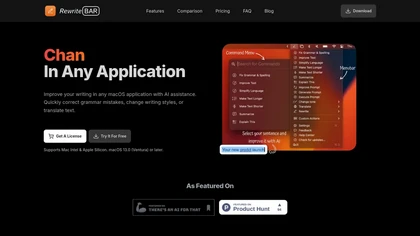
RewriteBar is a macOS menu bar AI assistant that enhances writing by correcting grammar, changing styles, and translating text across applications. It supports 30 languages, streamlining the writing process for diverse users with a user-friendly interface.
Free trial

BookFab downloads and decrypts ebooks and audiobooks from Kindle, Kobo, Audible and other stores, converts and batch-processes files to EPUB/PDF/MP3/FLAC/OPUS, preserves formatting and metadata, offers DRM removal, a Calibre plugin and AI TTS with voice cloning.
Free
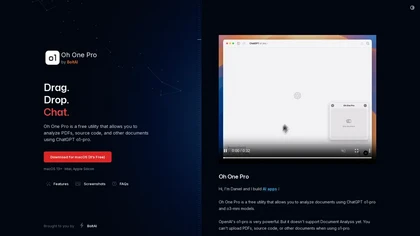
Oh One Pro is a Mac utility that analyzes PDF documents and source code and converts them into XML format for text extraction. It operates locally on M1/M2 devices, prioritizing user privacy and offering customizable themes.
Free
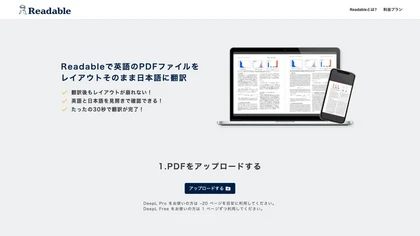
Readable translates English PDFs to Japanese in about ten seconds, preserving the original layout and providing a side‑by‑side view. It supports up to 100 pages or 50 MB per file, unlimited translations, and a Chrome extension for quick browser use.
Freemium

Converts structured notes into flashcards with optional AI-generated cards, syncs offline via iCloud with conflict-free merging across iPhone, iPad, and Mac, and uses adaptive practice plus multilingual text-to-speech to optimize review and retention.
Free

speaktype is a macOS app offering on-device, real-time Apple Silicon–optimized speech-to-text. It keeps audio and transcripts locally, integrates across apps via a keyboard shortcut, supports long-form dictation and contextual prompts, and is open-source.
Free
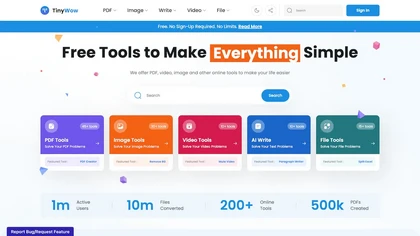
TinyWow is a web-based service that offers free tools for editing and converting PDFs, images, and videos, plus AI-driven text and image creation. Files are auto‑deleted after an hour for privacy.
Subscription
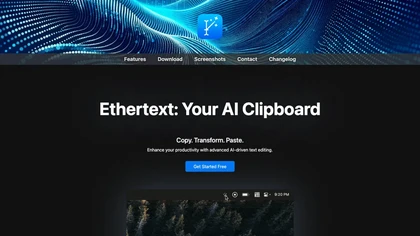
Ethertext is a macOS clipboard utility that uses AI models (OpenAI, Gemini, Anthropic, or local Ollama) to transform copied text with one‑click shortcuts. It supports API keys, on‑device MLX privacy, dictation, OCR, and custom prompts for writers, developers, and researchers.
Free

Blinkist condenses 9,000+ non-fiction books, podcasts, videos and documents into 15-minute text and audio summaries, offers AI-generated summaries, personalized recommendations, expert Guides and collaborative Spaces for efficient microlearning across devices and offline.
- $63.99

Tome App is a versatile AI presentation maker that generates, converts, and enhances slide decks from text, documents, PDFs, and videos. It automates layout, chart, and speaker-note creation, with exports compatible for PowerPoint, Google Slides, and Keynote.
Free trial
- $9.5/mo
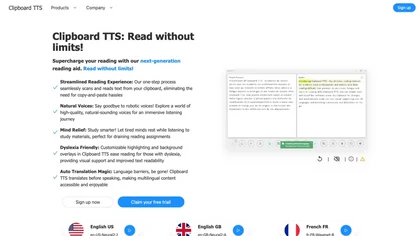
Clipboard TTS automatically reads clipboard changes with 49 languages and 100+ voices, supports translation, OCR, dictionary, text editing, history, experimental AI summaries, and user‑defined order for mutations on Windows and Linux.
Subscription
- $4.49/mo
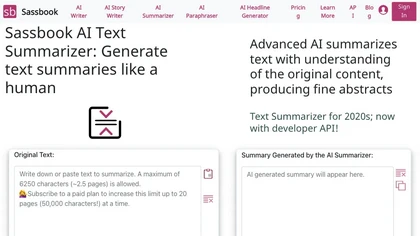
Sassbook AI Text Summarizer is an advanced tool that uses AI to generate high-quality summaries from large amounts of text with configurable options.
Freemium
- $15/mo
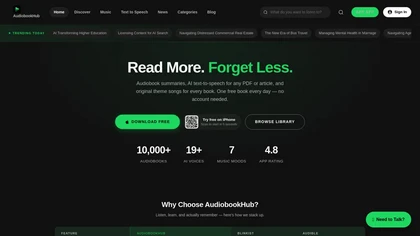
AudioBookHub is a comprehensive audio learning platform that transforms text from PDFs, articles, URLs, and photos into narrated audio with 19+ AI voices, while also offering 10,000+ audiobook summaries and full public-domain titles. It enhances retention through quizzes, mind maps, and reflection p
Freemium

Scraib.app corrects grammar, tone, and style in any macOS app, rewriting selected text with a keyboard shortcut. Set global or per-app style rules and use preferred AI providers or a local runtime for consistent, in-context edits.
Free trial
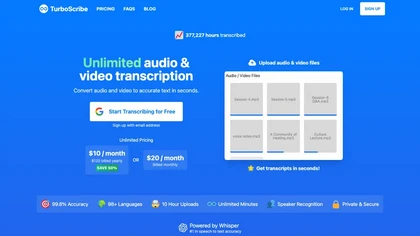
TurboScribe is an AI-powered transcription tool offering ultra-fast conversion of audio and video files to text. It supports over 98 languages, handles uploads up to 10 hours long, and features speaker recognition for meetings, interviews, and podcasts.
Freemium
- $10/mo
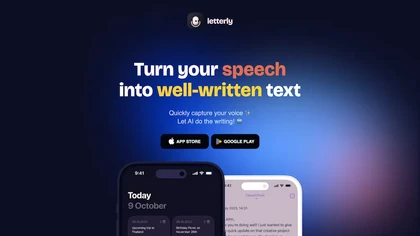
Letterly instantly transcribes spoken audio into polished text, supports 90+ languages, and offers 25+ rewrite styles for emails, blogs, tweets, or bullet points. It works offline, integrates via Zapier/webhooks, and tags content for quick retrieval.
Freemium
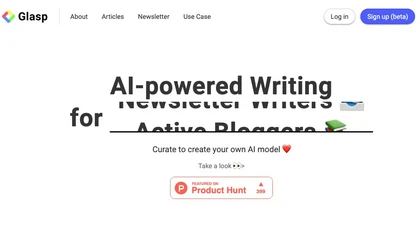
Glasp is a web app that enables users to highlight and take notes on online articles, curate and organize their reading materials, share insights with the Glasp community, and discover like-minded individuals through its social network feature.
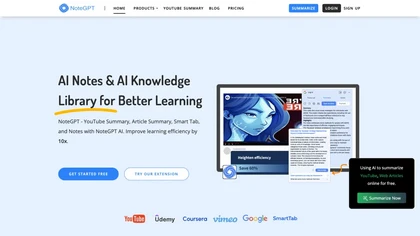
NoteGPT transcribes and summarizes lectures, meetings, and recordings in any language, offering PDF/PPT/book/video overviews, translation, and AI drafting tools. It also supports text‑to‑speech, voice cloning, infographics, slide generation, and multi‑model chat assistance.
Free trial
- $9/mo
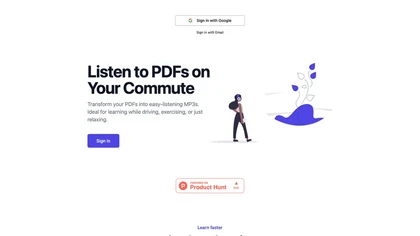
ListenDock converts PDFs, DOCX, EPUB, and web pages into MP3 audio, offering full text or summarized episodes in multiple languages, including technical and mathematical content, for mobile listening during commutes or study sessions.
Free
AI Summarizer quickly condenses essays, reports, and articles into short paragraphs or bullet lists. Paste text, upload DOCX/TXT/image, or give a URL; adjust summary length or set custom styles. Supports Spanish, French, German, Portuguese, and offers private, downloadable .docx outputs.
Free
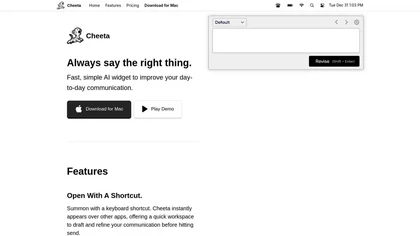
Cheeta is a Mac‑only AI writing assistant that launches as a lightweight widget via a keyboard shortcut. It provides a single workspace for drafting and refining text across apps, with over 50 scenario presets and automatic model selection.
Freemium