
What is Side Reader?
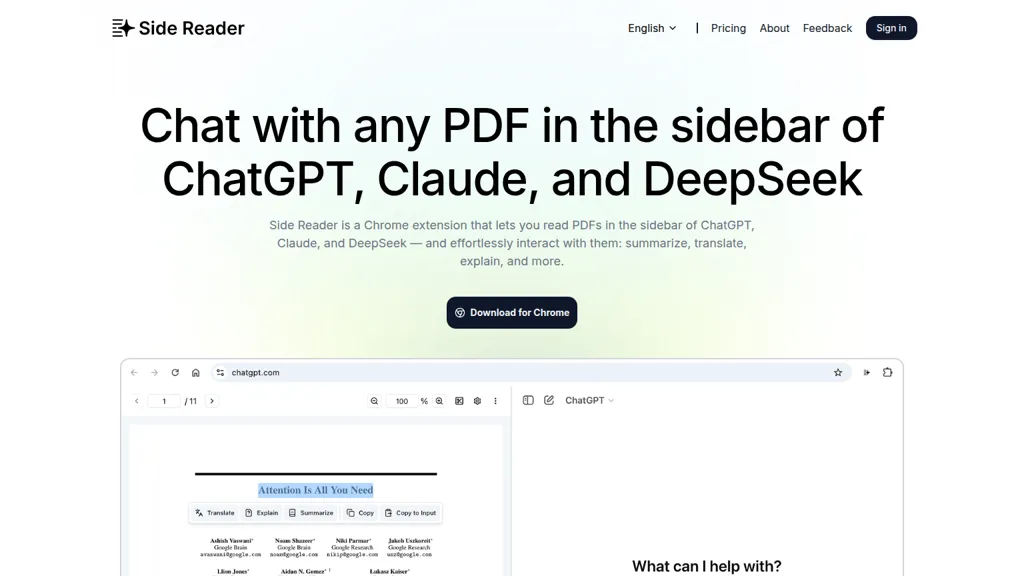
Side Reader is a Chrome extension designed to enhance the reading experience of PDF documents by integrating with AI tools like ChatGPT and Claude. Users can interact with uploaded PDFs effortlessly, enabling capabilities such as summarization, translation, and explanation.
The tool supports local storage of files and offers features including zoom functionality, page navigation, and width adjustment for optimal viewing. Custom interaction buttons allow users to tailor AI responses according to specific needs, improving usability for various tasks.
Ideal for individuals frequently working with PDFs, Side Reader offers a user-friendly interface for efficient document management and AI support. The extension facilitates a split-screen view that enhances productivity when reviewing multiple content sources.
Side Reader pricing Freemium
Verify on the official pricing page.
View plansSide Reader user reviews
Would you recommend Side Reader?
Side Reader's key features
-
AI integration
-
PDF summarization
-
Translation support
-
Custom interaction buttons
-
Split-screen view
Side Reader use cases
-
Effortlessly summarize lengthy research papers and reports using Side Reader's AI integration, allowing for quick grasp of key points without reading every detail
-
Translate technical manuals and instructional PDFs into the desired language on-the-fly with Side Reader, making complex content accessible to a wider audience
-
Utilize the split-screen view feature to compare annotations from different PDFs, enhancing note-taking and cross-referencing for academic or professional projects
Who is it for?
-
Pdf readers
-
Students
-
Researchers
-
Non-native speakers
-
Knowledge workers


