What is Cheeta?
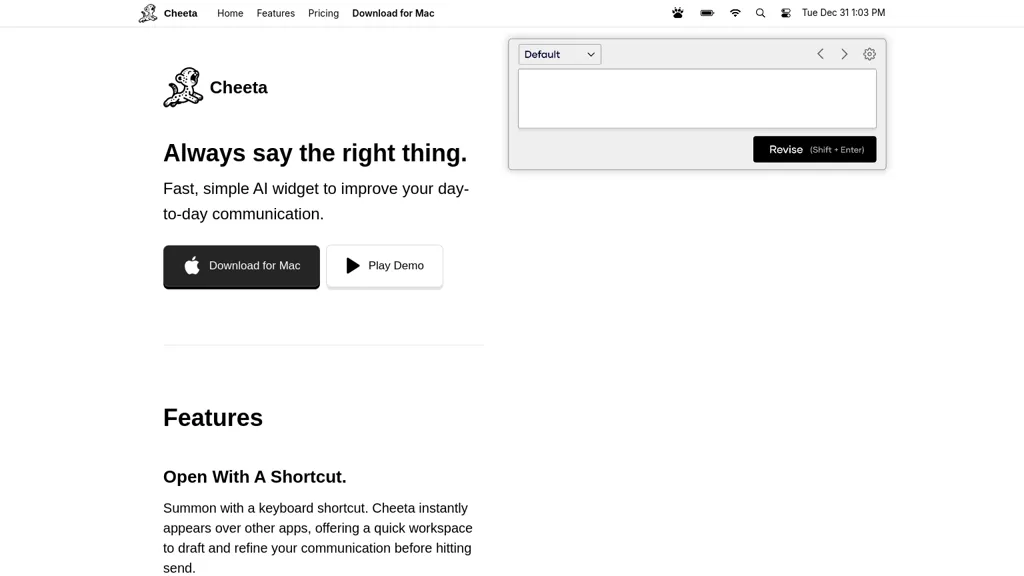
Cheeta is a Mac‑only AI writing assistant that appears as a lightweight widget when invoked via a keyboard shortcut. It offers a single workspace where users can draft and refine text while other applications remain active. The assistant features a searchable list of over 50 predefined scenarios—including team messaging, client outreach, and legal drafting—to help users target the appropriate tone and style.
Cheeta automatically selects the most suitable AI model for each scenario, providing more precise suggestions without requiring manual configuration. The interface is designed for quick, on‑the‑go editing, allowing users to start typing, choose a scenario, and hit enter to begin refining their message.
Cheeta pricing Freemium
Verify on the official pricing page.
View plansCheeta user reviews
Would you recommend Cheeta?
Cheeta's key features
-
Open with a shortcut
-
Summon with keyboard shortcut
-
Quick drafting workspace
-
Over 50 scenarios
-
Search scenarios by typing
-
Multi-model AI precision
-
Pay-per-use revisions
Cheeta use cases
-
Draft and instantly refine meeting notes across multiple apps with Cheeta, using its scenario presets to transform raw transcript into concise action items without leaving your workflow
-
Compose persuasive email copy on the fly by triggering Cheeta from any mail client, selecting the tone preset, and letting the AI polish your message while preserving your signature and attachment links
-
Generate and edit product descriptions for your e‑commerce catalog by launching Cheeta from the browser, choosing the 'e‑commerce copy' scenario, and auto‑selecting the best model to produce SEO‑optimized text in seconds
Who is it for?
-
Communication writers
-
Message drafters
-
Scenario operators
-
Writing assistants
-
Mac enthusiasts