
Screenshot Code Suggestions
The best 50 Screenshot Code Suggestions AI tools - Free & Paid
Explore 50 AI for Screenshot Code Suggestions
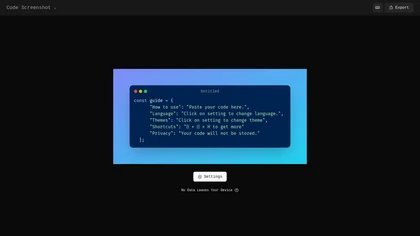
Code Screenshot allows developers to convert code snippets into visually appealing images with syntax highlighting for various languages. It features customizable themes, keyboard shortcuts for efficiency, and local storage for enhanced privacy in sensitive projects.
Freemium
Screenshot Coder transforms visual mockups into production‑ready frontend code in seconds, supporting Tailwind CSS, Bootstrap, and React. It delivers responsive, clean UI code directly from screenshots, accelerating prototyping for designers and developers.
Free
Pixelcode is a Chrome extension that extracts code from screenshots, images, PDFs, and video frames, recognizes over 30 programming languages, preserves formatting, and copies snippets directly to the clipboard for use in any editor.
Free
GitHub Copilot is an AI pair programmer that uses the OpenAI Codex to suggest code and entire functions in real-time.
Free trial
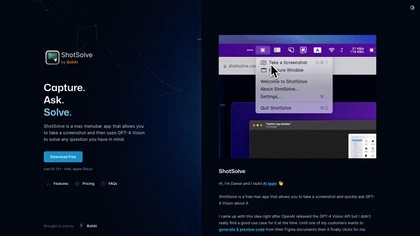
ShotSolve is a native macOS app that captures screenshots and uses GPT‑4o for instant queries. It offers a clean chat interface with themes, code styling, context controls, secure key storage, and configurable parameters for custom AI interactions.
Free
- $29/mo
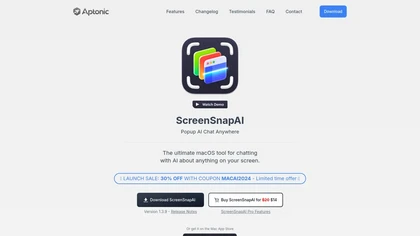
ScreenSnapAI auto‑renames and tags screenshots on macOS, letting users open an AI chat for instant content explanations. Accessible via menu or shortcut, it organizes images with AI‑generated metadata, speeding knowledge capture and retrieval on Intel and Apple Silicon machines.
Freemium
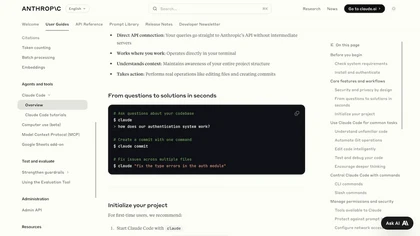
Claude Code is an AI-powered coding assistant that operates within the terminal, automating tasks like editing files, fixing bugs, executing tests, and managing git workflows. It enhances developer productivity through natural language commands and real-time support.
Free
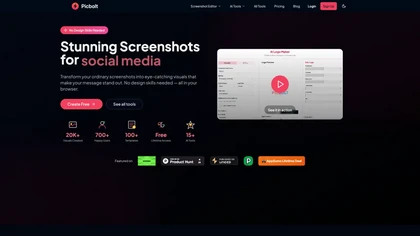
Picbolt is a screenshot editor that transforms screenshots into high-quality visuals with one-click presets, smart cropping, and customizable device mockups. It is ideal for educators, content creators, and small business owners, offering tools for annotations and workflow optimization.
Free trial
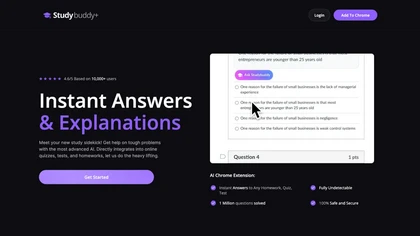
StudyBuddy Chrome Extension captures screenshots or highlights of questions to provide instant answers and detailed step‑by‑step explanations. It supports math, diagrams, and image queries in English, Spanish, and Portuguese, and includes a personal AI chat for broader study assistance.
Freemium
- $0.99
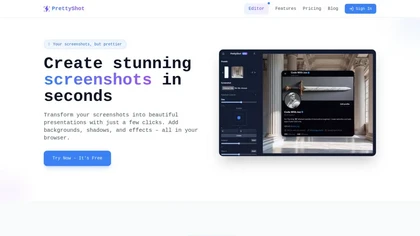
PrettyShot is a web-based tool that enhances standard screenshots by adding backgrounds, shadows, and effects, allowing users to create professional-quality visuals. It supports mockups with device frames and offers efficient preset slots for customization.
Free trial
CodeAssist is an AI-powered IntelliJ IDE plugin that generates code and answers programming-related questions.
Free trial
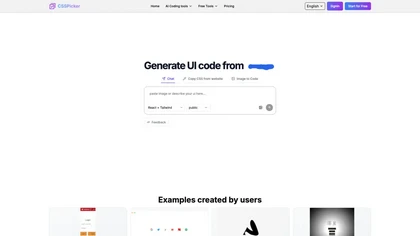
CSSPicker is an AI tool that transforms design screenshots into responsive HTML, CSS, or Tailwind code. With a real-time code editor and integration for frameworks like React, it aids both novice and experienced developers in UI coding tasks.
Free trial
- $30
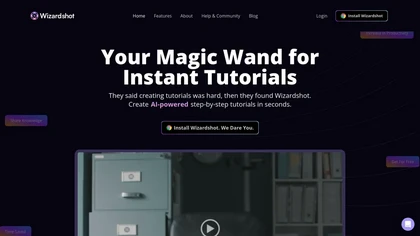
Wizardshot is a web app and Chrome extension that automatically converts screen recordings into structured, step‑by‑step tutorials. It exports to PDF/DOC, GIFs, embeds videos, supports team collaboration, role‑based access, blurs sensitive data, and provides analytics on usage and gaps.
Free
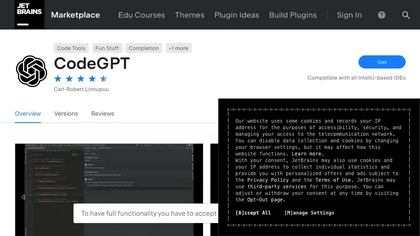
The CodeGPT IntelliJ IDE Plugin is an AI-driven coding tool that offers text completion, chat functionality, custom prompts and code actions, reviewing past conversations, restoring previous sessions, and privacy settings.
Raycast is an AI tool that can help developers write code faster, access a new layer of context, and accelerate tasks without any coding required.
Freemium
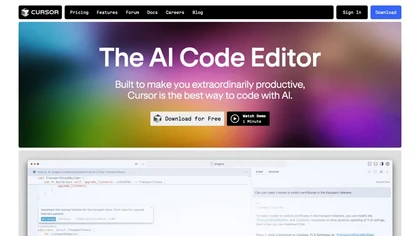
Cursor is an AI-powered code editor that utilizes natural language prompts for efficient coding. It streamlines workflows with features like predictive edits, one-click extensions, and privacy mode, enhancing developer productivity while maintaining a secure environment.
Freemium
- $20/mo
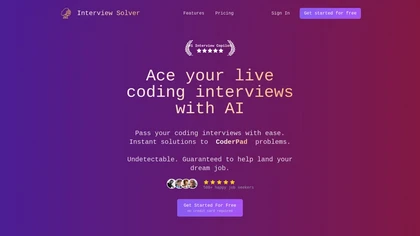
Interview Solver is a desktop AI copilot that supplies real‑time code and system‑design solutions during coding interviews, accepting screenshots, voice, and documents, and remains invisible in screen sharing and background processes.
Freemium
- $30

Jelli is a Chrome extension that captures screenshots with a hotkey and copies them to the clipboard. Users can annotate by drawing arrows or rectangles directly on the image, then paste into Slack, Jira, or documents.
Freemium
- $19.99/mo
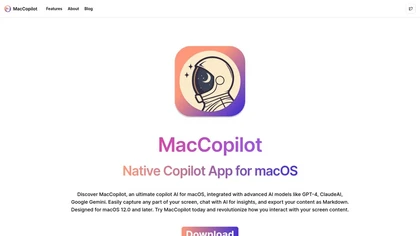
MacCopilot lets macOS users select any screen area, capture screenshots, and chat with AI models—GPT‑4o, Claude, Gemini, or local Ollama—to receive instant visual analysis, code reviews, design feedback, and contextual insights directly on‑screen. Hotkeys and history improve workflow.
Free

Sleek generates mobile app mockups from text prompts or images, offering templates, style presets, in-app editing, and modular responsive components. Export clean layouts to Figma or production-ready code for rapid prototyping and developer handoff.
Free
- $20/mo
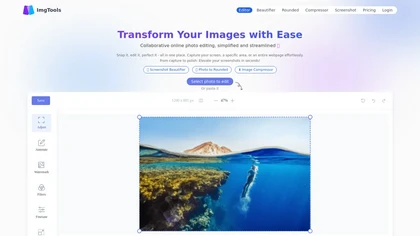
ImgTools is a versatile screenshot tool that simplifies capturing, editing, and enhancing images efficiently. It offers features like screenshot beautifier, advanced editing options, collaborative online editing, and customization tools to elevate your visuals effortlessly.
Freemium
Sweep is an AI coding assistant plugin for all JetBrains IDEs that offers low‑latency autocomplete, next‑tab predictions, code review suggestions, and precise refactoring by indexing the entire project. It maintains privacy by keeping code local or on secure servers.
Freemium

Coddy.Tech offers free interactive coding lessons across many languages and AI prompt engineering, featuring an in‑browser editor, streak tracking, achievements, AI debugging, a community leaderboard, and certificates for LinkedIn. It runs on iOS, Android, and web.
Free
Blackbox AI is an AI-powered tool for developers that searches and autocompletes code snippets across multiple programming languages and repositories, extracts code from videos and PDFs, and converts queries into code.
Free trial
- $5/mo
Ellipsis.dev automatically reviews every GitHub commit and pull request, detecting bugs, anti‑patterns, and style issues. It generates summaries, async fixes, and test‑ready changes, and offers weekly change logs in a SOC 2‑compliant VPC environment.
Subscription
GhostInterview is a real-time AI interview copilot that provides live coding, system design, and OOD support. It transcribes audio, parses screenshots, and delivers stealth-visible hints and solution outlines during live interviews.
Free trial
- $99/mo
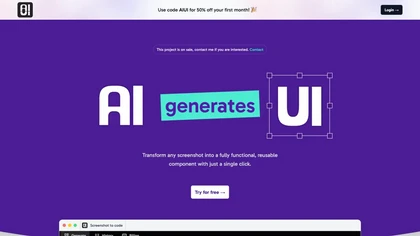
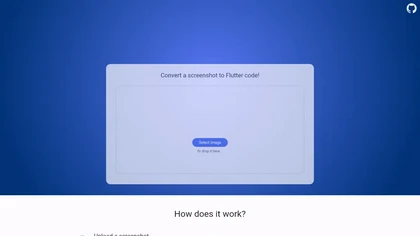
Pixel2Flutter is an AI-assisted migration tool that converts Google's Pixel UI components to Flutter widgets, simplifying the process of porting Android apps to iOS and web platforms while maintaining visual consistency.
Freemium
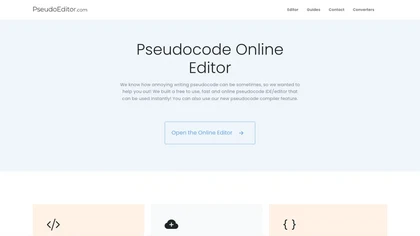
PseudoEditor is a web‑based pseudocode IDE with syntax highlighting, error detection, auto‑completion, and instant compilation. Cloud‑stored projects are accessible from any device. It supports AQA, OCR, CIE, Edexcel, and IB specifications, helping students and teachers practice algorithms.
Free

SynthAnswer AI is a browser extension that converts screenshots (text, math, code, handwritten notes) into instant answers with step-by-step explanations and formatted solutions, delivering fast, cross-platform problem solving for students, researchers, and professionals with privacy controls.
Free trial
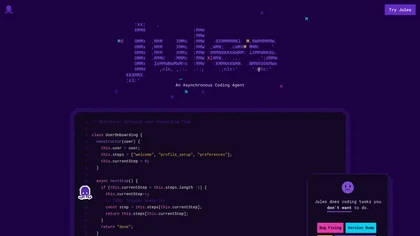
Jules is an asynchronous coding agent that enhances developer onboarding and productivity by organizing setup steps, integrating with GitHub, managing repositories, generating tests, and providing audio summaries for improved team communication.
Freemium
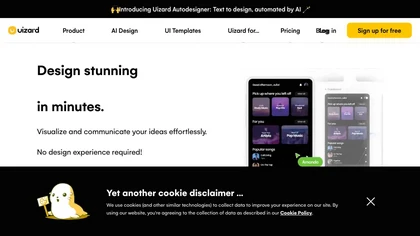
Uizard converts text or screenshots into editable wireframes, mockups, and prototypes using AI. It offers screenshot and wireframe scanners, theme generation, ready‑made templates, a shared component library, real‑time collaboration, version control, and export to Figma and other tools.
Freemium
- $39/mo
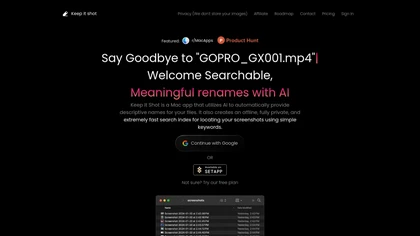
Keep It Shot is a macOS app that auto‑generates descriptive names for screenshots, builds a local index for quick keyword search, allows bulk renaming with two clicks, and can revert to original filenames if needed. OCR adds metadata.
Subscription
- $8/mo

Ghostcoder is a discreet AI coding assistant that offers real-time coding support during technical interviews and LeetCode problem-solving, using user-supplied API keys for privacy and click-free functionality through global hotkeys.
Freemium

Flawless automatically captures desktop and mobile screenshots, visually audits layout, messaging, SEO, and functionality, pins issues, prioritizes fixes by impact and effort, tracks status across audits, and provides consistent page comparison for clearer conversion optimization.
Subscription
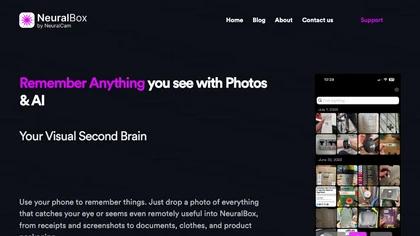
NeuralBox captures photos instantly via camera, lock‑screen widget, or share extension, auto‑imports screenshots, and offers a scanning mode. AI image recognition and OCR enable keyword searches; similarity browsing groups images by visual traits. Files sync locally or in the cloud.
Subscription
- $5.99/mo
Lightscreen is an AI-driven interview platform for tech recruitment, featuring advanced coding assessments, real-time pair programming with a voice agent, and tools for behavior analysis and plagiarism detection to streamline candidate evaluation and enhance decision-making.
Freemium
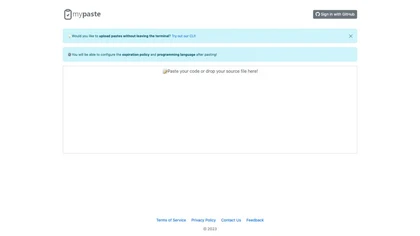
mypaste is an AI-powered code pasting tool for Github users. Upload pastes seamlessly from your terminal with CLI convenience. Customize expiration policies and programming languages for flexible and efficient workflow.
Freemium
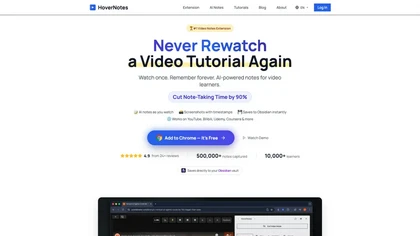
HoverNotes is an AI browser extension that enhances note-taking for videos by capturing key concepts, screenshots, and timestamps. It integrates with Obsidian for organized storage, making it ideal for students and professionals engaged in technical subjects.
Free trial
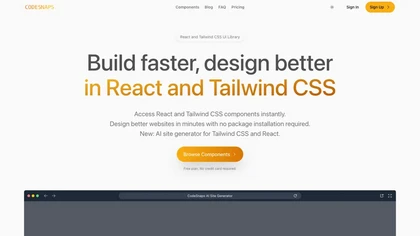
Codesnaps is a web tool for developers that provides ready-to-use UI components for React and Tailwind CSS, along with an AI site generator for quick website creation, enhancing efficiency in web design and development.
Free trial

TechScreen is an AI interview assistant that provides real-time support during technical interviews on video platforms. It processes audio and on-screen content, offers quick responses to coding challenges, and supports multiple programming languages to enhance interview efficiency.
Free trial
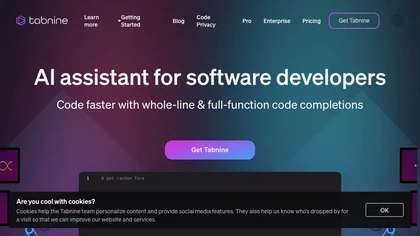
Tabnine AI Code Assistant delivers chat‑driven code completions and workflow automation, embedding enterprise architecture for contextual suggestions. With zero data retention, compliance checks, multi‑IDE support, and full audit trails, it enables secure, end‑to‑end coding for mission‑critical envi
Freemium

Ghost Engineer is an AI coding interview assistant that helps software engineers by providing instant coding solutions through screenshots and voice commands. It supports multiple programming languages and prioritizes user privacy during technical interviews.
Free trial
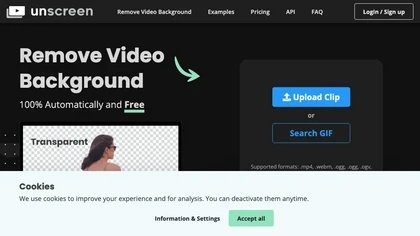
Unscreen is a cloud video editor that removes backgrounds from clips and exports them instantly, with format conversion and resizing. It offers plugins for After Effects and Premiere Pro and integrates with Canva for AI‑enhanced features.
Freemium
- $9
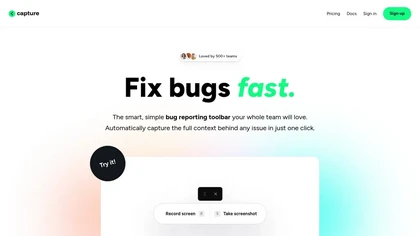
Capture.dev is a bug reporting tool that simplifies issue reporting with an intuitive toolbar, automatically captures context, and integrates with collaboration tools. It enhances communication and productivity by generating detailed bug reports and annotated playback for efficient resolution.
Free trial
Camp is a macOS and iOS screen‑capture app that stores screenshots locally, auto‑tags and titles them, supports keyboard shortcuts, lets users annotate, search by keyword, and pin favorites for quick access.
Freemium
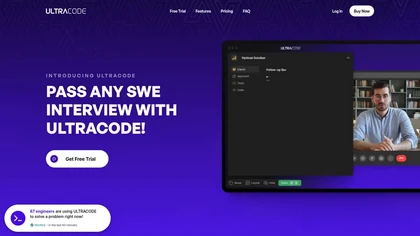
UltraCode AI is a coding interview co-pilot that helps users prepare for technical and behavioral questions through audio and screen input, offering hints for problem-solving while ensuring privacy and compatibility with various coding environments.
Free trial

Generates AI-driven UI designs, editable interface pages and interactive prototypes from text or images, producing responsive web and native iOS/Android layouts plus one-click front-end code (React, Android Java, iOS Swift) for rapid prototyping and handoff.
Freemium
SpellBox is an AI coding assistant that generates, explains, and bookmarks code across languages like C++, Python, MATLAB, and JavaScript. It runs on Windows and macOS, available as a desktop app or VS Code extension, streamlining development workflows.
Paid
- $35/mo