
Screen Capture Guide Builder
The best 50 Screen Capture Guide Builder AI tools - Free & Paid
Explore 50 AI for Screen Capture Guide Builder
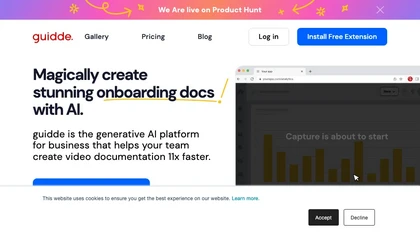
Guidde records screen activity, auto‑generates step‑by‑step video guides with AI narration and captions, editable and embeddable into platforms like Salesforce. Supports export, multilingual translation, and enterprise security for teams and knowledge bases.
Free trial
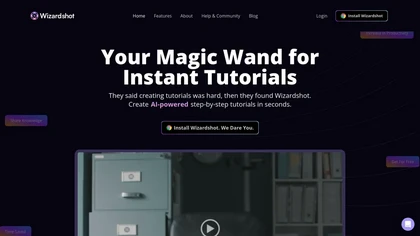
Wizardshot is a web app and Chrome extension that automatically converts screen recordings into structured, step‑by‑step tutorials. It exports to PDF/DOC, GIFs, embeds videos, supports team collaboration, role‑based access, blurs sensitive data, and provides analytics on usage and gaps.
Free
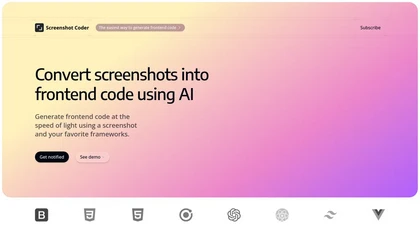
Screenshot Coder transforms visual mockups into production‑ready frontend code in seconds, supporting Tailwind CSS, Bootstrap, and React. It delivers responsive, clean UI code directly from screenshots, accelerating prototyping for designers and developers.
Free
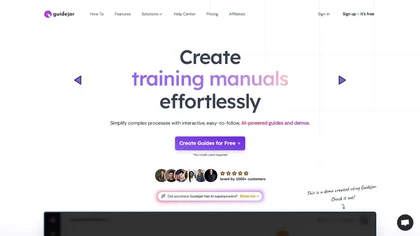
Guidejar records real‑time interactions via Chrome extension or desktop app and turns them into interactive, step‑by‑step walkthroughs. Users add AI voiceovers, conditional branching, and dynamic variables, and share guides through links, embeds, or a branded help center with analytics.
Freemium
- $79/mo
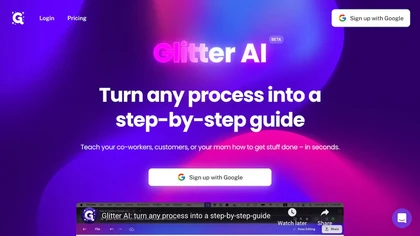
Glitter AI transforms video or screen‑capture recordings into structured step‑by‑step guides, SOPs, and onboarding documents. It auto‑transcribes, extracts key moments, and generates content with screenshots, exportable to PDF, HTML, Markdown, and popular knowledge‑base platforms.
Freemium
- $16/mo
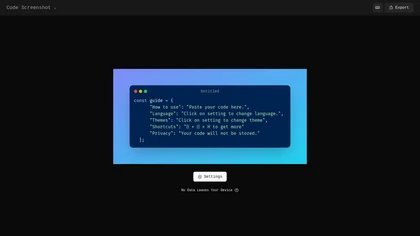
Code Screenshot allows developers to convert code snippets into visually appealing images with syntax highlighting for various languages. It features customizable themes, keyboard shortcuts for efficiency, and local storage for enhanced privacy in sensitive projects.
Freemium
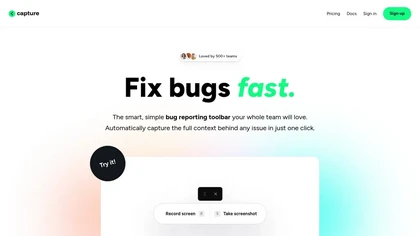
Capture.dev is a bug reporting tool that simplifies issue reporting with an intuitive toolbar, automatically captures context, and integrates with collaboration tools. It enhances communication and productivity by generating detailed bug reports and annotated playback for efficient resolution.
Free trial
Guideflow automates creation of interactive product demos and live replicas by capturing user flows from browsers or apps, offering a no-code editor, AI-driven translations/voiceovers, sharing/embed options, analytics, reusable demo libraries, and enterprise integrations.
Free
- $35/mo
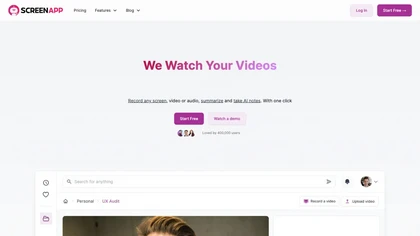
ScreenApp records and transcribes audio/video meetings, extracts key points and action items, and delivers searchable summaries and exports. It integrates with Zoom, Google Meet, YouTube and supports real‑time translation, helping teams quickly locate information.
Subscription
- $199/mo
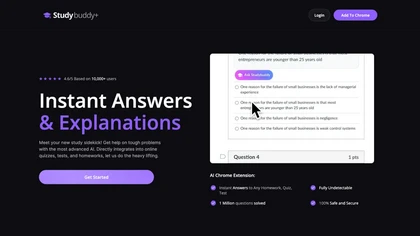
StudyBuddy Chrome Extension captures screenshots or highlights of questions to provide instant answers and detailed step‑by‑step explanations. It supports math, diagrams, and image queries in English, Spanish, and Portuguese, and includes a personal AI chat for broader study assistance.
Freemium
- $0.99
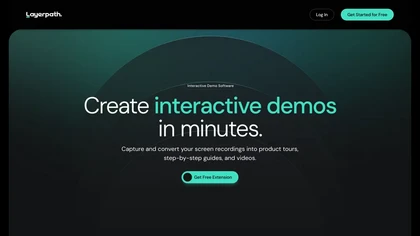
Layerpath converts a single screen recording into interactive demos, step‑by‑step guides, or videos, automatically capturing clicks and UI changes. It lets you edit steps, add multilingual narration, embed forms, apply branding, view analytics, and share via embed, link, or export.
Freemium
- $129/mo
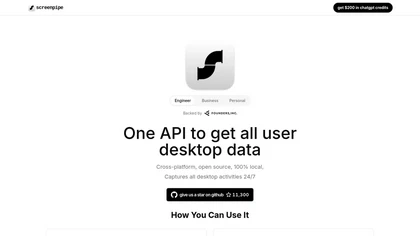
Screenpipe records screen and microphone continuously on macOS, Windows, or Linux, stores data locally, indexes it by text/audio, and runs AI agents that update CRMs, transcribe meetings, track expenses, or monitor competitors, delivering structured data to apps like Slack or Notion. Privacy is kept
Subscription
- $35/mo
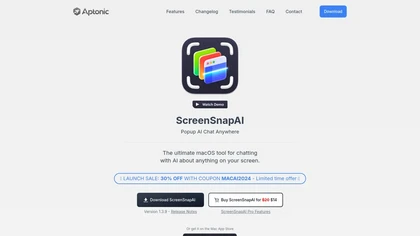
ScreenSnapAI auto‑renames and tags screenshots on macOS, letting users open an AI chat for instant content explanations. Accessible via menu or shortcut, it organizes images with AI‑generated metadata, speeding knowledge capture and retrieval on Intel and Apple Silicon machines.
Freemium

YouTube sumamry chrome extension is a YouTube video summary tool developed by Glasp Inc., currently in beta testing and requires installation on Chrome or Safari browsers along with sign-up.
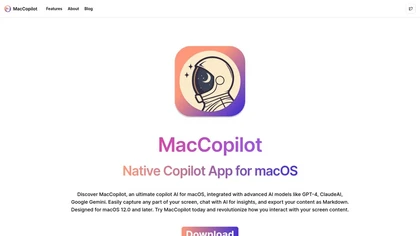
MacCopilot lets macOS users select any screen area, capture screenshots, and chat with AI models—GPT‑4o, Claude, Gemini, or local Ollama—to receive instant visual analysis, code reviews, design feedback, and contextual insights directly on‑screen. Hotkeys and history improve workflow.
Free
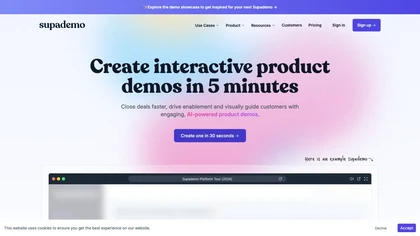
Supademo records user interactions and auto‑generates guided walkthroughs for web, mobile, and desktop apps. It offers HTML cloning, screenshots, Figma integration, multi‑language voiceovers, branching logic, analytics, and CRM integration to accelerate onboarding and support sales cycles.
Free trial
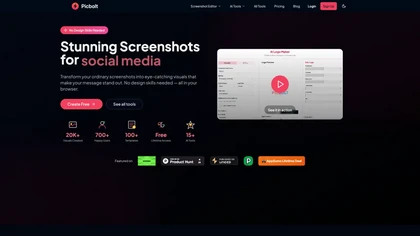
Picbolt is a screenshot editor that transforms screenshots into high-quality visuals with one-click presets, smart cropping, and customizable device mockups. It is ideal for educators, content creators, and small business owners, offering tools for annotations and workflow optimization.
Free trial
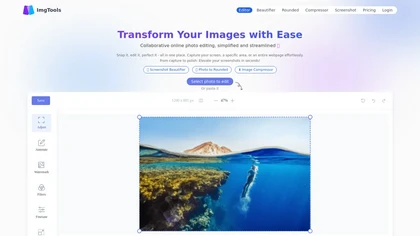
ImgTools is a versatile screenshot tool that simplifies capturing, editing, and enhancing images efficiently. It offers features like screenshot beautifier, advanced editing options, collaborative online editing, and customization tools to elevate your visuals effortlessly.
Freemium
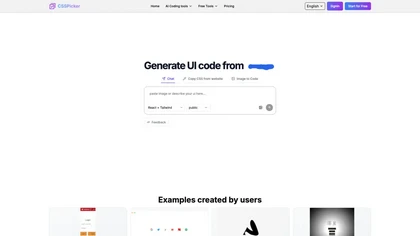
CSSPicker is an AI tool that transforms design screenshots into responsive HTML, CSS, or Tailwind code. With a real-time code editor and integration for frameworks like React, it aids both novice and experienced developers in UI coding tasks.
Free trial
- $30

PromptBuilder generates and optimizes prompts for ChatGPT, Claude, Gemini and other LLMs, offering 100+ templates (marketing, SEO, coding, support), an optimization engine for model-specific refinement, a searchable prompt library, image-prompt templates and multi-model workflows.
Subscription
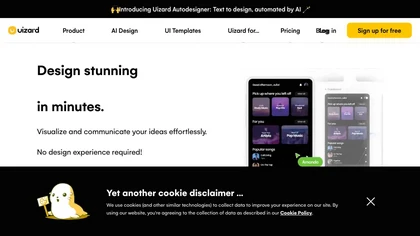
Uizard converts text or screenshots into editable wireframes, mockups, and prototypes using AI. It offers screenshot and wireframe scanners, theme generation, ready‑made templates, a shared component library, real‑time collaboration, version control, and export to Figma and other tools.
Freemium
- $39/mo
Interview Solver is a desktop AI copilot that supplies real‑time code and system‑design solutions during coding interviews, accepting screenshots, voice, and documents, and remains invisible in screen sharing and background processes.
Freemium
- $30
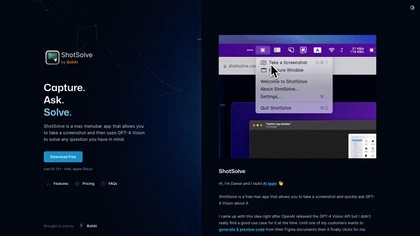
ShotSolve is a native macOS app that captures screenshots and uses GPT‑4o for instant queries. It offers a clean chat interface with themes, code styling, context controls, secure key storage, and configurable parameters for custom AI interactions.
Free
- $29/mo

TechScreen is an AI interview assistant that provides real-time support during technical interviews on video platforms. It processes audio and on-screen content, offers quick responses to coding challenges, and supports multiple programming languages to enhance interview efficiency.
Free trial
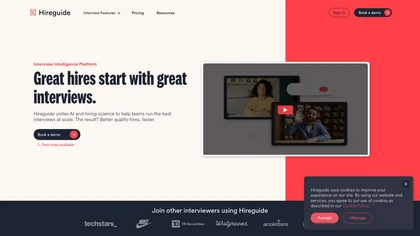
Hireguide is an AI interview platform that generates skill‑based questions, records responses, and auto‑creates transcriptions and scorecards. It integrates with 40+ ATS, schedules interviews, and delivers data‑driven analytics for compliant, bias‑reduced hiring.
Free trial
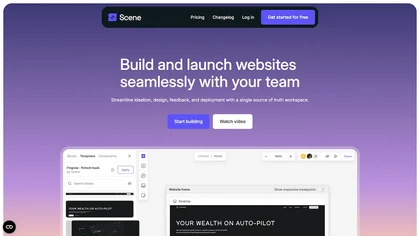

TestSprite automates full‑stack test generation and execution, converting source code and user flows into CI/CD‑ready suites. It offers a no‑code visual editor, continuous regression checks, and unified batch coverage for API, UI, and data testing, streamlining release reliability.
Freemium
- $69/mo
GitHub Copilot is an AI pair programmer that uses the OpenAI Codex to suggest code and entire functions in real-time.
Free trial
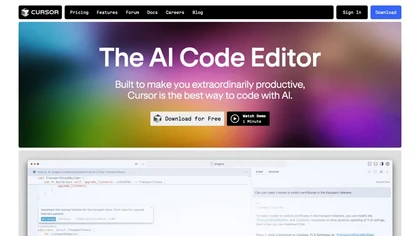
Cursor is an AI-powered code editor that utilizes natural language prompts for efficient coding. It streamlines workflows with features like predictive edits, one-click extensions, and privacy mode, enhancing developer productivity while maintaining a secure environment.
Freemium
- $20/mo

Ghost Engineer is an AI coding interview assistant that helps software engineers by providing instant coding solutions through screenshots and voice commands. It supports multiple programming languages and prioritizes user privacy during technical interviews.
Free trial

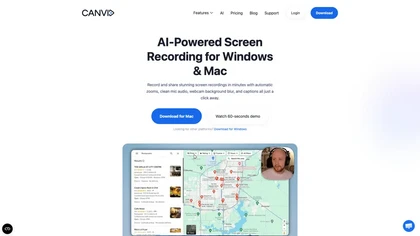
Tella is a cross-platform screen recorder and video editor that captures screen and webcam in 4K, offers clip-based recording with multi-camera layouts, transcript-driven and AI-assisted editing (filler removal, silence trim), templates, hosting and export options.
Free trial
- $13/mo
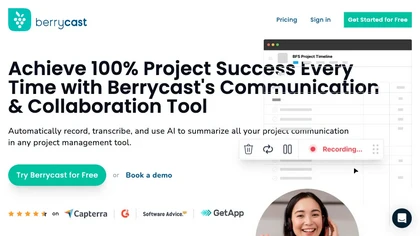
Berrycast is a cross‑platform screen‑recording tool that captures webcam, screen activity, and live voice narration. It instantly shares screencasts, integrates into productivity apps, and meets GDPR privacy and data‑security standards.
Subscription
- $1.33/mo
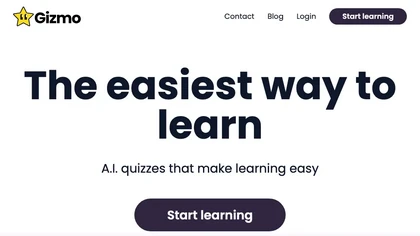
Gizmo converts videos, PDFs, notes, and slides into concise study points and flashcards, syncs with Quizlet, lets users build quizzes and track progress, and organizes searchable sets for efficient review by high‑school and university students and teachers.
Free
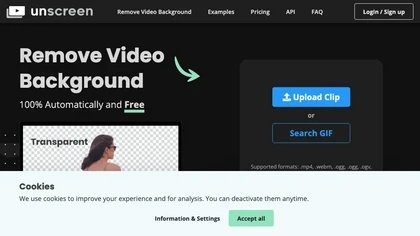
Unscreen is a cloud video editor that removes backgrounds from clips and exports them instantly, with format conversion and resizing. It offers plugins for After Effects and Premiere Pro and integrates with Canva for AI‑enhanced features.
Freemium
- $9
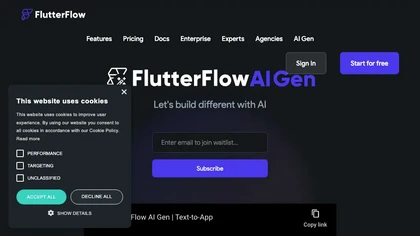
FlutterFlow is a visual development platform that lets users build mobile and web apps quickly with drag‑and‑drop UI components, a visual logic editor, and native integrations with Firebase, Supabase, and REST APIs. It supports testing and code export for deployment.
Freemium
StoryboardHero turns a brief or existing script into AI‑generated storyboard visuals and scenes in minutes, offering customizable styles, consistent character rendering, optional hand‑drawn sketches, PDF/export, and collaborative link sharing to cut revision time.
Subscription
- $19/mo
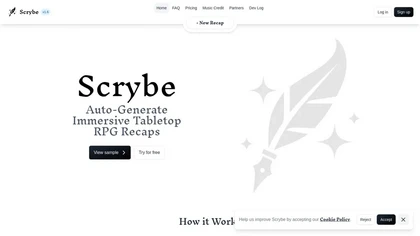
Scrybe Quill automatically generates audio/video recaps for tabletop RPG sessions by recording gameplay. Users can choose narrators and background music, preserving key moments and enhancing storytelling for future adventures.
Free trial
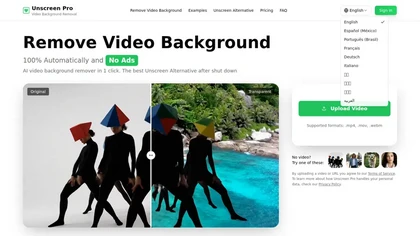
Unscreen Pro automatically removes video backgrounds frame by frame, no greenscreen, producing transparent outputs (MP4, MOV, WebM, AVI) at original or upscaled resolution, with live preview, batch processing and an API for workflow integration.
Freemium
- $4.99/mo

Firebender is an Android Studio AI agent that auto‑generates feature code, applies fixes with refactoring, debugger, and Logcat, and converts Figma designs to Jetpack Compose. It supports custom agents, runs locally for privacy, and cuts boilerplate to speed delivery.
Subscription
- $30/mo

Jelli is a Chrome extension that captures screenshots with a hotkey and copies them to the clipboard. Users can annotate by drawing arrows or rectangles directly on the image, then paste into Slack, Jira, or documents.
Freemium
- $19.99/mo
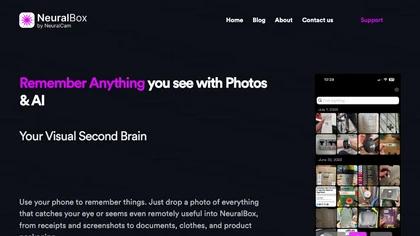
NeuralBox captures photos instantly via camera, lock‑screen widget, or share extension, auto‑imports screenshots, and offers a scanning mode. AI image recognition and OCR enable keyword searches; similarity browsing groups images by visual traits. Files sync locally or in the cloud.
Subscription
- $5.99/mo

Superhands is a web automation tool that streamlines capturing and replicating web components. Its one-click functionality allows users to efficiently integrate elements into projects, enhancing productivity for developers, designers, and content creators.
Free

Classroom Screen is a web-based dashboard that consolidates essential teaching widgets like timers, polls, and a noise monitor onto one shared screen. It supports classroom management, pacing, and engagement for in-person, hybrid, or remote instruction without switching apps.
Free
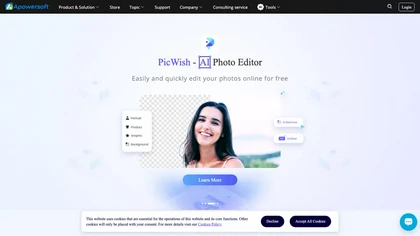
Apowersoft delivers cross‑platform screen, audio, and video capture with high‑fidelity recording, along with versatile media conversion, editing, and PDF OCR. It also offers background removal, data recovery for mobile/desktop, HEIC conversion, and multi‑monitor support for creators and businesses.
Free
Raycast is an AI tool that can help developers write code faster, access a new layer of context, and accelerate tasks without any coding required.
Freemium

Sleek generates mobile app mockups from text prompts or images, offering templates, style presets, in-app editing, and modular responsive components. Export clean layouts to Figma or production-ready code for rapid prototyping and developer handoff.
Free
- $20/mo
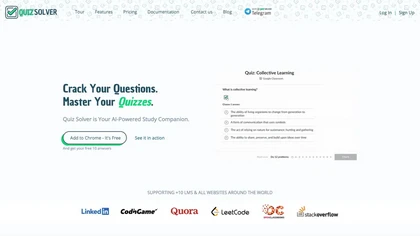
Quiz Solver AI is a browser extension that automatically detects quiz questions on LMSs and PDFs, offering QuickSnap and Ghost Mode. It delivers instant, step‑by‑step answers—solve, explain, calculate, translate, rewrite, summarize, generate options—processing content locally for privacy.
Subscription
- $5.42/mo