
Multilingual Video Editing
The best 50 Multilingual Video Editing AI tools - Free & Paid
Explore 50 AI for Multilingual Video Editing
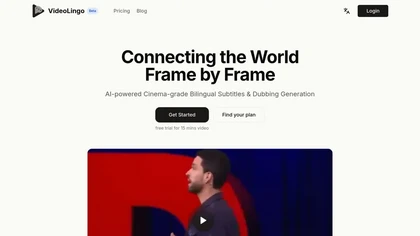
VideoLingo is an AI tool for generating bilingual subtitles and dubbing, focusing on precise translations and cultural localization. It supports over eight languages, enhancing global accessibility while maintaining emotional tone and technical accuracy.
Free trial
- $5/mo
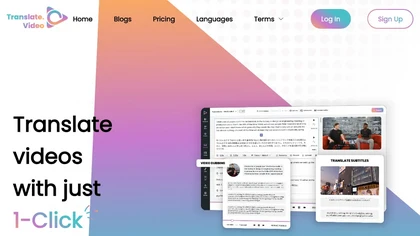
Translate.video automates video localization: it transcribes, generates subtitles, and dubs content in 75+ languages using voice cloning from a 50‑second clip. Users can edit captions, export SRT/VTT/MP4, and integrate plugins for Photoshop, Illustrator, and Figma.
Freemium
- $29/mo
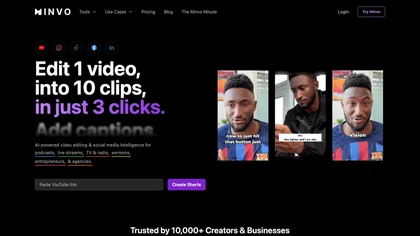
Minvo automates video editing and social media scheduling, converting long videos into short clips, images, and subtitles. Features include AI clip extraction, B‑roll insertion, multi‑language translation, animated captions, branding templates, and cross‑platform posting with performance analytics.
Subscription
- $6.99/mo
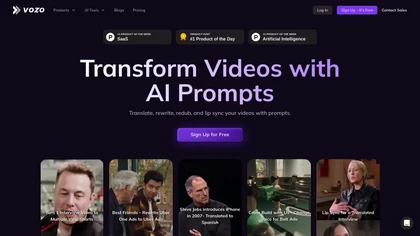
Vozo AI Video Translator converts video content into 110+ languages with context‑aware translation and automatic transcription. It clones original speaker voices, syncs lip movements, replaces on‑screen text, and offers bilingual subtitles, real‑time editing, and secure enterprise integration.
Subscription
- $25/mo
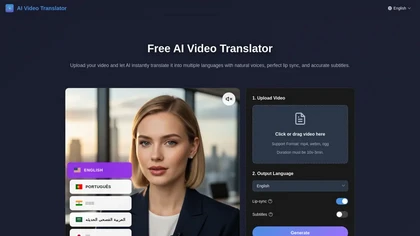
Free AI Video Translator converts videos into over 30 languages, offering natural voice synthesis and lip synchronization. It supports various formats and includes batch processing and a transcript editor for reviewing and editing translations.
Free trial
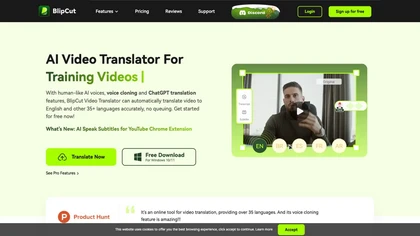
BlipCut AI Video Translator automates localization for over 140 languages, using speech recognition, transcription, AI‑dubbed voice cloning, and lip‑sync. It supports batch processing, subtitle editing, and customizable voice libraries for global video content.
Subscription
- $25/mo
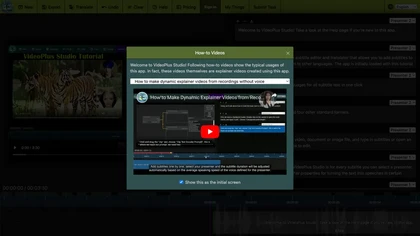
VideoPlus Studio applies cartoon filters, auto‑transcribes audio, and offers 80+ language voice‑over subtitles. It generates storybook videos from prompts, provides 458 voices and 528 avatars, and supports voice cloning for multi‑person presentations.
Freemium
- $9.99/mo

VMEG provides AI-driven video translation, dubbing, lip sync, subtitle generation and voice cloning across 170+ languages, with text-to-speech, IPA pronunciation control, editing studio, workflow APIs, batch processing and human-in-the-loop localization for scalable multilingual content production.
Subscription
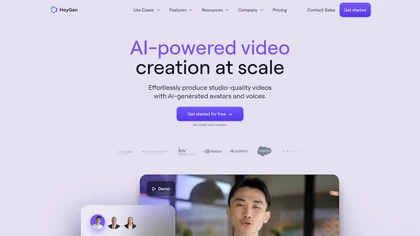
HeyGen automatically produces 1080p/4K videos from text, images, or audio, adding voiceovers, subtitles, and brand‑aligned styles. It supports avatar animation, photo‑to‑video, and multilingual translation with lip‑sync, enabling quick, localized visual content for marketing, training, and social me
Freemium
- $24/mo
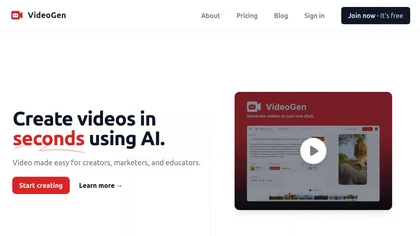
VideoGen is a browser‑based AI video platform that lets teams create studio‑quality videos in minutes using structured workflows, 200+ voices in 50+ languages, one‑click translation and captioning, and collaborative workspaces for fast, cost‑effective production.
Subscription
- $12/mo
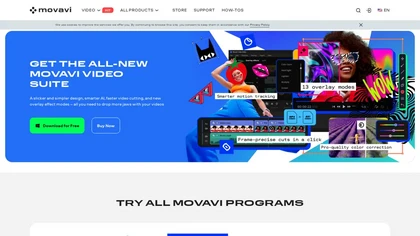
Movavi Video Editor is a desktop app for Mac and Windows that lets users trim, crop, color‑grade footage and add titles, overlays, and filters. AI features automate subtitles, noise suppression, and motion tracking. It includes a screen recorder for tutorials.
Paid
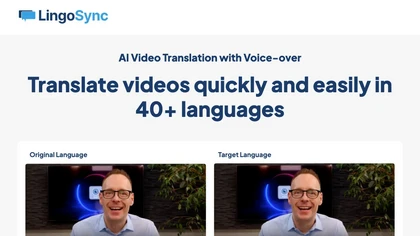
LingoSync automatically translates and voices over videos in 40+ languages with 220 voices. Upload a video, choose a target language, and download a synced video—no manual translation or voice actor needed, saving time and cost.
Freemium
- $4/mo

Medeo is a chat-driven AI video editor that converts text, scripts, slides, images and blog posts into finished videos using template "recipes", offering text/script-to-video, B-roll/stock generation, audio creation and multi-aspect export presets for social platforms.
- $28/mo
TranslateTracks offers AI‑driven dubbing and translation with transcription, verified translation, automatic lip sync, and subtitles in over 50 languages. A web editor lets creators fine‑tune timing and audio before export, cutting production to 1–2 days.
Paid
- $6
VEED is an AI‑powered video editor that lets users upload media, auto‑generate subtitles, edit clips, add music or text, correct eye contact, reduce noise, remove backgrounds, translate captions, and export in multiple formats.
Freemium
- $11/mo
Auto Caption AI instantly generates subtitles in 99+ languages, preserving full HD 1080p/60 fps video quality. Editors can adjust fonts, colors, placement, and use ready‑made or custom templates, with one‑click emoji insertion to enhance captions.
Subscription
- $14/mo
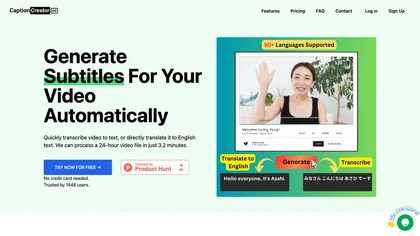
CaptionCreator automatically transcribes and captions audio/video in over 50 languages, detecting input language and translating to English. It handles noisy and multilingual speech, supporting files up to 2 GB and offering unlimited processing for registered users.
Paid
- $30
InShot is a mobile video editor that lets users cut, trim, and layer clips, auto‑generate multilingual captions, add music, intros/outros, and apply AI‑driven, 3D, glitch, and lens transitions, text, stickers, and picture‑in‑picture overlays.
Free
Vidby is an AI platform delivering video translation, subtitling, dubbing, and text‑to‑speech for YouTube, Vimeo, Drive, Dropbox, and uploads. It supports multilingual voice options, automated or manual subtitle review, and real‑time translation via Google Meet and Zoom.
Freemium
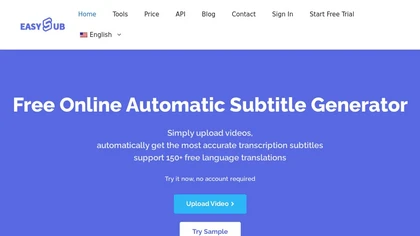
EasySub AI automatically transcribes and translates videos into over 150 languages. It supports MP4, MOV, AVI, MKV, MP3, WAV, and YouTube uploads, offers downloadable SRT/TXT/ASS files, an editor for fine‑tuning, and export presets for major social media platforms.
Freemium
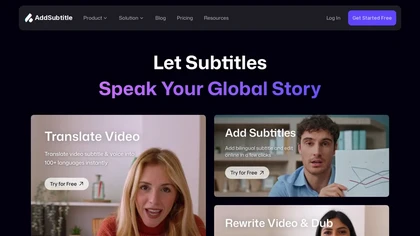
AddSubtitle is an AI video editing tool for creating multilingual subtitles and dubbing videos in 100+ languages, with translation and precise text-audio sync. It also allows subtitle customization and video rewriting while preserving original voice tones.
Freemium
- $18/mo
FlexClip is an online video editor with templates, resources, and powerful tools to create and edit videos for various purposes, as well as integration with royalty-free stock media providers and easy social media sharing.
Freemium
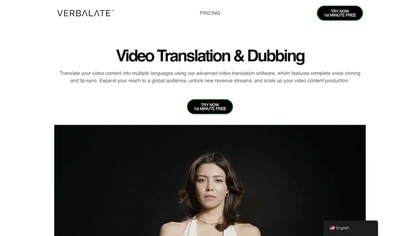
Verbalate automates video translation into 230+ languages, providing subtitles, voice cloning, and lip‑sync options. Users edit transcripts, perform back‑translation, and integrate via API, supporting industry terms and optional human verification for accuracy.
Subscription
- $9/mo
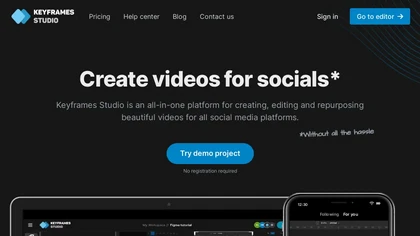
Keyframes Studio is an online video editor that auto‑generates keyframes and subtitles in up to 12 languages. Its drag‑and‑drop interface, live preview, and stock library enable trimming, cropping, while collaboration tools, brand kits, and direct export support social‑media video creation.
Subscription
- $5/mo
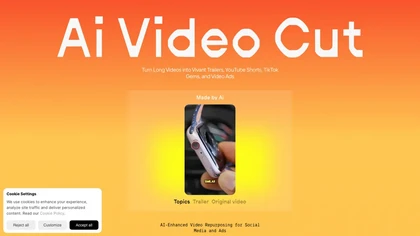
AI Video Cut uses prompt‑based AI to transform long videos into short, platform‑optimized clips. It auto‑detects faces, crops frames, adds multilingual captions, and supports multiple aspect ratios for fast, high‑quality content creation.
Freemium
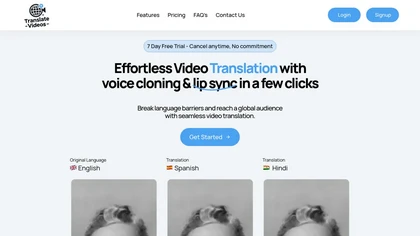
TranslateVideos.io uses AI to convert English videos into multiple languages, synchronizing translated audio with lip movements and cloning the speaker’s voice to preserve tone. Upload up to fifteen‑minute clips for batch or single processing.
Paid
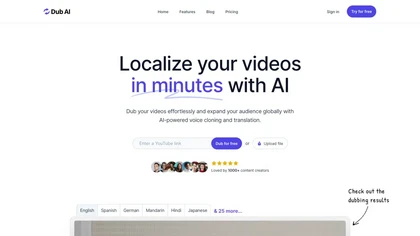
Dub AI lets creators translate, voice‑clone, and dub videos into 30+ languages in minutes. Upload files or a YouTube link, auto‑detect up to 10 speakers, and download final video, audio, transcript, and subtitles for easy publishing.
Subscription
- $60/mo
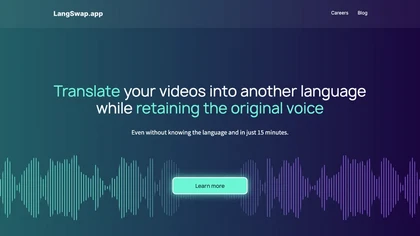
LangSwap is a time-saving AI tool that translates video voiceovers into multiple languages while keeping the original voice intact. Perfect for businesses aiming to reach international audiences without the hassle of re-recording videos or hiring voice actors.
Free trial
Lyndium is an AI video translation tool that converts spoken language into text and audio formats, enabling content creators and educators to reach broader audiences by translating videos across multiple languages for enhanced accessibility and communication.
Subscription
2short.ai automatically extracts the most engaging segments from long videos to create 1080p YouTube Shorts, using facial‑tracking, one‑click animated subtitles, and flexible aspect ratios. It supports multiple languages, direct Drive/URL imports, and brand presets for consistent visuals.
Freemium
- $9.9/mo
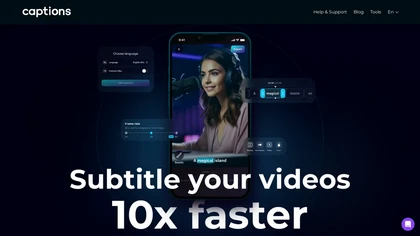
Captions App is an AI tool that simplifies adding subtitles and captions to videos with auto-generation, translation, and customization options. It also offers AI dubbing in over 100 languages, enabling creators to enhance accessibility and engage a broader audience effortlessly.
Freemium
Rask is an AI-powered localization tool that offers video translation, captioning, subtitling, voice over, and dubbing services in multiple languages, with a 14-day free trial for businesses, content creators, and educators.
Free trial
- $60/mo
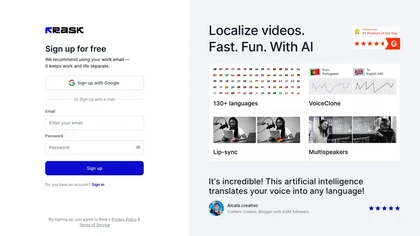
Rask automates video localization, providing voice cloning in 29 languages, lip‑sync, multi‑speaker dubbing, and translation into 130+ languages. It also generates captions, streamlining quick, high‑quality multilingual releases for creators and marketers.
Paid
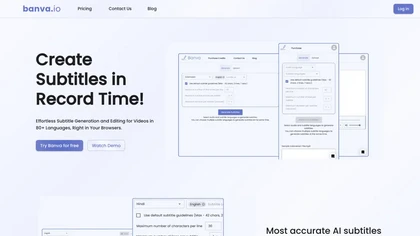
Banva transcribes audio/video into subtitles in over 80 languages with 95% accuracy, handles background noise and multiple speakers, and offers an editor for corrections and styling. Export as SRT, VTT, TXT, JSON, or burn directly into the video.
Free
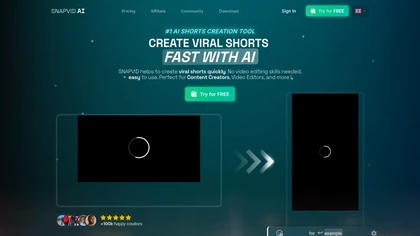
SNAPVID.AI automates cutting long videos into 30‑second clips, removes filler pauses, adds multi‑language subtitles, offers 4K output, AI‑generated B‑roll, audio cleanup, and batch processing with a credit‑based monthly reset for creators.
Subscription
- $16/mo
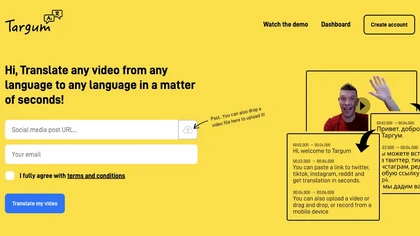
Targum Video instantly translates video from source language into target language via upload, link, or mobile recording. It offers real‑time subtitles and audio, supports major and regional languages, and scales on the cloud for integration into production pipelines.
Paid
- $6
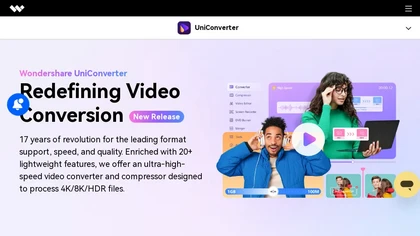
Wondershare UniConverter is an AI‑powered all‑in‑one tool that converts, enhances, compresses, records, and edits video and audio. It supports 1,000+ formats, delivers ultra‑fast conversions, upscales to 4K/8K, adds subtitles, removes backgrounds, and preserves metadata for creators and SMBs.
Paid

Maestra transcribes and translates audio/video into searchable text, subtitles, and dubbed audio across 125+ languages, offering live transcription, subtitle editing, voice cloning/TTS, collaboration tools, content workflows, and APIs for integrations and automated publishing.
Freemium
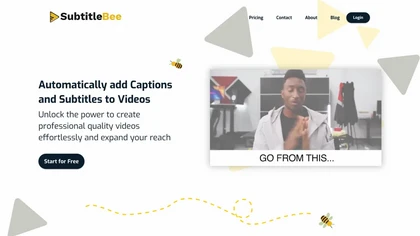
SubtitleBee automatically generates and syncs subtitles for video and audio files, supports on‑screen editing, customization, and multilingual translation, offers multiple export formats, and provides social‑media cropping for creators and podcasters, enabling accessible content across platforms.
Freemium
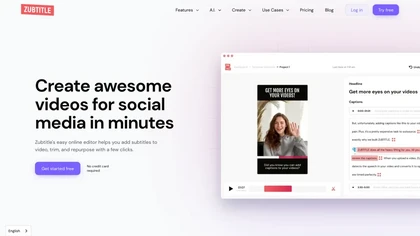
Zubtitle automatically captions videos, offers brand‑style templates and editing tools, and outputs ready‑to‑post formats for TikTok, YouTube, and LinkedIn. It adds subtitles, chapter timestamps, watermarks, and AI‑generated post copy.
Freemium
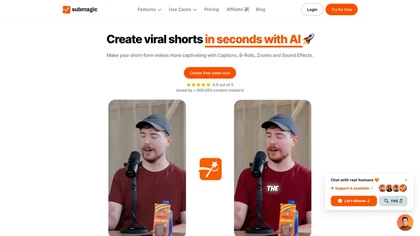
Submagic automates short‑form video editing, offering multilingual captions, text‑based trimming, AI‑powered features like auto‑zoom and eye‑contact correction, and direct multi‑platform publishing up to 4K@60fps, cutting editing time by up to 90%.
Free
- $1.33/mo
MagicLight is an AI art generator that creates long, consistent videos from text with multiple visual styles. It supports multilingual voiceovers in 10+ languages and 30+ emotional tones, available on desktop and mobile.
Free trial
SmartEdit transforms full videos into trend‑aligned short clips in under 30 s, adding AI captions, emoji, keyword highlights, and auto‑zoom/B‑roll. It offers 15‑language transcription, multilingual translation, customizable branding, and exports full‑HD 60‑fps or directly to Premiere Pro and DaVinci
Freemium
- $8/mo

iMideo is a multi-AI video platform that integrates top models like Sora and Veo for text-to-video, image animation, and video remixing. It enables side-by-side output comparisons and provides production tools for subtitles, effects, and editing.
Free trial
- $14.9/mo
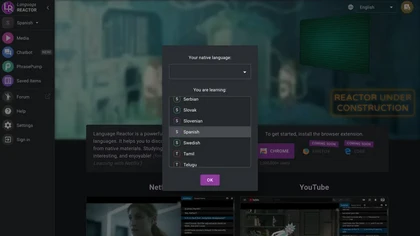
Language Reactor enhances language learning with dual subtitles, a popup dictionary, and precise video controls on Netflix. Features like Turtle Tube, machine translation, vocabulary suggestions, PhrasePump, and a chatbot support interactive and immersive learning experiences, making it a valuable t
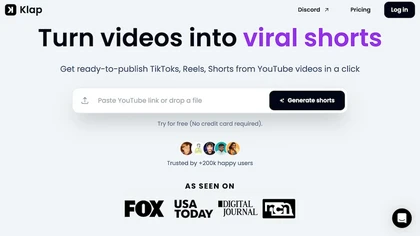
Klap automatically extracts key moments from long videos, reframes them for vertical formats, adds multilingual subtitles, and lets you customize branding. Upload files or YouTube links, then share or schedule ready‑to‑publish clips across TikTok, Instagram, LinkedIn, and YouTube.
Paid