
Macos Screenshot Tagging
The best 29 Macos Screenshot Tagging AI tools - Free & Paid
Explore 29 AI for Macos Screenshot Tagging
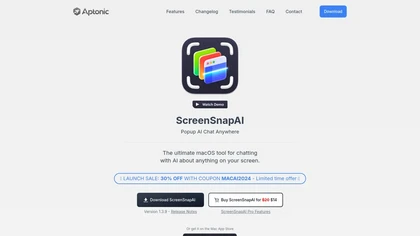
ScreenSnapAI auto‑renames and tags screenshots on macOS, letting users open an AI chat for instant content explanations. Accessible via menu or shortcut, it organizes images with AI‑generated metadata, speeding knowledge capture and retrieval on Intel and Apple Silicon machines.
Freemium
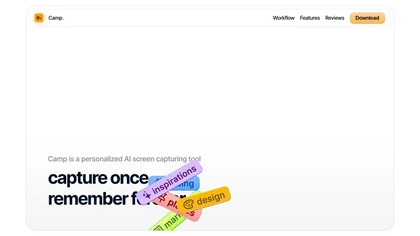
Camp is a macOS and iOS screen‑capture app that stores screenshots locally, auto‑tags and titles them, supports keyboard shortcuts, lets users annotate, search by keyword, and pin favorites for quick access.
Freemium
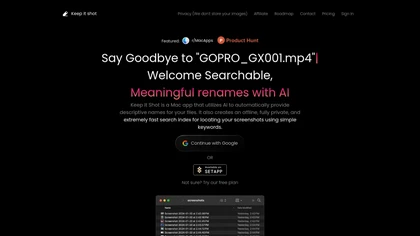
Keep It Shot is a macOS app that auto‑generates descriptive names for screenshots, builds a local index for quick keyword search, allows bulk renaming with two clicks, and can revert to original filenames if needed. OCR adds metadata.
Subscription
- $8/mo
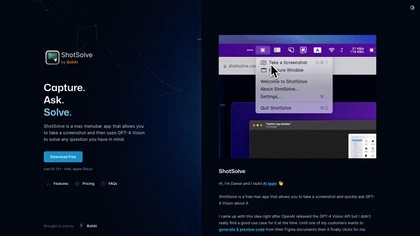
ShotSolve is a native macOS app that captures screenshots and uses GPT‑4o for instant queries. It offers a clean chat interface with themes, code styling, context controls, secure key storage, and configurable parameters for custom AI interactions.
Free
- $29/mo
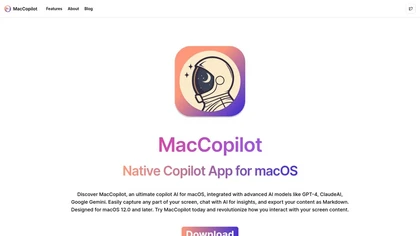
MacCopilot lets macOS users select any screen area, capture screenshots, and chat with AI models—GPT‑4o, Claude, Gemini, or local Ollama—to receive instant visual analysis, code reviews, design feedback, and contextual insights directly on‑screen. Hotkeys and history improve workflow.
Free
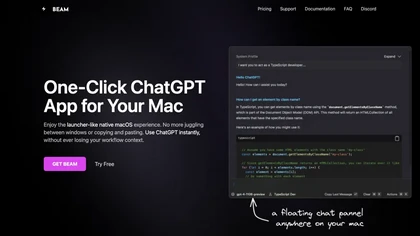
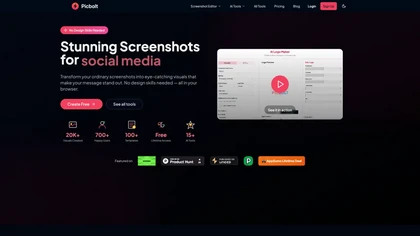
Picbolt is a screenshot editor that transforms screenshots into high-quality visuals with one-click presets, smart cropping, and customizable device mockups. It is ideal for educators, content creators, and small business owners, offering tools for annotations and workflow optimization.
Free trial
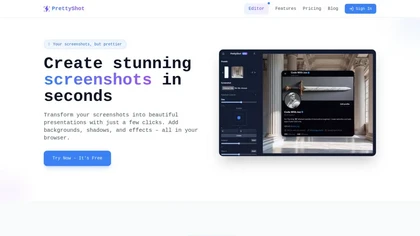
PrettyShot is a web-based tool that enhances standard screenshots by adding backgrounds, shadows, and effects, allowing users to create professional-quality visuals. It supports mockups with device frames and offers efficient preset slots for customization.
Free trial
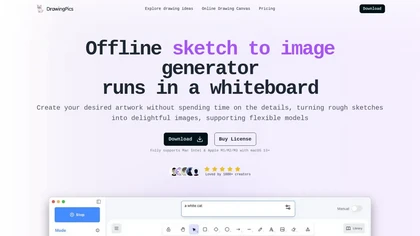
DrawingPics is an offline macOS AI art generator that turns sketches into detailed 512×512 images on a whiteboard. Using Metal GPU acceleration, it produces results in under six seconds, supports precision mode, iterative refinement, and local Stable Diffusion downloads.
Free trial
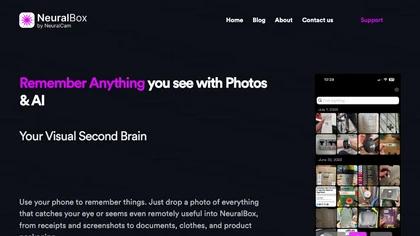
NeuralBox captures photos instantly via camera, lock‑screen widget, or share extension, auto‑imports screenshots, and offers a scanning mode. AI image recognition and OCR enable keyword searches; similarity browsing groups images by visual traits. Files sync locally or in the cloud.
Subscription
- $5.99/mo
Vidix for macOS lets users select text, press a shortcut, and insert AI‑generated responses directly into documents. It supports code‑review workflows, a visual workflow canvas, image assistance, multi‑provider model control, optional local execution, and local logging for privacy.
Subscription
TalkTastic lets users dictate and edit text in macOS apps with accurate transcription. By capturing a snapshot of the active window when a note starts, it supplies context, tone, and proper‑noun recognition for smart rewriting, keeping data local and auto‑deleted.
Free
Tagbox automatically organizes photos, videos, PDFs, and editable files using computer vision for face, object, and scene tagging. Its search engine offers advanced filters and full‑text queries. Team collaboration and secure storage enable efficient asset management.
Subscription
- $6.67/mo
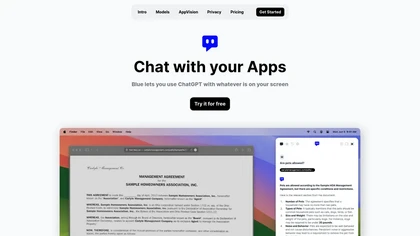
Blue is a macOS app that integrates ChatGPT capabilities for tasks like summarizing and translating, enhancing productivity. It features on-device processing, data privacy, and context-aware assistance through screen analysis, ensuring a seamless workflow for professionals.
Free trial
Omnipilot is a macOS AI copilot that types in any app, offering context‑aware email drafting, Bash assistance, and streamlined updates. It supports coding, writing, and data tasks without extra software for developers, writers, and business professionals.
Freemium
Screenpipe records screen and microphone continuously on macOS, Windows, or Linux, stores data locally, indexes it by text/audio, and runs AI agents that update CRMs, transcribe meetings, track expenses, or monitor competitors, delivering structured data to apps like Slack or Notion. Privacy is kept
Subscription
- $35/mo
Omnipilot is a macOS AI copilot that provides context‑aware typing assistance in any application. It auto‑completes emails, generates Bash commands, offers code suggestions, drafts documents, and creates meeting summaries, reducing typing and context switching.
Freemium
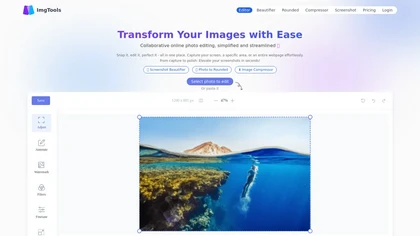
ImgTools is a versatile screenshot tool that simplifies capturing, editing, and enhancing images efficiently. It offers features like screenshot beautifier, advanced editing options, collaborative online editing, and customization tools to elevate your visuals effortlessly.
Freemium
Screenshot Coder transforms visual mockups into production‑ready frontend code in seconds, supporting Tailwind CSS, Bootstrap, and React. It delivers responsive, clean UI code directly from screenshots, accelerating prototyping for designers and developers.
Free
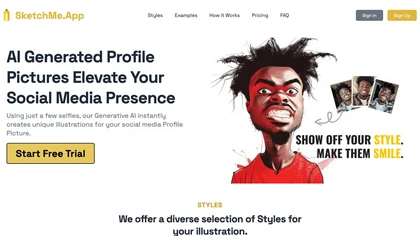
SketchMe.App transforms up to five selfies into stylized illustrations within minutes. Choose from pencil, flat, Pixar, pixel, caricature, or Gogh‑inspired styles and a theme color. Get eight downloadable variations, optionally watermark‑free, for social media and marketing use.
Paid

Jelli is a Chrome extension that captures screenshots with a hotkey and copies them to the clipboard. Users can annotate by drawing arrows or rectangles directly on the image, then paste into Slack, Jira, or documents.
Freemium
- $19.99/mo
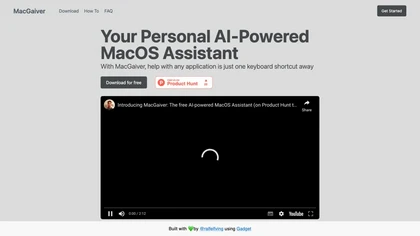
MacGaiver is a macOS AI assistant that, via a shortcut, captures a screenshot of the active window and sends it to OpenAI’s Vision API to deliver quick text or audio answers within any application.
Free
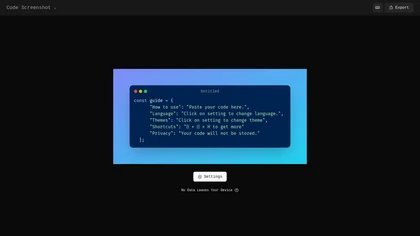
Code Screenshot allows developers to convert code snippets into visually appealing images with syntax highlighting for various languages. It features customizable themes, keyboard shortcuts for efficiency, and local storage for enhanced privacy in sensitive projects.
Freemium

Shotva is an AI tool that transforms screenshots into polished images with customizable backgrounds, frames, and annotations. Its auto-styling feature analyzes content to create cohesive designs, while also streamlining ad creation with brand identity scraping.
Free
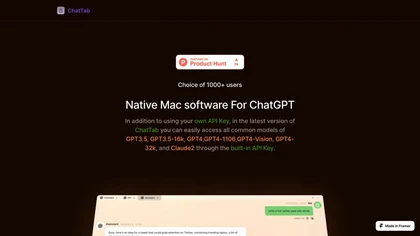
ChatTab is a native macOS client for GPT‑3.5, GPT‑4, GPT‑4‑Vision, GPT‑4‑32k and Claude‑2 that stores the API key in Apple keychain. It supports multiple tabs, Markdown, iCloud prompts, file ingestion, and image queries, keeping data local for privacy.
Paid
- $3.99

Scraib.app corrects grammar, tone, and style in any macOS app, rewriting selected text with a keyboard shortcut. Set global or per-app style rules and use preferred AI providers or a local runtime for consistent, in-context edits.
Free trial

ChatGPT Mac is a macOS-native AI writing assistant that enhances productivity with voice-to-text capabilities, quick text editing, support for over 100 languages, and customizable commands, all while ensuring user privacy and easy accessibility through keyboard shortcuts.
Free trial