
Image Optimization
The best 50 Image Optimization AI tools - Free & Paid
Explore 50 AI for Image Optimization
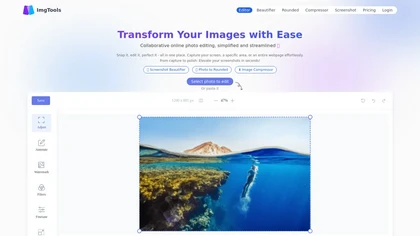
ImgTools is a versatile screenshot tool that simplifies capturing, editing, and enhancing images efficiently. It offers features like screenshot beautifier, advanced editing options, collaborative online editing, and customization tools to elevate your visuals effortlessly.
Freemium
An online image tool with features including background removal, image resizing, text addition, color palettes, conversion, and AI-powered social media bios, market slogans, business name ideas, and hashtag generation.
Free
Imglarger is an image enhancer that upsamples photos up to 8×, supports batch processing, and offers background, object, and face retouch tools. It converts WebP, JPEG, PNG, SVG, JFIF formats and lets users adjust brightness, contrast, and saturation via web or mobile.
Freemium
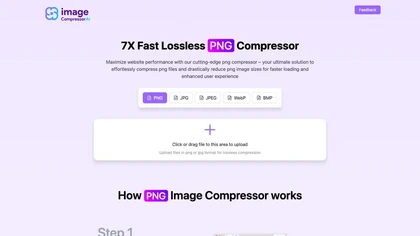
Image Compressor AI tool dramatically reduces PNG file sizes for faster loading times. Boasts batch processing, custom quality settings, and an intuitive interface, catering to web designers and bloggers seeking optimal visuals without sacrificing speed.
Free
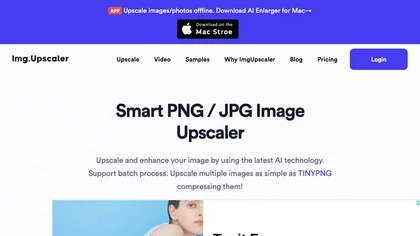
ImgUpscaler enlarges JPG, PNG, WebP images up to 400 % using super‑resolution, producing 16k × 16k outputs with minimal detail loss. Batch up to 5 images, offers basic editing, deletes uploads after 24 h, free commercial use.
Free
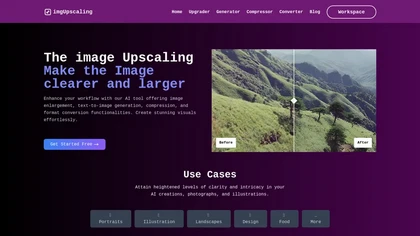
AI‑powered image editor that runs entirely in the browser, offering smart crop, AI expand, format conversion, lossless compression, watermarking, color adjustment, filter, GIF creation, side‑by‑side comparison, and batch workflow design—all processed locally with WebAssembly for speed and privacy.
Free
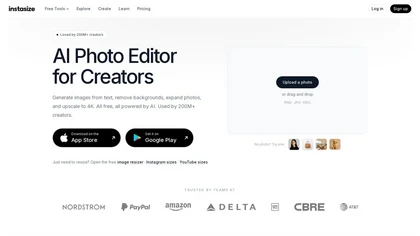
Instasize is an AI-powered photo editor and image resizer that optimizes visuals for specific social media platforms like Instagram, YouTube, and TikTok. It offers background removal, 4K upscaling, and batch processing to streamline content creation for creators, marketers, and e-commerce teams.
Freemium
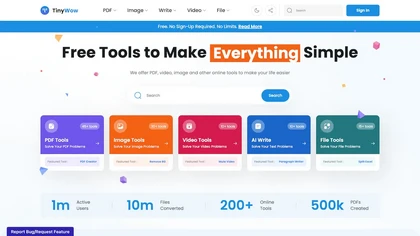
TinyWow is a web-based service that offers free tools for editing and converting PDFs, images, and videos, plus AI-driven text and image creation. Files are auto‑deleted after an hour for privacy.
Subscription
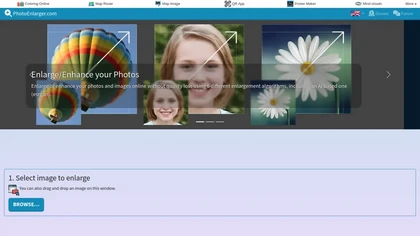
Upload or drag a photo, then upscale it with one of six algorithms—Magic Kernel Sharp, Lanczos 3, Hermite, or AI‑based ESRGAN—entirely client‑side for privacy. Crop as needed and download in JPG, PNG, or WebP.
Free

TheToolBus offers free, no‑watermark PDF and image utilities for small business owners, including merge, compress, OCR, conversion, background removal, calculators, QR codes, and AI text extraction, all accessible without sign‑up.
Freemium
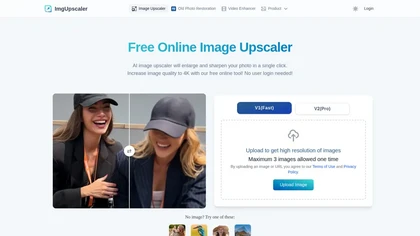
Imgupscaler is an AI tool for enhancing image quality by upscaling images to 4K resolution. It supports multiple formats and restores details while reducing noise, making it suitable for e-commerce, social media, and graphic design.
Freemium
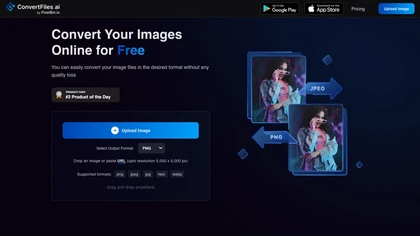
ConvertFiles.ai offers free, server‑side conversion for PNG, JPEG, WEBP, and HEIC files up to 5000 × 5000 px via upload, URL, or drag‑and‑drop. It preserves quality, supports bulk processing, provides instant downloads, and includes a mobile app.
Freemium

AI Photo Studio automates e‑commerce image editing: background removal, resolution enhancement, lossless compression, profile passport creation, hairstyle preview, object cleanup, old‑photo restoration, colorization, AI fashion model generation, clothing recolor, background changes, and file convers
Free

ImageToCartoon turns JPEG, PNG, or WebP photos into high‑resolution cartoon images directly in the browser. Users pick from 80+ styles—Ghibli, Pixar, anime, comics—to create avatars, prints, or pet illustrations, with royalty‑free commercial rights.
Free
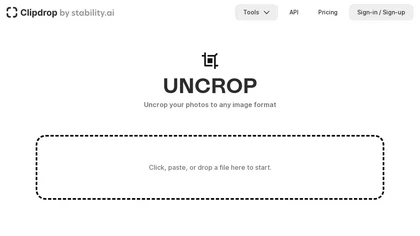
Clipdrop is an AI image editor that adjusts aspect ratios, extends boundaries, and adds background space while preserving detail. It offers background removal, object cleanup, relighting, universal resizing, upscale, and text‑to‑image generation for photographers and designers.
Freemium
- $15/mo
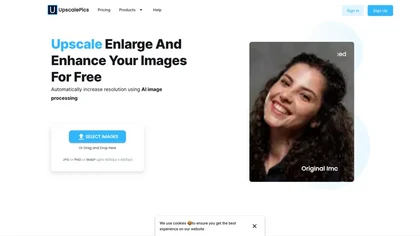
Upscalepics lifts image resolution up to 8× with one click via a machine‑learning model, supporting JPG, PNG, and WebP files up to 4000 px. It offers custom dimensions, bulk uploads, and outputs up to 256 MP for print‑ready quality.
Freemium
- $3.3/mo
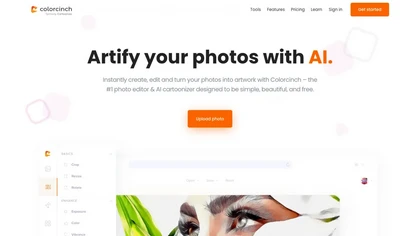
Colorcinch converts photos to cartoons, sketches, or paintings with one click, offers AI background removal, adjustable sliders, overlay effects, multi‑layer editing, high‑resolution export to JPG/PNG/PDF, all usable online/offline without login.
Free
- $8.99

Pixelied is an online photo editor and design suite that offers brightness, saturation, and filter tools, background removal, a 4 million‑photo library, vector editing, team collaboration, and pre‑made templates for quick resizing.
Freemium
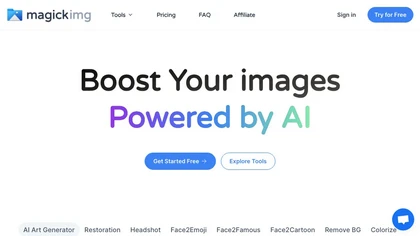
MagickImg is an AI image enhancement platform that uses deep‑learning models for upscaling, colorizing, background removal, and headshot generation. Its simple interface processes images quickly, securely deletes files after an hour, and uses a credit system for transparent usage.
Freemium

imgtoimg.ai is an AI image transformation tool that generates new images from your photo inputs and text prompts. It offers precise control over style and composition, plus built-in utilities like upscaling and background removal for creators.
Freemium
- $9.99/mo
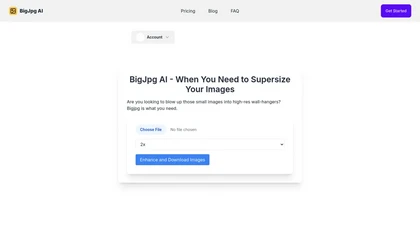
BigJpg AI upsizes JPEG, PNG, GIF, BMP images from 2× to 16× while preserving edge sharpness and detail. It automatically sharpens textures, keeps fine lines and color gradients, and supports single or batch processing for printing, displays, and design work.
Paid
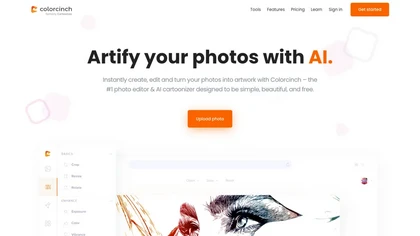
Colorcinch is an AI photo editor that instantly cartoonizes or sketches images and offers background removal, cropping, resizing, exposure and detail controls, file compression, and 400 DPI print‑ready export. Mobile app adds cartoonizing, background removal, and upscaling on the go.
Paid
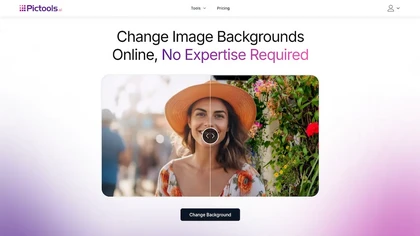
PicTools.AI is a web‑based photo editor that lets users upload images and apply changes via text prompts or over 100 one‑click AI filters—background removal, outfit changes, smile addition, restoration, and artistic styles—without design skills.
Subscription
- $23.4/mo
OneImg is a free AI-powered photo editor with advanced features for enhancing and optimizing photos.
Free
Immagin offers real‑time image transformations—resize, crop, format, overlay—via URL‑encoded requests. It provides signed and direct upload URLs, a zero‑dependency TypeScript SDK, and global CDN delivery with automatic WebP conversion and immutable caching.
Freemium

AI Image Editor is a free online tool that utilizes AI to edit and enhance photos. It supports various image formats and batch processing, offering customizable transformations, aspect ratio adjustments, and precise edits for diverse visual content.
Free trial
- $11.85

PhotoGrid is a browser‑based AI photo editor that offers one‑click enhancement, background removal, and upscaling. It lets users build collages from 20,000 templates, add stickers, text, custom backgrounds, and convert images into short video clips.
Subscription
- $2.83/mo

PixExact is an AI image generator that precisely controls image dimensions, allowing you to create pixel-perfect assets up to 4096x4096 – ideal for professional design and platform-specific visuals.
Freemium

AI image enhancer that upscales up to 4×, removes noise, sharpens blur, and can enhance faces or colorize. Handles .png/.jpg/.webp/.tif/.bmp/.raw and outputs the same formats. Windows, macOS and Photoshop plugin supported.
Free trial
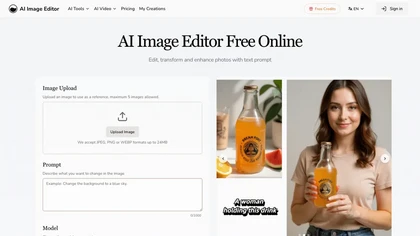
AI Image Editor is an online tool for editing and enhancing images with pixel-level precision. It supports various formats, offers text editing, artistic style transfers, and allows quick generation of image variations for efficient workflow.
Free trial
- $7.99
HitPaw AI Photo Enhancer upsamples images up to 8×, removes blur and noise, sharpens detail, and restores color for JPG, PNG, and WebP files. Works on web, desktop, and mobile with batch processing, aiding photographers, designers, and archivists.
Freemium

Image Editor Online is an AI-powered tool that edits your photos using simple text prompts. It allows you to remove backgrounds, adjust poses, transfer styles, and continuously refine your images in one place.
Free
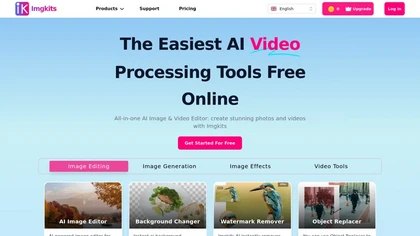
ImgKits is an AI-powered image and video processing tool that enables background removal, object replacement, and photo enhancement while preserving quality. It supports batch processing for JPG, PNG, and WEBP formats, offering features like watermark removal, upscaling, and unblurring.
Free trial
Clipdrop uses deep learning to remove backgrounds, objects, and text, upscale images, adjust lighting, uncrop, and resize. It also offers text‑to‑image generation and an API for developers, supporting design, marketing, and app workflows.
Subscription
123rf Image Editor is a comprehensive AI tool for effortless photo editing, offering features like image scaling, background removal, object removal, and seamless background remixing. It also includes an AI writer for content creation and an image enlarger for ratio adjustments. Efficiently enhance
Freemium
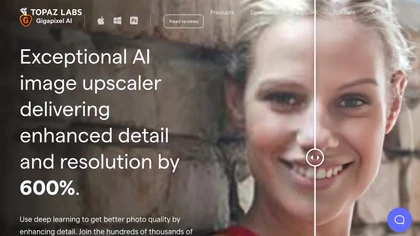
Gigapixel AI is a powerful image upscaling and detail enhancement tool that uses deep learning to increase image resolution up to 600%, improve print quality, restore old photos, and enhance natural details.
Free trial
- $99
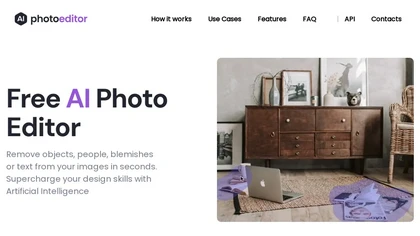
PhotoEditor.ai edits JPG, PNG, HEIC, and WEBP images up to 15 MB in a browser or mobile app. It offers portrait transformation, background removal, detail enhancement, and 4K upscaling, delivering instant downloads for photographers, marketers, and designers.
Paid
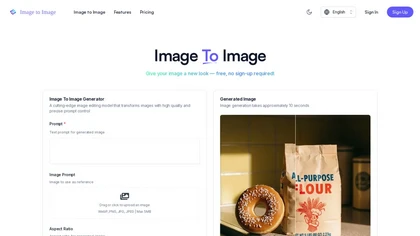
ImagetoImage.tech is a web-based AI tool that transforms your uploaded photos or sketches into new visuals using simple text prompts. It enables instant editing and generation of images in various styles and aspect ratios, with free cloud storage for your creations.
Freemium
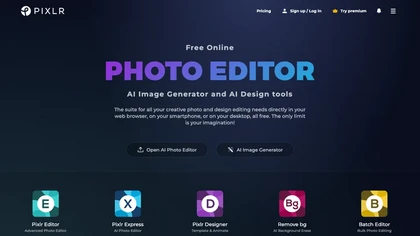
Pixlr is a browser‑based photo editor that uses AI for background removal, generative fill, and object deletion. It offers cropping, color correction, collages, templates, and social media layouts across desktop, tablet, and mobile.
Free trial
- $1.99/mo
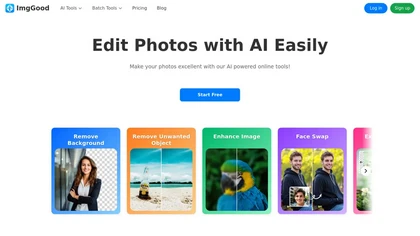
ImgGood is an AI-powered online photo editor that offers background removal, object editing, and image enhancement tools. It supports batch processing for resizing, format conversion, and intelligent image expansion.
Free trial

PicWish AI Photo Editor automates image enhancement, background removal, and watermark deletion. It processes batches of up to 30 files, offering resizing, lighting, upscaling, AI Designer prompts, Face Cutout, and single‑click unblur/sharpen. Available on Windows, macOS, iOS, Android, and browser.
Subscription
- $9.99/mo
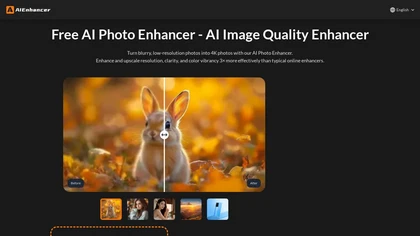
AIEnhancer.ai is a free online tool that instantly transforms blurry, low-quality images into high-resolution 4K photos. Simply upload your picture to apply AI-powered upscaling, noise reduction, and color correction, then preview and download the enhanced result.
Freemium
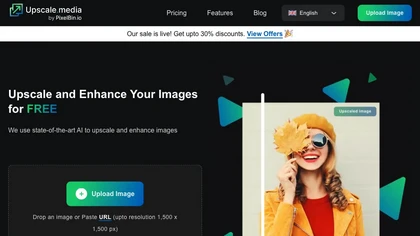
Upscale.media is a browser-based AI upscaler that increases image and short-video resolution up to 2×/4×/8×, reconstructs detail, reduces noise/artifacts, and offers deblur, sharpen, colorisation, face restoration, batch processing and API access.
Freemium
- $0.02
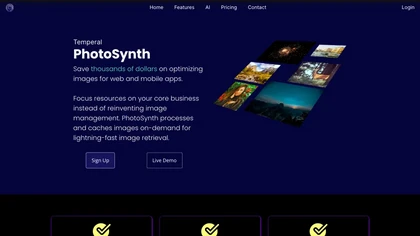
Temperal PhotoSynth compresses photos, delivers them via CDN, and cuts page load times, improving Lighthouse scores and SEO. It adds web‑security features, reduces server load, and lets creators generate tailored images quickly with fine‑grained controls.
Free

PhotoGPT.io is a free, browser-based AI photo editor that enables fast online enhancements like generative fill, relighting, and restoration. It supports batch editing and multiple export formats, ideal for social media creators and small businesses needing quick, professional photo fixes.
Free

Marketing Tool aggregates free utilities for marketing and web performance. It offers keyword research, backlink and SEO audits, social media scheduling, hashtag generation, ad‑budget calculators, speed testing, image compression, plagiarism checks, URL shortener, QR code. No registration required.
Free