
Extract Audio From Video
The best 50 Extract Audio From Video AI tools - Free & Paid
Explore 50 AI for Extract Audio From Video

Browser-based Online Audio Converter converts 300+ audio/video formats to MP3, WAV, M4A, FLAC, OGG, etc., extracts audio from video, offers bitrate/sample rate/channel controls, fade/reverse/voice removal, batch conversion, metadata editing, and cloud export.
Subscription

Audio Cut is a browser-based tool for trimming and cutting audio files without installation. It supports multiple formats, processes files securely in your browser, and allows for lossless export.
Free

AIVideo.com automates video production, creating music videos, lyric visuals, looping clips, and converting audio or images into video. It offers text‑to‑image/video, background removal, matchcut editing, and visual effects, enabling quick, professional media creation.
Freemium
AudioStrip is an online AI service that isolates vocals from music and removes background noise, producing clean stems in WAV, FLAC or MP3. It supports single or batch uploads up to 50 MB, ideal for musicians, producers, podcasters and audio engineers.
Paid
SliceTube trims and downloads YouTube videos directly, offering start‑and‑end selection and export to MP4, MP3, or WEBM up to 4K. Browser‑based, watermark‑free, and privacy‑protected, it’s useful for creators and educators needing quick clips.
Paid
- $5
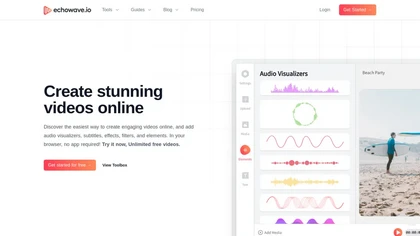
EchoWave converts audio into video using templates or custom layouts, adds subtitles and waveforms, offers editing tools, compresses files, and exports to social media formats—ideal for podcasters, musicians, and creators seeking quick, cloud‑based video production without software.
Freemium
- $19/mo

removefrom.video uses AI video inpainting to remove watermarks, logos, text, subtitles and unwanted objects from MP4, MOV and WEBM files. Drag-and-drop upload, automatic detection and manual masking with cloud processing that preserves motion and lighting.
Freemium
- $8.33/mo
VocalRemover separates vocals from music in audio or video files up to 10 GB, supporting .wav, .mp3, .flac, .ogg, .opus, .mp4, .mkv, .avi, and .mov. Outputs include karaoke, vocals‑only, and individual instruments, with quick batch processing and temporary storage.
Subscription
- $4.99/mo
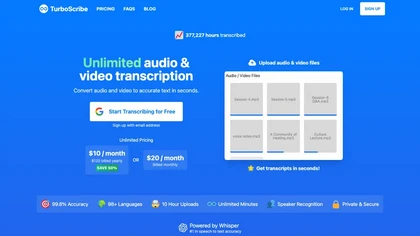
TurboScribe is an AI-powered transcription tool offering ultra-fast conversion of audio and video files to text. It supports over 98 languages, handles uploads up to 10 hours long, and features speaker recognition for meetings, interviews, and podcasts.
Freemium
- $10/mo
AnyClip automates video tagging, subtitles, and chapter creation, enabling searchable, measurable content. It extracts highlights, clusters topics, and builds contextual playlists. Facial recognition and brand‑safety filters keep compliant, while interactive players support live captions and AI‑driv
Freemium
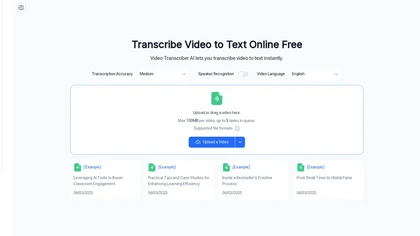
Video Transcriber AI is a tool that instantly converts videos from MP4, YouTube, or Zoom into text. It offers speaker recognition and accuracy modes for transcriptions up to 1GB, with no sign-up required.
Freemium
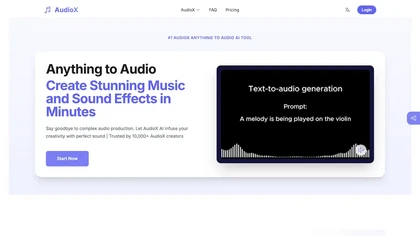
AudioX is an AI audio generation tool that converts text, images, and videos into high-quality music and sound effects. It offers customizable audio parameters, multi-track editing, and supports 30+ music styles for versatile creations.
Freemium
- $5/mo
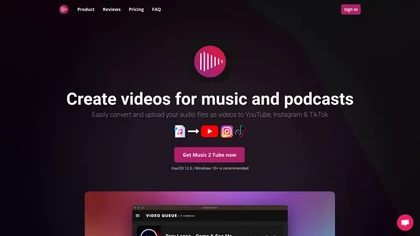
Music 2 Tube automatically converts MP3/WAV files into videos for YouTube, Instagram, TikTok, and Reels. It supports bulk drag‑and‑drop, direct uploads, scheduled publishing, visual effects, cloud‑based covers, and maintains original audio quality across platforms.
Paid
- $3.49
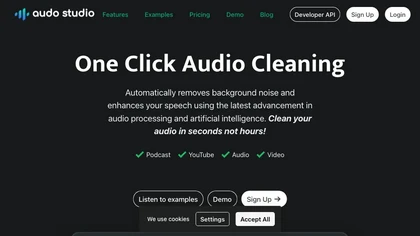
Audo Studio is an AI audio tool that offers one-click audio cleaning features for podcasts, YouTube videos, and other audio content. It removes background noise, enhances speech, and uses advanced processing to clean audio in seconds.
Freemium
2short.ai automatically extracts the most engaging segments from long videos to create 1080p YouTube Shorts, using facial‑tracking, one‑click animated subtitles, and flexible aspect ratios. It supports multiple languages, direct Drive/URL imports, and brand presets for consistent visuals.
Freemium
- $9.9/mo
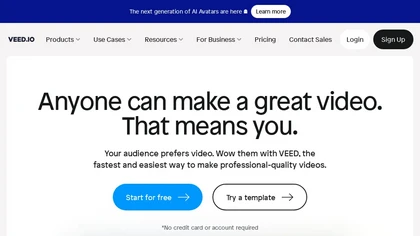
VEED is an AI‑powered video editor that lets users upload media, auto‑generate subtitles, edit clips, add music or text, correct eye contact, reduce noise, remove backgrounds, translate captions, and export in multiple formats.
Freemium
- $11/mo
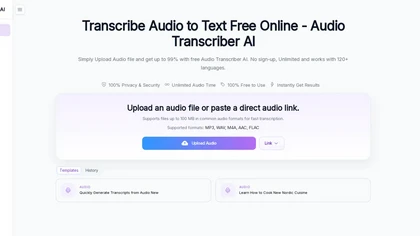
Audio Transcriber AI is a browser-based tool that converts audio and video files into timestamped, speaker-labeled text. It supports major formats, large uploads up to 5 GB, automatic language recognition for 120+ languages, and includes TikTok MP3 conversion and YouTube audio extraction.
Free trial

AIImageToVideo Pro is an AI tool that transforms static images and text prompts into short videos using models like Veo and Kling, offering control over motion, duration, and resolution. It features editing for text overlays and captions, with export options for creating watermark-free content for s
Freemium
- $9.99/mo
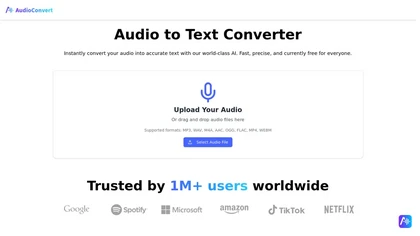
AudioConvertis a free AI tool that instantly transcribes audio files like mp3 and wav into text. It automatically identifies different speakers and provides timestamped transcripts for export.
Free
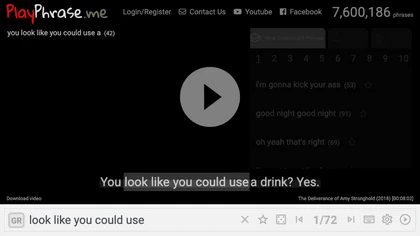
AI tool for searching and playing movie/TV dialogue clips using keywords. Includes login, favorites, and download options.
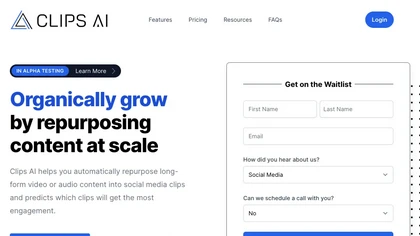
Clips AI is an open‑source Python library that automatically segments long‑form videos using WhisperX transcription and Pyannote speaker diarization, then resizes and reframes clips to 9:16 for mobile. It streamlines batch processing of podcasts, interviews, speeches, and sermons.
Freemium

YTvidhub is a YouTube subtitle downloader that extracts transcripts and captions from videos, playlists, and channels. It supports bulk downloads, multiple export formats (SRT, VTT, TXT), and includes an AI-powered summary generator for content analysis and repurposing.
Freemium
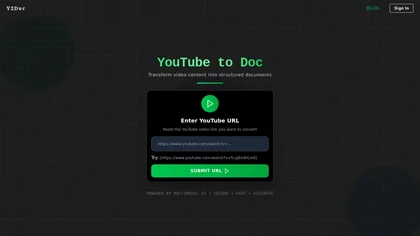
y2doc is an AI-powered tool that converts YouTube videos into structured documents for easy data extraction and analysis. It offers fast processing, security features, and customizable content ranges for tailored results.
Free trial
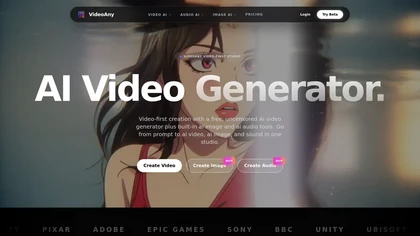
Video Any.io is an integrated AI studio that generates high-definition videos, images, and audio from text or image inputs. It enables creators and marketers to rapidly produce complete media for social, advertising, and storytelling through a unified platform.
Freemium
- $8/mo
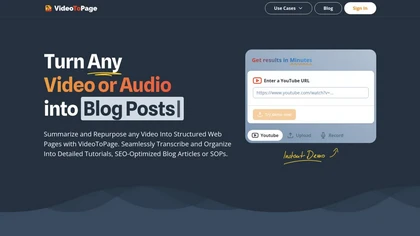
VideoToPage transcribes audio/video, structures content, and auto‑generates blog posts, SEO articles, social snippets, tutorials, SOPs, and course modules. It extracts themes, shots, OCR text, supports batch uploads, multilingual, and publishes directly to WordPress, Notion, Ghost, Shopify, and soci
Paid
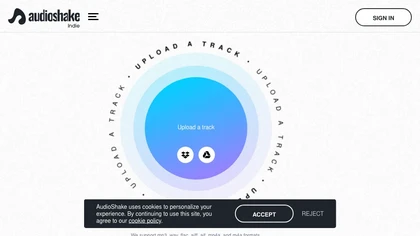
AudioShake lets artists upload MP3, WAV, FLAC, AIFF, M4A, or MP4 files and automatically separates them into individual stems—vocals, bass, drums, etc.—for remixing, sampling, or re‑mixing, streamlining post‑production workflows.
Subscription
- $20/mo
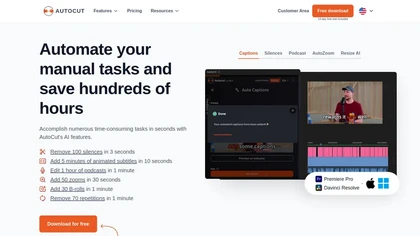
AutoCut AI is a Premiere Pro and DaVinci Resolve extension that automates routine editing—removing silences, auto‑captions, speaker‑driven angle cuts, context zooms, key moment extraction, stock integration, duplicate discard, profanity filtering, chapter markers, and social‑media resizing.
Paid
Neural Frames turns songs into audio‑reactive videos with a two‑click autopilot or frame‑by‑frame editor, offers text‑to‑video tools, stem‑based modulation, custom model training, and free 4K upscaling for professional media.
Paid
- $19/mo
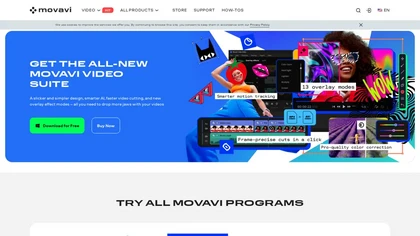
Movavi Video Editor is a desktop app for Mac and Windows that lets users trim, crop, color‑grade footage and add titles, overlays, and filters. AI features automate subtitles, noise suppression, and motion tracking. It includes a screen recorder for tutorials.
Paid
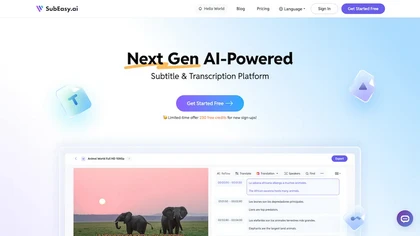
SubEasy AI delivers near‑perfect transcription and multilingual subtitles for video and audio, supporting 100 languages with 99 % accuracy. It offers dubbing, animated captions, speaker ID, OCR extraction, audio splitting, and export to VTT/SRT for social media publishing.
Freemium
- $9.9/mo
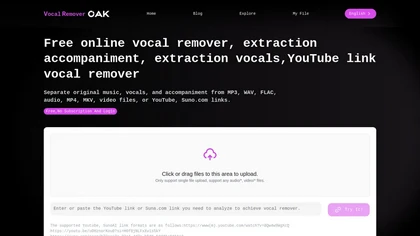
VocalRemover is a web‑based AI tool that isolates vocals and accompaniment from audio files. It supports MP3, WAV, FLAC, MP4, MKV, and YouTube/TikTok links, and outputs stems in WAV, MP3, or FLAC for karaoke, remixing, or podcast editing.
Freemium
Flowjin AI Clip Maker extracts share-worthy moments from long videos and podcasts, creating 10+ short, captioned clips with platform‑specific titles, hashtags, and CTAs. It offers editing, templating, and one‑click scheduling for LinkedIn, YouTube, X, Instagram Reels, TikTok, and Facebook.
Subscription
- $10/mo
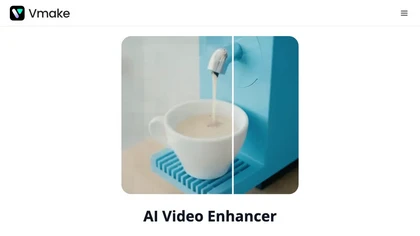
Vmake AI Video Enhancer upsamples MP4, MOV, AVI, etc. to 2K/4K/AI 4K+, removes artifacts, improves low‑light, reduces noise, and offers watermark/text removal, background elimination, and subtitle generation, giving creators, e‑commerce, and gamers sharper, cleaner videos.
Subscription
- $9.99/mo

Maestra transcribes and translates audio/video into searchable text, subtitles, and dubbed audio across 125+ languages, offering live transcription, subtitle editing, voice cloning/TTS, collaboration tools, content workflows, and APIs for integrations and automated publishing.
Freemium
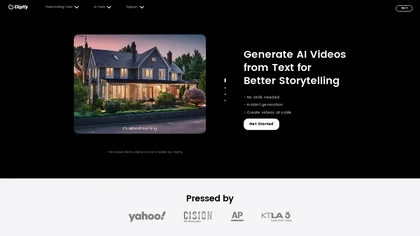
Clipfly turns text prompts into videos, animates images, and adds lifelike touches to photos. With an AI storyboard, one‑click enhancer, background removal, subtitles, and audio integration, it streamlines branded content, social clips, and personal memories.
Free
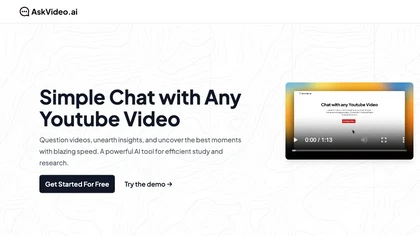
AskVideo.ai converts any public YouTube clip into a searchable knowledge base. By generating a timestamped transcript, users can ask natural‑language queries and retrieve precise answers, reducing search time and enhancing learning for students, professionals, and creators.
Subscription
- $8/mo
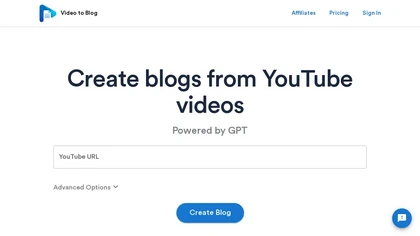
Video To Blog converts YouTube links or uploads into ready‑to‑publish blog posts in under a minute, supporting 30+ languages. It formats prose, adds headings, SEO metadata, and embeds, and outputs HTML, Markdown, PDF, or links.
Paid
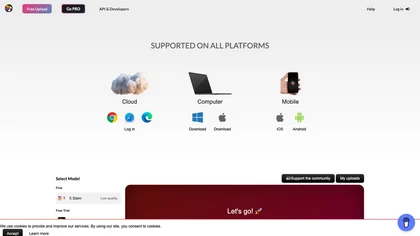
Splitter.ai automatically separates audio into 5‑stem (vocals, drums, bass, piano, other) or 2‑stem (vocal, instrumental) tracks, removes reverb, and processes YouTube and cloud uploads. It offers an API for developers and supports producers, DJs, forensic, and karaoke use.
Free
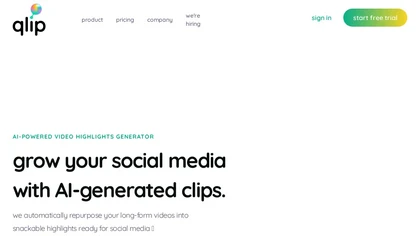
Qlip automatically extracts short, vertical or square clips from longer videos, preserving focus on key moments. It applies brand templates, generates speech‑to‑text transcripts with speaker tags, and offers an API for clip creation, aspect‑ratio conversion, subtitle burning, and transcription.
Free
- $30
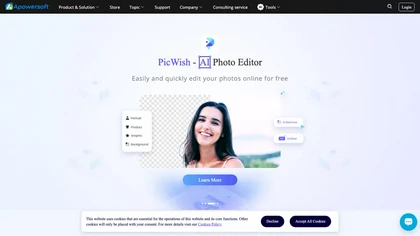
Apowersoft delivers cross‑platform screen, audio, and video capture with high‑fidelity recording, along with versatile media conversion, editing, and PDF OCR. It also offers background removal, data recovery for mobile/desktop, HEIC conversion, and multi‑monitor support for creators and businesses.
Free
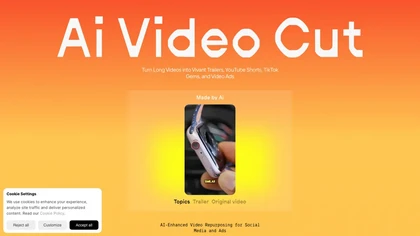
AI Video Cut uses prompt‑based AI to transform long videos into short, platform‑optimized clips. It auto‑detects faces, crops frames, adds multilingual captions, and supports multiple aspect ratios for fast, high‑quality content creation.
Freemium
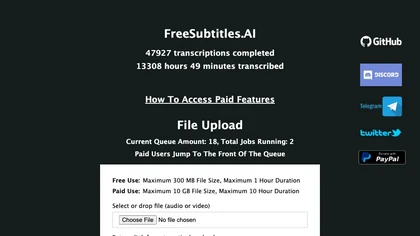
FreeSubtitles.AI converts MP4, MKV, MOV, MP3, WAV, and FLAC files up to 1 hour and 300 MB into accurate transcripts in over 100 languages, then translates subtitles into 91 languages, supporting educators, podcasters, and researchers.
Free
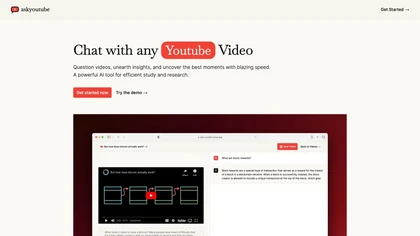
Ask Youtube is a text‑based AI that retrieves precise timestamps for any YouTube video, summarizing sections, highlighting key points, and helping educators, students, researchers, and creators locate specific content quickly.
Free
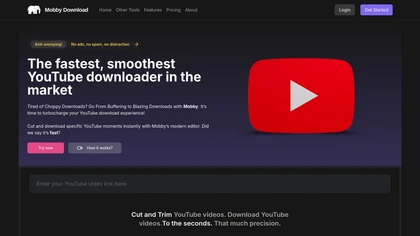
Mobby Download enables users to trim and download YouTube videos easily, offering support for multiple export formats like MP4 and MP3. Its user-friendly interface and fast processing speeds make it suitable for both casual and professional creators.
Free trial
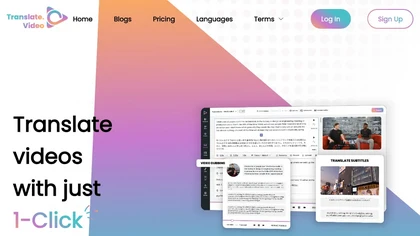
Translate.video automates video localization: it transcribes, generates subtitles, and dubs content in 75+ languages using voice cloning from a 50‑second clip. Users can edit captions, export SRT/VTT/MP4, and integrate plugins for Photoshop, Illustrator, and Figma.
Freemium
- $29/mo
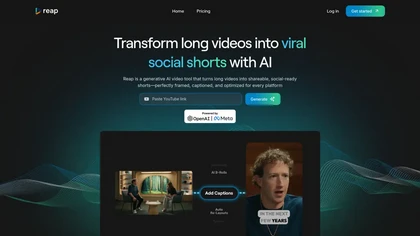
Reap is an AI video repurposing tool that extracts engaging clips from long videos, offers accurate auto-captioning, adjusts aspect ratios, and provides editing features, making it efficient for creating shareable content across social media platforms.
Freemium
💰 Deal
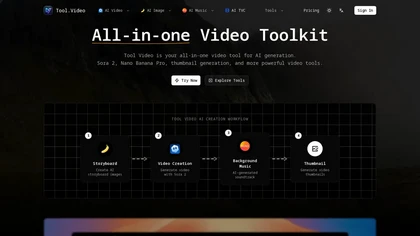
Tool.Video is an AI video generation toolkit that integrates Sora 2 for text-to-video, Nano Banana Pro for images, and Suno 5 for music. It provides a unified platform for creating, editing, and exporting complete video assets with utilities like trimming and watermarking.
Freemium
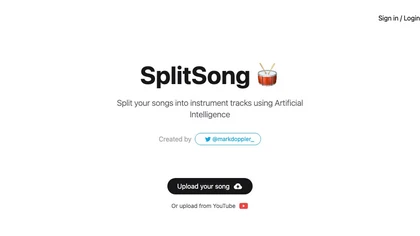
SplitSong.com uses AI to separate uploaded MP3, WAV, or YouTube audio into individual stems—drums, bass, guitars, keys, vocals—ready for download, remixing, karaoke, or instrument study, all without any installation.
Freemium
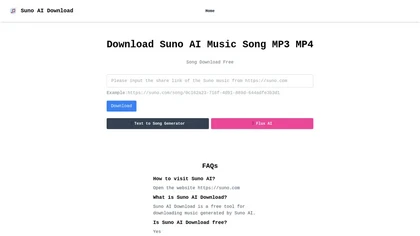
Suno AI Download lets users retrieve audio and video from Suno AI by pasting share links. It supports MP3 and MP4 with original quality, requires no account, works on major browsers, and offers troubleshooting support.
Free