
Video Watermark Eraser
The best 50 Video Watermark Eraser AI tools - Free & Paid
Explore 50 AI for Video Watermark Eraser

VideoWatermarkRemove is an AI-powered online tool that intelligently removes watermarks, logos, and text from videos. It analyzes surrounding pixels to erase unwanted elements while preserving the original video quality.
Freemium

WatermarkRemover.io uses AI to erase watermarks from images, videos, and PDFs while preserving quality. It supports batch uploads, command‑line, web, API, and plugin integration for workflows, with secure, compliant data handling.
Subscription
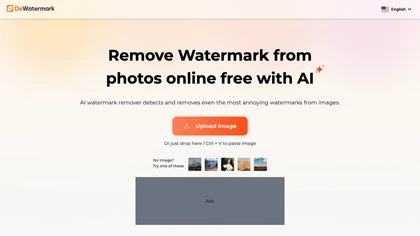
DeWatermark uses AI to remove watermarks, logos, text, emojis, and timestamps from photos, videos, PDFs, and images. It applies inpainting, offers a manual brush for edits, and batch processes up to 50 files on mobile and desktop.
Free
- $10/mo

removefrom.video uses AI video inpainting to remove watermarks, logos, text, subtitles and unwanted objects from MP4, MOV and WEBM files. Drag-and-drop upload, automatic detection and manual masking with cloud processing that preserves motion and lighting.
Freemium
- $8.33/mo
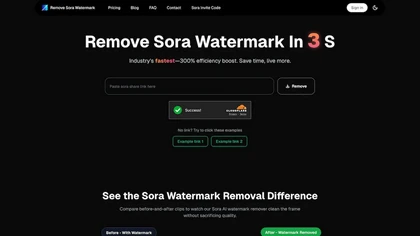
RemoveSoraWatermark is an AI tool that instantly removes the Sora watermark from any video link. It delivers high-quality, watermark-free videos without any loss in quality, ensuring your privacy as files are never stored.
Freemium
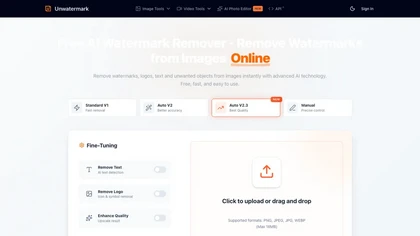
Unwatermark is a web tool that removes watermarks, logos, and text from images and videos using AI. It offers automatic and manual removal modes, batch processing, and supports multiple formats while ensuring user privacy.
Free trial
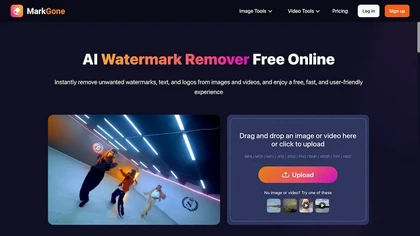
Remove Watermarks - MarkGone is an AI tool that automatically removes logos, text, and stamps from images and videos. It supports batch uploads for popular formats and preserves visual details with minimal artifacts.
Freemium

VideoWatermarkRemover AI is an online tool that uses AI to automatically detect and remove static or moving watermarks from your videos in seconds. It processes files up to 4K and 500MB with encrypted, secure handling and requires no installation or login.
Free
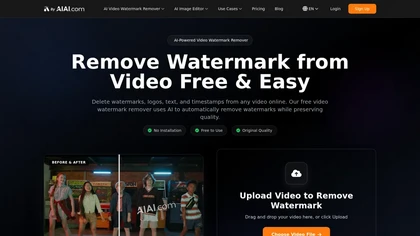
AI Video Watermark Remover uses AI-driven pixel restoration to automatically detect and remove watermarks, logos, text, and timestamps from short videos (up to 10 minutes/500 MB), preserving resolution and visual continuity for downloadable output.
Free trial
- $5
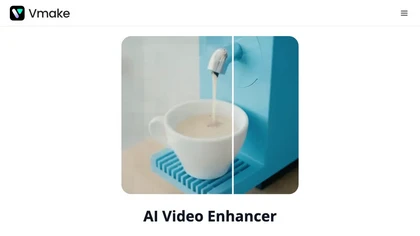
Vmake AI Video Enhancer upsamples MP4, MOV, AVI, etc. to 2K/4K/AI 4K+, removes artifacts, improves low‑light, reduces noise, and offers watermark/text removal, background elimination, and subtitle generation, giving creators, e‑commerce, and gamers sharper, cleaner videos.
Subscription
- $9.99/mo
AI Video Watermark Remover removes watermarks, logos, timestamps, subtitles and unwanted objects from MP4/MOV/M4V/MKV (up to 500 MB/10 minutes) using automated detection, optional manual selection and AI inpainting for artifact-free, fast GPU processing.
Free trial
- $7.99
videowatermarkremover.org is a web-based AI tool that removes watermarks, logos, text, and unwanted objects from video files while preserving original resolution and detail. It supports batch processing, API integration, and works across common video formats for content creators, marketers, and team
Free trial
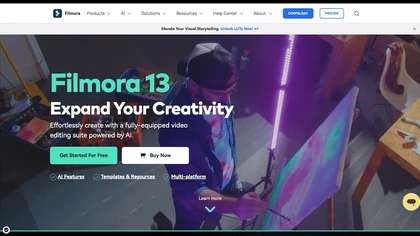
Wondershare Filmora is a cross‑platform video editor featuring AI tools like Video Extender, Image‑to‑Video, Text‑to‑Video, AI Music Generator, and AI Object Remover. It offers a timeline, dual‑timeline editing, motion‑path tools, AI‑assisted asset matching, GPU acceleration, and export presets for
Paid

Sora Watermark Remover is a browser-based tool that removes watermarks from Sora videos via a share link. It processes files in the cloud and delivers a watermark-free download while preserving original quality.
Free trial
- $9.9/mo

Wondershare Filmora® is an AI-driven video editing software that offers intuitive drag-and-drop editing, automatic scene detection, and audio synchronization, alongside templates and effects, making it suitable for beginners and experienced editors alike.
Freemium

Movavi Video Editor is a desktop app for Mac and Windows that lets users trim, crop, color‑grade footage and add titles, overlays, and filters. AI features automate subtitles, noise suppression, and motion tracking. It includes a screen recorder for tutorials.
Paid

Sora Watermark Remover uses a Sora share URL to strip visible watermarks from public Sora videos without uploads, preserving original resolution, audio and frame rate, offering lossless export, browser compatibility, and fast GPU-accelerated processing.
Freemium

removesorawatermark.video is a tool that instantly removes Sora's watermark from shared videos via a public link, delivering a clean MP4. It supports batch processing and API access for high-volume workflows, preserving the original video's quality.
Freemium
- $4.99/mo

Wave.video is an all-in-one AI video editing and creation platform that allows users to create, edit, and distribute videos, offering features such as online editing, live streaming, thumbnail maker, and customizable live streaming studios.
Freemium
- $16/mo

PicWish AI Photo Editor automates image enhancement, background removal, and watermark deletion. It processes batches of up to 30 files, offering resizing, lighting, upscaling, AI Designer prompts, Face Cutout, and single‑click unblur/sharpen. Available on Windows, macOS, iOS, Android, and browser.
Subscription
- $9.99/mo
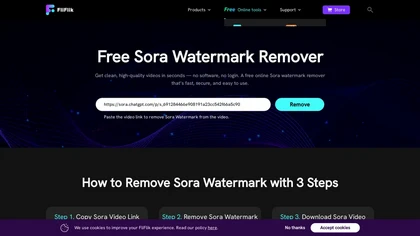
Free Sora Watermark Remover is a tool for erasing watermarks from videos, while Fliflik Karaoke Maker is a browser-based tool that removes vocals from songs to create karaoke tracks and instrumentals.
Free
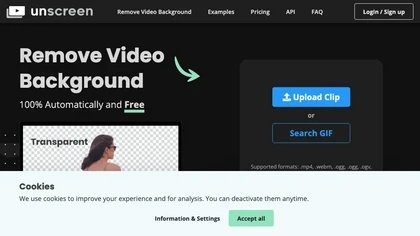
Unscreen is a cloud video editor that removes backgrounds from clips and exports them instantly, with format conversion and resizing. It offers plugins for After Effects and Premiere Pro and integrates with Canva for AI‑enhanced features.
Freemium
- $9
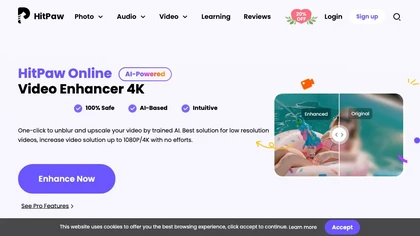
Upload video files (MP4, MOV, MKV, M4V, AVI) and apply AI models—Face, Animation, Denoise, Low‑Light, Colorize—to improve clarity, reduce noise, brighten dark scenes, or add color. Preview changes, upscale to 4K, then download without watermarks.
Paid
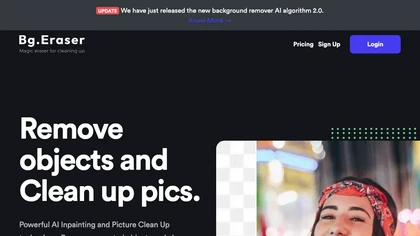
BgEraser is a web‑based AI that removes photo backgrounds in seconds, supporting JPEG, PNG, and WebP. It handles up to 20 images at once, preserves fine detail, offers drag‑and‑drop uploads, and provides commercial‑ready, watermark‑free downloads.
Free
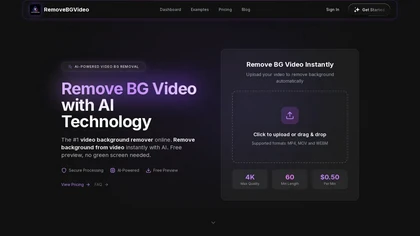
RemoveBGVideo is an AI tool that automatically removes backgrounds from videos, supporting HD/4K footage up to 60 minutes. It offers batch processing, green-screen support, and exports with transparent or custom backgrounds for content creators and e-commerce.
Freemium
- $6
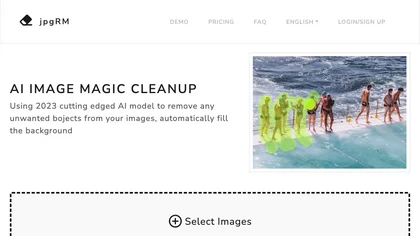
AI Image Magic Cleanup uses a 2026 GAN to automatically erase backgrounds or unwanted objects from photos. Users mark areas with a brush, then the tool refines and fills the space with matching background detail, delivering quick results on mobile.
Paid
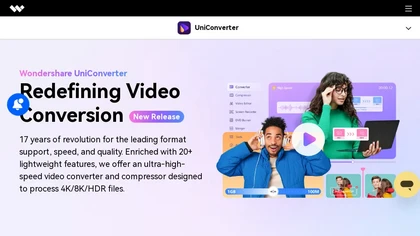
Wondershare UniConverter is an AI‑powered all‑in‑one tool that converts, enhances, compresses, records, and edits video and audio. It supports 1,000+ formats, delivers ultra‑fast conversions, upscales to 4K/8K, adds subtitles, removes backgrounds, and preserves metadata for creators and SMBs.
Paid

GStory.ai is an AI-powered creative suite for video and photo editing. Its core features include automated subtitle generation, background removal, and tools for enhancing image quality and removing watermarks.
Freemium
- $0.03

Vmake automates UGC and viral video cloning, producing product, fitness, and real‑estate clips with AI editing tools—watermark removal, background swap, noise suppression, upscaling. It auto‑generates captions, hooks, thumbnails, supports batch processing, and offers a teleprompter for polished deli
Free
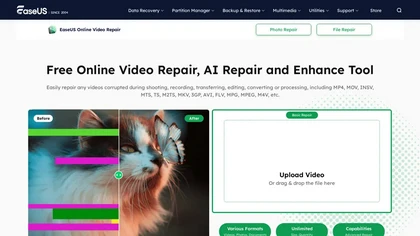
EaseUS Online Video Repair is an AI tool that repairs corrupted video files in formats like MP4, MOV, and AVI. It automatically fixes issues like pixelation and audio syncing while preserving original quality and offers advanced recovery options.
Free

HitPaw Online Background Remover uses AI to delete backgrounds in seconds, supporting single or up to 50‑image batch uploads. It offers transparent, black, or template backgrounds, realistic shadows, and works on Windows, macOS, iOS, Android, and browsers.
Freemium
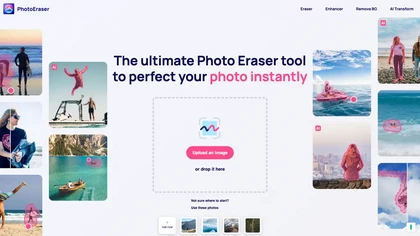
Photo Eraser uses AI to delete objects, people, backgrounds, or blemishes, replace skies, and swap faces. It supports HEIC, PNG, JPG, and offers automatic context‑aware erasing, cropping, and photo enhancement via a drag‑and‑drop interface.
Free

Videoleap is a cross‑platform editor with AI background removal, infinite‑zoom, text‑to‑video, audio cutting, subtitles, and built‑in filters. It offers templates for TikTok, Reels, Shorts, and ads, plus a drag‑and‑drop interface for quick professional videos on web or mobile.
Free trial
Topaz Video AI is a powerful video enhancement tool that uses AI models to upscale, deinterlace, stabilize, and interpolate frames for high-quality results.
Paid
- $99
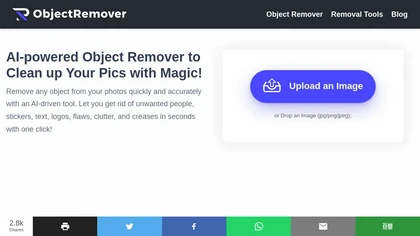
ObjectRemover uses AI to erase unwanted people, stickers, logos, text, and clutter from images. Drag‑and‑drop JPG, PNG, or WebP files up to 10 MB, preview edits, and download watermark‑free results in seconds with high‑quality output.
Free
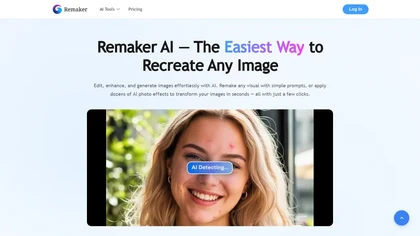
remaker ai offers web and mobile AI image and video editing for creators and teams, including upscaling, background removal, object erasing, face swap, text-to-image, lip-sync, batch processing and templates for short-form social content.
Free trial
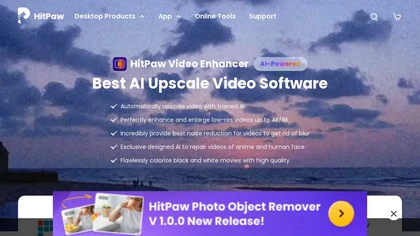
HitPaw Video Enhancer is an AI-powered tool that upscales and enhances low-resolution videos to higher resolutions and improves video quality without losing it.
Free trial

AIImageToVideo Pro is an AI tool that transforms static images and text prompts into short videos using models like Veo and Kling, offering control over motion, duration, and resolution. It features editing for text overlays and captions, with export options for creating watermark-free content for s
Freemium
- $9.99/mo
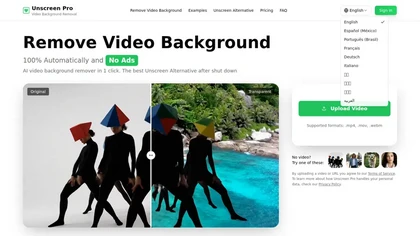
Unscreen Pro automatically removes video backgrounds frame by frame, no greenscreen, producing transparent outputs (MP4, MOV, WebM, AVI) at original or upscaled resolution, with live preview, batch processing and an API for workflow integration.
Freemium
- $4.99/mo

Picsman is an AI‑powered editor that removes or replaces backgrounds, ups image resolution, and applies styles like Ghibli or cartoon. It also offers text‑prompt editing, video generation, image extending, and watermark removal for quick, high‑definition results.
Free
- $5.99/mo
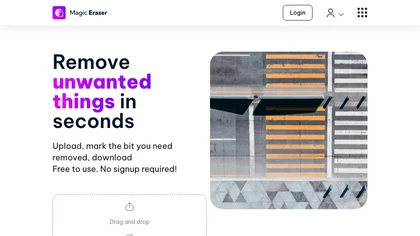
Magic Eraser is an AI-powered tool for removing unwanted elements from images in seconds. It offers free use with low-resolution image downloads and is suitable for various industries such as real estate, photography, fashion, and social media.
Freemium

AVCLabs Video Enhancer AI uses deep learning to upscale, denoise, sharpen, colorize, and interpolate frames, automatically detecting and refining faces. It supports batch conversion, preview comparison, multiple formats, preserves frame rates, and leaves originals unaltered.
Free

RemoveBackgroundAI.com is a web‑based AI that deletes image and video backgrounds from JPEG, PNG, GIF, MP4, MOV files up to 234 MB, offering transparent or solid colors. It supports batch processing, multiple output formats (PNG, WebP, MP4), and a multilingual interface.
Paid
- $70/mo
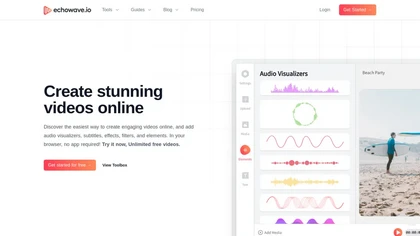
EchoWave converts audio into video using templates or custom layouts, adds subtitles and waveforms, offers editing tools, compresses files, and exports to social media formats—ideal for podcasters, musicians, and creators seeking quick, cloud‑based video production without software.
Freemium
- $19/mo

Wondershare Repairit is an AI-powered data repair tool that quickly fixes corrupted or damaged videos, photos, audio, documents, and other files across devices.
Free trial

Kaze.ai is an AI-powered image editing tool for watermark removal and photo restoration, featuring quick processing and high-quality enhancements. It includes a watermark remover, AI headshot generator, background removal, and tools for restoring old or damaged photos.
Free trial
- $4.95/mo

SliceTube trims and downloads YouTube videos directly, offering start‑and‑end selection and export to MP4, MP3, or WEBM up to 4K. Browser‑based, watermark‑free, and privacy‑protected, it’s useful for creators and educators needing quick clips.
Paid
- $5

iPurix is an AI-based watermark remover that allows users to upload various image formats and efficiently eliminate watermarks. It supports batch processing, maintains image quality, and ensures privacy through automatic file deletion within 24 hours.
Free trial
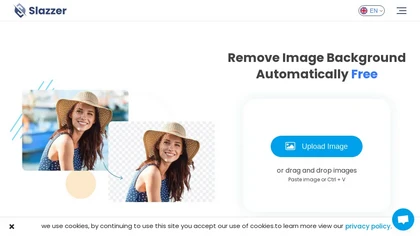
Slazzer: AI‑driven background removal that handles complex edges, offers upscale, shadow, sky replacement, and de‑oldifying. Available via web, desktop, mobile, API, and design‑software plugins for bulk processing, ideal for photographers, e‑commerce, marketers, and developers.
Paid
- $0.14
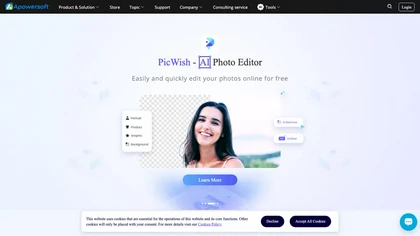
Apowersoft delivers cross‑platform screen, audio, and video capture with high‑fidelity recording, along with versatile media conversion, editing, and PDF OCR. It also offers background removal, data recovery for mobile/desktop, HEIC conversion, and multi‑monitor support for creators and businesses.
Free