
Video Lesson Recorder
The best 50 Video Lesson Recorder AI tools - Free & Paid
Explore 50 AI for Video Lesson Recorder

Tella is a cross-platform screen recorder and video editor that captures screen and webcam in 4K, offers clip-based recording with multi-camera layouts, transcript-driven and AI-assisted editing (filler removal, silence trim), templates, hosting and export options.
Free trial
- $13/mo
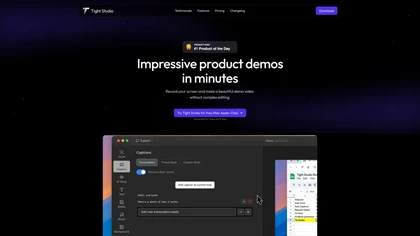
Tight Studio is a screen recording tool that enables users to create professional videos quickly. Features include smart zoom, captioning, background music, AI narration, and dynamic text overlays, making it ideal for tutorials, demos, and presentations.
Freemium

Rewind is an AI tool that records, searches, and eliminates note-taking across apps and web pages for privacy and local storage. It can also record meetings.
Freemium
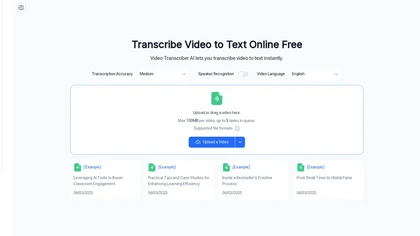
Video Transcriber AI is a tool that instantly converts videos from MP4, YouTube, or Zoom into text. It offers speaker recognition and accuracy modes for transcriptions up to 1GB, with no sign-up required.
Freemium

CodeVideo records editor edits, terminal output, and UI events into an event-sourced, deterministic timeline for creating editable, scrubable code tutorials and training; export to video, Markdown, PDF, PPTX, HTML, framework-specific projects, or programmatic workflows via API/JSON.
Subscription
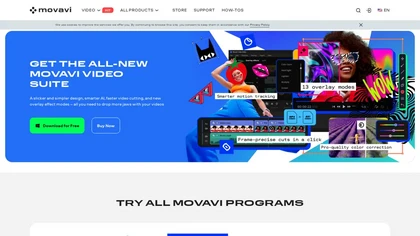
Movavi Video Editor is a desktop app for Mac and Windows that lets users trim, crop, color‑grade footage and add titles, overlays, and filters. AI features automate subtitles, noise suppression, and motion tracking. It includes a screen recorder for tutorials.
Paid

Riverside is a comprehensive platform for recording high-quality video and audio, with AI-powered editing and live streaming tools. It centralizes hosting, publishing, and analytics for podcasts and videos, supporting remote collaboration and content repurposing.
Freemium
- $24/mo
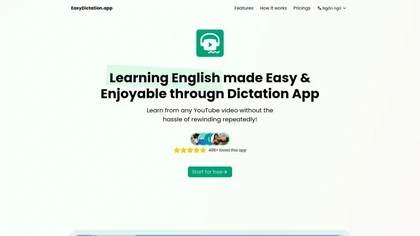
EasyDictation.app converts YouTube videos into interactive learning modules, auto‑generating multilingual transcripts, auto‑pausing per sentence, offering repeat practice, instant accuracy feedback, real‑time shadowing pronunciation scoring, and tracking vocabulary and progress for learners and educ
Subscription
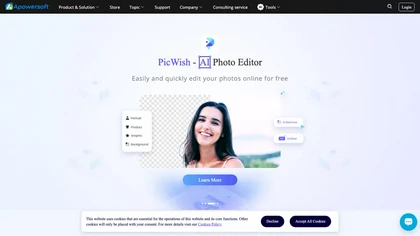
Apowersoft delivers cross‑platform screen, audio, and video capture with high‑fidelity recording, along with versatile media conversion, editing, and PDF OCR. It also offers background removal, data recovery for mobile/desktop, HEIC conversion, and multi‑monitor support for creators and businesses.
Free

aivideosummarizer.io is an AI tool that converts videos (from uploads or links) into concise summaries, full transcripts, and chapter markers. It supports multiple formats and languages, generating editable outputs like study outlines and mind maps for faster content review.
Free
Video Summarizer converts lengthy videos into concise, language‑specific text summaries. Educators, students, and creators can quickly review key points, produce study aids, or create short clips via a simple upload and instant output.
Freemium
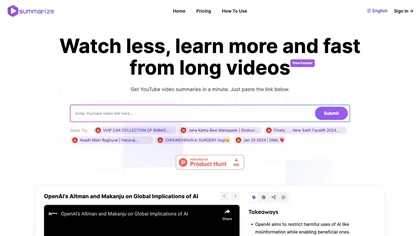
Summarize.ing instantly condenses YouTube videos into concise summaries, segmented sections, mind maps, and keyword lists. It generates 8‑10 Q&A pairs for review, aiding students, educators, and professionals in quick comprehension and decision‑making.
Freemium
- $15.7/mo
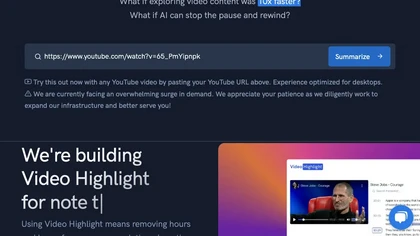
Video Highlight delivers AI‑driven summaries, searchable transcripts, and timestamped key points for YouTube, Vimeo, Dailymotion, and private files in 37+ languages. It supports annotations, exports to Notion, Word, Markdown, CSV, Readwise, and enables collaborative sharing.
Freemium
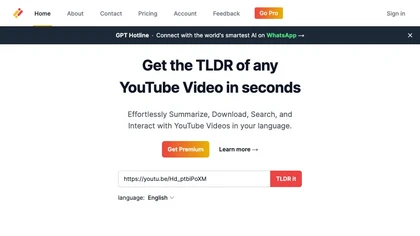
Transcribes, translates, and summarizes YouTube videos in 125+ languages, delivering instant transcripts, AI‑generated summaries with timestamps, and automatically formatted blog posts, LinkedIn articles, Twitter threads, PPT decks, chapter markers, and clip ideas for students, researchers, educator
Subscription
- $19/mo
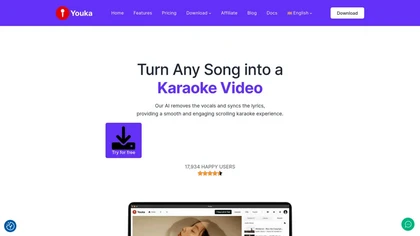
Generate karaoke videos in minutes by separating vocals from any audio or video file. Syncs lyrics automatically, offers 1080p export with customizable backgrounds, fonts, and logos, supports duet mode, 50+ languages, and real‑time chord charts for musicians.
Paid
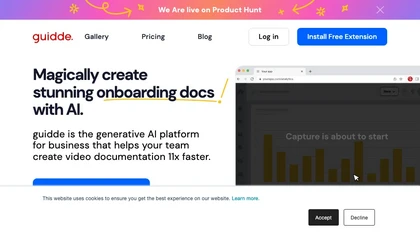
Guidde records screen activity, auto‑generates step‑by‑step video guides with AI narration and captions, editable and embeddable into platforms like Salesforce. Supports export, multilingual translation, and enterprise security for teams and knowledge bases.
Free trial
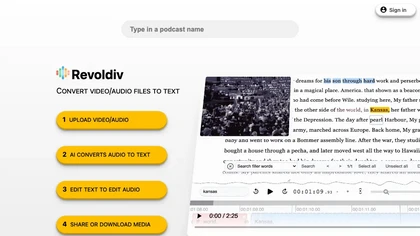
Revoldiv lets users upload up to two‑hour videos or audio files for instant AI transcription. It allows editing the transcript, auto‑updates the video, and offers speaker detection, chaptering, audiograms, export to .txt/.srt/.vtt, plus collaborative commenting—available on Chrome and Firefox.
Subscription

YouTube sumamry chrome extension is a YouTube video summary tool developed by Glasp Inc., currently in beta testing and requires installation on Chrome or Safari browsers along with sign-up.
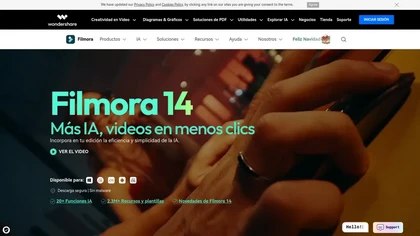
Wondershare Filmora® is an AI-driven video editing software that offers intuitive drag-and-drop editing, automatic scene detection, and audio synchronization, alongside templates and effects, making it suitable for beginners and experienced editors alike.
Freemium
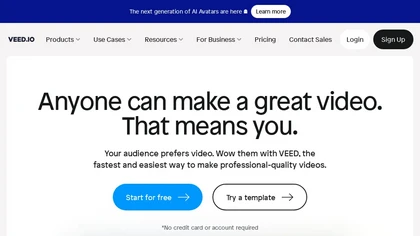
VEED is an AI‑powered video editor that lets users upload media, auto‑generate subtitles, edit clips, add music or text, correct eye contact, reduce noise, remove backgrounds, translate captions, and export in multiple formats.
Freemium
- $11/mo
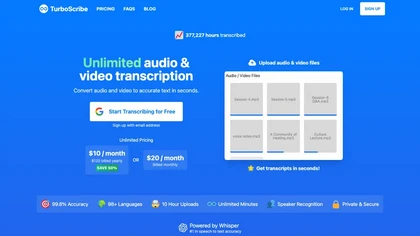
TurboScribe is an AI-powered transcription tool offering ultra-fast conversion of audio and video files to text. It supports over 98 languages, handles uploads up to 10 hours long, and features speaker recognition for meetings, interviews, and podcasts.
Freemium
- $10/mo

Skiv is a video hosting and management platform with AI-powered in-video search and automatic transcription, browser recording, editable transcripts, customizable HTML5 player, API and embedding support, labeling and analytics for searchable archives, collaboration, and monetization.
Freemium
- $16
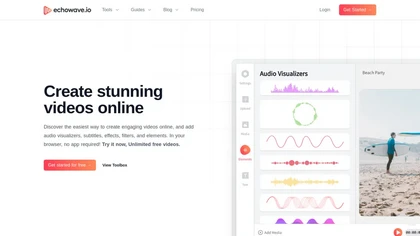
EchoWave converts audio into video using templates or custom layouts, adds subtitles and waveforms, offers editing tools, compresses files, and exports to social media formats—ideal for podcasters, musicians, and creators seeking quick, cloud‑based video production without software.
Freemium
- $19/mo
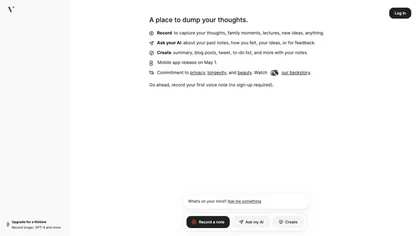
Voicenotes lets users record audio on iPhone, Android, desktop, or web, automatically transcribing and summarizing content. It supports 100+ languages, integrates with video calls, and converts notes into blogs, emails, or tasks, keeping recordings encrypted and private.
Freemium

AIVideo.com automates video production, creating music videos, lyric visuals, looping clips, and converting audio or images into video. It offers text‑to‑image/video, background removal, matchcut editing, and visual effects, enabling quick, professional media creation.
Freemium
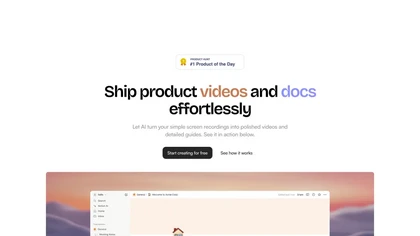
Trupeer turns browser screen recordings into product videos with AI‑generated scripts, voiceovers, and annotations. It supports 65+ languages, brand assets, avatars, and templates, and outputs videos, PDFs, or embed code. Centralized asset storage, searchable knowledge base, analytics, and security.
Freemium
- $19/mo

Maestra transcribes and translates audio/video into searchable text, subtitles, and dubbed audio across 125+ languages, offering live transcription, subtitle editing, voice cloning/TTS, collaboration tools, content workflows, and APIs for integrations and automated publishing.
Freemium
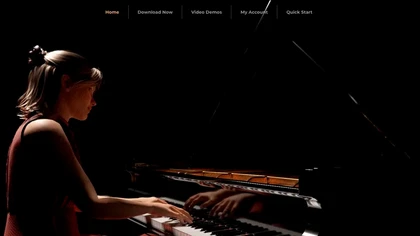
Concert Creator converts audio recordings into hyper‑realistic video performances with customizable avatars, camera angles, lighting, and fingering. It offers on‑screen sheet music, playback control, loops, MIDI I/O, and a built‑in song library for music lessons.
Freemium
Scrybe Quill automatically generates audio/video recaps for tabletop RPG sessions by recording gameplay. Users can choose narrators and background music, preserving key moments and enhancing storytelling for future adventures.
Free trial
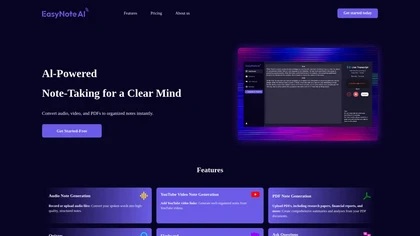
EasyNoteAI converts audio, video, PDFs into structured notes, offering real‑time transcription, summaries, quizzes, flashcards, mind‑maps, and interactive questioning. Users upload lectures, YouTube links, or research papers; the platform generates summaries, key‑point lists, and supports multilingu
Subscription
- $8.39/mo
Vidnoz AI turns text into video with over 1900 AI avatars, 2000 voices, and 2800 templates. It supports voice cloning, real‑time lip sync, and 140+ language subtitles, enabling quick, low‑cost production for creators, marketers, educators, and trainers.
Paid
Wondershare Filmora is a cross‑platform video editor featuring AI tools like Video Extender, Image‑to‑Video, Text‑to‑Video, AI Music Generator, and AI Object Remover. It offers a timeline, dual‑timeline editing, motion‑path tools, AI‑assisted asset matching, GPU acceleration, and export presets for
Paid

VideoTutor is a generative video explainer tool that enhances personalized learning in mathematics by providing tailored, multilingual video lessons with animations and visual aids, making complex topics like algebra and calculus more accessible to students.
Freemium
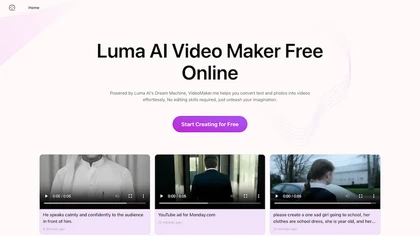
Google Veo 3 generates 8‑second, full‑HD cinematic clips from text prompts with lip‑synced dialogue and ambient audio. It animates still images, adds motion, lighting, perspective shifts, and over 60 visual effects for quick online video prototyping.
Subscription
- $7.9/mo

Gizmo converts videos, PDFs, notes, and slides into concise study points and flashcards, syncs with Quizlet, lets users build quizzes and track progress, and organizes searchable sets for efficient review by high‑school and university students and teachers.
Free

Vizard.ai automatically transcribes footage, spots highlights, and creates TikTok, Reels, and Shorts‑ready clips with one click. It provides text trimming, timeline precision, vertical resizing, multilingual captions, brand templates, collaborative workspaces, and API integration.
Freemium
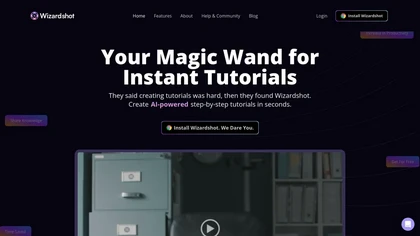
Wizardshot is a web app and Chrome extension that automatically converts screen recordings into structured, step‑by‑step tutorials. It exports to PDF/DOC, GIFs, embeds videos, supports team collaboration, role‑based access, blurs sensitive data, and provides analytics on usage and gaps.
Free
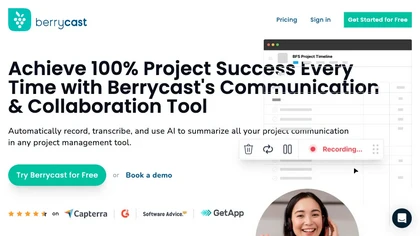
Berrycast is a cross‑platform screen‑recording tool that captures webcam, screen activity, and live voice narration. It instantly shares screencasts, integrates into productivity apps, and meets GDPR privacy and data‑security standards.
Subscription
- $1.33/mo
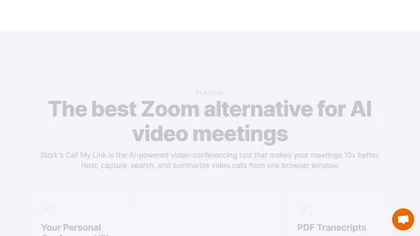
Stork Voice Notes records voice, video, and screen sessions, transcribes them in real‑time, and generates concise summaries with highlighted action items. Time‑stamped comments and searchable transcripts enable quick navigation and knowledge‑base creation for remote teams.
Freemium
- $9.99/mo
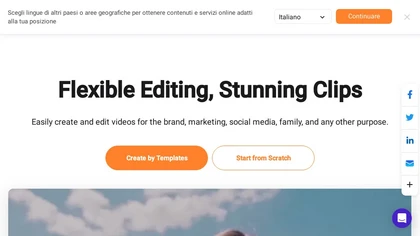
FlexClip is an online video editor with templates, resources, and powerful tools to create and edit videos for various purposes, as well as integration with royalty-free stock media providers and easy social media sharing.
Freemium
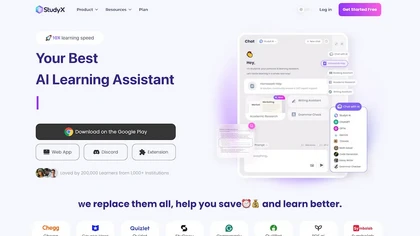
StudyX is an AI‑powered platform that converts lecture recordings, PDFs, and videos into organized notes, generates spaced‑repetition flashcards, creates custom quizzes from uploaded content, and supports text, image, PDF, and YouTube inputs across web, Discord, and a browser extension.
Freemium
- $12.99/mo
Video Notes TLDR summarizes YouTube videos into detailed notes with key points, timestamps, and tags. Users can export notes to Notion or organize them within the app, enhancing efficiency for students, researchers, and professionals.
Free trial
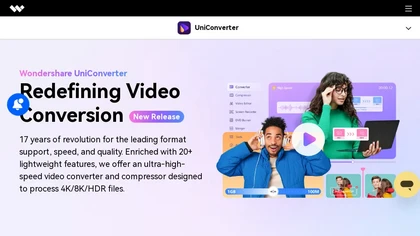
Wondershare UniConverter is an AI‑powered all‑in‑one tool that converts, enhances, compresses, records, and edits video and audio. It supports 1,000+ formats, delivers ultra‑fast conversions, upscales to 4K/8K, adds subtitles, removes backgrounds, and preserves metadata for creators and SMBs.
Paid
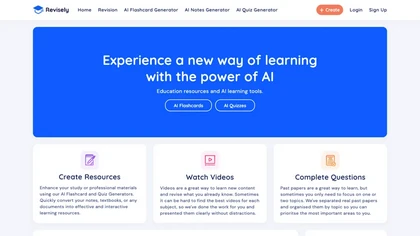
Revisely uses AI to produce flashcards, quizzes, notes, and video summaries for students, teachers, and professionals. It auto‑generates spaced‑repetition flashcards, graded multiple‑choice and short‑answer quizzes, and concise summaries of PDFs, slides, and transcripts.
Freemium
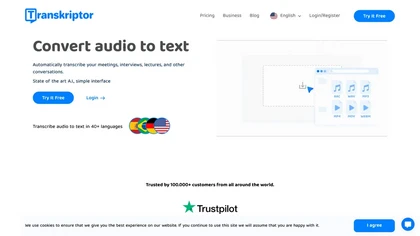
Transkriptor converts audio/video files into editable, timestamped transcripts in 100+ languages, auto‑detecting speakers. It extracts summaries, action items, and sentiment, and integrates via Zapier with CRMs and PM tools for automated workflow routing.
Subscription
- $30/mo